Core AI Debugger
Core AI Debugger bridges the gap between modeling and deployment. Visualize, run, and validate your Core AI models across every Apple platform — with actionable feedback built for fast iteration and the confidence to ship.
Visualize model structure
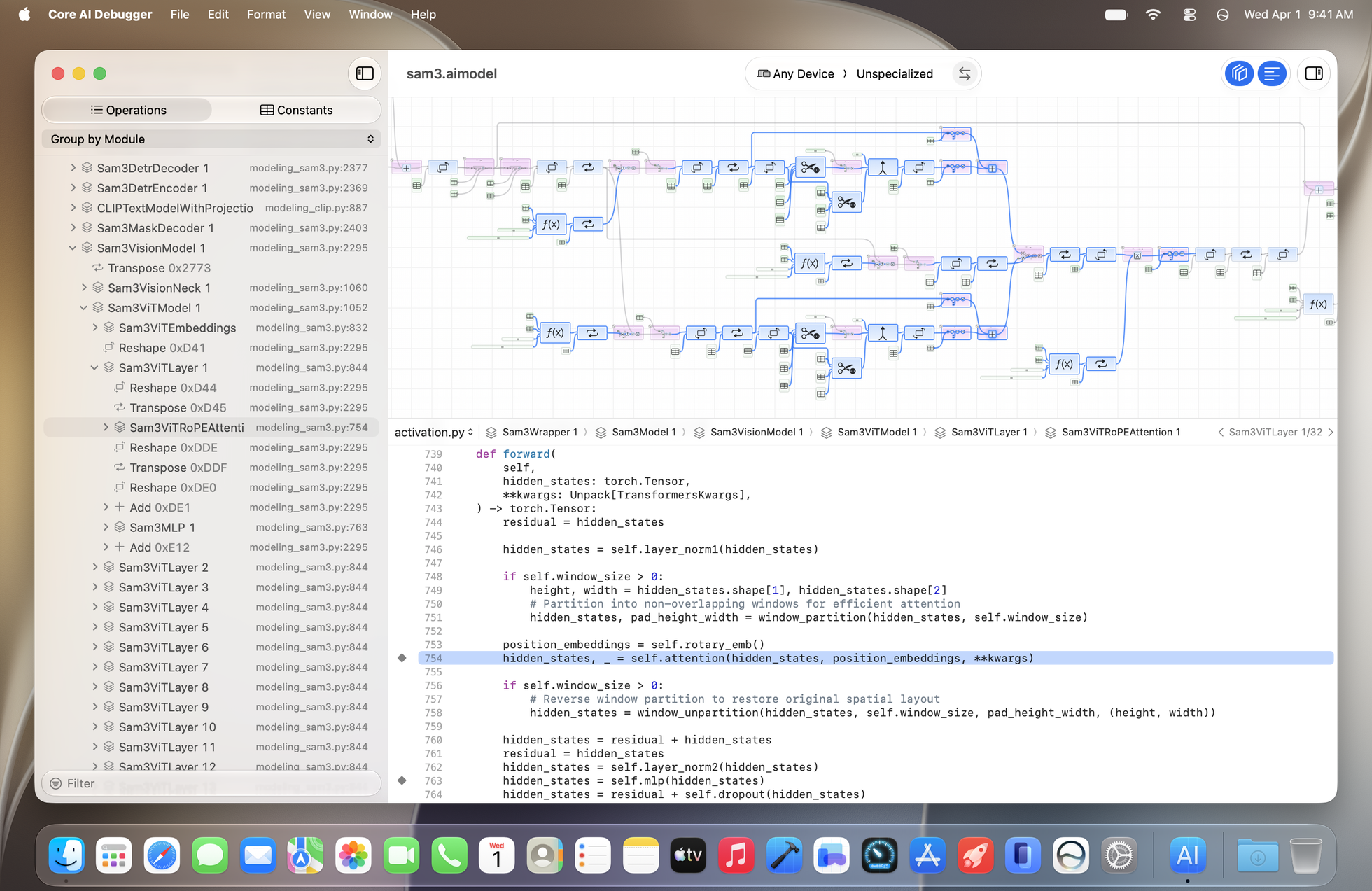
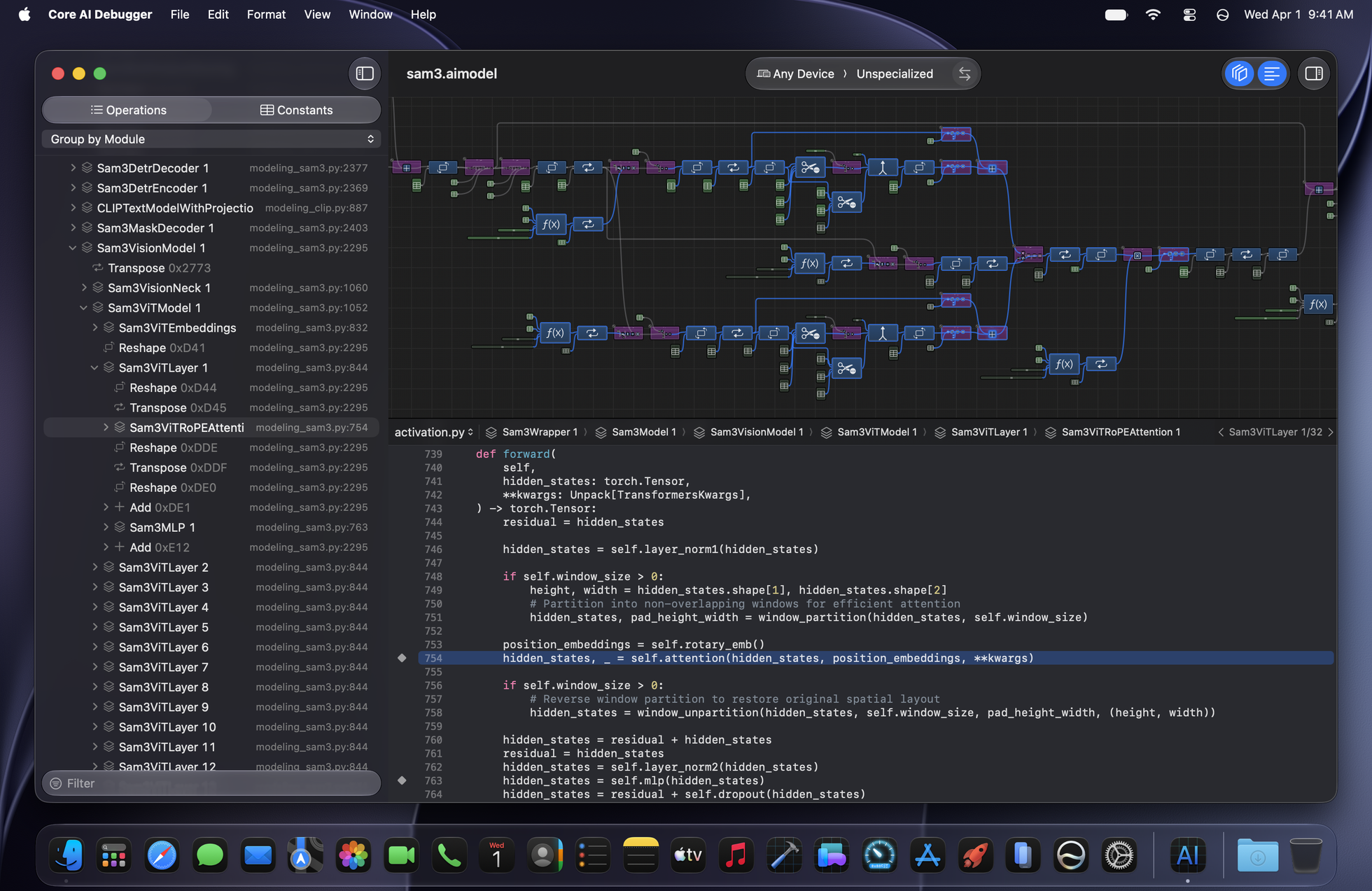
With Core AI Debugger, you can inspect the operations and trace how data flows between them. It also shows module hierarchy and supports source mapping for Core AI models imported from PyTorch, providing you with rich context for every operation.
Execute on device
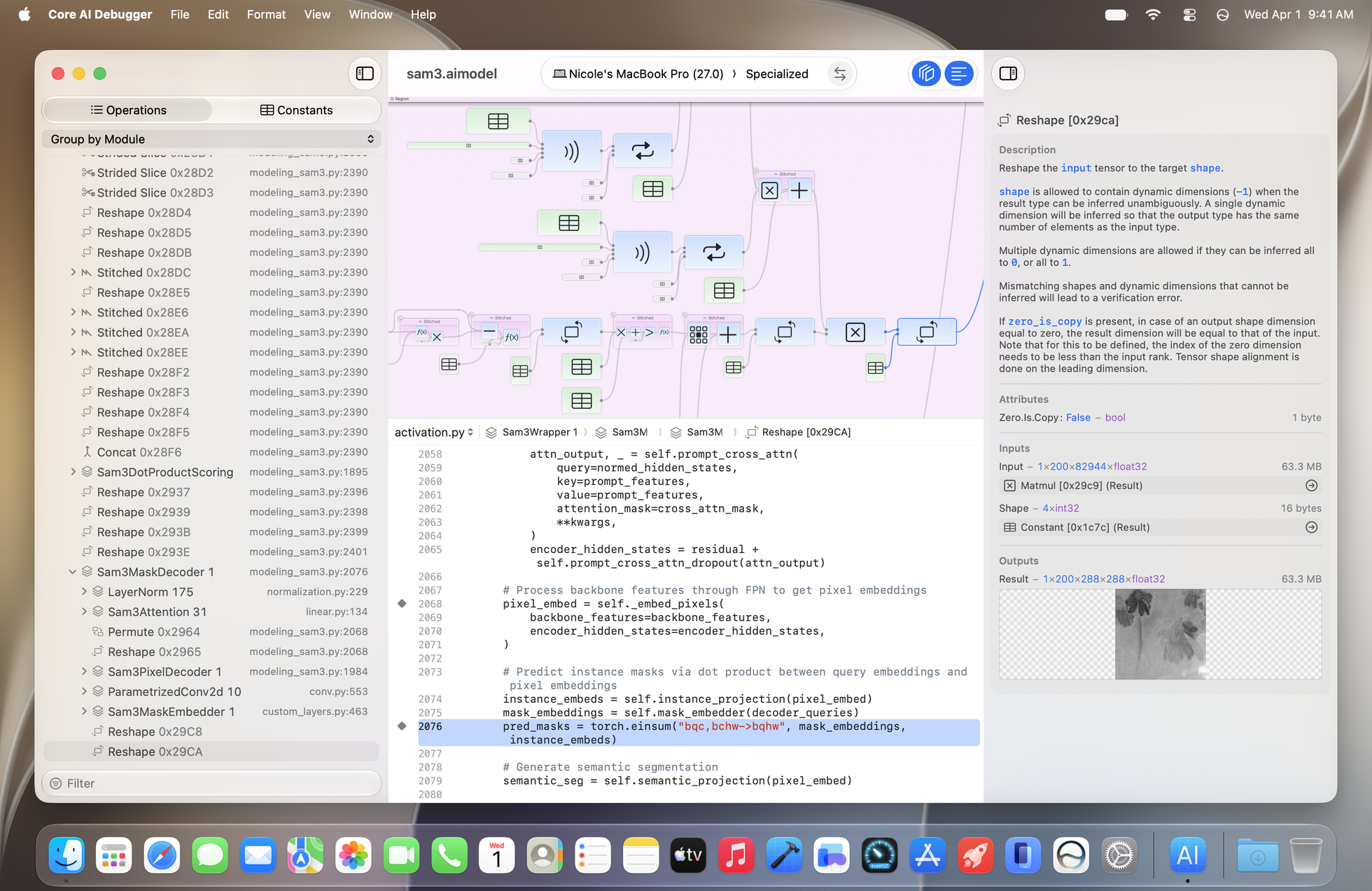
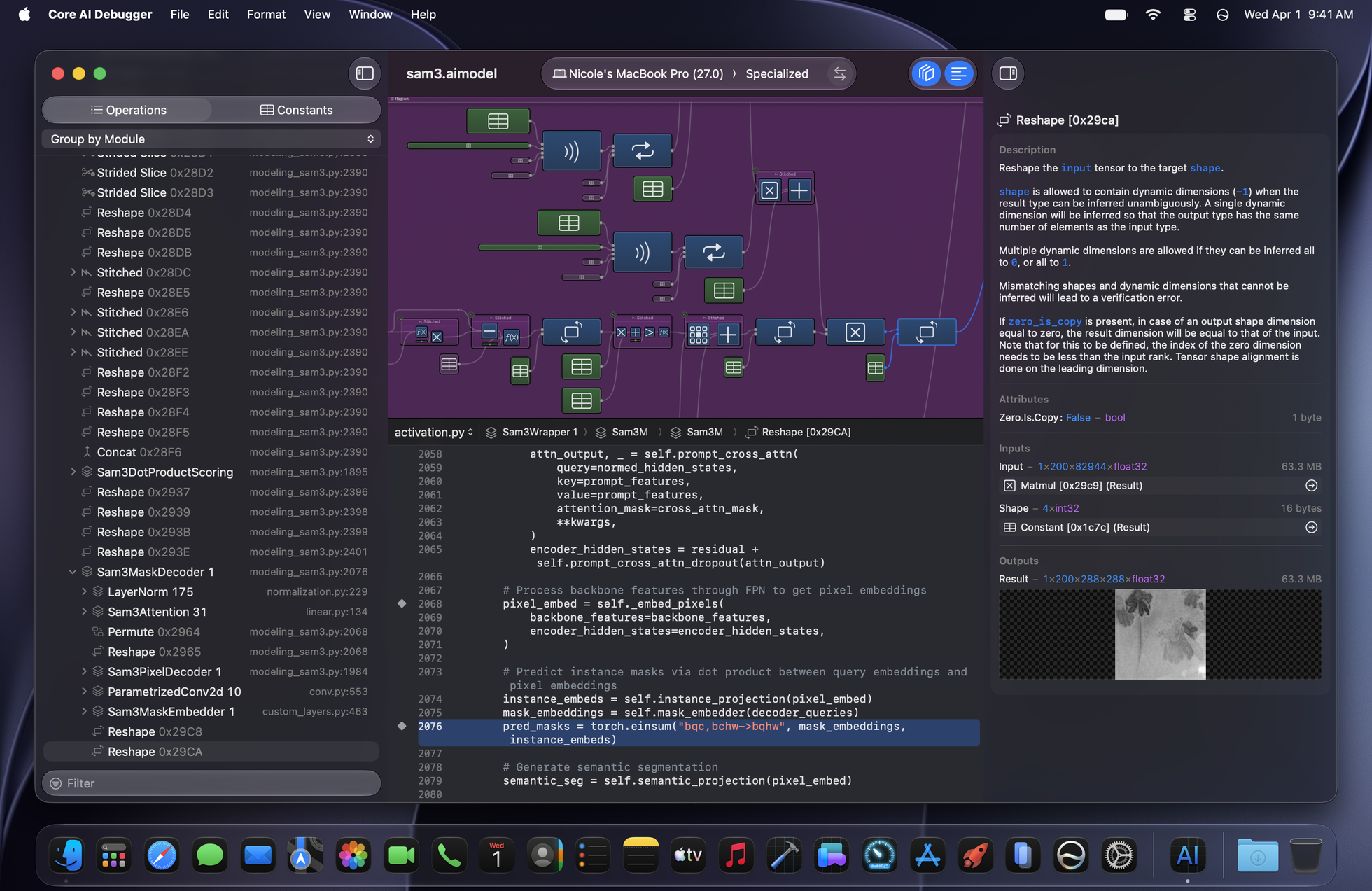
Choose a paired device to specialize your model and run it right from Core AI Debugger. You can inspect the outputs as well as the intermediate values throughout the specialized model by selecting the operations.
Validate inference correctness
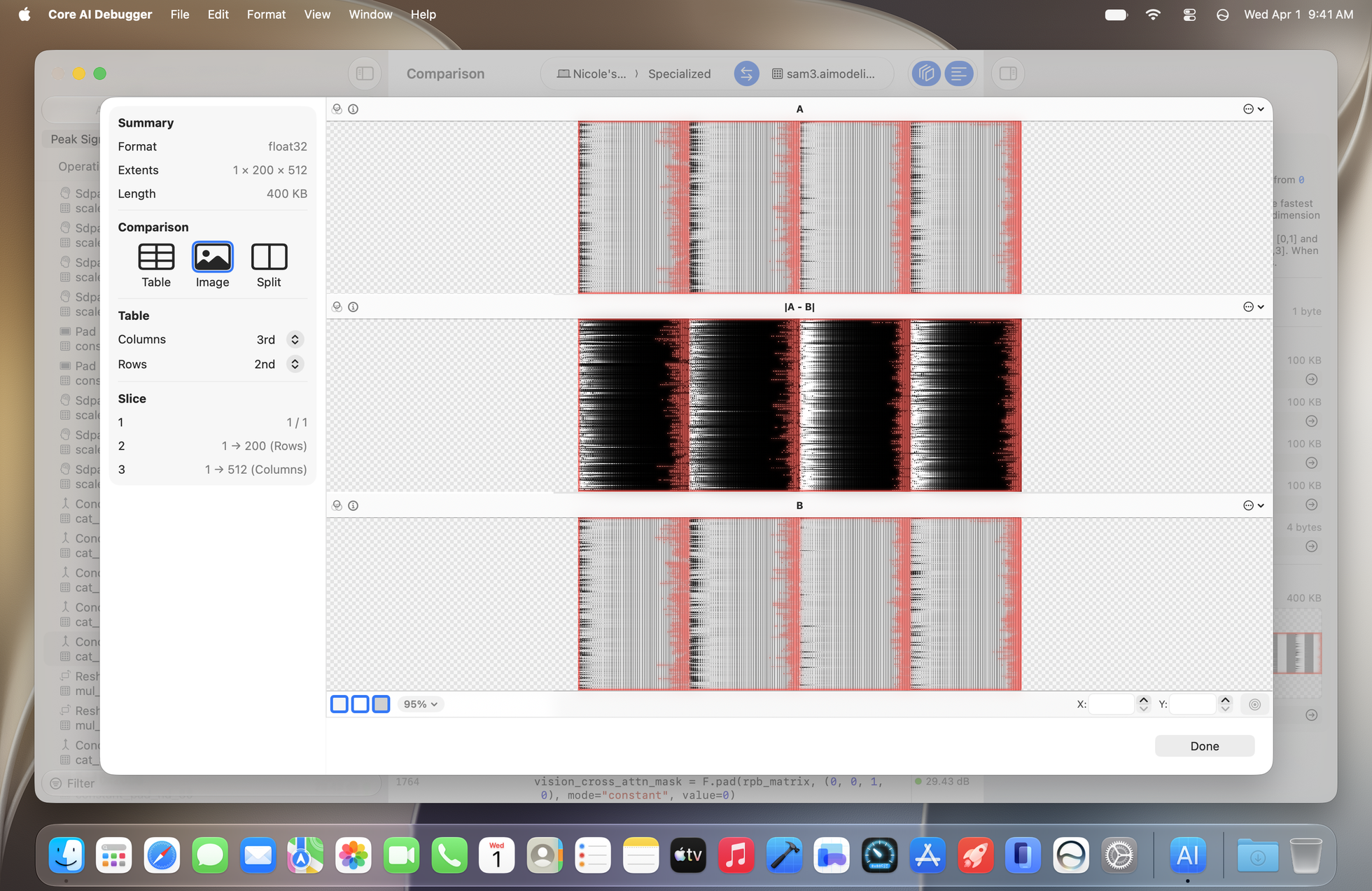
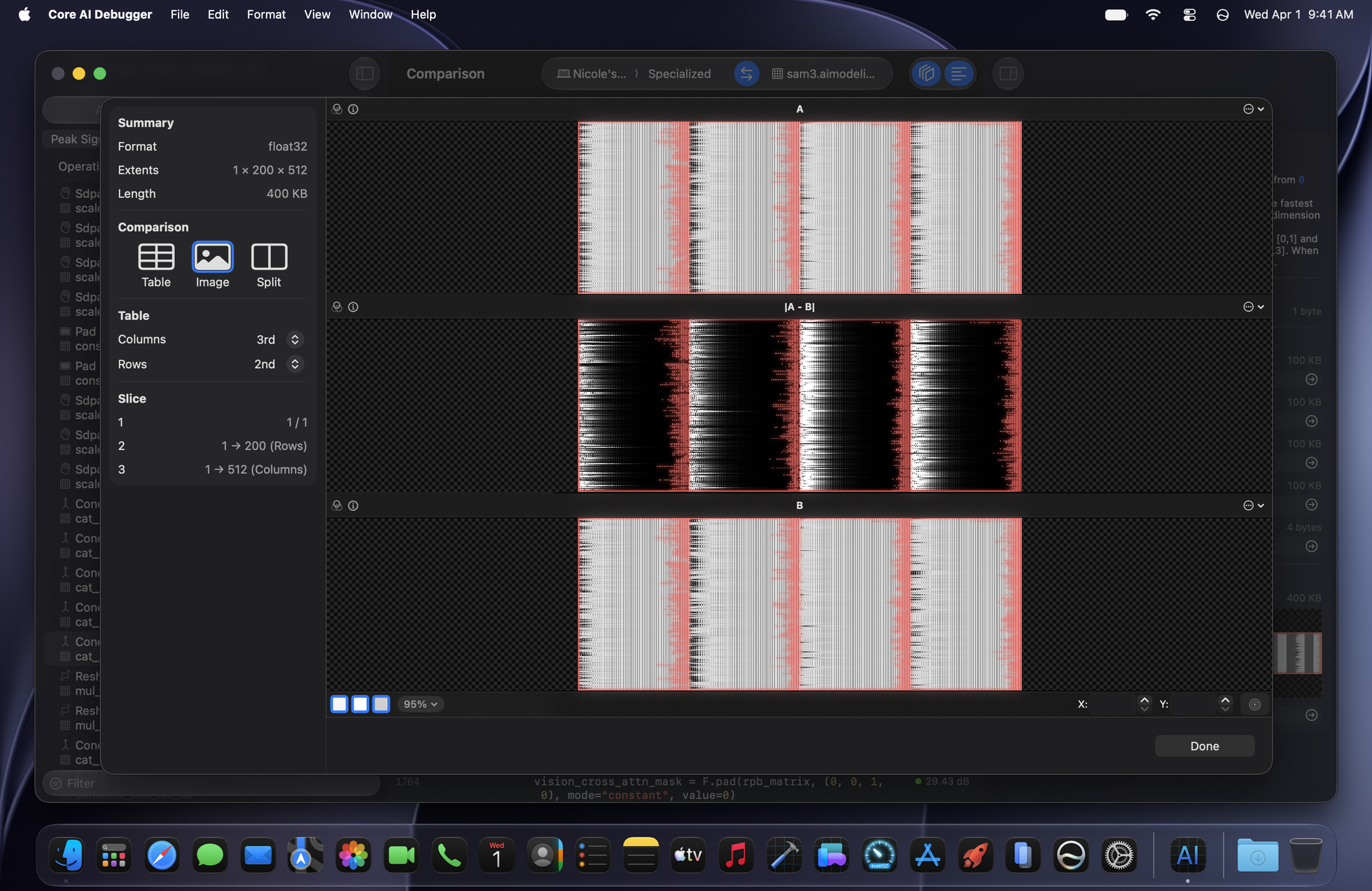
Core AI Debugger helps you troubleshoot divergence in models from a reference run. After loading reference intermediate values, it finds sync points and computes similarity scores like PSNR at each pair, giving you hints about where the model is introducing more divergence. You can also expand the tensor preview to compare the tensor values side by side.
Download the beta
Core AI Debugger requires macOS 27 or later to view Core AI models. Paired devices must also run at least iOS 27, iPadOS 27, or macOS 27 to specialize and run models. To download Core AI Debugger, sign in with your Apple Account. If prompted, complete the free registration and accept the Apple Developer Agreement.