

-
An introduction to capturing Apple Immersive Video
Learn how to prepare for and execute a successful Apple Immersive Video shoot. This session covers equipment setup, power and media management, spatial audio capture, and on-set monitoring approaches. You'll also explore ground and aerial rig options, along with best practices for reviewing dailies on Apple Vision Pro before wrapping production.
This session was originally presented as part of the Meet with Apple activity “Create immersive media experiences for visionOS - Day 2.” Watch the full video for more insights and related sessions.리소스
관련 비디오
Meet with Apple
-
비디오 검색…
My name is Austin Novy. I'm an expedition cinematographer within the Apple team, and I've worked on a handful of Apple Immersive titles, specifically wildlife.
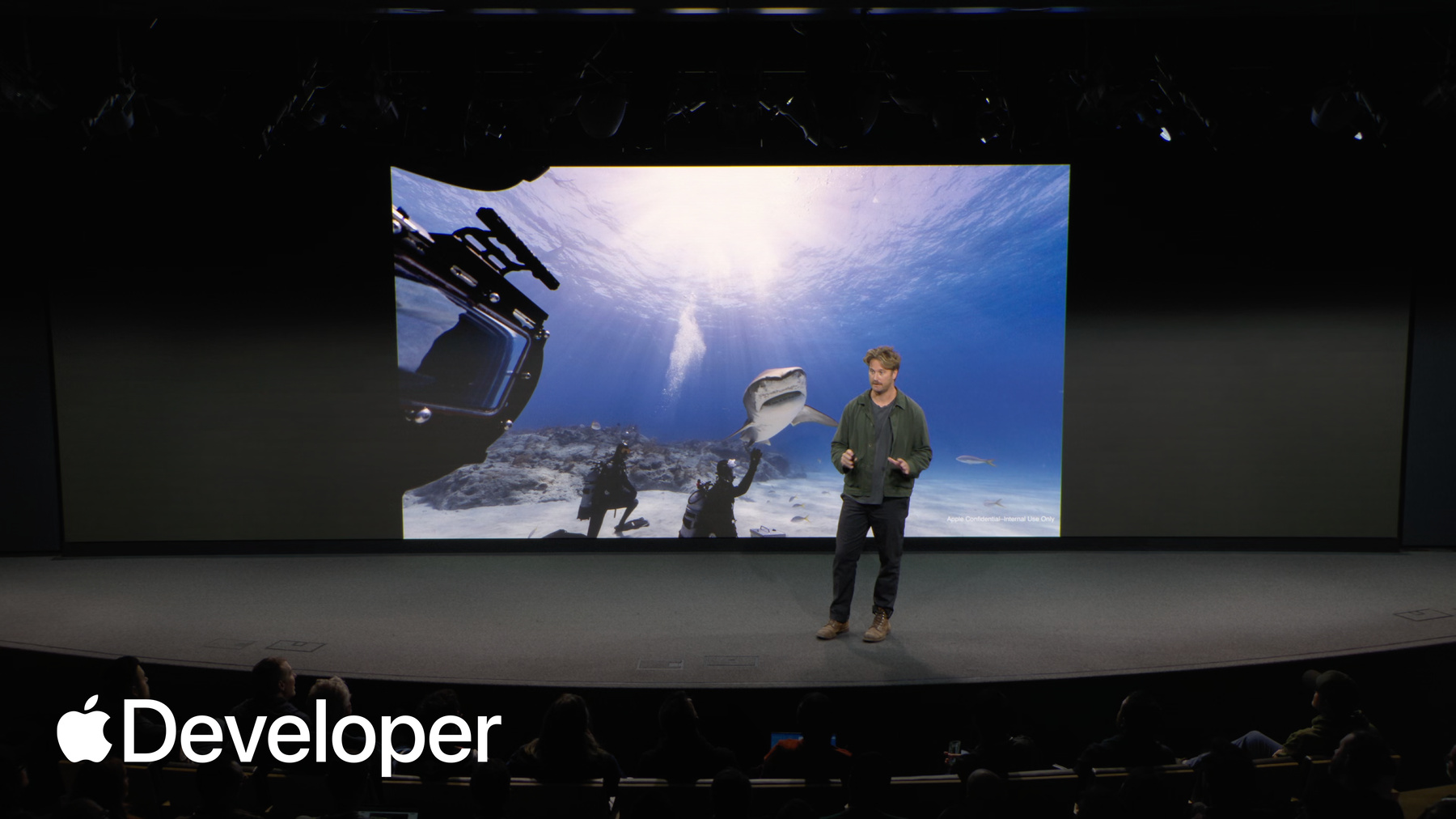
So my background comes from. Thank you, thank you. My background comes from the natural history and expedition world, and I specifically work in remote location and complex filming scenarios like down here in the Bahamas, 40ft below the surface, or like here in the Canadian Rockies, where even the simplest task, like swapping media or defrosting a lens, can be almost impossible or feel impossible, or even under here in the beautiful, powerful waves of Tahiti.
Immersive content allows us to bring the viewer with and share mesmerizing views like this with the entire world.
So how does our team do this? And where do I begin with prep so that the creative teams can depend on me for getting the shot? today. I'll walk you through how I would approach the prep and workflow as if the show has just been greenlit. I want to make sure that I'm ready for whatever the director shows throws at me. With that, I'm going to start with discussing camera prep kit out, then cover some key grip and equipment decisions, and then briefly talk about something which is often overlooked dailies.
So let's start with packing the camera.
While the camera is beautiful for it to leave the backpack and be useful, there are a couple of things I'm going to absolutely need. And the first is power for expedition shoots. I'm thinking about a small footprint and many times scheduling is last minute, so I need to be able to have a travel safe battery. So under 100W is a must. Stackable V-mount batteries are super nice option because they allow me to come. They allow. They allow the backpack to come in and out, the camera to come in and out of the backpack.
Like you heard from Deep, I'm absolutely going to want to make sure I can capture great spatial audio to help the team in post bring the scene alive. For that, I typically use a zoom F6 and a VR microphone because the straightforward four channel Ambisonics are easy and fast to deploy.
Power it from the camera via USB and you're off to the races.
Now, it's always really awkward when you have to explain to a director you forgot the media, so you have to make sure you bring it. It's not a good conversation. So you got to bring enough media that you can prioritize the moment. If a wolf or an elephant walks by. You don't want to stop rolling.
I'd likely be packing something like the 16 terabyte media module, but an important note is those long media modules will lead to long download times and dailies, so plan for that.
Now, if there's one thing I've learned over the past handful of years working with these cameras.
It's take time to prepare as much as the post teams who are here love hearing fix it and post that sentiment.
Taking time to plan your shots and fix your horizon are excellent, and shooting with intent will get your creative to another level. And when planning and when planning for media and power in the field, I always recommend to over pack what you think you need because like Mother Nature, when things are good, they're great. And I can confirm that batteries and media storage are the last thing on my mind during this circumstance when a tiger shark is micromanaging.
Okay, so now let's say we're out in the field, but you need to be able to see what you're capturing. That's where monitoring comes in. So how do I do that? Well, like here, if I'm out in the field and just have a few minutes to deploy and the helicopter gives us a few minutes to get out and then get back in using the LCD, the internal LCD wing is an excellent mobile option. Access is limited. Your footprint needs to stay small and I can't go set up a small HD.
While the small, nimble setup is nice. You may have some aerial days coming up, or simply your production team no longer wants to look over your shoulder at the small LCD. Sharing the frame. Let's discuss a few additional monitoring options out of the camera so you can have a couple SDI choices.
The most common onset monitoring is going to be a single eye. This will be fantastic for heli work, gimbal techs, crane techs, underwater ops, and all other onset displays. Small HD gives you the ability to punch in on an image for precision, on focus, and confirming that the sound mixer is out of frame, like Alex, who you'll hear from soon.
Now, the dual I, the dual II can be very important to when you're checking that the lens is complete consistency from flaring and that a bug is not crawling over the right eye, but not the left eye. But you want to avoid a bug on any of the eyes. I'll tell you that.
So, moving beyond the simple setup that I use most of the time. Let's chat about the fun equipment we can add to production.
Like Ryan said earlier, simplicity can be very significant. The tripod is the most used tool for the majority of our content here on Apple TV+. This allows the viewer to really take in the immersive scene, gives the viewer the ability to creatively explore the entire field of view without being directed one way. This allows the audience to stay connected with the simplicity of the tool.
But who doesn't love some aerials for heli work? We've worked with pilots and techs all over the world to bring the immersive skies to you. We've worked with numerous companies and partners to build special adaptions for our Apple immersive experience like pictured here, The Immortal Phoenix Head. We've tested in some of the toughest conditions that Mother Nature would throw at us.
Of course, other areas like heavy lift drones provide a much more attainable and cost effective presentation, like here with Lightcraft for Arctic surfing. We use the Alta X in iMovie Pro as we flew through moving conditions in the Arctic. But it's very important to keep in mind that with cold weather and something like the Alta X and a payload, our battery time is about five minutes from start to finish for a safe flight. So keeping that in mind is is really important. So because of the wide, wide field of view for Apple Immersive, it's also important to keep in mind that with the Alta X the final footage, if you want to get the blades and the boom out, you'll have to plan for that VFX cost. But there's other custom heavy lift FPV drones like pictured here from revered that have top mounted drones that allow you to avoid that VFX post.
Now here's another aerial shot using Cablecam, where we're able to get both vertically and horizontally without being able to scare the wildlife, and we can get as intimate as possible.
Now, as beautiful as the topside world is below the surface and immersive is unlike anything you can imagine. With that being said, we're looking forward to seeing underwater AIV tools becoming available later next year.
From the depths of the sea to the Arctic Circle, we have tested plenty of tools for immersive, and there's a tool just about everywhere, from Scorpio cranes to arm cars to Steadicam and a variety of remote heads. This camera is easily compatible with all the fun tools you'd need.
Now let's move on to dailies.
Dailies are essential for our format. Like Elliott talked about yesterday with the composition, you can't confirm exactly your frame unless you are in a Vision Pro. It is insanely humbling to see the shot you thought you got and to see the shot you actually got. So let's look at two setups of how we do this in the field and in the studio.
For someone like myself, if I'm shooting on a boat, my ideal scenario is a small slimline Mac Pro a few raids and be able to confirm the shots. We got to build out our story.
But processing power and live color may be an absolute need for production. The team on land would have a cart with multiple .Mac studios for a faster backup and processing power. Oftentimes, a dual monitor setup for live color and multi renders at once.
Now just look at that smiling face from JD. He's absolutely blown away with the performance.
All right. With all that in summary, the camera was designed to be a simple exciting tool that you can use to tell immersive stories from a tripod to a helicopter. And always remember to absolutely check your work with dailies.
And that'll take me to the end of the capture workflow. And now I'll hand it off to Alex Weiss to take us through audio.
-