

-
Support performance-intensive apps and games
iOS and iPadOS provide powerful capabilities to help developers deliver breakthrough apps and games across all device generations. In certain instances, however, demanding apps with exceptional performance requirements may only be able to provide the best experience on devices with an A12 Bionic chip or higher.
With Xcode 12, developers can now enable a setting for performance-intensive apps and games to indicate this requirement. We'll walk you through the narrow circumstances for when to apply this setting and the app distribution trade-offs that must be carefully considered.
Before selecting this approach, you should have deep experience in optimizing your apps. Watch “Delivering Optimized Metal Apps and Games” for specific insights into the tools and best practices you can use to make your product work well on all supported devices.
For more on creating graphics-intensive experiences for your app or game using Metal, check out “Harness Apple GPUs with Metal”.리소스
관련 비디오
WWDC20
-
비디오 검색…
Hello and welcome to WWDC.
Hi, my name is Hannah Gillis and I'm here to show you how to declare that your high-performance app or game requires advanced capabilities unlocked by the latest hardware. To get started let's begin with a refresher of the required device capability settings in Xcode. We've had settings here for a while but you might not be familiar with using them.
Required device capabilities is a list of device related features your app requires to run. You add entries to this list in your app's info.plist using Xcode.
Entries in this list indicate the specific capabilities of certain device families that your app requires.
This list informs the App Store which device related features your app needs in order to run.
And it prevents customers from installing apps on a device that doesn't have the necessary features. And an app will simply not launch on devices that don't satisfy your device related feature requirements.
There are a few existing device capabilities to enable high end games and pro applications on our devices. One, is the Metal key which means your app or game requires the Metal graphics API. Metal advanced graphics was enabled by the capabilities of the A7 chip and GPU. Another key is for ARKit which indicates that your app requires devices that support AR, typically using an A9 chip or higher.
In iOS 14 we are introducing a new key specifically for performance which requires devices using an A12 bionic chip or above. Specifying your need for A12 performance can help bring console and PC quality games and pro applications to iOS.
Here is the name of the key value to indicate an A12 bionic requirement and it's provided in iOS 14 and Xcode 12.
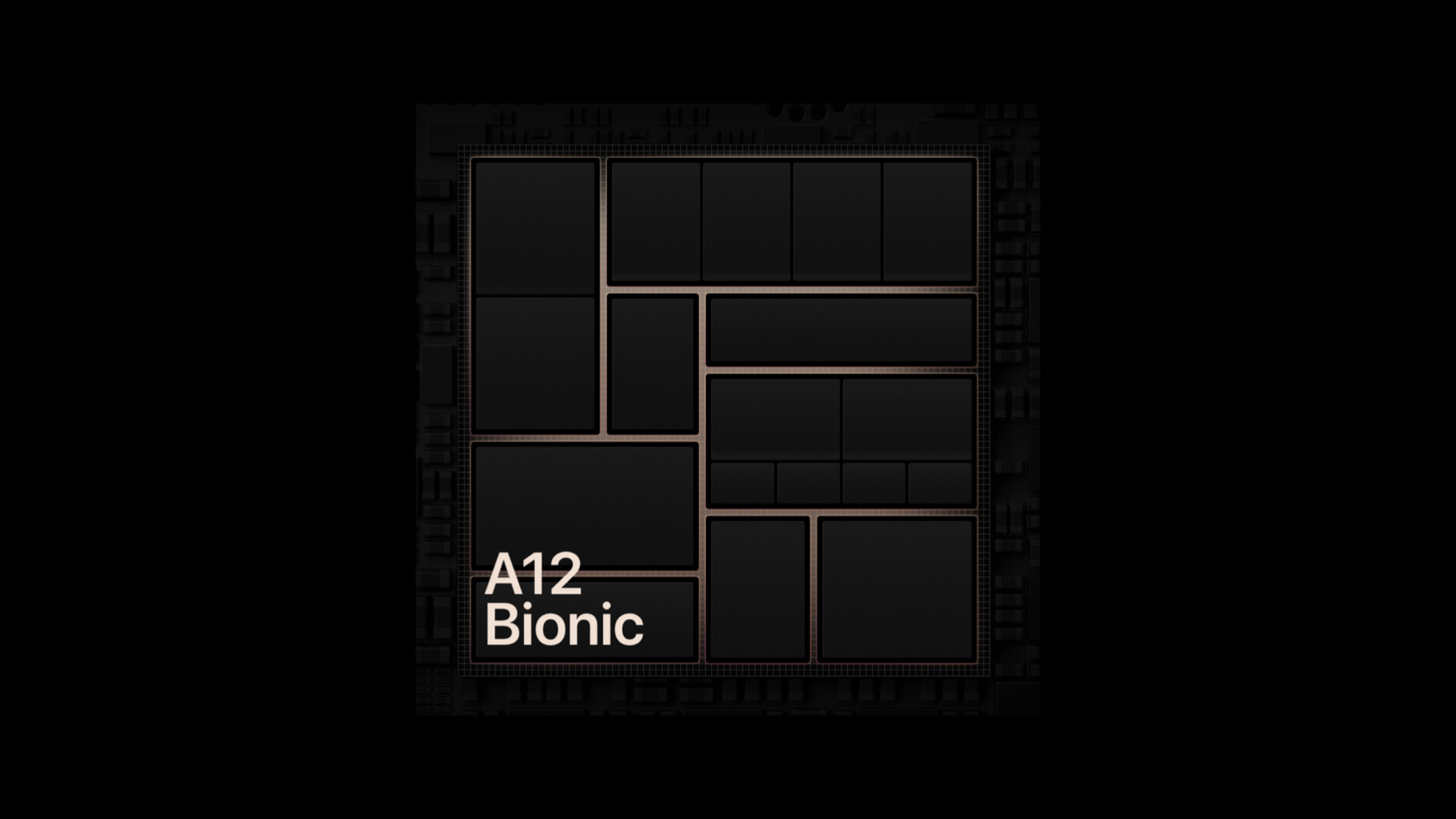
It indicates that your app requires a device with the capabilities of an A12 bionic chip which include a 6-core CPU and 4-core GPU, the second generation Neural Engine support for ARKit 3 which brings people occlusion and motion capture to your AR experiences and Metal GPU Family Apple 5. Here are some of the latest iOS devices using an A12 chip or higher that support your application. iPhone 11 and 11 Pro, iPhone SE 2nd generation, iPad mini (5th generation), and iPad pro (4th generation).
You define this performance level using Xcode. Navigate to your info.plist, add an item and choose the A12 requirement from the dropdown menu as shown here.
Now when should you require A12 Bionic or later for your application? First remember that we encourage you to make applications that scale across as many devices as possible for all customers. We work to ensure that iOS runs great on both older and newer hardware to help enable this.
In rare occasions, however, the experience you are creating is going to require the very latest hardware to deliver the best gameplay or cutting edge graphics. So here's what we recommend checking. Most importantly do your performance optimization. Make sure you've made the effort to bring your app to all devices that support iOS 14. We provide various tools to help tune the performance of your applications. We highly advise utilizing them. With this in mind, you can be confident when determining that your app needs the additional processing power of an A12 bionic chip or higher.
Lastly, remember that your app should be aligned with iOS 14 to take advantage of this new key.
We encourage you to check out our other sessions around optimizing graphics, games and memory usage to ultimately delight as many customers, all with various devices, as possible.
When an app declares this performance capability that information is also reflected in the App Store. In specifying this key customers are informed whether or not their device supports the application. It even prevents users from downloading apps on unsupported devices, so you can be sure your customers always have clear communication.
I'm really excited to share this new performance capability with you. By specifying that your application requires devices with the minimum of an A12 bionic chip, we can ensure that high end games and desktop quality apps are brought to iOS and supported for the best user experience.
Finally, I invite you to try this new key for yourself using iOS 14 beta and TestFlight for validation. And that wraps up the new device performance key. As always, I'm looking forward to seeing the apps you build. Take advantage of these unique capabilities on iPhone and iPad. Thanks!
-