

View in English

  • Apple 开发者
    • 入门汇总

    探索“入门汇总”

    • 概览
    • 学习
    • Apple Developer Program

    及时了解最新动态

    • 最新动态
    • 开发者你好
    • 平台

    探索“平台”

    • Apple 平台
    • iOS
    • iPadOS
    • macOS
    • Apple tvOS
    • visionOS
    • watchOS
    • App Store

    精选

    • 设计
    • 分发
    • 游戏
    • 配件
    • 网页
    • Home
    • CarPlay 车载
    • 技术

    探索“技术”

    • 概览
    • Xcode
    • Swift
    • SwiftUI

    精选

    • 辅助功能
    • AI 与机器学习
    • App Intents
    • Apple 智能
    • 游戏
    • 安全性
    • Xcode Cloud
    • 社区

    探索“社区”

    • 概览
    • “与 Apple 会面交流”活动
    • 社区活动
    • 开发者论坛
    • 开源

    精选

    • WWDC
    • Swift Student Challenge
    • 开发者故事
    • App Store 大奖
    • Apple 设计大奖
    • Apple Developer Centers
    • 文档

    探索“文档”

    • 文档库
    • 技术概述
    • 示例代码
    • 《人机界面指南》
    • 视频

    发布说明

    • 精选更新
    • iOS
    • iPadOS
    • macOS
    • watchOS
    • visionOS
    • Apple tvOS
    • Xcode
    • 下载

    探索“下载”

    • 所有下载
    • 操作系统
    • 应用程序
    • 设计资源

    精选

    • Xcode
    • TestFlight
    • 字体
    • SF Symbols
    • Icon Composer
    • 支持

    探索“支持”

    • 概览
    • 帮助指南
    • 开发者论坛
    • “反馈助理”
    • 联系我们

    精选

    • 《开发者账户帮助》
    • 《App 审核指南》
    • 《App 审核帮助》
    • 《App Store Connect 帮助》
    • 即将实行的要求
    • 协议和准则
    • 系统状态
  • 快速链接

    • 活动
    • 新闻
    • 论坛
    • 示例代码
    • 视频
 

视频

打开菜单 关闭菜单
  • 专题
  • 所有视频
  • 关于

更多视频

  • 简介
  • 代码
  • 为 Mac 引入实时活动

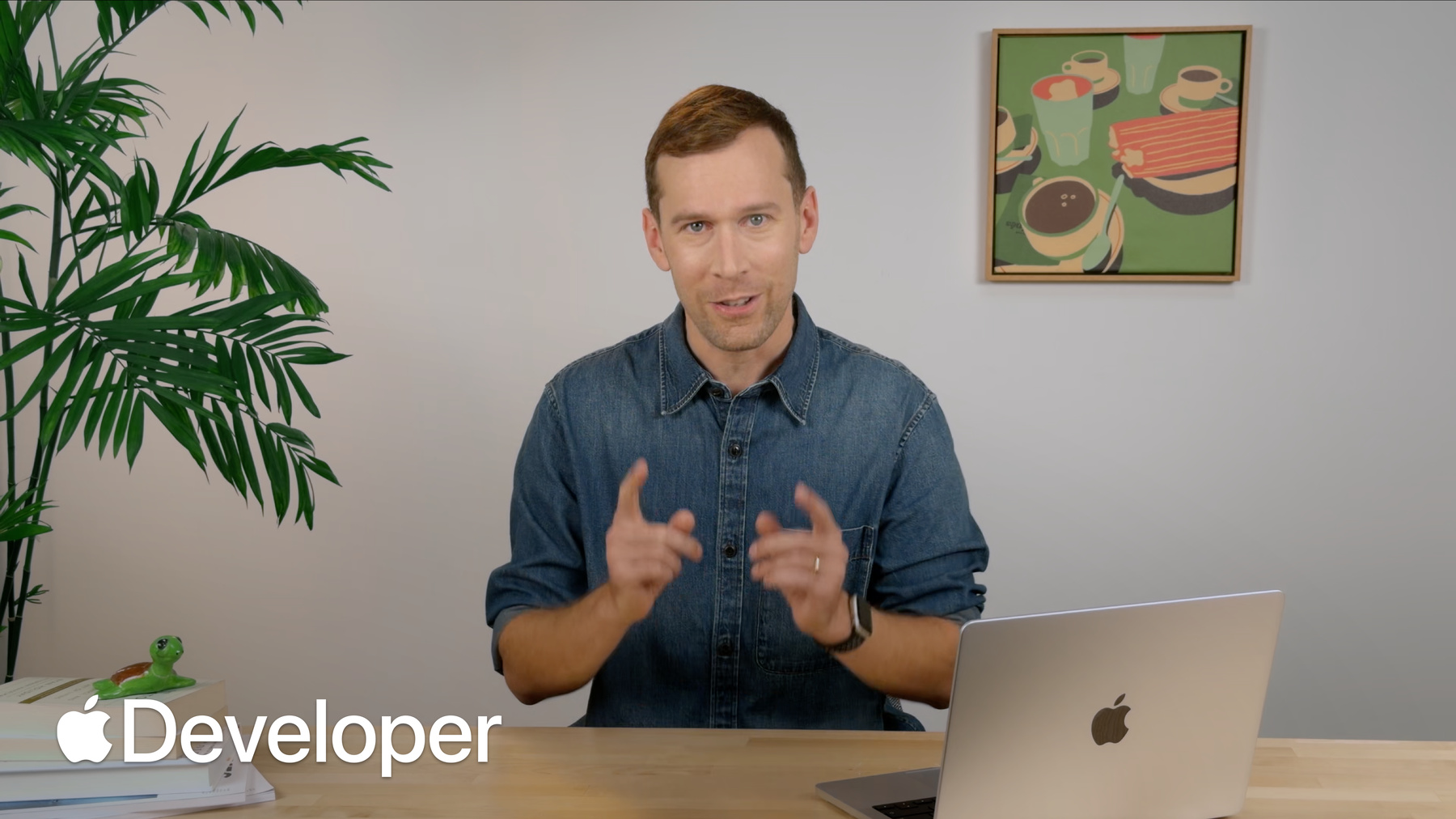
    探索如何通过 Mac App 驱动实时活动。了解实时活动在菜单栏和灵动岛中的呈现方式。学习如何定义数据模型、使用 SwiftUI 创建紧凑和展开视图,以及利用 App Intents 驱动交互式更新。

    章节

    • 0:00 - Introduction
    • 0:54 - Live Activities on Mac
    • 1:43 - Define the data model
    • 2:51 - Build the views
    • 4:40 - Start and update an activity
    • 5:38 - Add actions
    • 6:25 - End an activity
    • 6:44 - Next steps

    资源

    • Starting and updating Live Activities with ActivityKit push notifications
    • Displaying live data with Live Activities
      • 高清视频
      • 标清视频

    相关视频

    WWDC23

    • 通过推送通知更新实时活动
  • 搜索此视频…
    • 2:36 - Define the Live Activity data model

      import ActivityKit
      
      struct CurtainActivityAttributes: ActivityAttributes {
          let scenesPerAct: [Int]
          let showTitle: String
      
          struct ContentState: Codable, Hashable {
              var isPlaying: Bool
              var curtainOpen: Bool
              var actIndex: Int
              var sceneIndexInAct: Int
          }
      }
    • 3:20 - Configure compact, minimal, and expanded views

      import SwiftUI
      import WidgetKit
      
      struct CurtainActivityWidget: Widget {
          var body: some WidgetConfiguration {
              ActivityConfiguration(
                  for: CurtainActivityAttributes.self
              ) { context in
                  CurtainActivityMenuBarExpandedContent(
                      state: context.state,
                      showTitle: context.attributes.showTitle)
              } dynamicIsland: { context in
                  DynamicIsland {
                      DynamicIslandExpandedRegion(.leading) {
                          CurtainLabel(state: context.state)
                      }
                      DynamicIslandExpandedRegion(.trailing) {
                          ActLabel(state: context.state)
                      }
                      DynamicIslandExpandedRegion(.center) {
                          SceneLabel(state: context.state)
                      }
                      DynamicIslandExpandedRegion(.bottom) {
                          ExpandedBottom(state: context.state)
                      }
                  } compactLeading: {
                      StatusGlyph(state: context.state)
                  } compactTrailing: {
                      CompactTrailing(state: context.state)
                  } minimal: {
                      StatusGlyph(state: context.state)
                  }
              }
          }
      }
    • 5:23 - Update a running Live Activity

      contentState.curtainOpen = false
      let content = ActivityContent(
          state: self.currentContentState, staleDate: nil
      )
      await activity.update(
          content, alertConfiguration: alertConfiguration
      )
    • 6:02 - Define an App Intent action

      struct SetPlacesReadyIntent: AppIntent {
          // ...
          func perform() async throws -> some IntentResult {
              // ...
              var state = activity.content.state
              state.placesReady = self.ready
              let content = ActivityContent(state: state, staleDate: nil)
              await activity.update(
                  content,
                  alertConfiguration: .announcement(self.ready ? "Ready" : "Not Ready")
              )
              return .result()
          }
      }
    • 6:16 - Trigger the intent from buttons

      private struct PlacesReadyButtons: View {
          var body: some View {
              HStack {
                  Button(intent: SetPlacesReadyIntent(ready: false)) {
                      Text("Not Ready")
                  }
                  .tint(.red)
                  Button(intent: SetPlacesReadyIntent(ready: true)) {
                      Text("Ready")
                  }
                  .tint(.green)
              }
          }
      }
    • 6:32 - End a Live Activity

      // End a Live Activity
      await activity.end(nil, dismissalPolicy: .immediate)

开发者页脚

  • 视频
  • Tech Talks
  • 为 Mac 引入实时活动
  • 打开菜单 关闭菜单
    • iOS
    • iPadOS
    • macOS
    • Apple tvOS
    • visionOS
    • watchOS
    • App Store
    打开菜单 关闭菜单
    • Swift
    • SwiftUI
    • Swift Playground
    • TestFlight
    • Xcode
    • Xcode Cloud
    • Icon Composer
    • SF Symbols
    打开菜单 关闭菜单
    • 辅助功能
    • 配件
    • AI 与机器学习
    • Apple 智能
    • 音频与视频
    • 增强现实
    • 商务
    • 设计
    • 分发
    • 教育
    • 游戏
    • 健康与健身
    • Apple App 内购买
    • 本地化
    • 地图与位置
    • 安全性
    • Safari 浏览器与网页
    打开菜单 关闭菜单
    • 文档
    • 下载
    • 示例代码
    • 视频
    • 文档归档
    打开菜单 关闭菜单
    • 帮助指南与文章
    • 联系我们
    • 论坛
    • 反馈与错误报告
    • 系统状态
    打开菜单 关闭菜单
    • Apple 开发者
    • App Store Connect
    • 证书、标识符和描述文件
    • “反馈助理”
    打开菜单 关闭菜单
    • Apple Developer Program
    • Apple Developer Enterprise Program
    • App Store Small Business Program
    • MFi Program
    • Mini Apps Partner Program
    • News Partner Program
    • Video Partner Program
    • 安全赏金计划
    • Security Research Device Program
    打开菜单 关闭菜单
    • 与 Apple 会面交流
    • Apple Developer Center
    • App Store 大奖
    • Apple 设计大奖
    • Apple Developer Academy
    • WWDC
    阅读最近新闻。
    获取 Apple Developer App,并在 bilibili 和微信上关注我们。
    版权所有 © 2026 Apple Inc. 保留所有权利。
    使用条款 隐私政策 协议和准则