

-
Extend Your App’s Presence with Deep Linking
Learn about deep linking and how universal links can be used to make your app's content and functionality accessible throughout iOS.
리소스
관련 비디오
WWDC17
-
비디오 검색…
What are deep links, and how can they be used to extend the presence of your app? Let's start with your app. It consists of information like videos, photos, or maybe places and locations, as well as functions like watching a video, getting directions, or sharing information. The typical user experience involves knowing that the content or function exists in your app; then, navigating through some hierarchy of use in order to find it. This is called the user journey or user activity.
Deep links are a way to offer direct access to the content and functions in your app. The way it works is your app is launched, you receive a link, and the app displays the content. The same can be done to complete a function in your app automatically.
Here's an example of launching a video from a deep link.
Note the transitions to orient the user where they are within the app. This helps the user establish their place and subtly reminds them of how they can navigate back.
The way you format a deep link is called a Universal Link.
This is a secure mapping that launches your app. Best of all, they are universal, and if your app is not installed, it can always fall back to Safari.
Here's what it looks like. You have a scheme like https, a domain, which is the same as your website, and a path to the resource.
The way you get started with Deep Links is you add an entitlement for all web domains that your app supports. You create an app-site association file, which is an adjacent file which contains data about the URLs that your app can handle. You then upload that app-site-association file to your web server and implement the continueUserActivity method in your App Delegate. This will pass you a UserActivity object, which will contain a URL for your Universal Link.
There are many times you are going to want a deep link to somewhere in your app, and by using Universal Links, you have one clean and simple way of doing that. This presents many opportunities to help new users discover your app through its content.
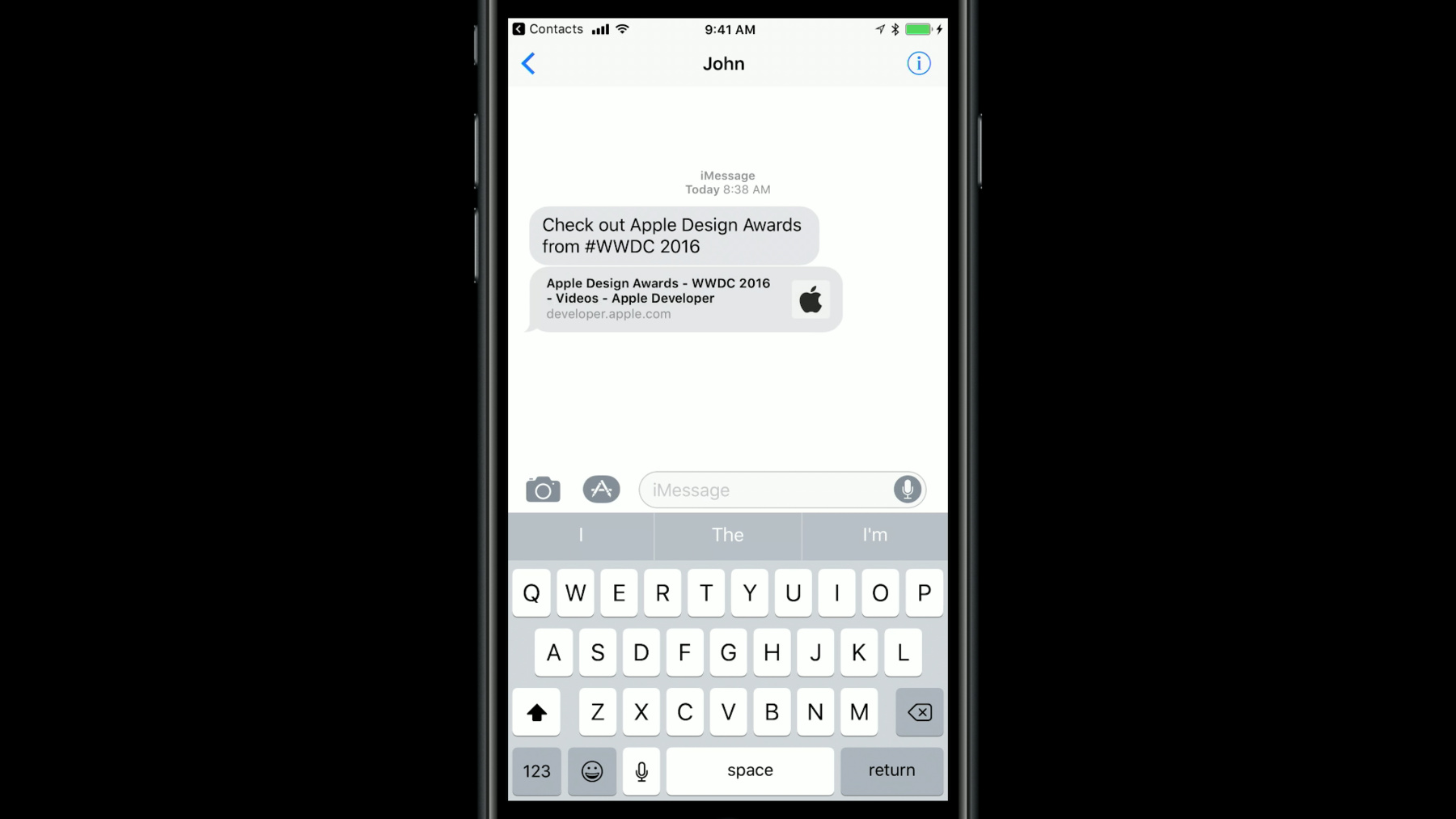
For example, you can enable a user to share content on social media, in messaging or email with Universal Link. You can create those links on the web, on your website, or others can link to it from their website, and it can be catalogued in Search like Spotlight.
Universal Links are also a way to encourage more engagement of you app. The first way is to have your app be recommended in Siri App Suggestions and Hand Off by registering your own NSUserActivities.
You can create Deep Links in a lock screen, which to make your content, just a swipe and tap away.
You can launch straight to the content of your app from the App icon with Quick Actions.
If your app contains content supported by SiriKit, you can map these to Universal Links.
Other apps can contain your Universal Links, which can pass information to your app.
If you integrate with the TV app, then you can use Universal Links. A caveat here is that animation is not necessary because the system readies the interface for video content before launching your app.
So, in summary, create Deep Links to all the app's content and functions that it makes sense for; create a catalog of these using Universal Links; expose all your links to increase discoverability and engagement of your content.
Finally, when launching a Universal Link, use animation to help keep the user oriented. For more information, see the resource section of this video. Thank you.
-