
What’s new in macOS 27
Take full advantage of the powerful capabilities of Mac.
Foundation Models framework
The Foundation Models framework is a native Swift API that gives you direct access to the same on-device model that powers Apple Intelligence. You can now work with any language model, including Apple Foundation Models , cloud models like Claude and Gemini, or any other provider that conforms to the Language Model protocol.
Multimodal prompts let you pass images alongside text so your app can reason about visual content, and Vision framework tools like OCR and barcode readers are available for your model to call directly, all on-device. Dynamic Profiles let you swap models, tools, and instructions on the fly, so your app’s behavior can adapt within a continuous session.
If you’re enrolled in the App Store Small Business Program and your app has fewer than 2 million total first-time App Store downloads, you can access the next generation of Apple Foundation Models running on Private Cloud Compute at no cloud API cost. And with the new Evaluations framework, you can verify that your AI features behave correctly across dynamic conditions, going beyond what unit tests alone can catch.
What’s new in the Foundation Models framework

Build agentic app experiences with the Foundation Models framework
Build with the new Apple Foundation Model on Private Cloud Compute

Bring an LLM provider to the Foundation Models framework

Debug and profile agentic app experiences with Instruments
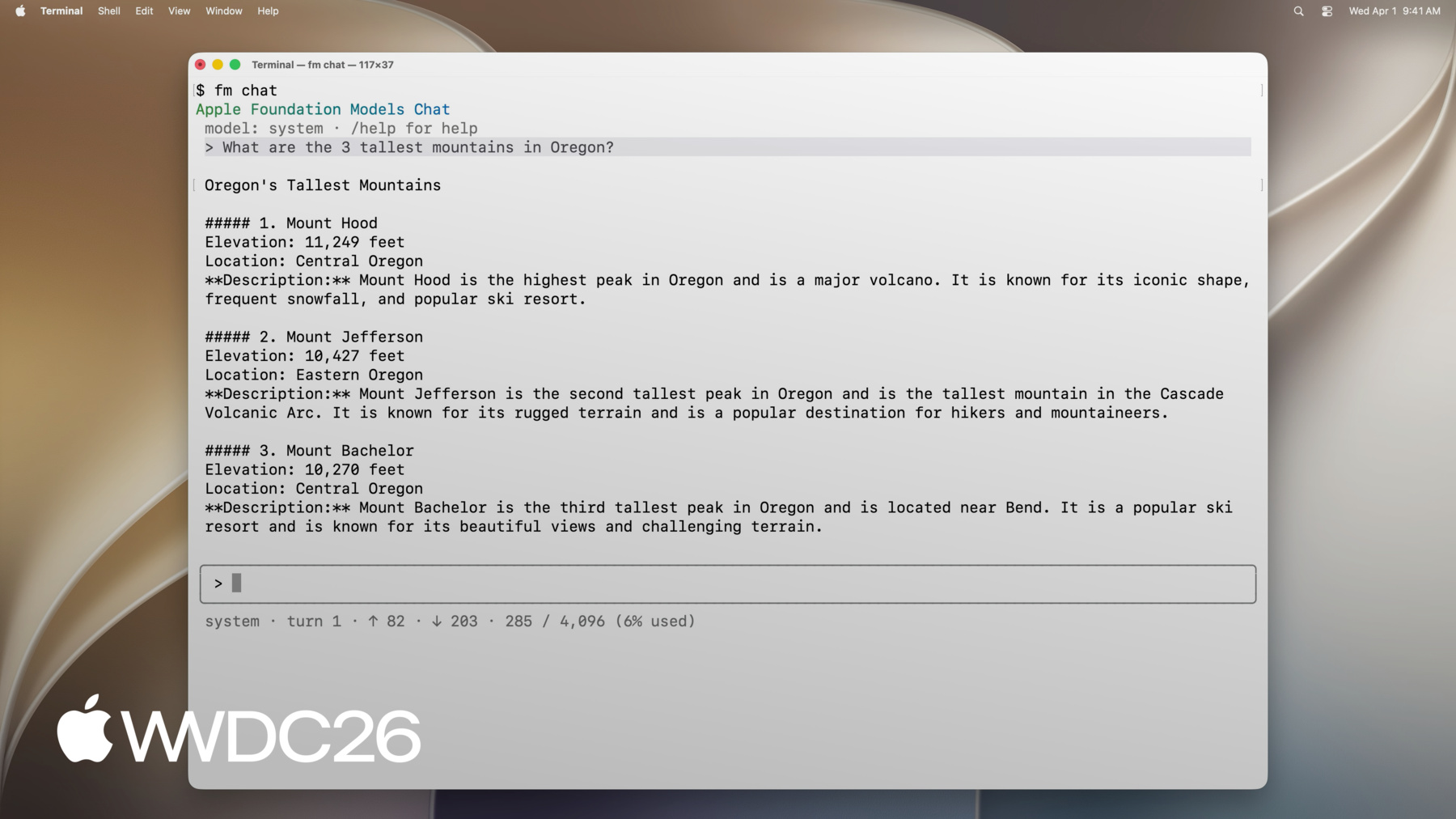
Build AI-powered scripts with the fm CLI and Python SDK

Improve your prompts by hill-climbing with Evaluations

Meet the Evaluations framework

Create robust evaluations for agentic apps
App Intents framework
Siri now connects to more of what people do in your app through the App Intents framework, making your content and actions available through natural language.
Entity schemas contribute your app's content to the Spotlight semantic index, so Siri can surface it with attribution back to your app. Intent schemas let people take action on that content naturally with no specific phrases to define and no code changes needed as Siri's language understanding evolves or expands to new languages and regional dialects.
The new View Annotations API lets you map your views to entities so people can reference and act on what's on screen conversationally. The App Intents Testing framework enables you to validate your entire integration through real system pathways, without UI automation, so you can catch issues early and ship with confidence.
Code-along: Make your app available to Siri
Build intelligent Siri experiences with App Schemas

Explore advanced App Intents features for Siri and Apple Intelligence
Discover new capabilities in the App Intents framework

Validate your App Intents adoption with AppIntentsTesting
LLM search using Core Spotlight
Core AI
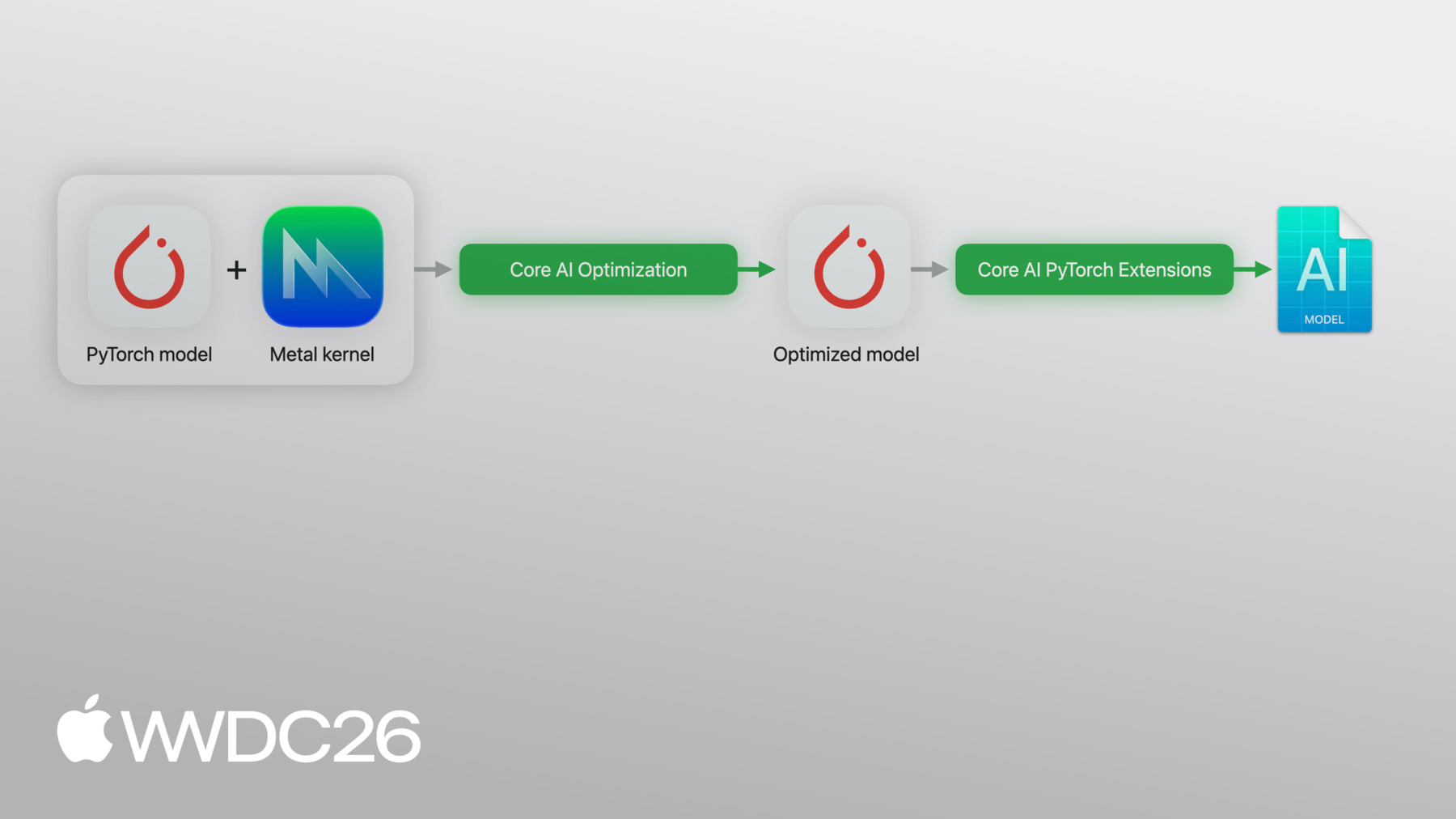
Core AI is a new framework built directly into the OS and purpose-built for Apple Silicon, providing the best way to bring your own models on-device — complete with supporting tools and technologies. A modern, memory-safe Swift API lets you load, specialize, and run AI models entirely on-device, keeping user data private and your apps responsive, with zero server dependencies and zero token costs. Models are automatically specialized for the hardware they run on, with ahead-of-time compilation support for quick load times. Fine-grained control over inference memory, zero-copy data paths, and stateful execution give you the performance you need to run everything from compact vision models to large-scale generative AI across all Apple platforms.


Platform improvements
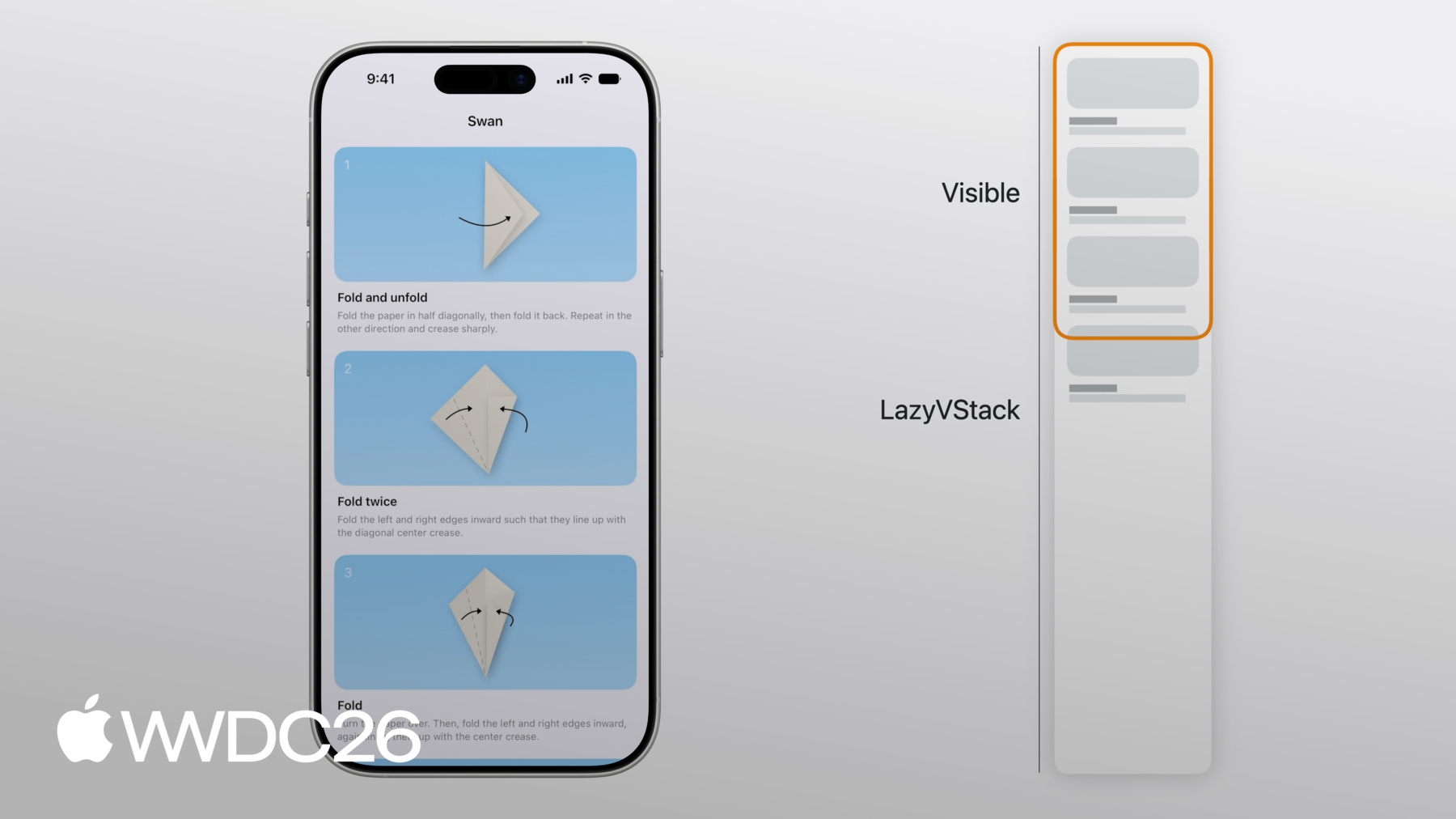
Your app has new tools to look great and work smoothly across SwiftUI, UIKit, and WidgetKit. Refreshed materials, refined typography, and updated tab and navigation bars unify Apple platforms while letting your app keep its identity. With SwiftUI, you can now build high-performance document-based apps with direct disk access, reorder content across lists and grids, and lazily load subviews that prefetch content for smooth scrolling. UIKit adds new layouts that adapt for iPhone Mirroring, and widgets can now be customized through App Intents and dynamic styling.

Principles of great design

Communicate your brand identity on iOS

What’s new in SwiftUI

WidgetKit foundations

Modernize your UIKit app
Use SwiftUI with AppKit and UIKit
Dive into lazy stacks and scrolling with SwiftUI
Compose advanced graphics effects with SwiftUI

Craft clear names for features and labels in your app
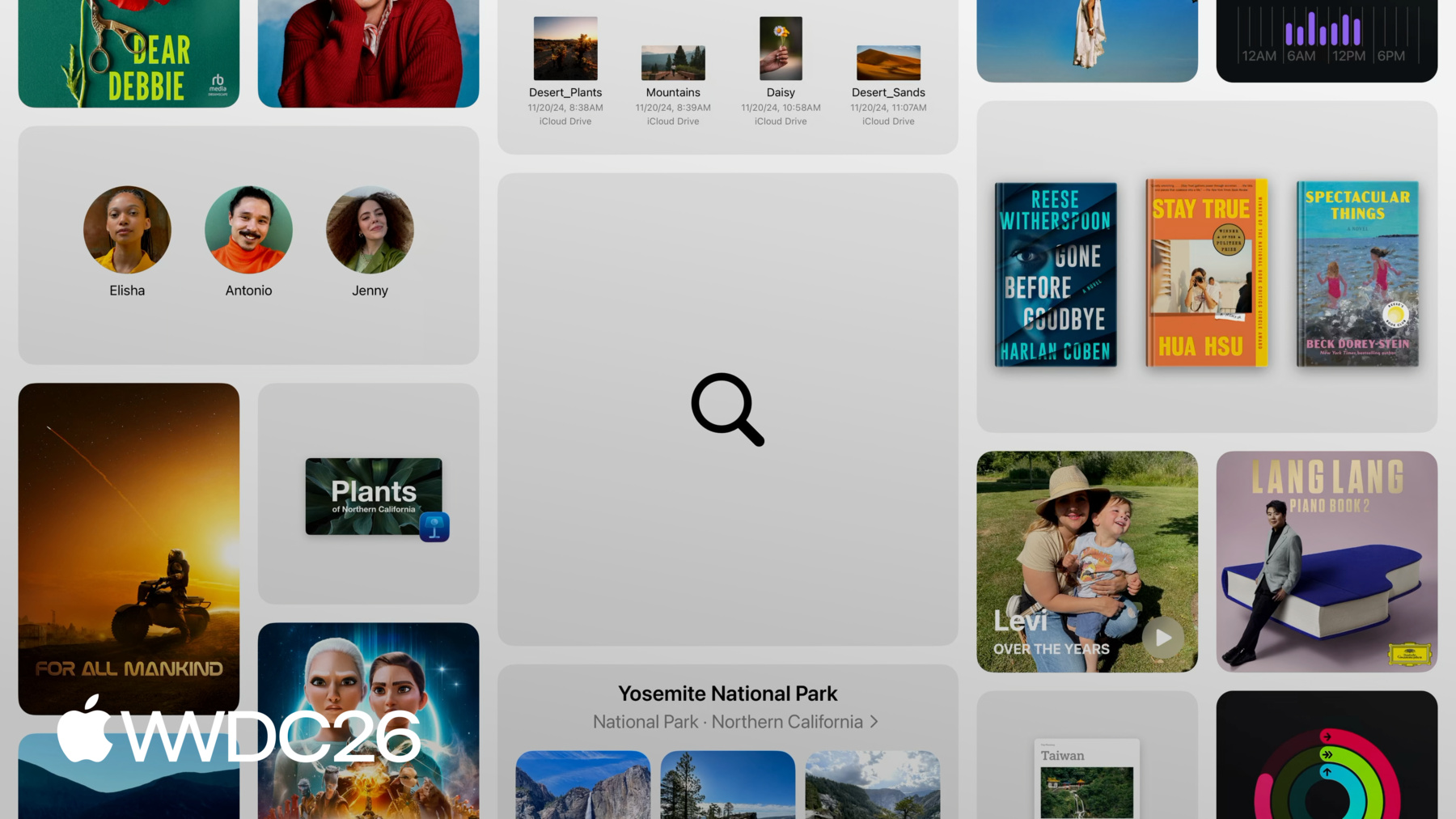
Design intuitive search experiences
Games and media
Game Porting Toolkit 4 introduces open source agentic coding skills that bring Metal and Apple game development best practices to every step of the porting process, helping you ship on Apple platforms faster. If your app works with audio or media playback, the Music Understanding framework lets it analyze audio across six dimensions on device. The NowPlaying framework connects your app's playback to the Lock Screen, Control Center, Dynamic Island, and CarPlay. And version 9 of the Core Image RAW processing APIs dramatically improves image quality with better sharpness and more defined color.
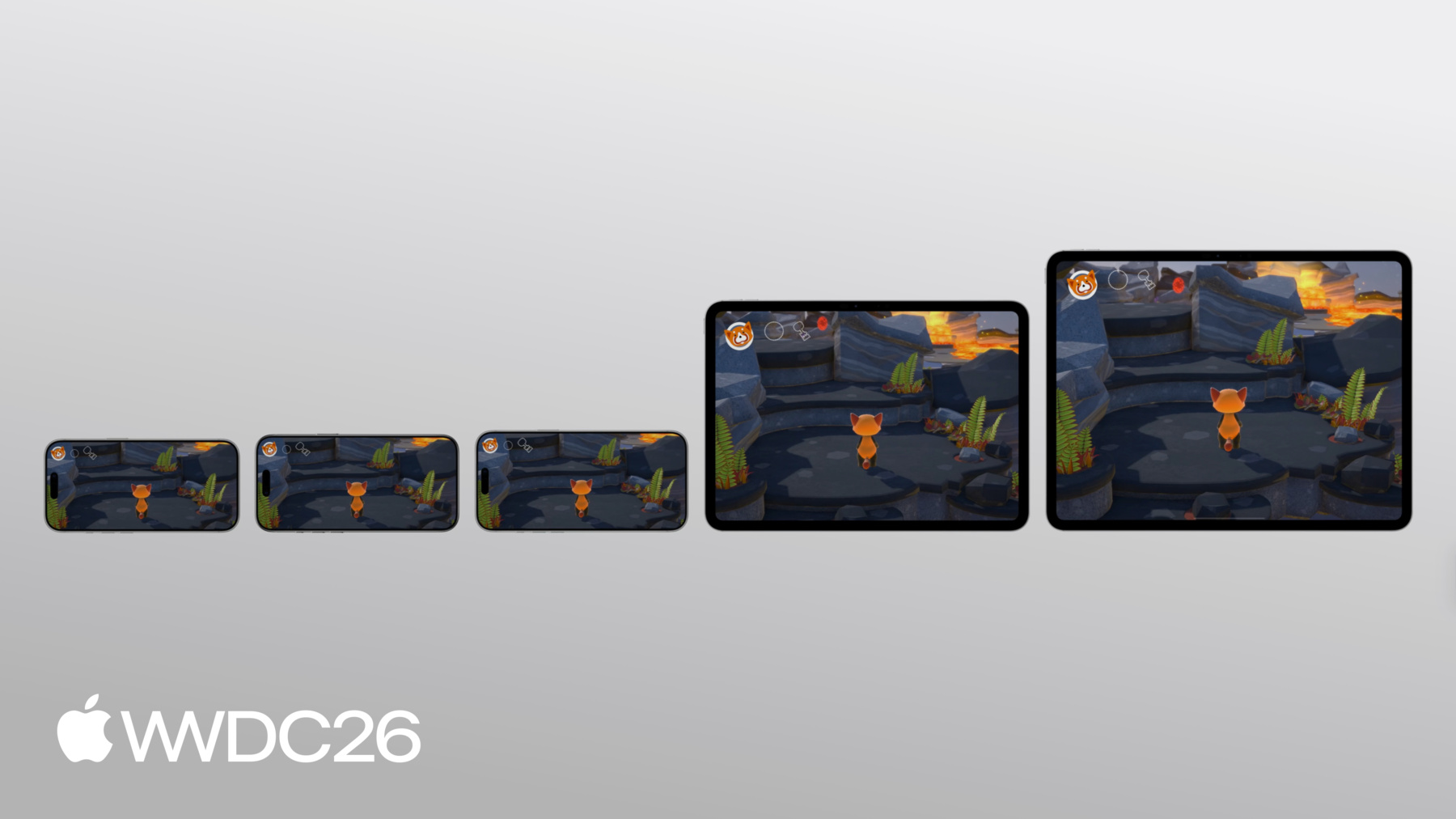
Make your game great with touch

Build real-time neural rendering pipelines with Metal

Find and fix performance issues in your Metal games

Speedrun your game port with agentic coding
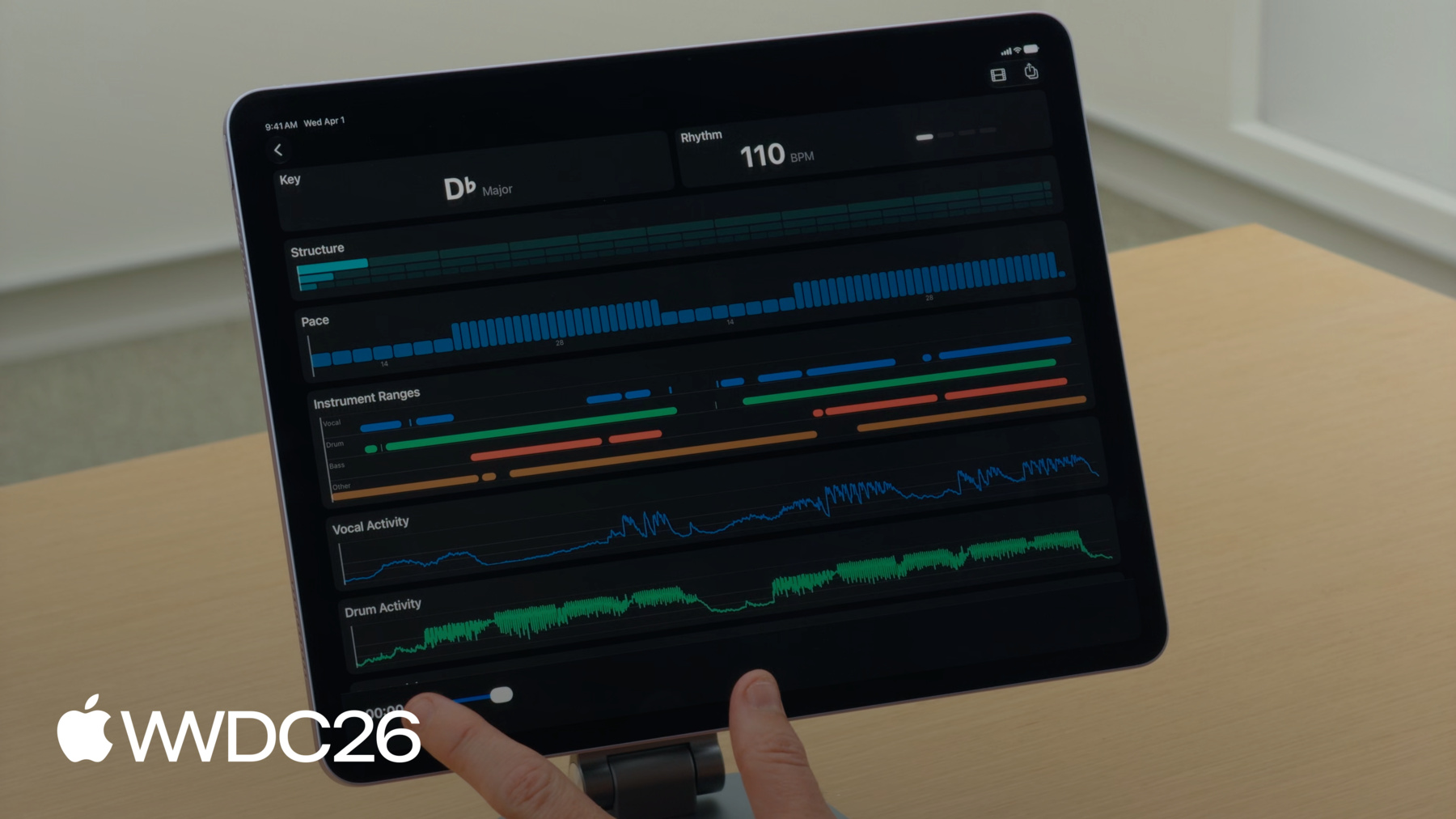
Meet the Music Understanding framework
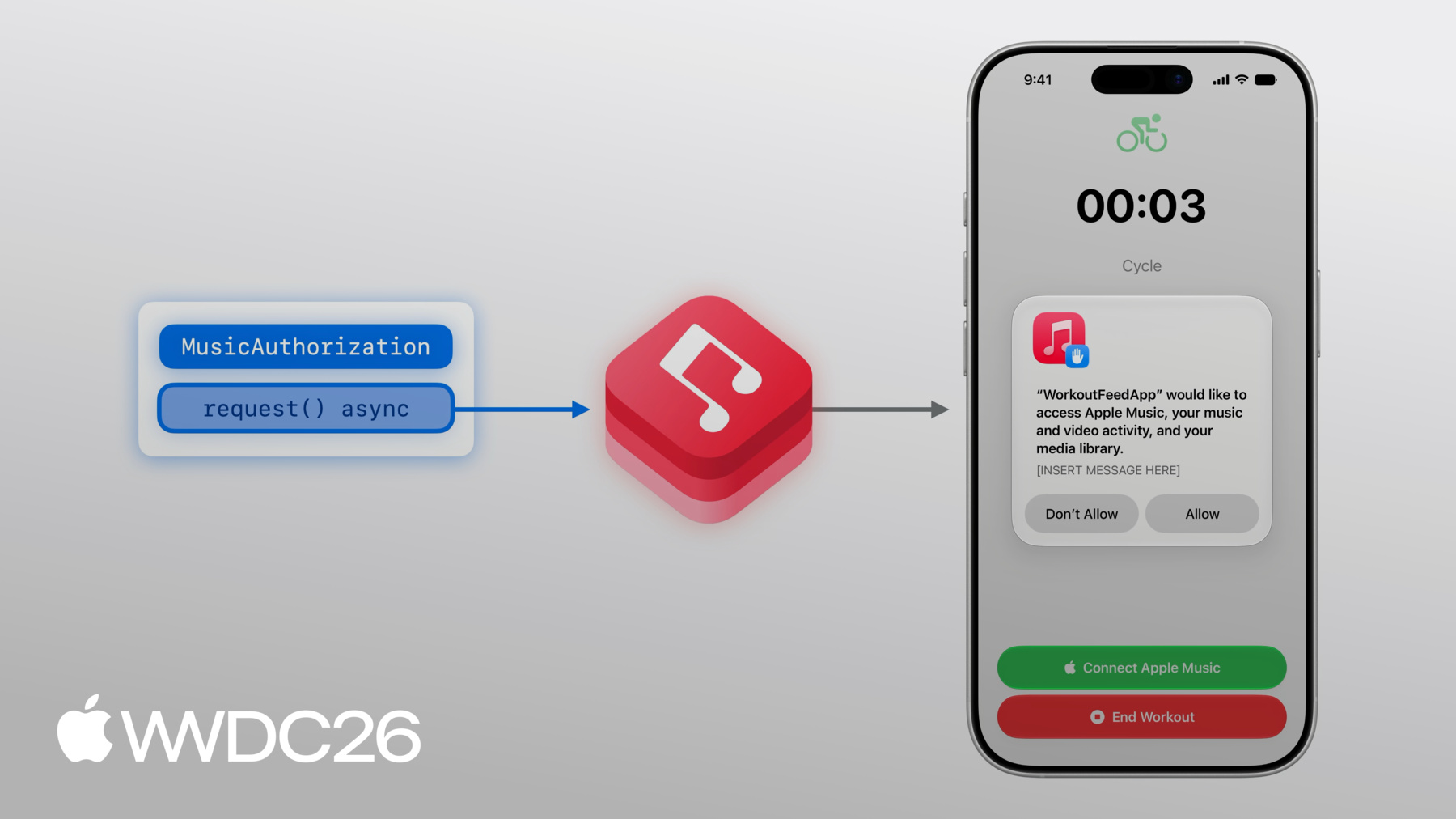
Integrate MusicKit into your app

Discover generated subtitles and subtitle styles
Meet the Now Playing framework
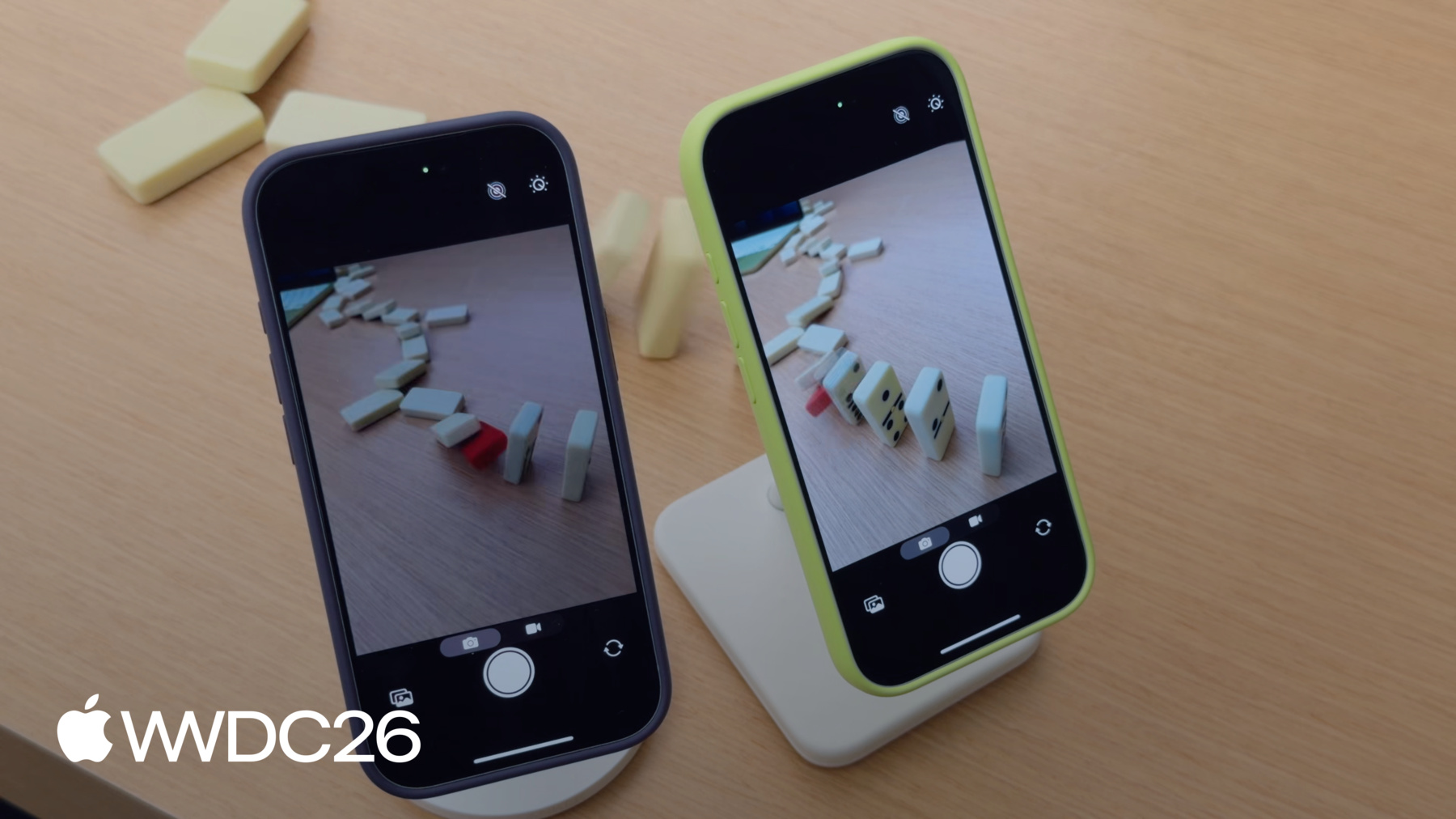
Build a responsive camera app that launches quickly

Implement high resolution photo capture
Enhance RAW image processing with Core Image
Support the Center Stage front camera in your iOS app
WebKit for Safari
WebKit for Safari 27 delivers over 1,000 browser engine improvements alongside new web platform features. Grid Lanes and Customizable Select expand layout and form control possibilities, while the HTML
Building Safari web extensions just got easier — check out how you can build and test an extension with Xcode Cloud, no Mac required.

Spatial Preview framework
Mac Virtual Display transforms your workspace, enabling you to work on your Mac wherever you are with an enormous, private, and portable display. This year, that capability goes even further with the new macOS Spatial Preview framework that lets you preview spatial content from a Mac directly on Apple Vision Pro, and collaborate with others through SharePlay.
The Spatial Preview framework connects your Mac app to Quick Look on visionOS, so your users can immediately preview and update spatial photos, Apple Immersive Video, and 3D content with live USD editing on Apple Vision Pro. Move freely around 3D scenes, refine content placement, adjust lighting and material overrides, and share feedback using annotations — all within a spatial environment.
Features are subject to change. Some capabilities and services may not be available in all regions or all languages; some feature availability may vary due to local laws and regulations.