Apple Design Resources
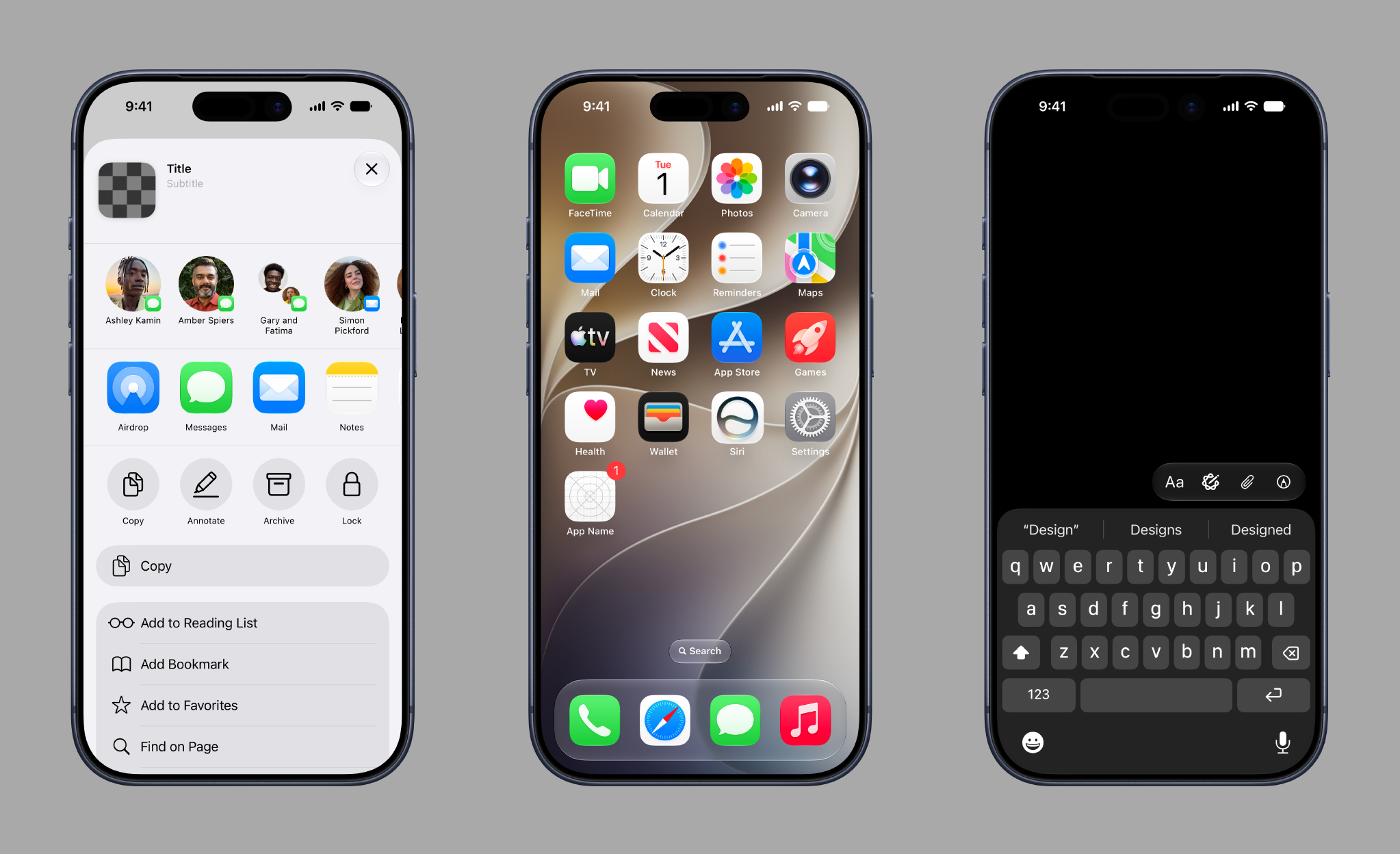
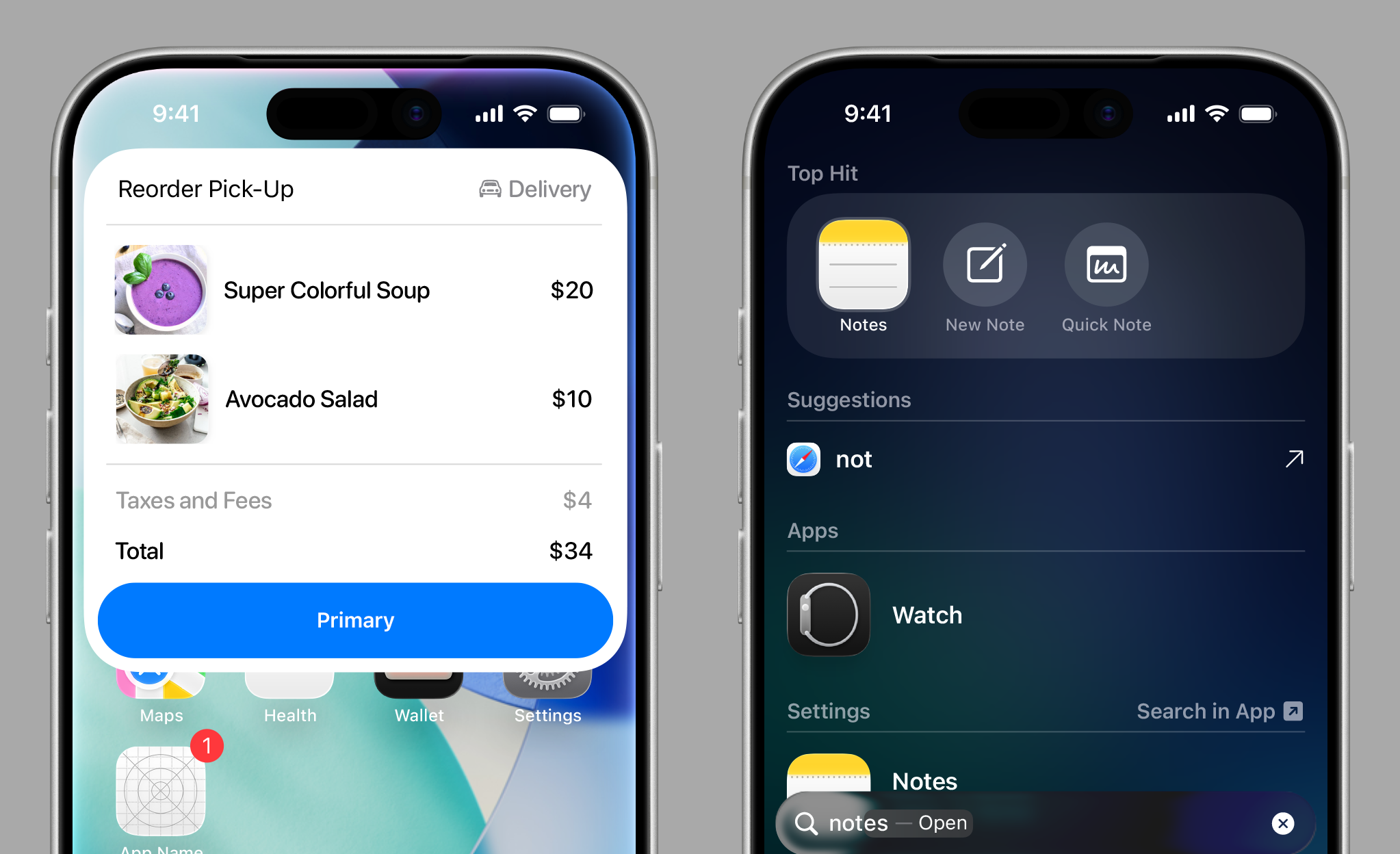
Design apps accurately and quickly using official Apple design templates, icon production templates, color guides, and more.
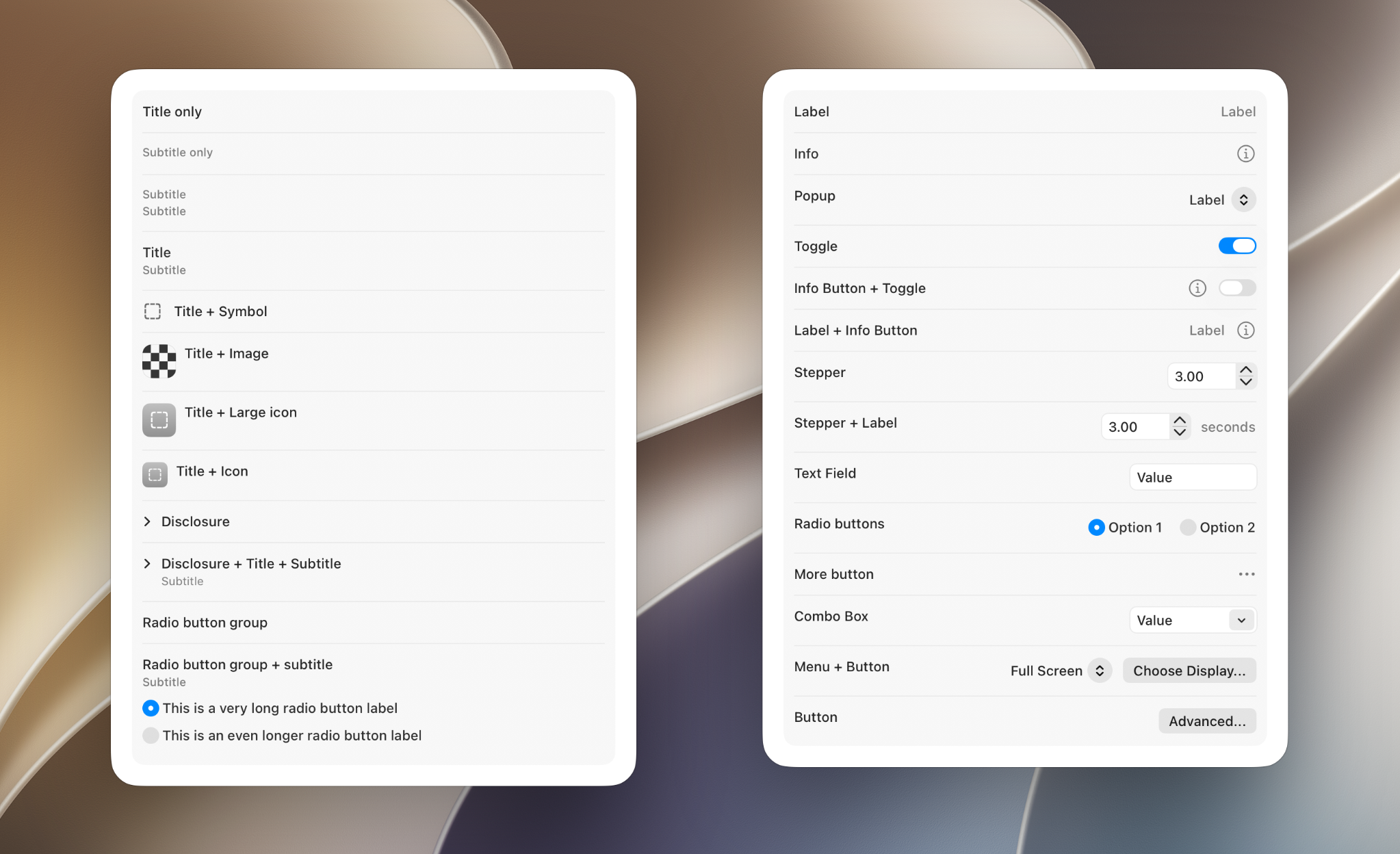
Design apps accurately and quickly using official Apple design templates, icon production templates, color guides, and more.

System font for watchOS, optimized for small sizes and narrow columns.

Performs as a traditional reading face at small sizes and a graphic display face at larger sizes.

Designed with proportions that have been adjusted for a better visual balance in multilingual typesetting.
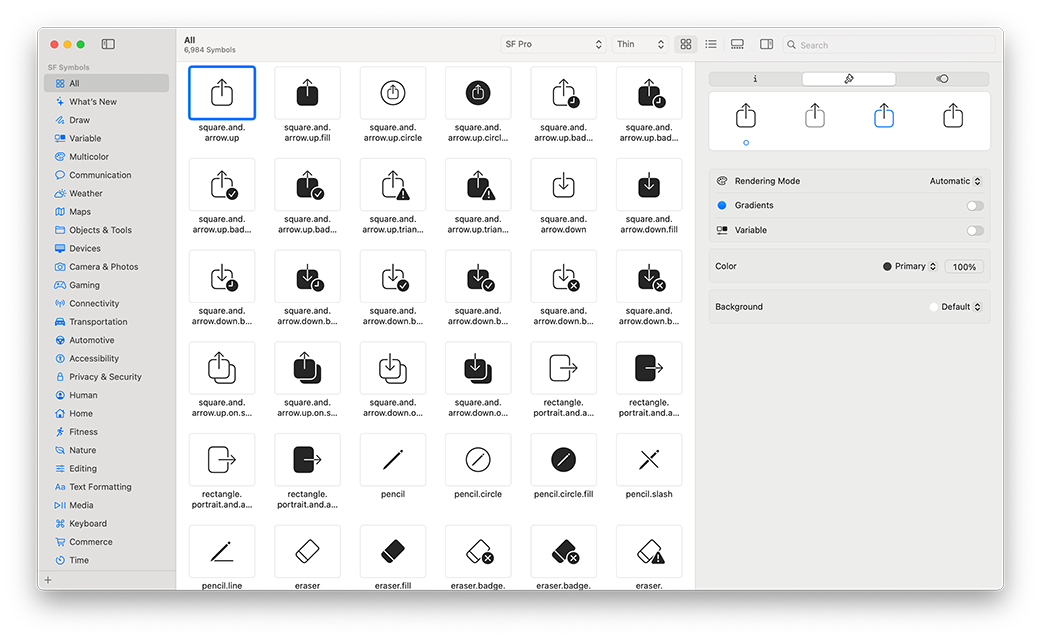
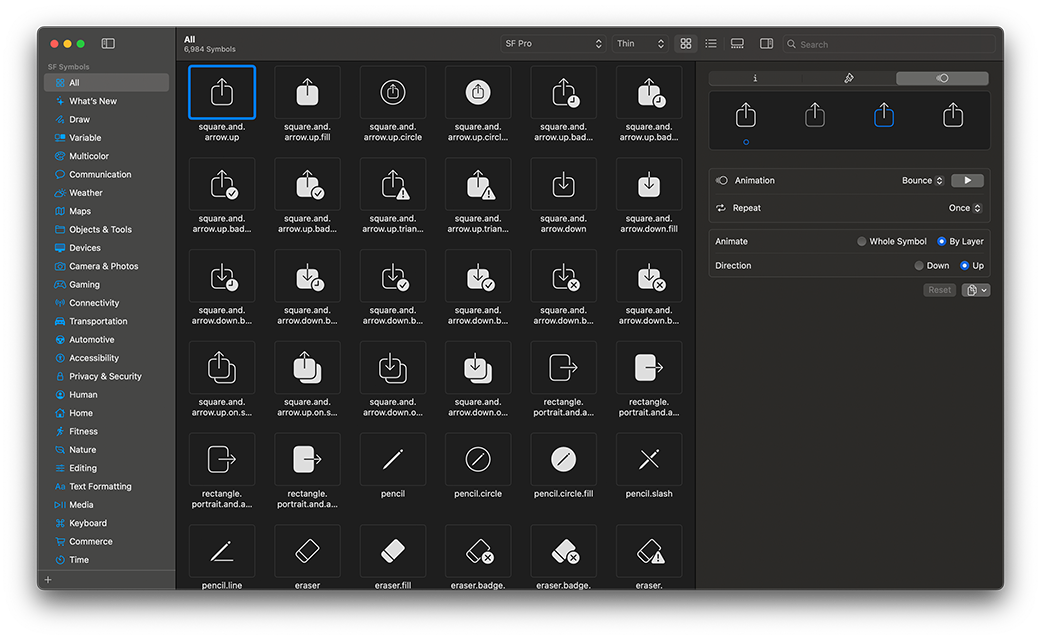
SF Symbols is a library of over 7,000 symbols designed to integrate seamlessly with San Francisco, the system font for Apple platforms. Symbols come in nine weights and three scales, automatically align with text, and can be exported and edited using vector graphics tools to create custom symbols with shared design characteristics and accessibility features. Symbols feature multi-layer drawings designed for motion, enabling a range of expressive animations. Crafted for a global audience, symbols automatically adapt to a user’s reading direction and feature localized designs for over 20 international scripts.

Requires macOS Sonoma or later.
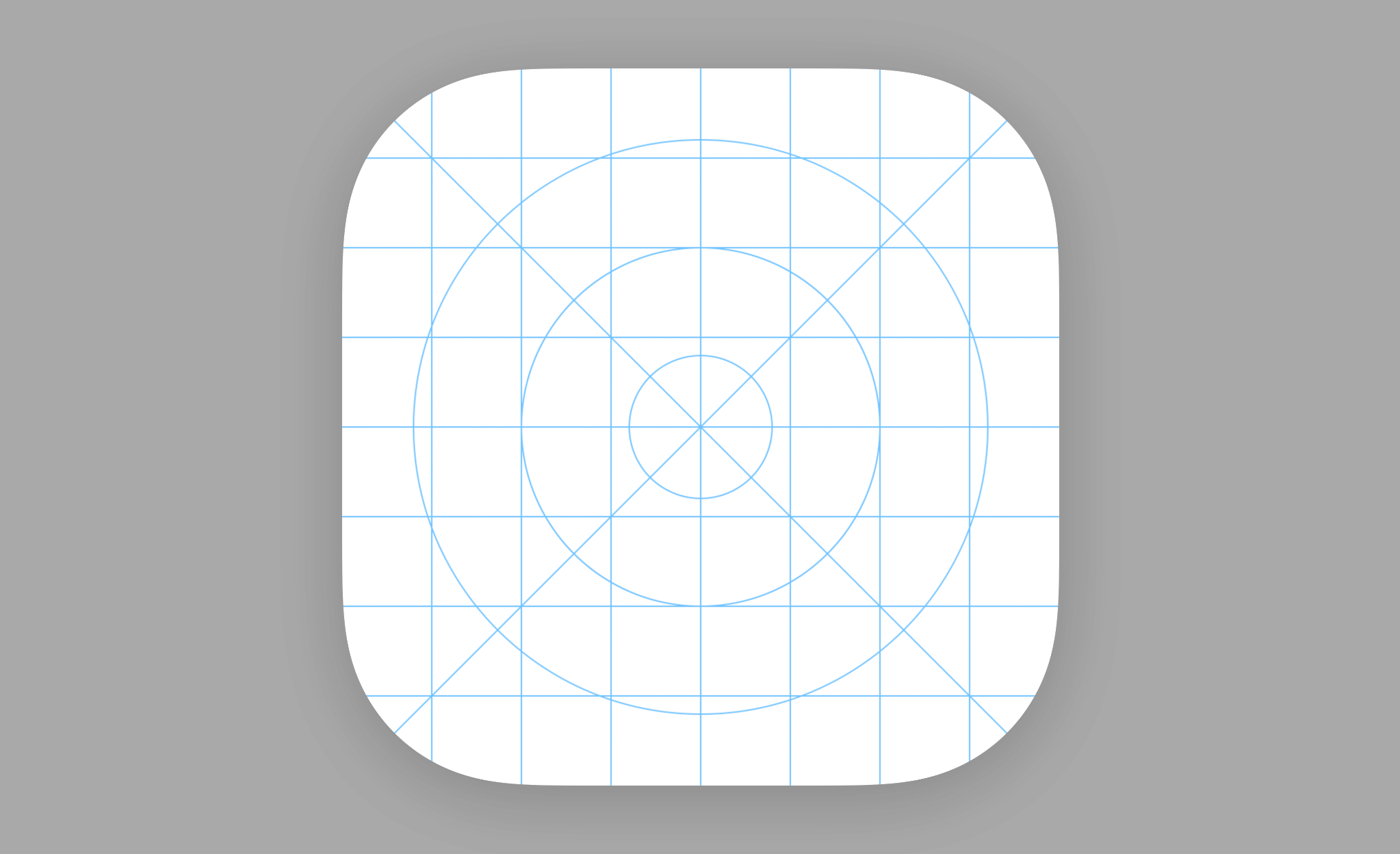
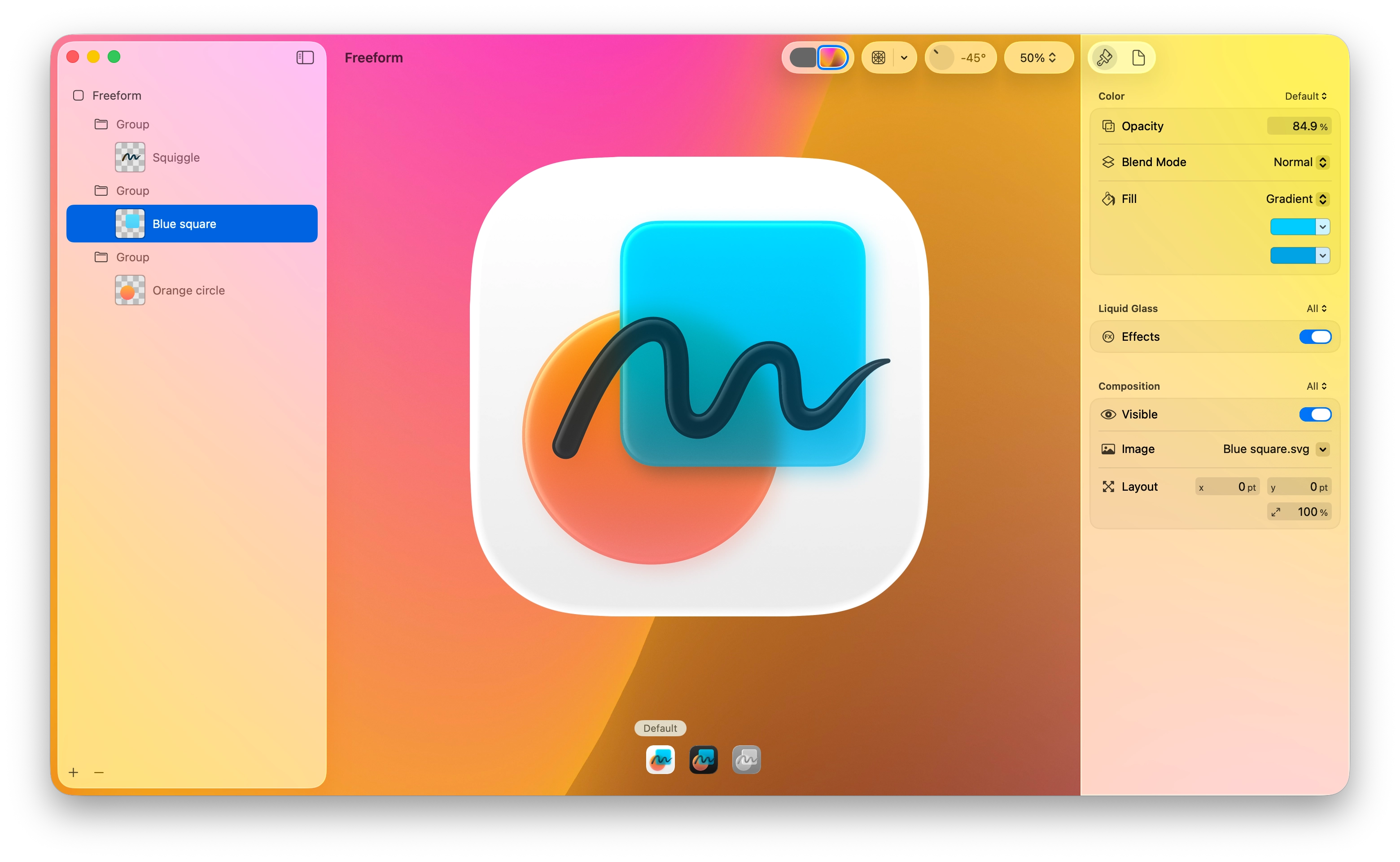
Icon Composer lets you create layered icons out of Liquid Glass from a single design for iPhone, iPad, Mac, and Apple Watch. A multi-layer icon format allows you to craft your icon and annotate it across appearance modes. Icon Composer is designed to work seamlessly with Xcode and provides the option to export a flattened version of your icon for marketing and communication needs.

Requires macOS Sequoia or later.

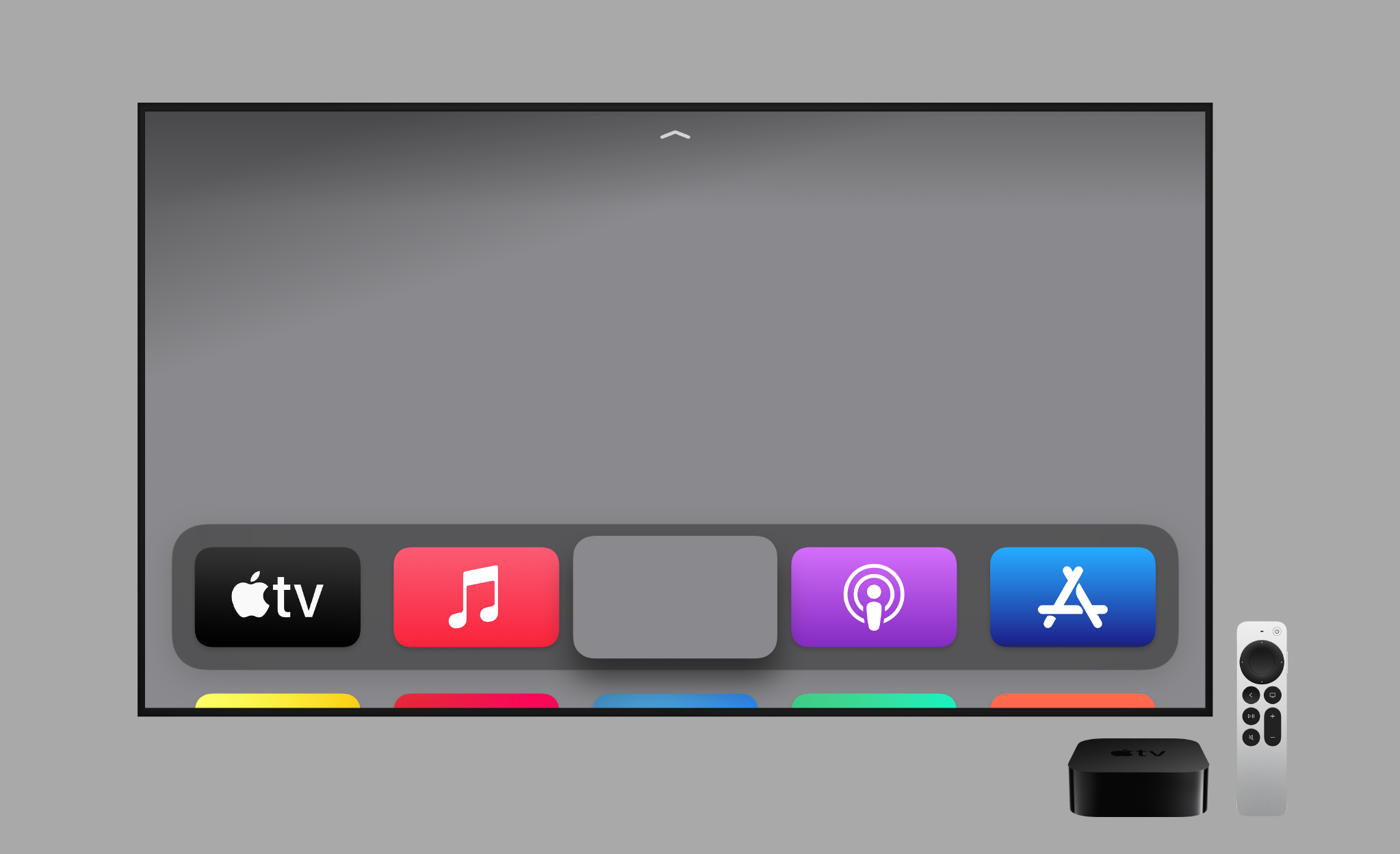
Use Parallax Previewer to deliver parallax visual effects that transform static images into dynamic and immersive experiences on tvOS and visionOS.

Requires macOS 13.5 or later.
Requires macOS 10.10.5 or later.
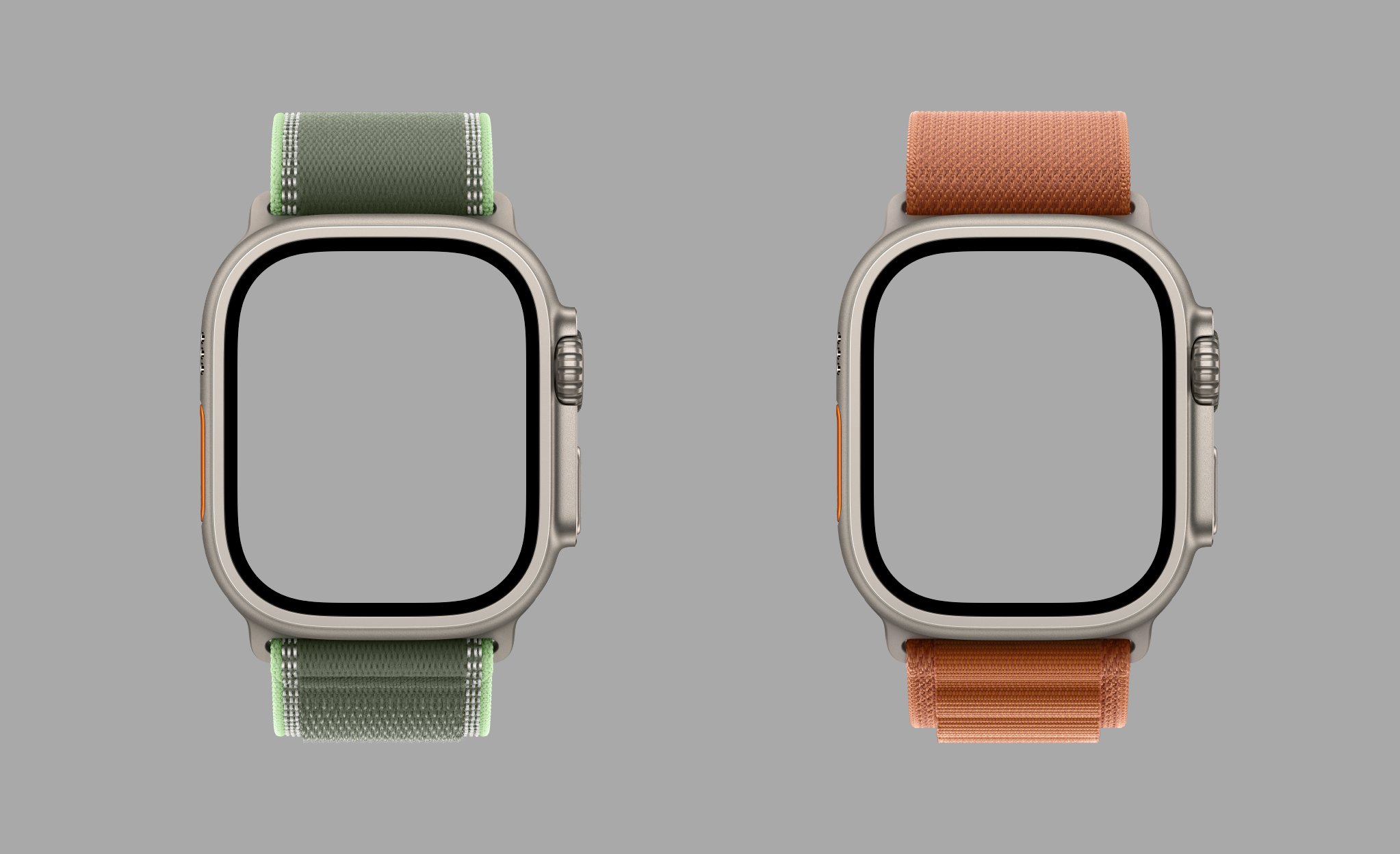
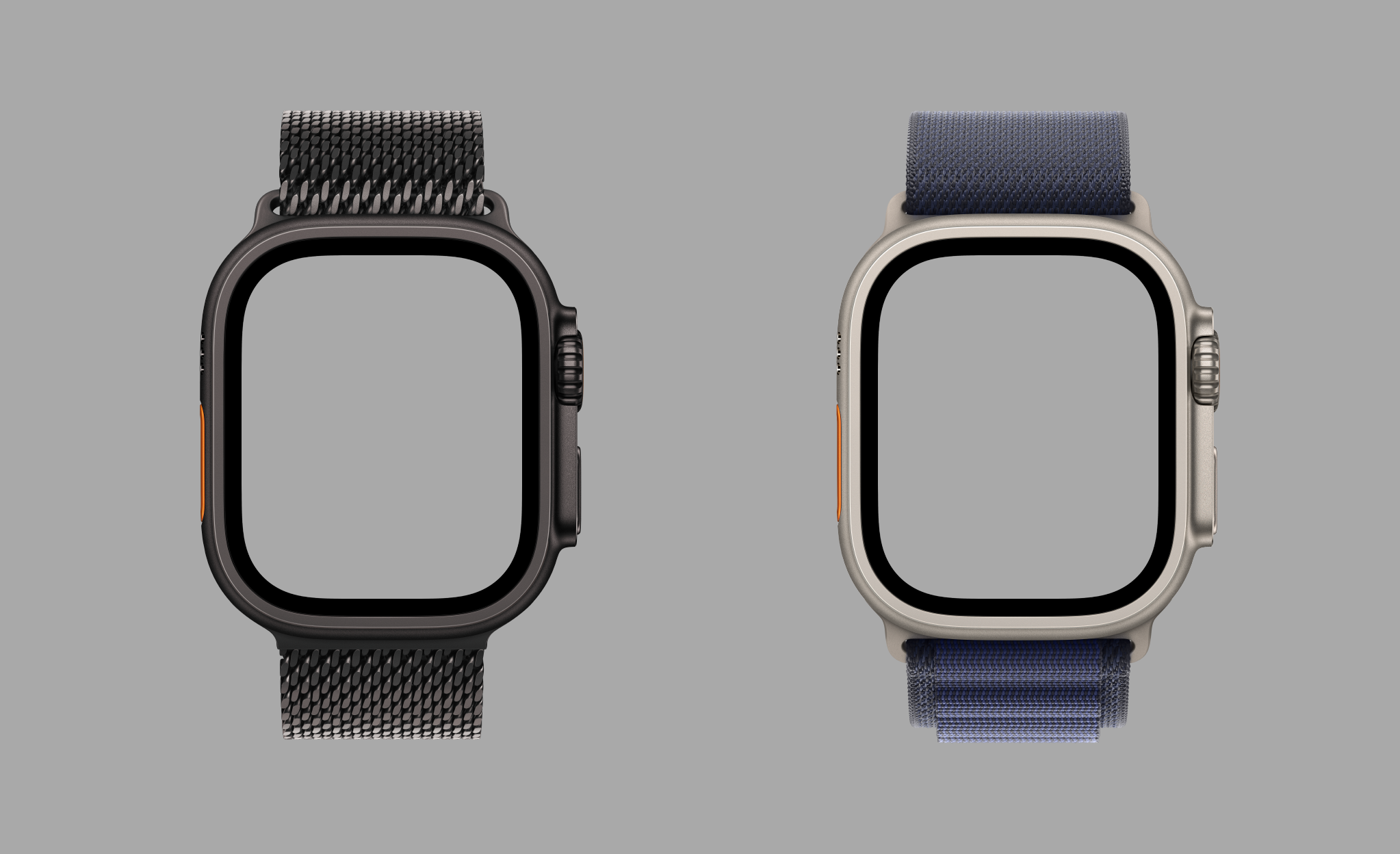
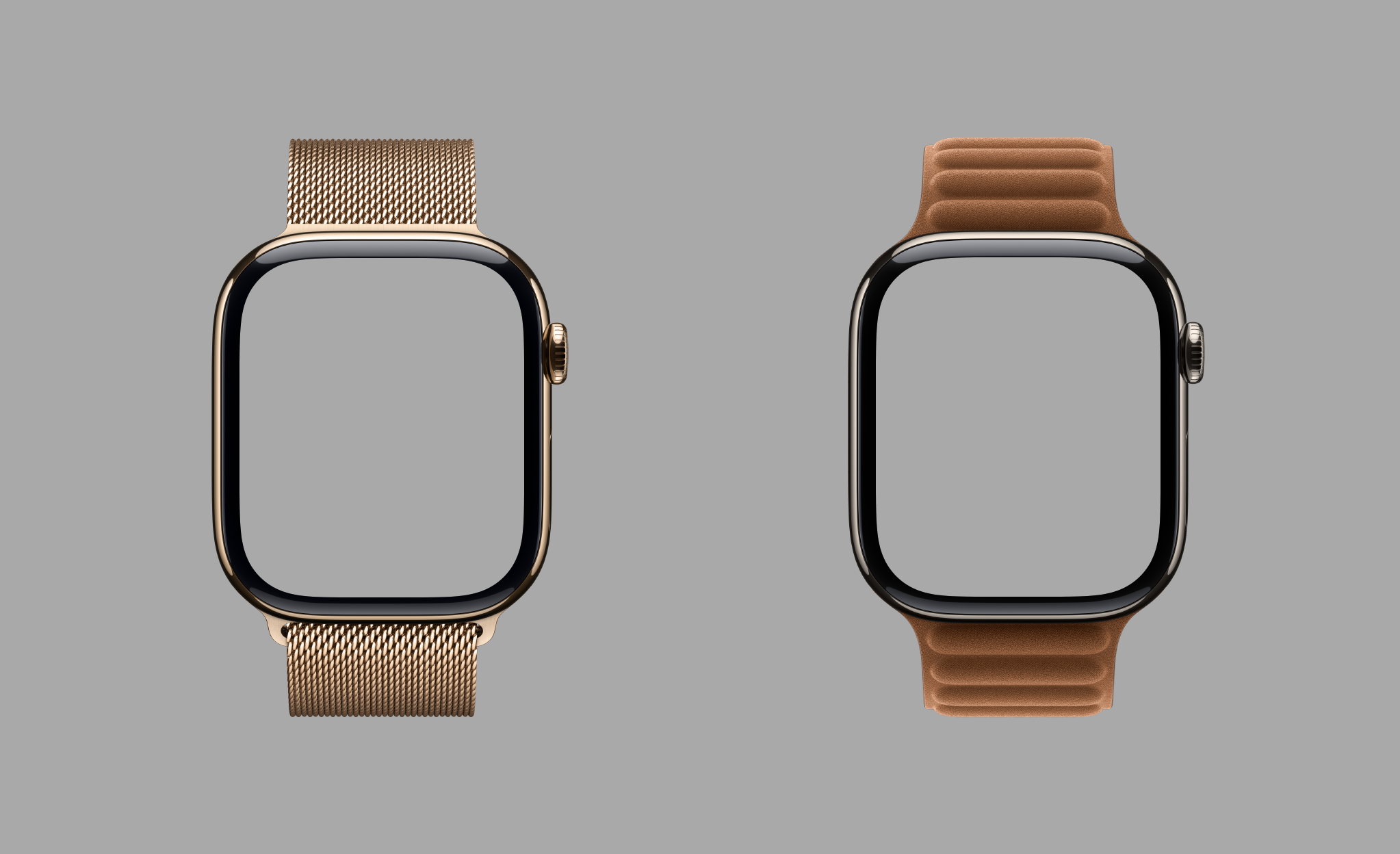
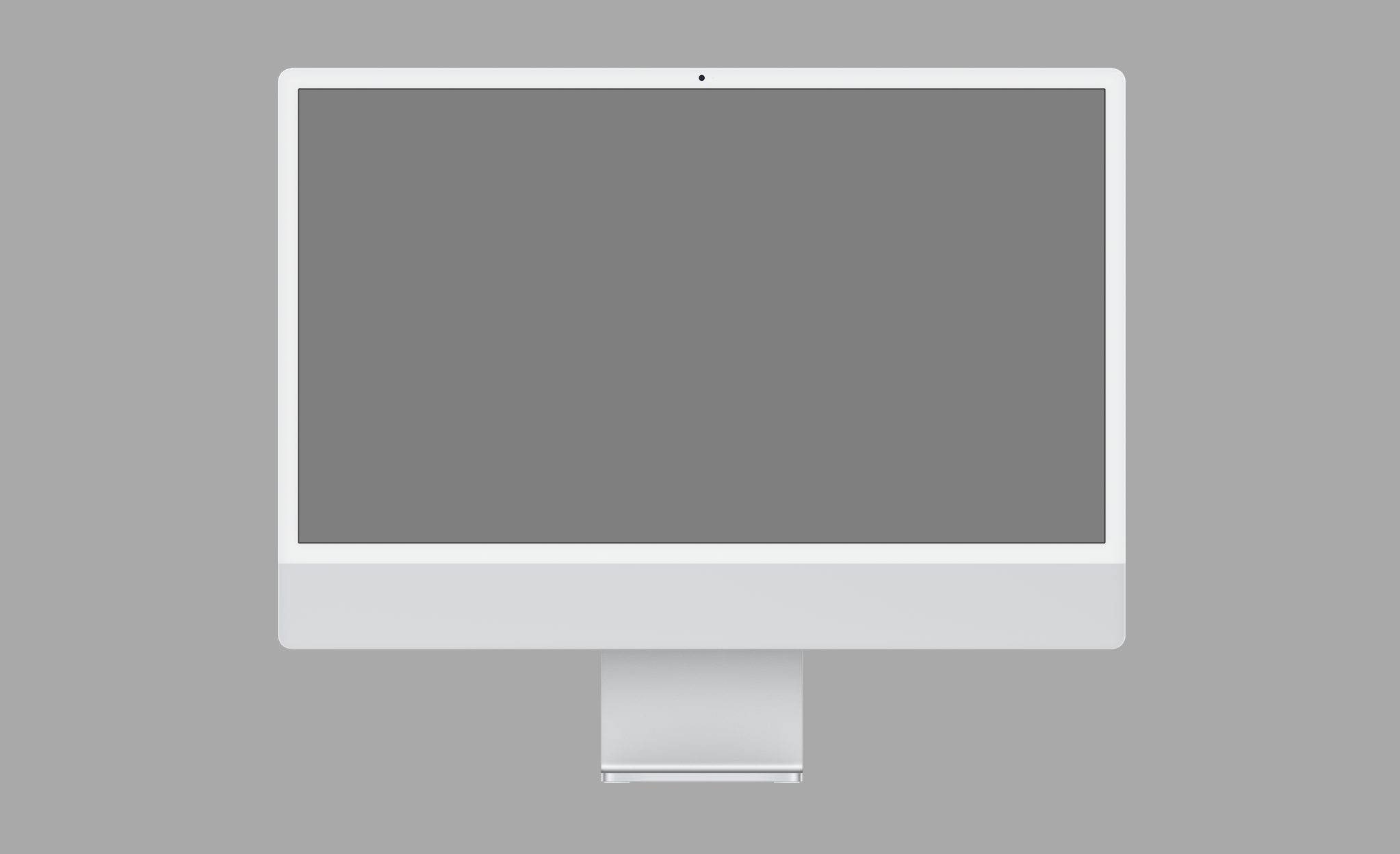
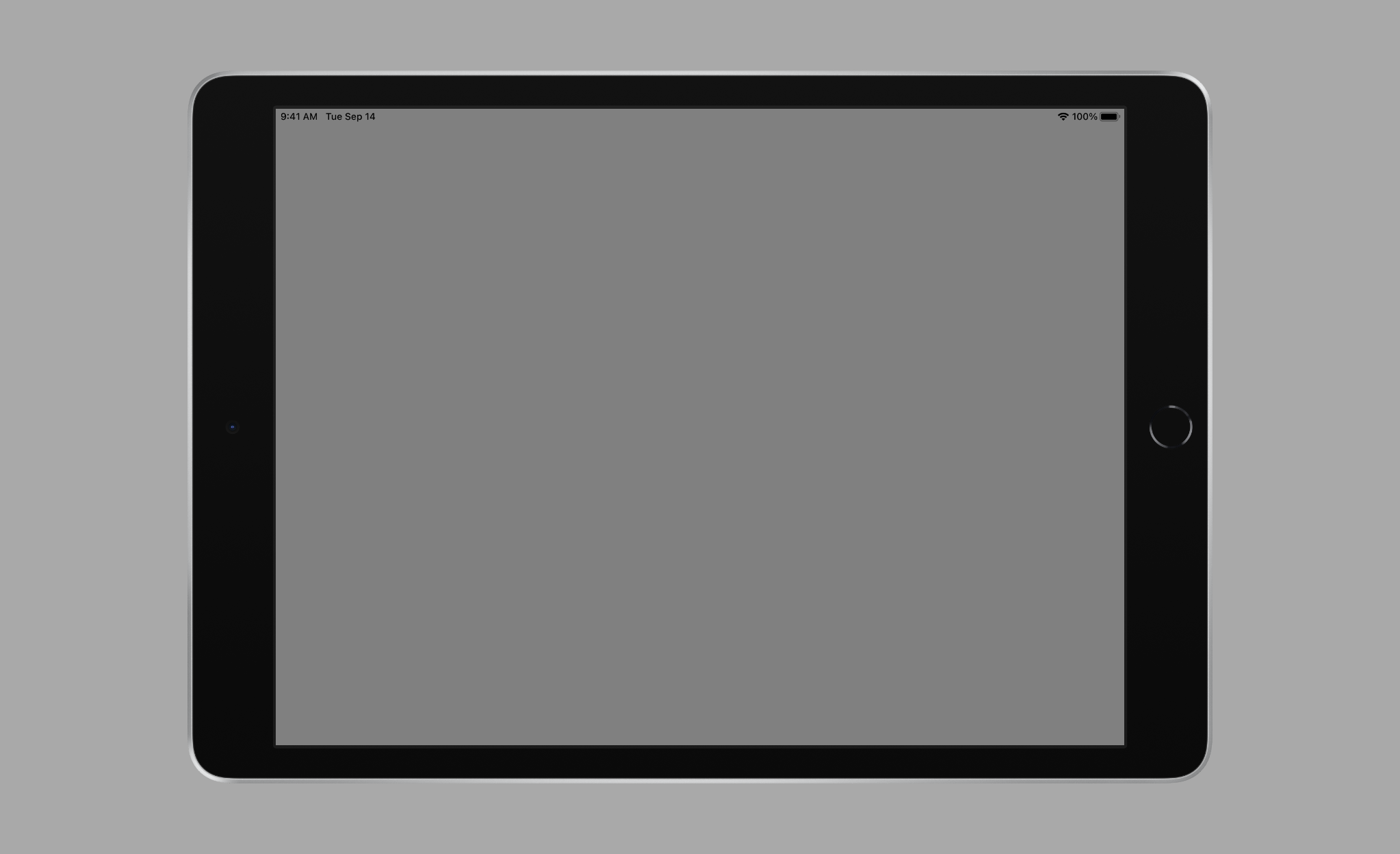
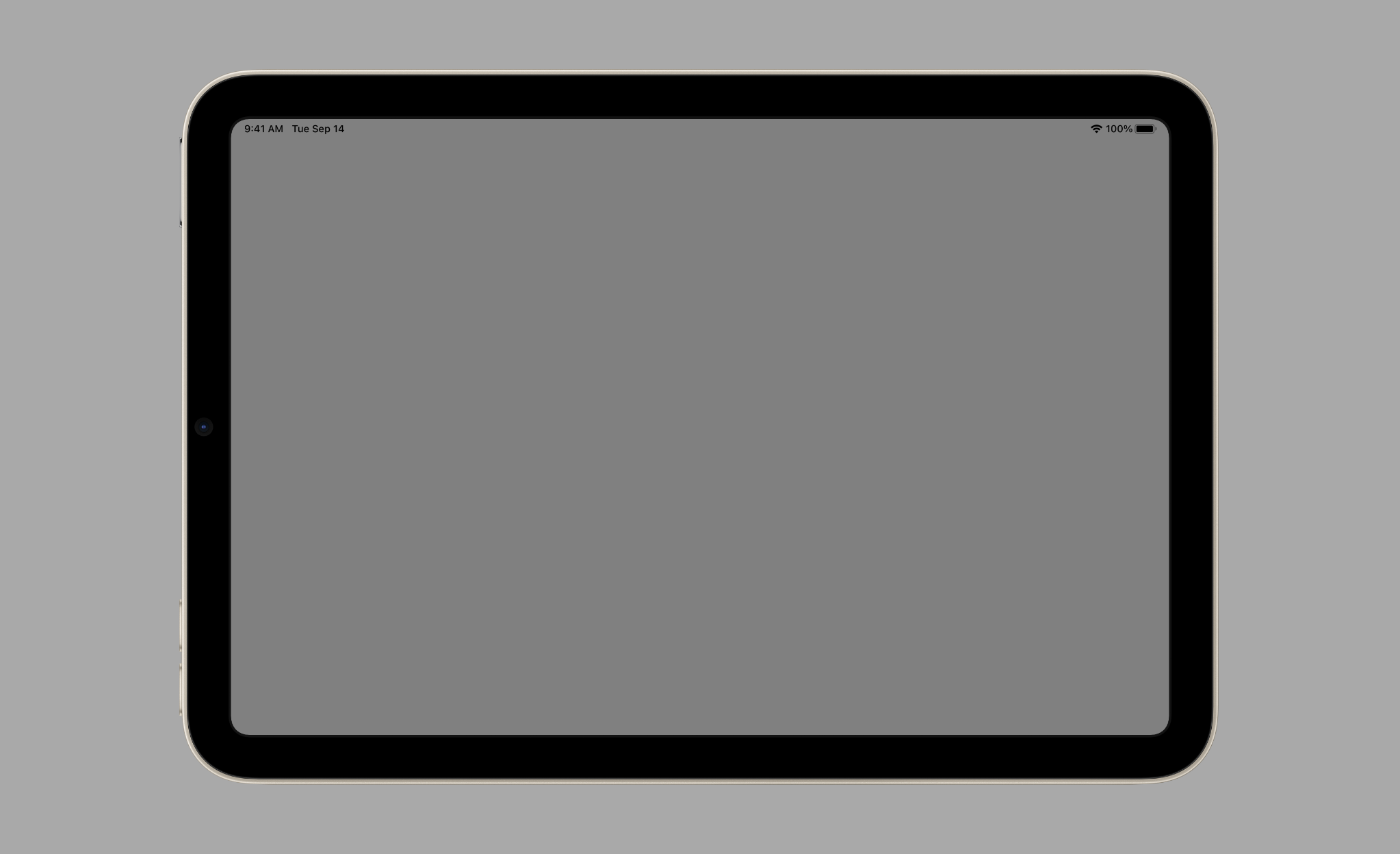
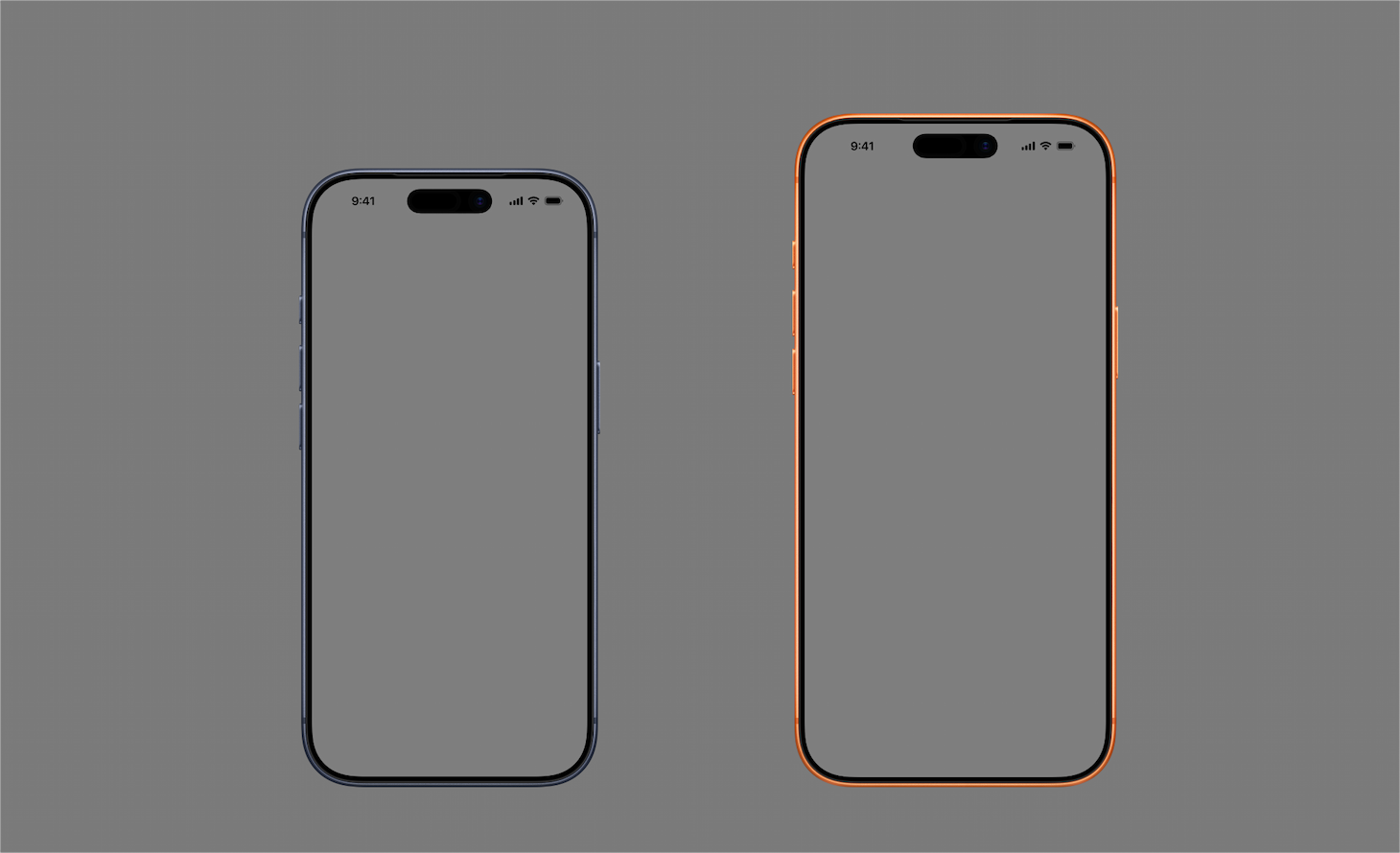
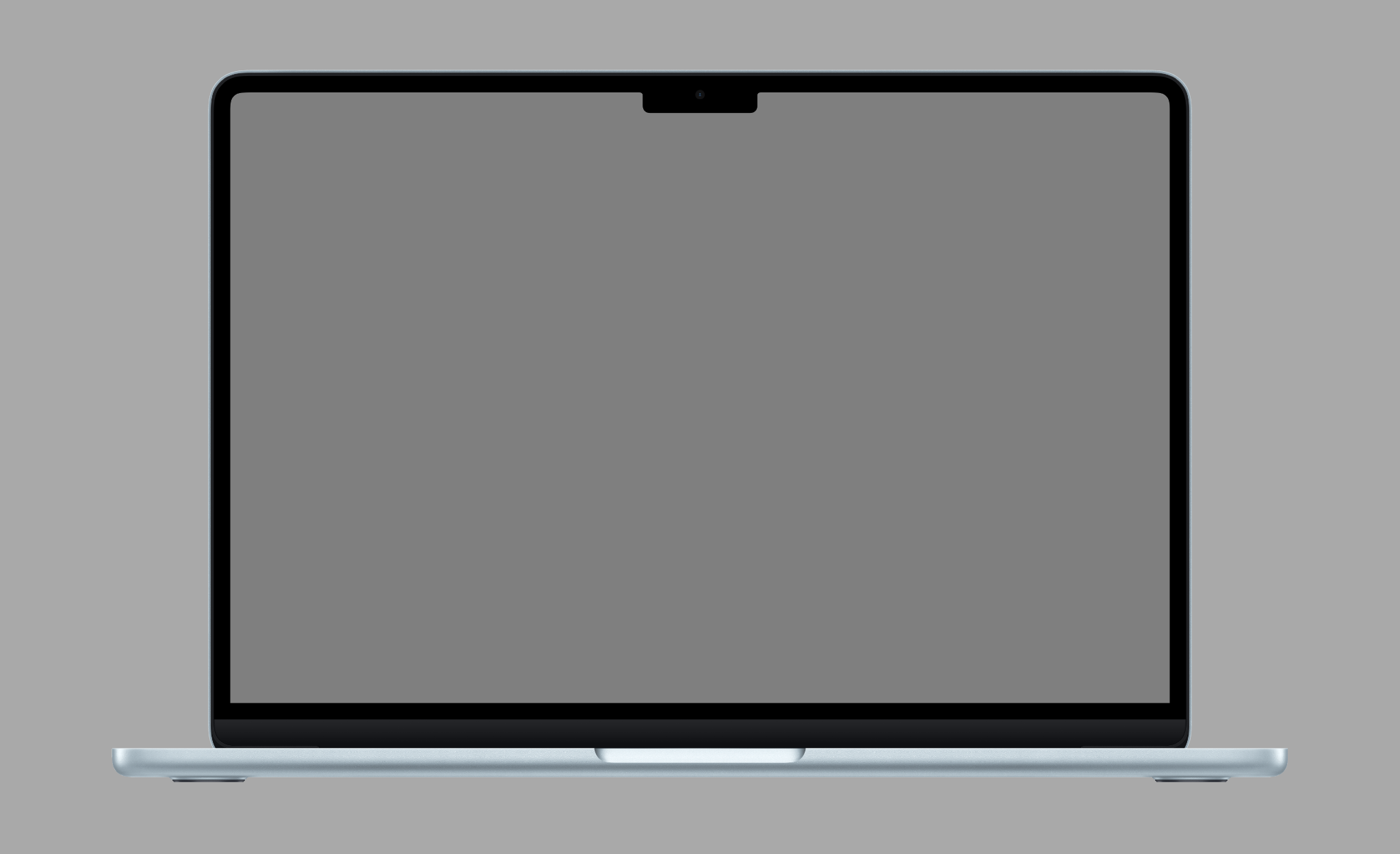
When using product bezels in your marketing materials, be sure to review these Marketing Resources and Identity Guidelines.
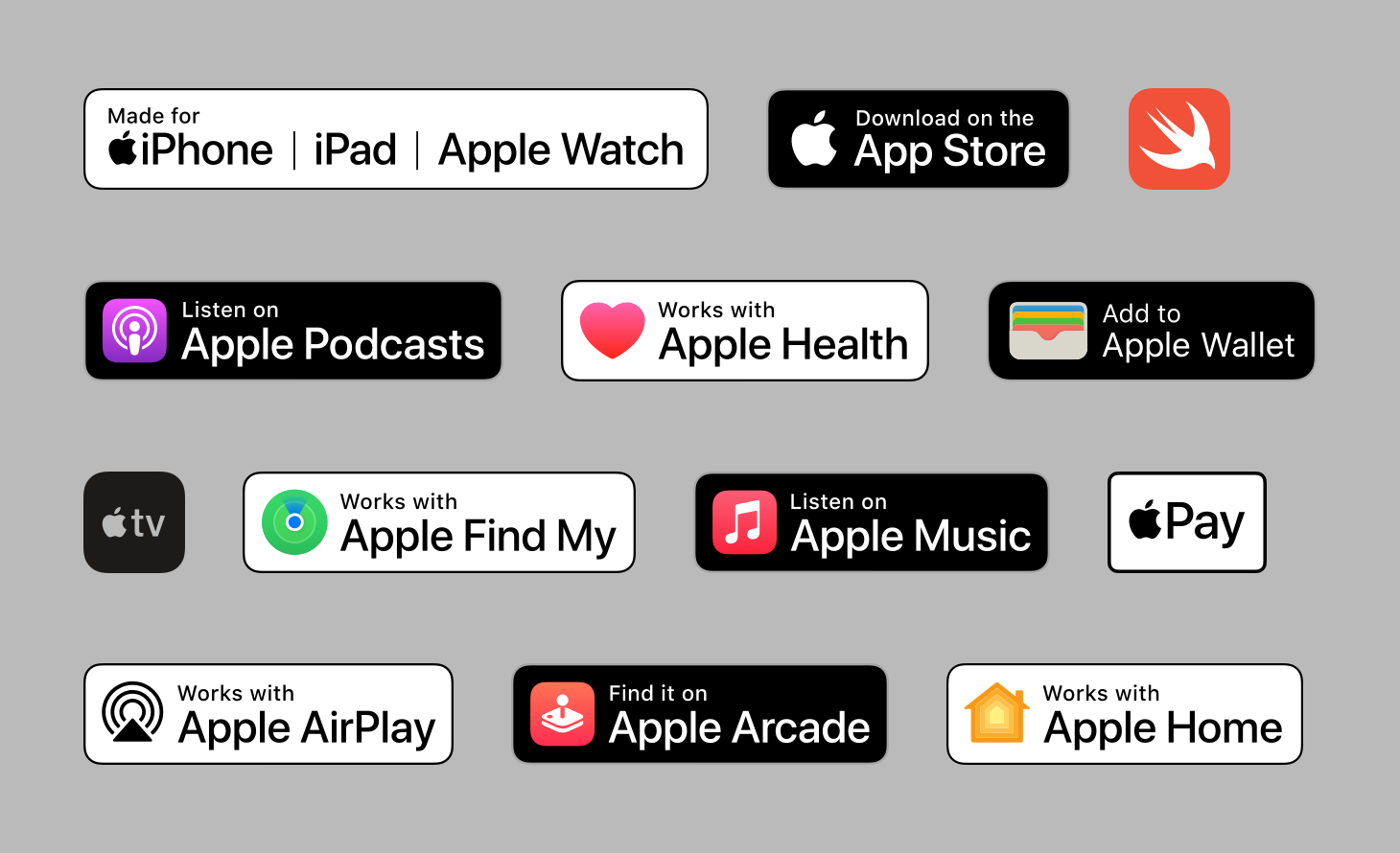
Find badges and logos for Apple technologies, such as Apple Health, Apple Wallet, Apple Music, and Apple Pay, that can be used in your app’s marketing material.
View Apple Badges and Logos