
What’s new in Design
Explore the latest design guidance and resources.
Platform design and Liquid Glass
Apple platforms have a unified language that elevates the content people care about most. It maintains the distinct qualities that make each platform unique and makes apps feel expressive, delightful, and focused.
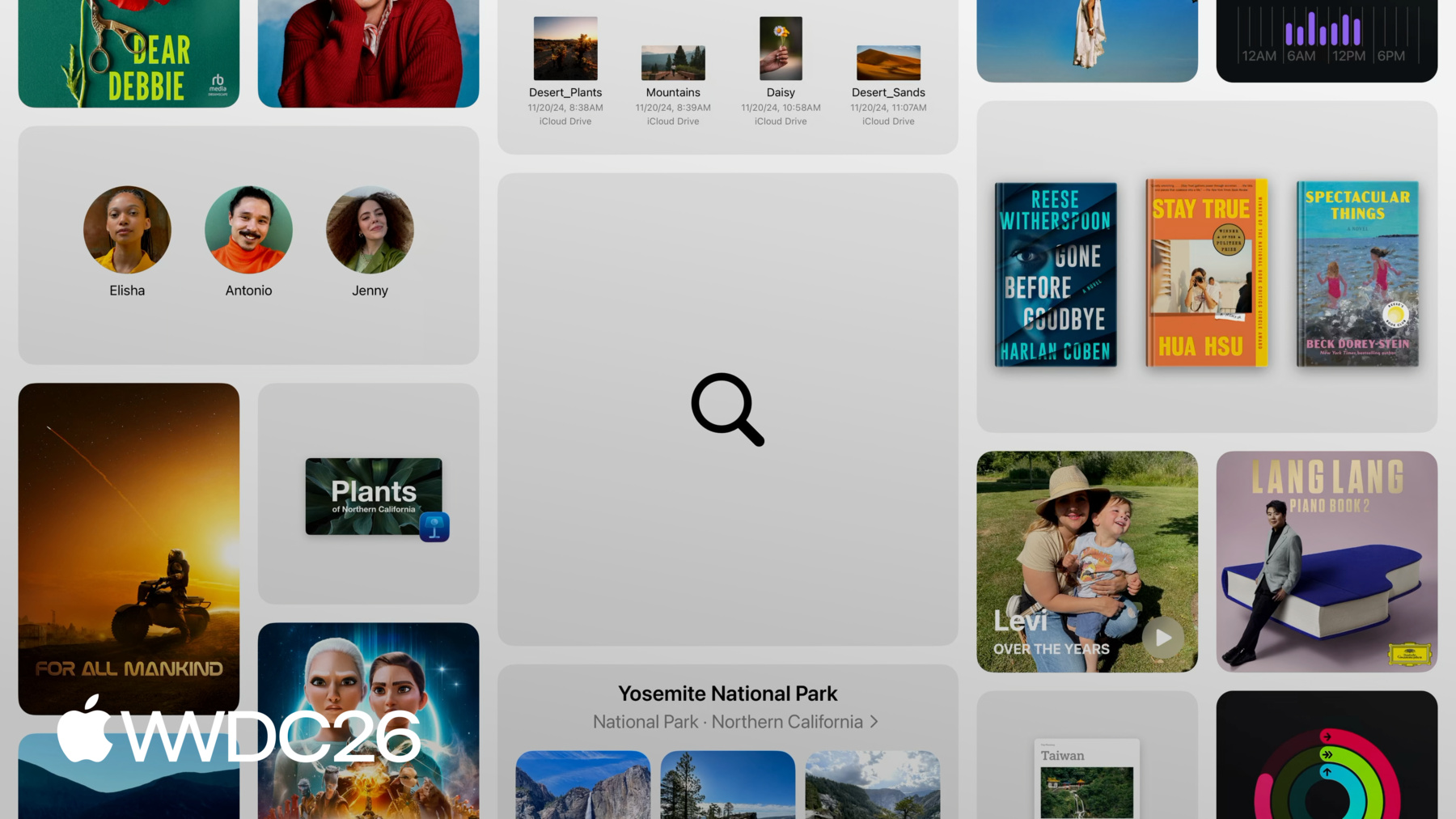
New platform design refinements improve consistency, readability, and accessibility, and introduce ways for apps to adapt across devices and screen sizes. And new and updated design tools offer greater control of creative work, from icons and SF Symbols to Wallet passes and 3D content.


Icon Composer
Icon Composer lets you create layered icons out of Liquid Glass from a single design for iPhone, iPad, Mac, and Apple Watch. With a new multi-layer icon format, you can easily adjust Liquid Glass properties, preview with dynamic lighting effects, and annotate across appearance modes. Icon Composer is designed to work seamlessly with Xcode, and also provides the option to export a flattened version of your icon for marketing and communication needs.
Pass Designer
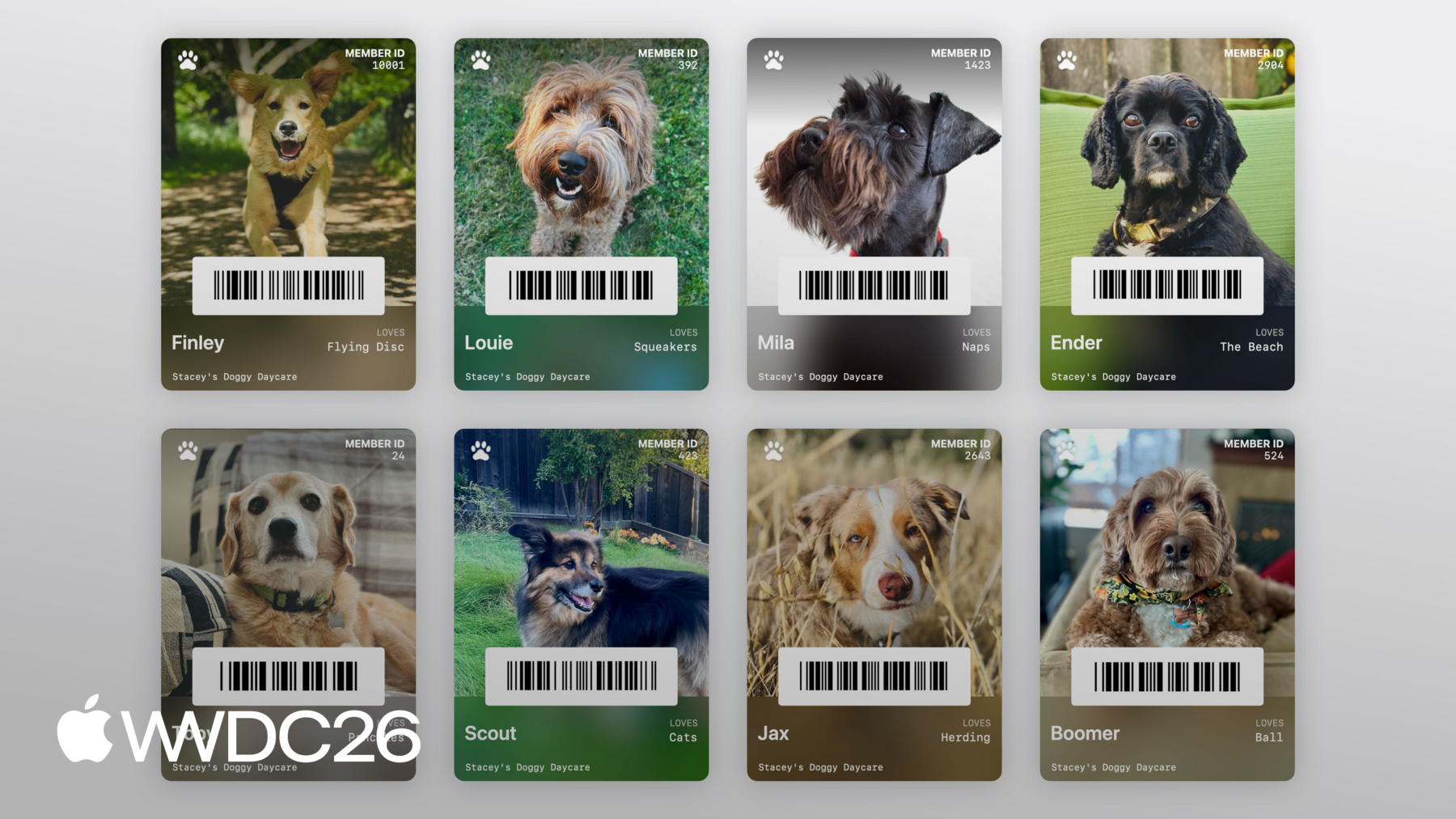
Whether you're creating passes for a local fitness center, a small music venue, a global airline, or a national coffee chain, Pass Designer has a full set of features to meet the needs of most businesses. This easy-to-use Mac app lets you design and preview passes in real time — seeing exactly how they'll appear to customers in Apple Wallet — using templates provided by Apple or your own to capture the personality of your brand.
SF Symbols 8
SF Symbols 8 is a library of over 7,000 symbols designed to integrate seamlessly with San Francisco, the system font for Apple platforms. Symbols come in nine weights and three scales, automatically align with text, and can be exported and edited using vector graphics tools to create custom symbols with shared design characteristics and accessibility features.
Reality Composer Pro 3
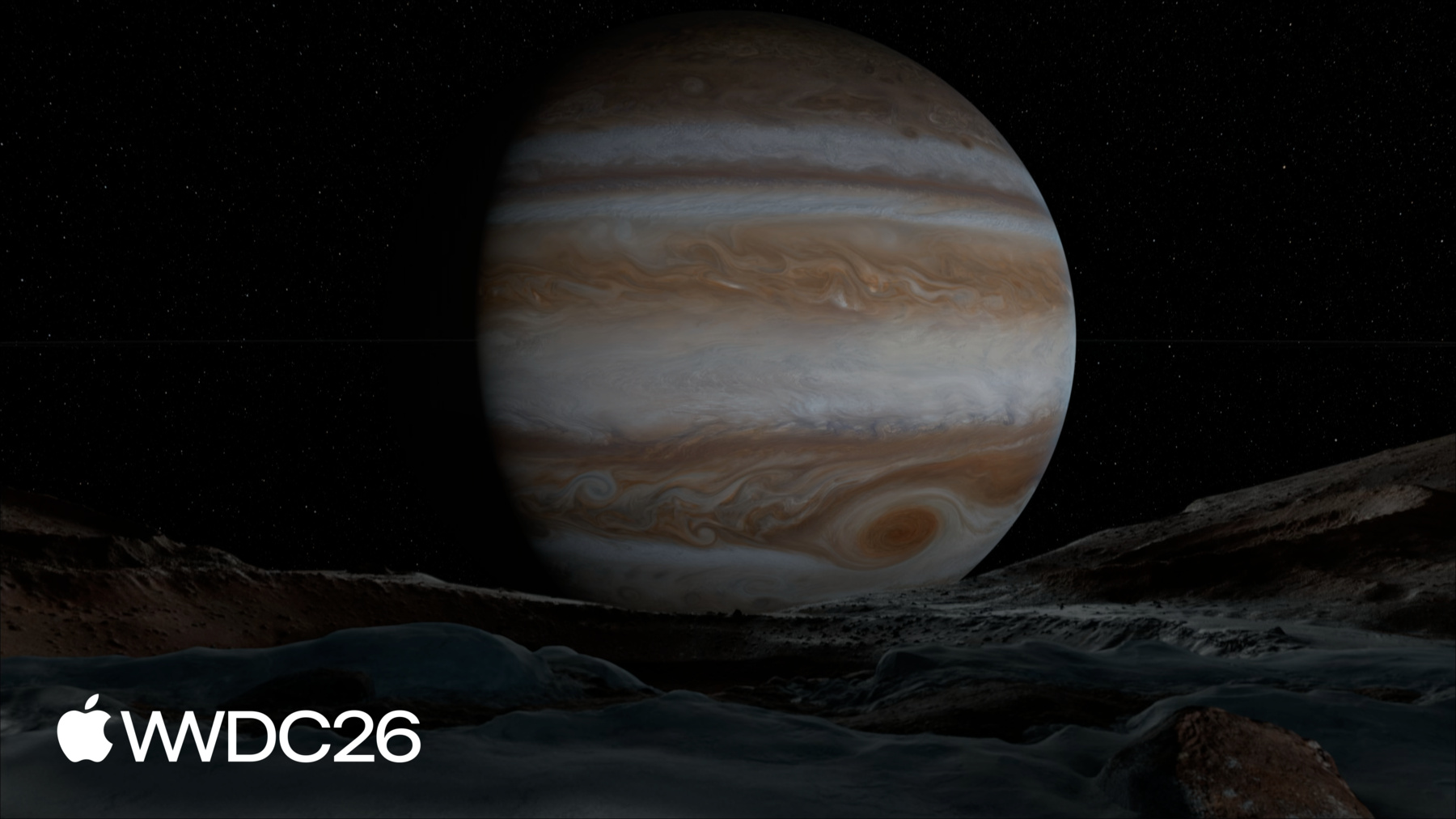
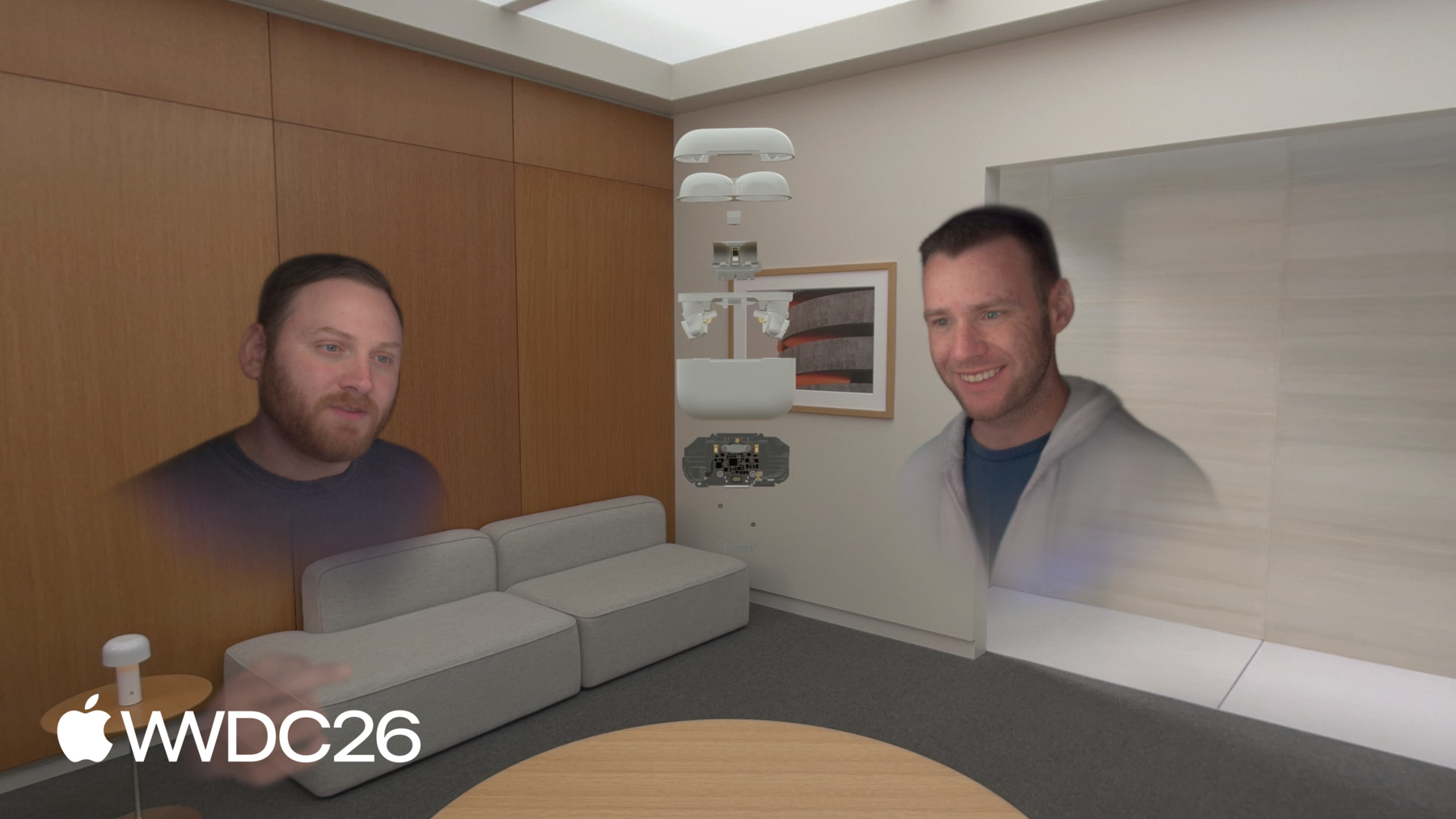
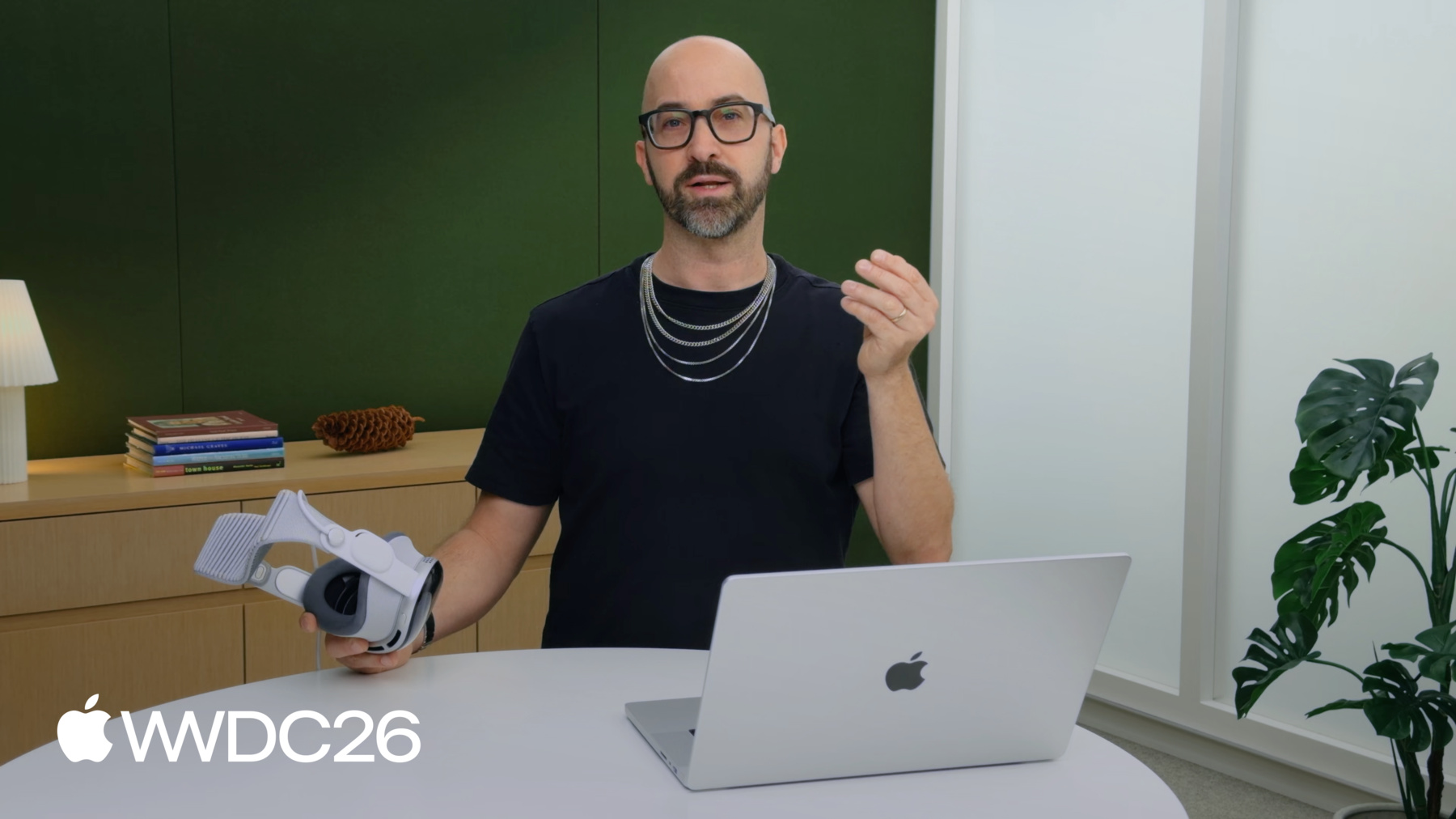
Reality Composer Pro 3 makes it easy to rapidly iterate, preview, and prepare 3D content for your visionOS apps, iOS apps, and more — right on your Mac. Build stunning scenes and animate characters with cinematic precision. With deep Xcode integration, powerful visual scripting, generative intelligence to help with asset creation, and workflows tailored for designers, artists, and engineers alike, Reality Composer Pro closes the gap between idea and experience. Change a material, tweak an animation, adjust a layout — and see the result on device in seconds, not minutes.
Features are subject to change. Some capabilities and services may not be available in all regions or all languages; some feature availability may vary due to local laws and regulations.