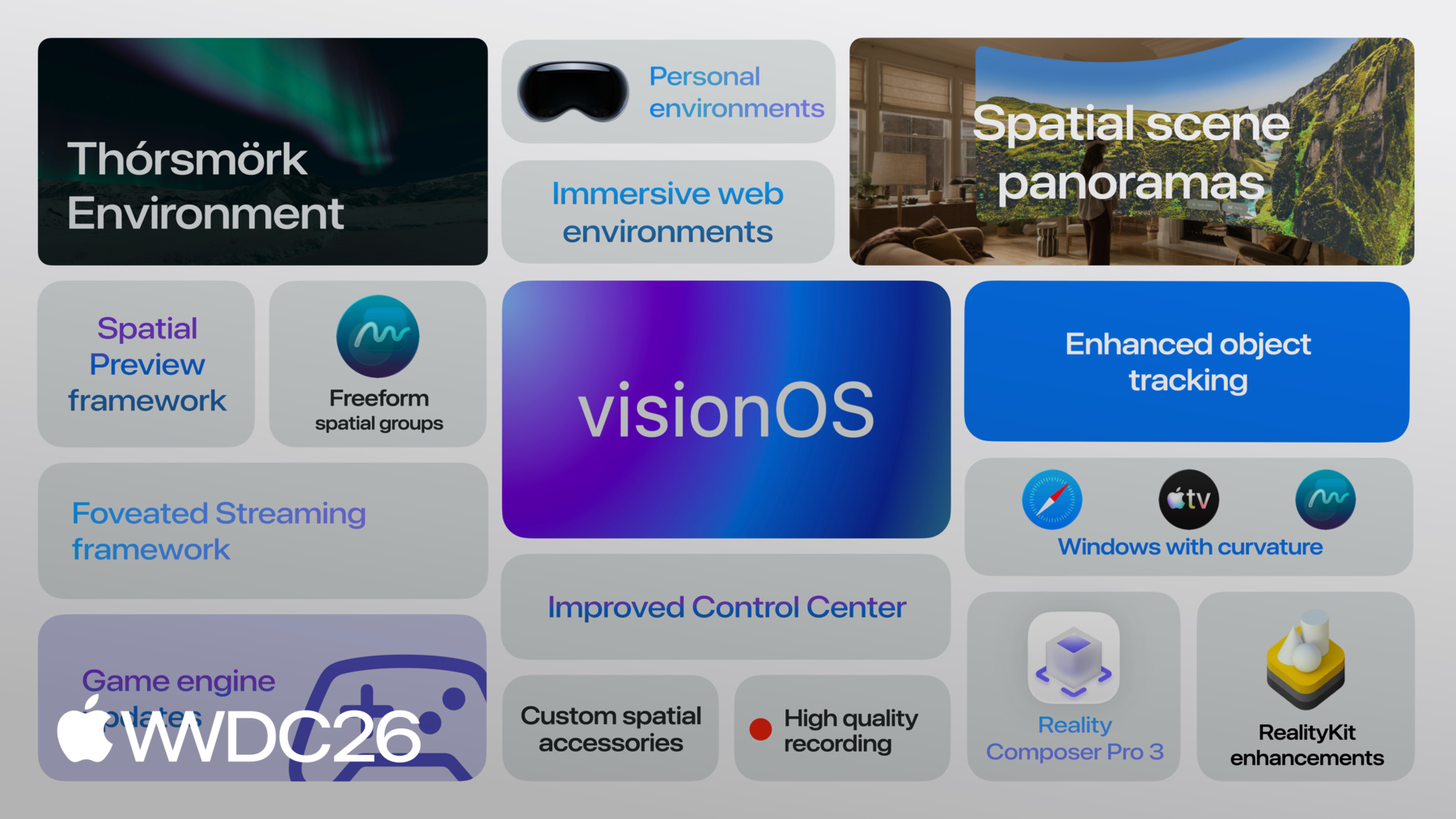
What’s new in visionOS 27
Learn to create for the infinite canvas.
RealityKit enhancements
With RealityKit, you can build interactive, high-fidelity spatial experiences that seamlessly blend with the real world. This year, exciting new features make those experiences even more immersive.
Physical space lighting now blends virtual illumination with real-world environments, allowing virtual objects to cast light onto physical surfaces. When you combine this with the new Projective Textures API, you can add textures directly to spotlights — simulating effects like stained glass projections or underwater caustics. RealityKit also introduces real-time cloth simulation, bringing fabrics like flags, curtains, and clothing to life as they respond naturally to movement and user interaction, opening new possibilities for interactive content.
These enhancements extend beyond visuals. The Reverb Mesh API enables you to simulate realistic spatial audio by accurately modeling how sound is absorbed and scattered across different materials in your environment. RealityKit now efficiently renders 3D Gaussian Splats, enabling you to incorporate photorealistic scans of real-world objects into your virtual experiences.
Together, these features give you the tools to build spatial experiences that seamlessly blend your virtual and physical worlds, with realistic lighting, materials, physics, and audio that respond naturally to people’s environments.
Reality Composer Pro 3
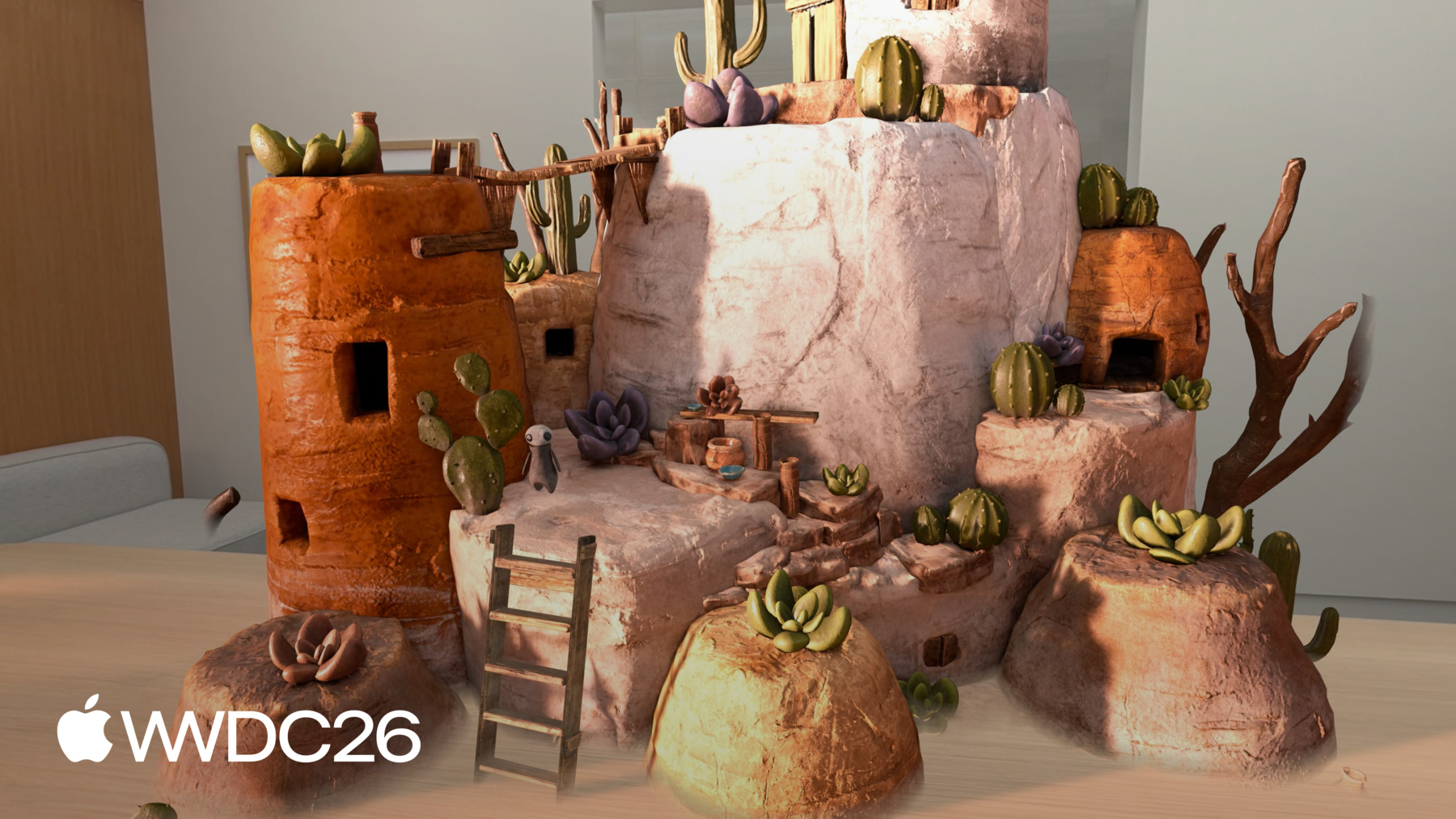
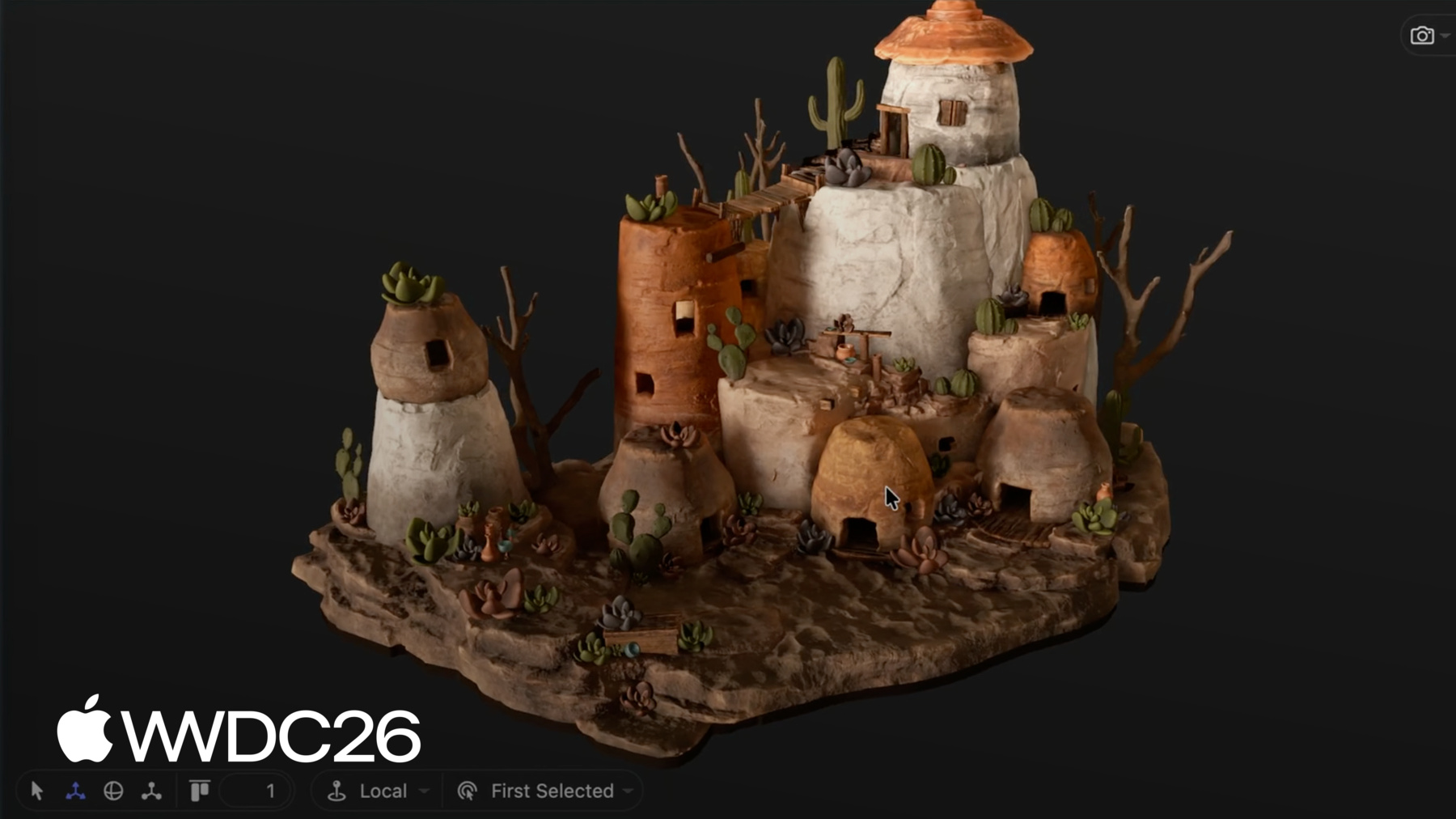
Reality Composer Pro 3 is designed to make it easy to rapidly iterate, preview, and prepare 3D content on your Mac for games and apps across visionOS and iOS. Build stunning scenes and animate characters with cinematic precision. And with Live Preview, you can see changes made in Reality Composer Pro on Apple Vision Pro — instantly.
With deep Xcode integration, powerful visual scripting, generative intelligence to help with asset creation, and workflows tailored for designers, artists, and engineers alike, Reality Composer Pro 3 closes the gap between idea and experience. Change a material, tweak an animation, adjust a layout, and see the result on device in seconds, not minutes.
Game Engine updates
While native frameworks like RealityKit and SwiftUI provide the deepest integration with visionOS — if you've already built your game in another engine, like Unity, Unreal, or Godot, it's easier than ever to bring it to Apple Vision Pro.
Unity has supported visionOS since the launch of Apple Vision Pro. New this year: visionOS now supports spatial accessories in Unity apps and games. You can now design precise, tactile interactions with spatial accessories like Sony PlayStation VR2 Sense controllers.
You can also bring Godot-built games to visionOS. Godot now supports CompositorServices for fully immersive experiences. A new RealityKit rendering plugin lets you bring your games to the shared space using windows and volumes, and a new PHASE audio plugin enables spatial audio using Apple's audio framework. Godot on visionOS will also have support for Sony Playstation VR2 Sense controllers
If you're using a different game engine and want to display your game in an ImmersiveSpace, you can adopt the CompositorServices API directly — on both visionOS and macOS.
Spatial Preview framework
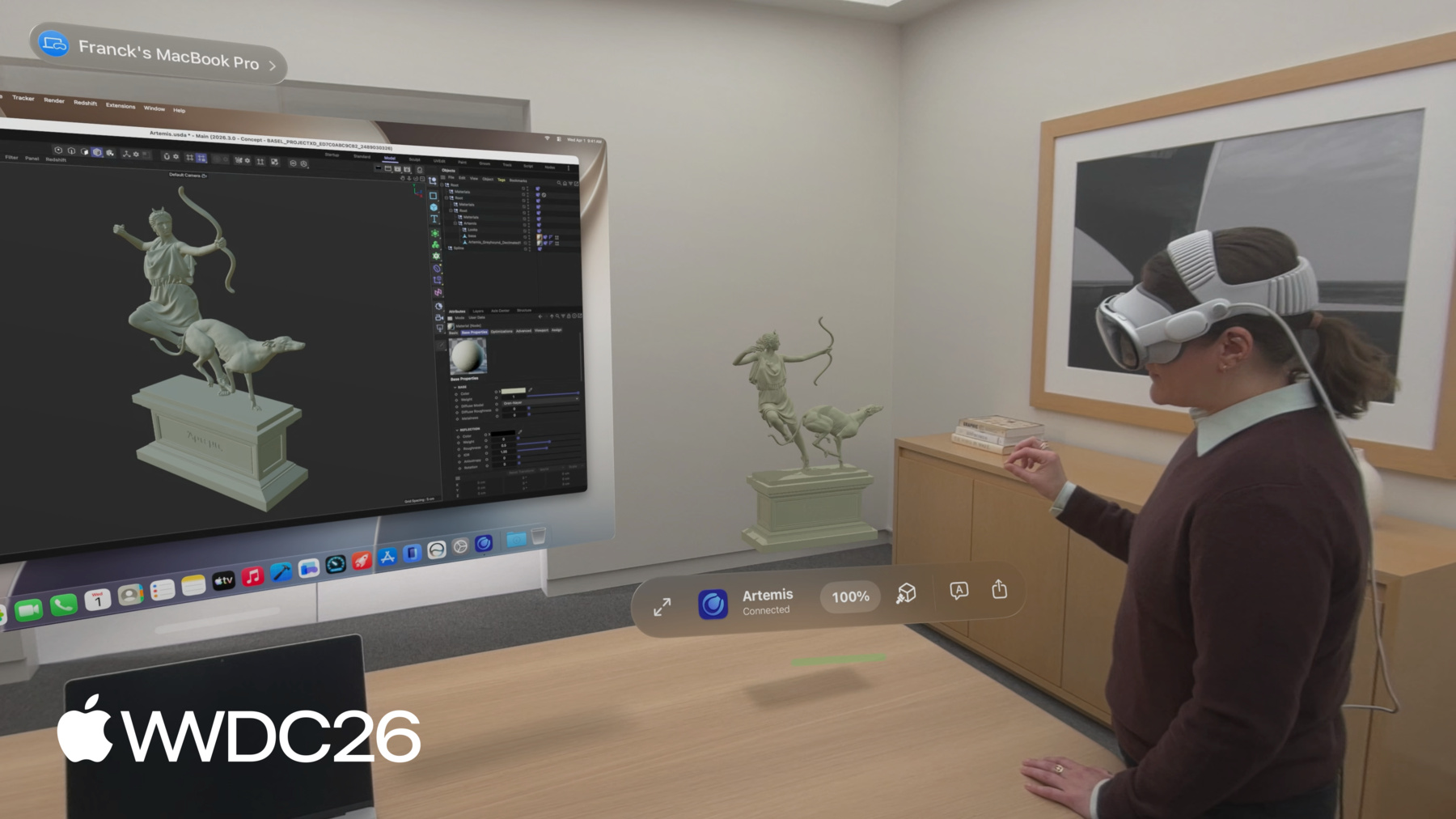
Mac Virtual Display transforms your workspace, enabling you to work on your Mac wherever you are with an enormous, private, and portable display. This year, that capability goes even further with the new macOS Spatial Preview framework that lets you preview spatial content from a Mac directly on Apple Vision Pro, and collaborate with others through SharePlay.
The Spatial Preview framework connects your Mac app to Quick Look on visionOS, so your users can immediately preview and update spatial photos, Apple Immersive Video, and 3D content with live USD editing on Apple Vision Pro. Move freely around 3D scenes, refine content placement, adjust lighting and material overrides, and share feedback using annotations — all within a spatial environment.
Foveated Streaming framework
The Foveated Streaming framework introduced in visionOS 26.4 provides a session-based API for establishing connections from Apple Vision Pro to local and cloud streaming endpoints such as PCs, workstations, and cloud servers. The endpoint host streams high-quality content only where necessary based on the approximate region where a user is looking, ensuring performance while preserving the user’s privacy. OpenXR applications and games can integrate with the NVIDIA CloudXR™ SDK to become streaming endpoints.
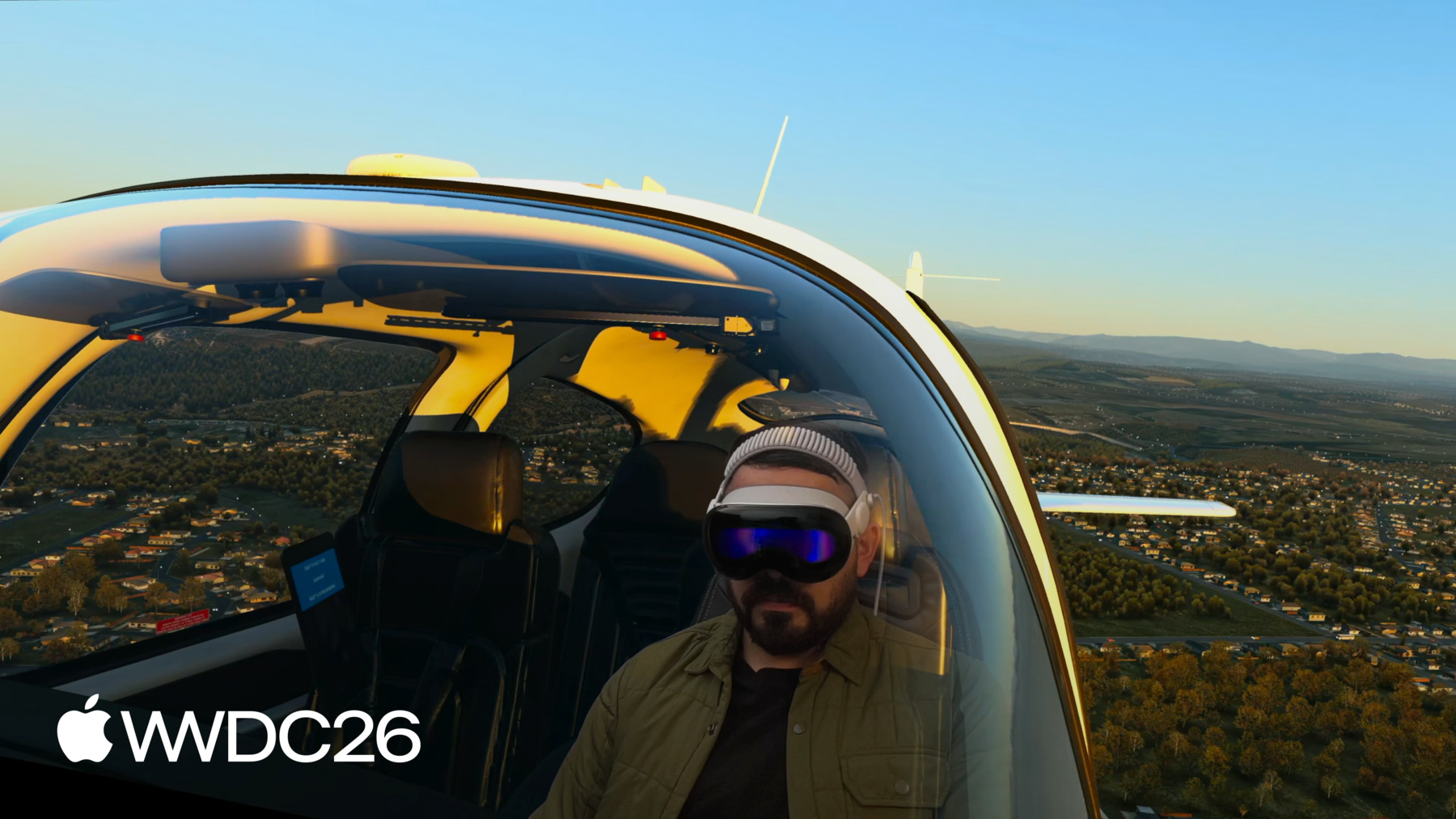
On Apple Vision Pro, foveated streaming allows you to display visionOS spatial content alongside streaming content in your app. For example, a flight simulator app can render a cockpit using RealityKit, and stream a processor-intensive landscape from a remote computer to the device. All of the features of ImmersiveSpace are available, including progressive and mixed immersion styles. A bidirectional message channel system allows visionOS apps to exchange custom data with streaming endpoints, allowing apps to configure the streamed content with a native SwiftUI interface.
Enhanced object tracking
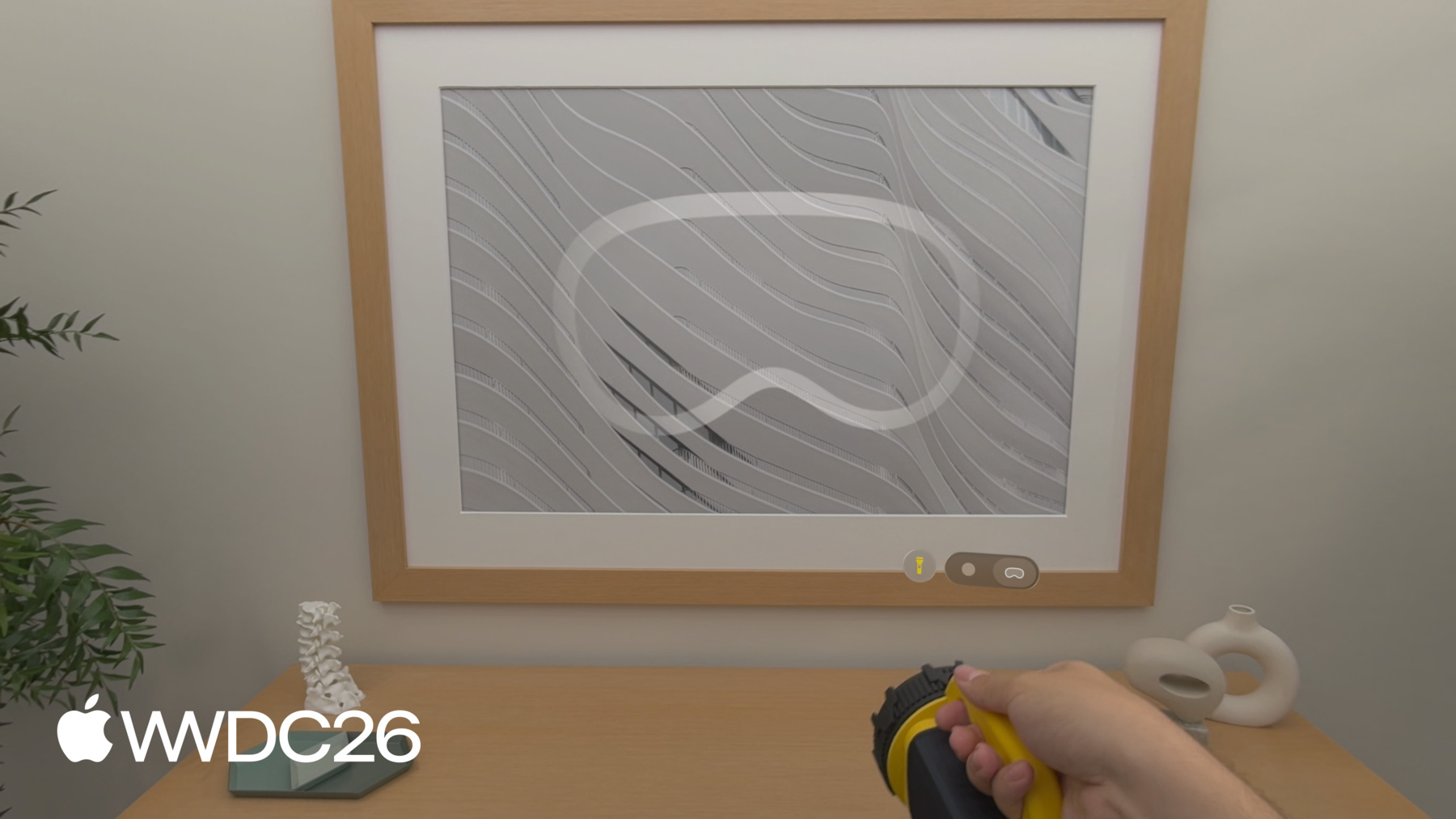
visionOS 27 takes object tracking to the next level, enabling dynamic experiences that instantly react as people pick up and interact with objects in the physical world.
- High-frame-rate tracking gives your app more frequent pose updates as objects move through space. An extended training option in Create ML improves accuracy and robustness, particularly for objects held in hand.
- A new API provides the object pose in metric space without display corrections, unlocking high-precision spatial measurement use cases such as surgical navigation training. These features are available on both visionOS and iOS — and because object tracking does not require platform-specific training, reference objects you've already created work in both your iOS and visionOS apps without retraining.
- An ARKit API for iOS supports the same object tracking functionality as visionOS.
Companies can also now build their own spatial accessories that work with Apple Vision Pro. A spatial accessory combines IR LEDs and an IMU for precise, low-latency six-degrees-of-freedom tracking, along with physical inputs such as buttons, touchpads, and haptics. These devices can be tracked at up to 90 Hz, supporting high-motion use cases and tracking under low-light conditions. Manufacturers, including DFRobot and MikroE, will release off-the-shelf reference hardware and development kits later this year, which will be available for testing or direct use in your visionOS app.
Apple Immersive Video enhancements
Apple Immersive Video is the highest-fidelity immersive video experience available in visionOS, supported by a growing ecosystem of production and post-production tools built on the Immersive Media Support (IMS) framework.
visionOS 27 brings several additions to IMS, including camera presentation commands that let you override default configurations in live, complex production scenarios. You can also enable real-time previewing of Apple Immersive Video on Apple Vision Pro directly from a Mac during editorial or live production, as well as custom compositor pipelines so you can inject your own rendering stages.
visionOS 27 also adds wide-aspect ratio portal support, letting you maintain a wide portal view of immersive content when switching from full immersive mode to portal mode. You can also define a nonstandard aspect ratio for the portal window in both RealityKit and AVKit-based apps.
Features are subject to change. Some capabilities and services may not be available in all regions or all languages; some feature availability may vary due to local laws and regulations.