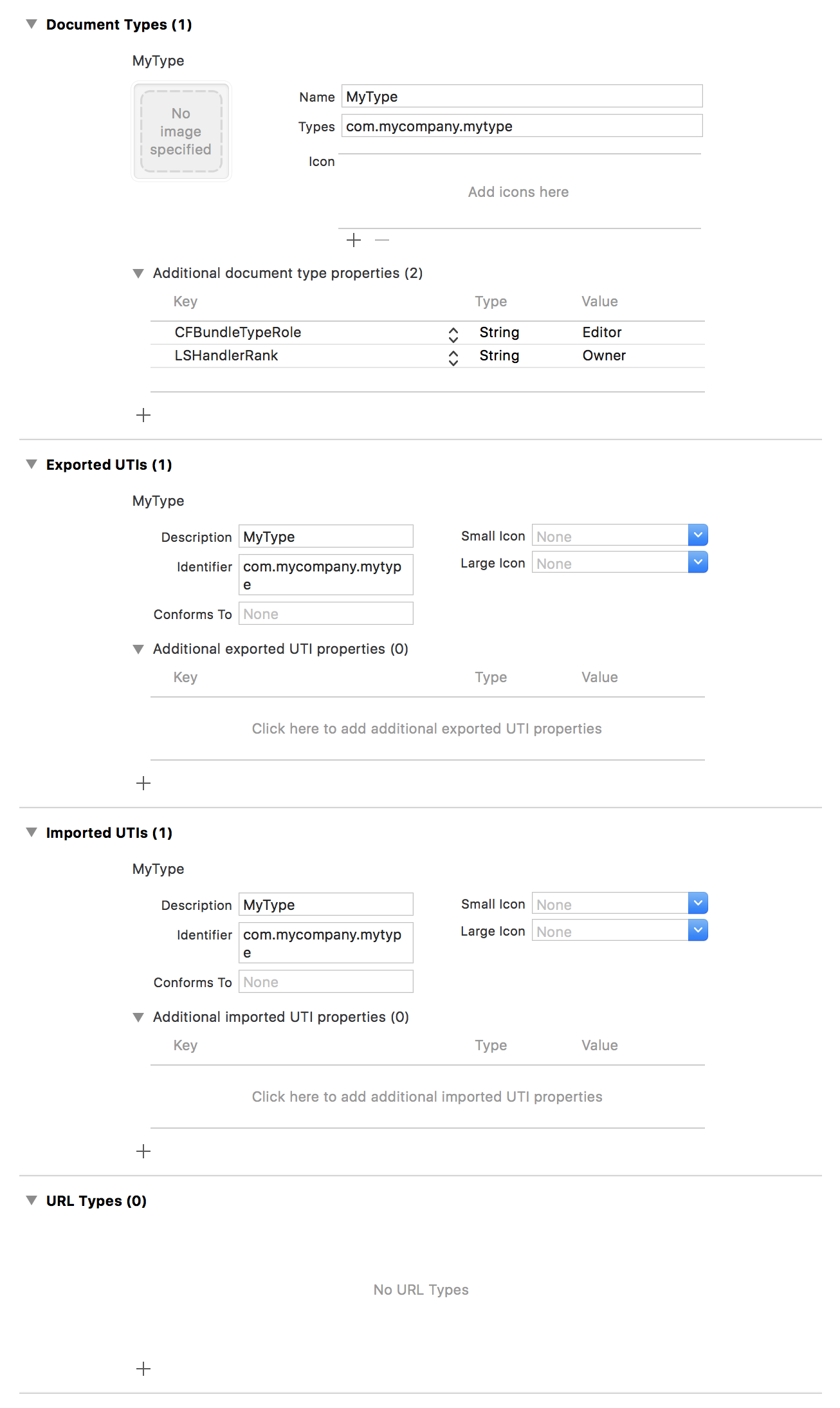
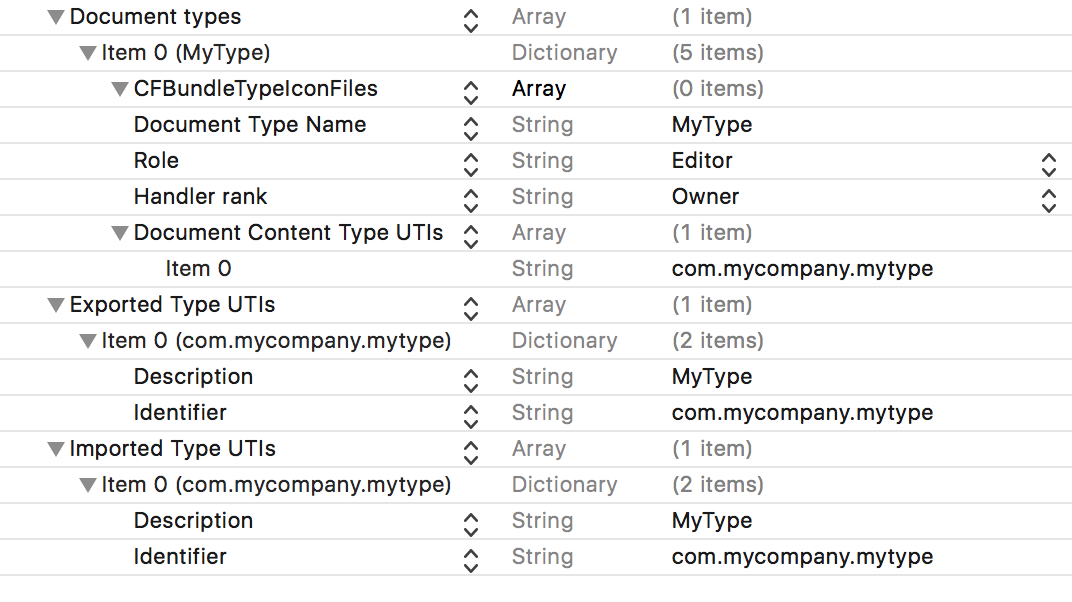
""Thank you again Quincy for you help. I'm still not getting it to work though.
Here is part of my plist after I have very slightly edited it. This plist still makes the + button call the callback.
However, when I change the 'public.image' to anything else (e.g. 'myType', 'public.myType' or 'private.myType'), the plusbutton will no longer make the callback.
As you can see, the template makes the plist include the 'LSItemContentTypes' key. Here is what the docs say on this:
This key contains an array of strings. Each string contains a UTI defining a supported file type. The UTI string must be spelled out explicitly, as opposed to using one of the constants defined by Launch Services. For example, to support PNG files, you would include the string “
public.png
“ in the array. When using this key, also add the NSExportableTypes
key with the appropriate entries. In macOS 10.5 and later, this key (when present) takes precedence over these type-identifier keys: CFBundleTypeExtensions
, CFBundleTypeMIMETypes
, CFBundleTypeOSTypes
.
<key>CFBundleDocumentTypes</key>
    <array>
        <dict>
            <key>CFBundleTypeIconFiles</key>
            <array/>
            <key>CFBundleTypeName</key>
            <string>My Name</string>
            <key>CFBundleTypeRole</key>
            <string>Editor</string>
            <key>LSHandlerRank</key>
            <string>Owner</string>
            <key>LSItemContentTypes</key>
            <array>
                <string>public.image</string>
            </array>
        </dict>
    </array>
So, as per the docs, I include the '
NSExportableTypes'
key, make sure it has 'myType' as a string, and the plist looks like this:
    <key>NSExportableTypes</key>
    <array>
        <string>myType</string>
    </array>
    <key>CFBundleDocumentTypes</key>
    <array>
        <dict>
            <key>CFBundleTypeIconFiles</key>
            <array/>
            <key>CFBundleTypeName</key>
            <string>My Name</string>
            <key>CFBundleTypeRole</key>
            <string>Editor</string>
            <key>LSHandlerRank</key>
            <string>Owner</string>
            <key>LSItemContentTypes</key>
            <array>
                <string>public.myType</string>
            </array>
        </dict>
    </array>
Again, the plus button does not call the callback. Using various other names for the type also does not make the plus button make the callback (e.g. 'public.myType', 'private.myType', 'myType' etc).
You said "You must provide a file extension for the exported UTI.". This might be the thing that will help me, but how to do this? And still, where to find good documentation on this, I am a bit hesitant to start building an app based on something I do not understand very well.
Thank you again for your help!
Edit:
I just took a look at :https://developer.apple.com/library/content/documentation/DataManagement/Conceptual/DocumentBasedAppPGiOS/DocumentImplPreflight/DocumentImplPreflight.html
However, the Xcode UI has changed, and no longer does it contain an option to set the 'Extensions'. This link also does not mention how to manually put this into the plist. So again, it seems like I am in need of accurate documentation.