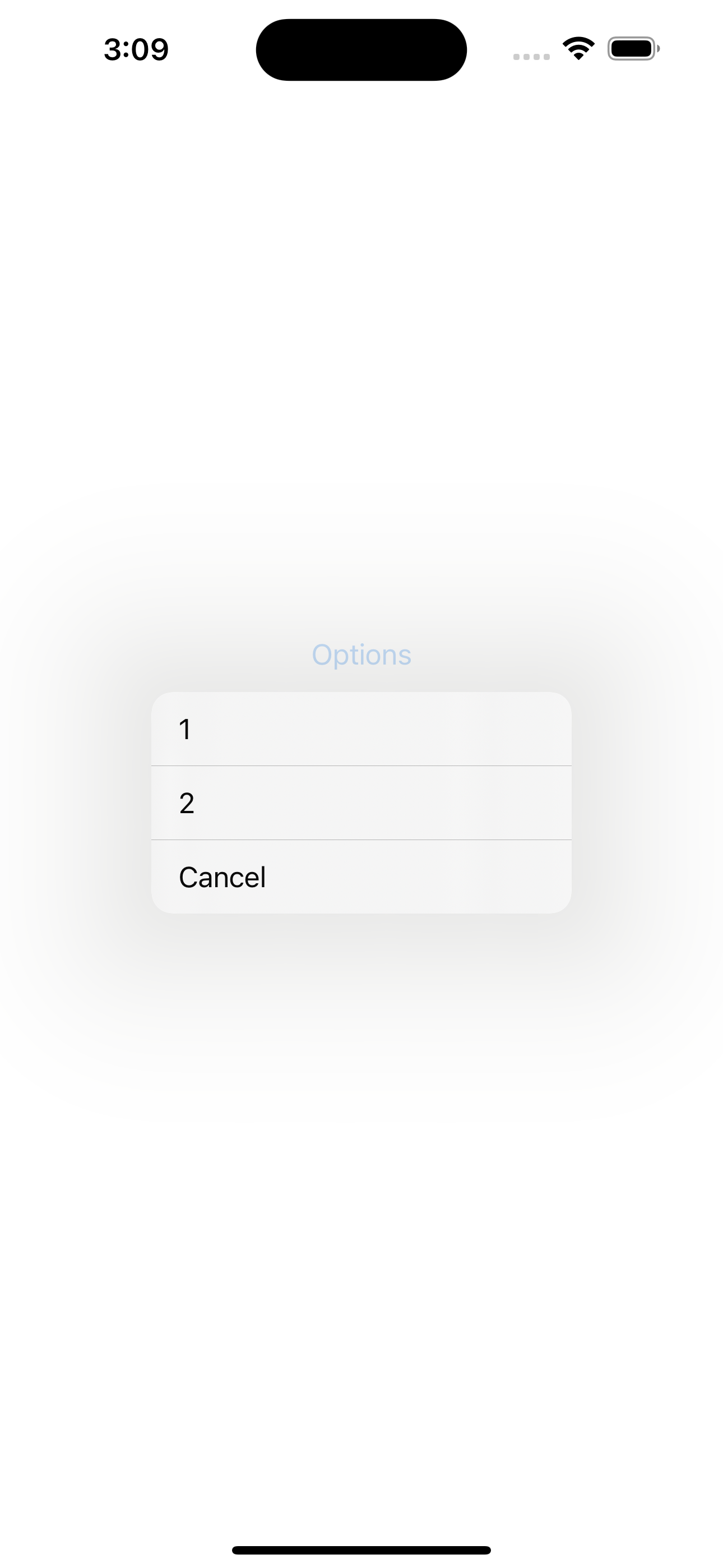
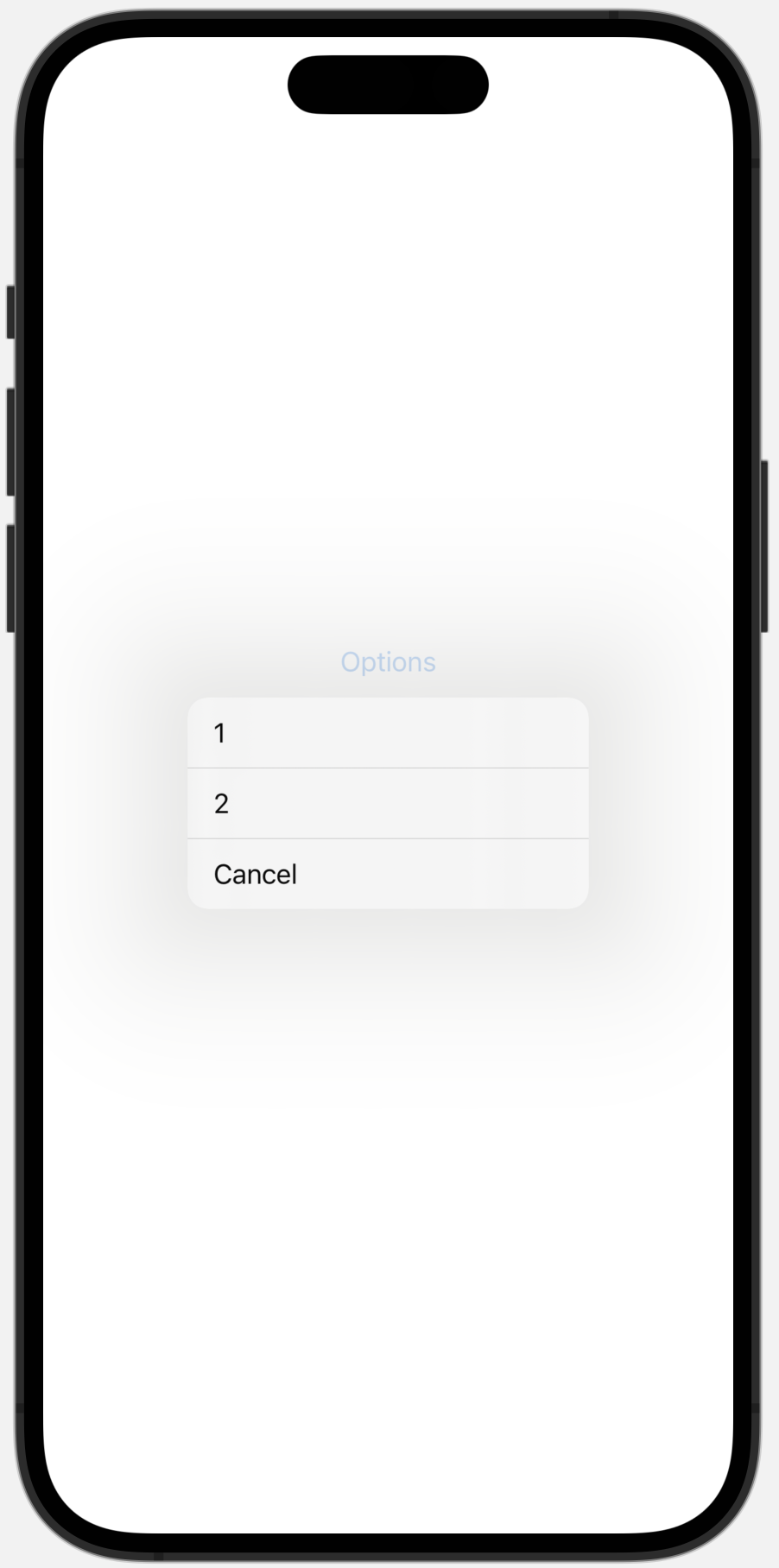
Position of popup is automatically computed, depending on space available.
If you add a Spacer(), you will see menu options show below, and in the reverse order (nice).
struct ContentView: View {
var body: some View {
Menu("Options") {
Button("1", action: func1)
Button("2", action: func2)
Button("Cancel", action: cancel)
}
Spacer()
}
}
Hence a solution: create a MenuView and force Menu at top with a Spacer
struct MenuView: View {
    var body: some View {
        Menu("Options") {
            Button("1", action: func1)
            Button("2", action: func2)
            Button("Cancel", action: cancel)
        }
        Spacer()
    }
    func func1() { }
    func func2() { }
    func cancel() { }
}

struct ContentView: View {
    var body: some View {
        MenuView()
            .frame(width: 200, height: 200, alignment: .top)
    }
}