

-
Advances in UICollectionView
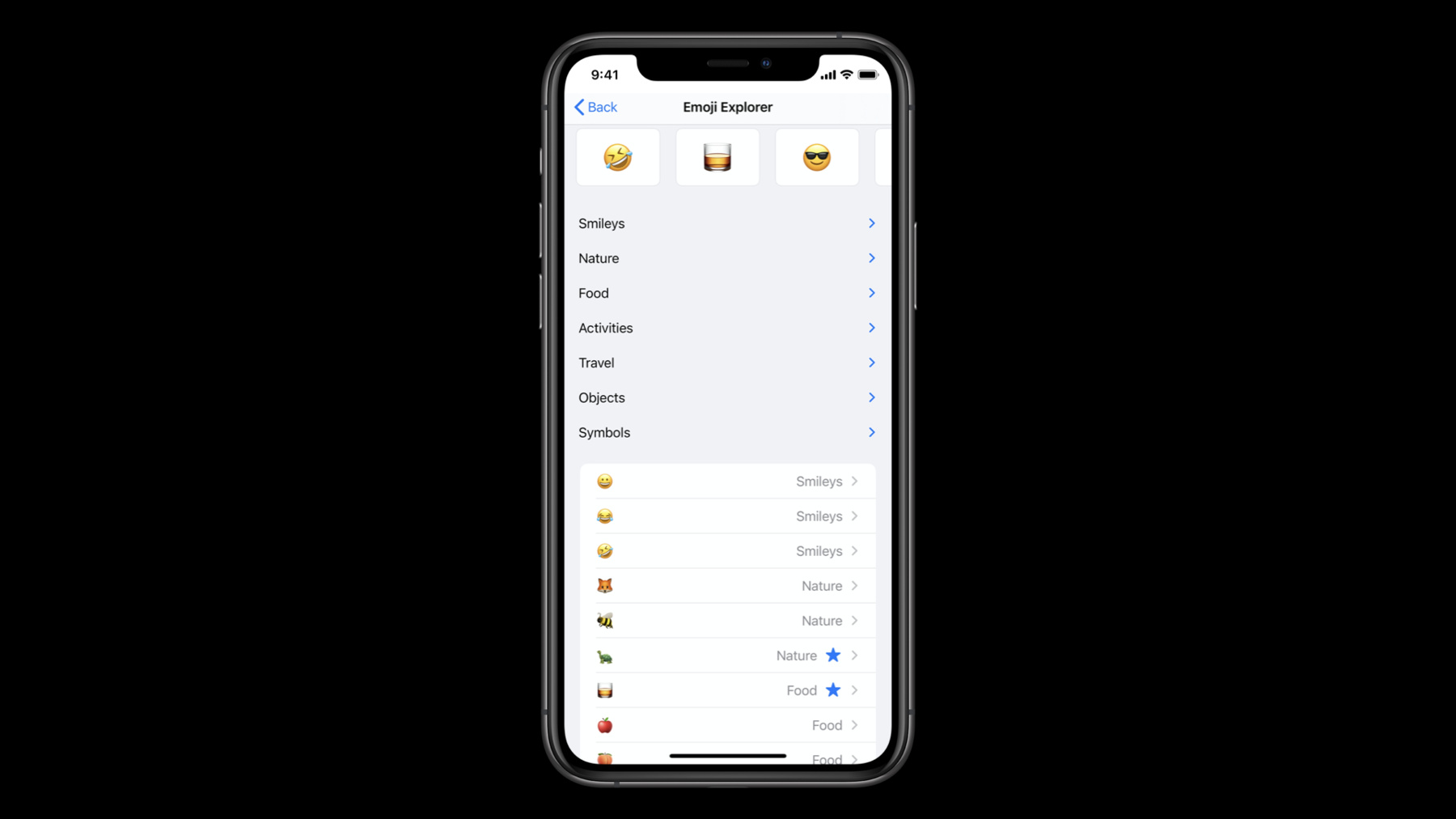
Learn about new features of UICollectionView that make it easier to use and unlock powerful new functionality. We'll show you how to use section snapshots with your diffable data source to create outlines that can expand and collapse, and introduce you to building lists with compositional layout to create UITableView-like interfaces with a collection view. And discover modern techniques for dequeuing cells and configuring their content and styling.
To get the most out of this session, you should have a basic understanding of compositional layouts. Watch “Advances in Collection View Layout” from WWDC19 for more information.Recursos
Vídeos relacionados
WWDC21
WWDC20
WWDC19
-
Buscar neste vídeo...
-
-
6:15 - UICollectionViewCompositionalLayout Lists
let configuration = UICollectionLayoutListConfiguration(appearance: .insetGrouped) let layout = UICollectionViewCompositionalLayout.list(using: configuration) -
7:33 - Cell Registration
// Example of using new iOS 14 cell registration let reg = UICollectionView.CellRegistration<MyCell, ViewModel> { cell, indexPath, model in // configure cell content } let dataSource = UICollectionViewDiffableDataSource<S,I>(collectionView: collectionView) { collectionView, indexPath, item -> UICollectionViewCell in return collectionView.dequeueConfiguredReusableCell(using: reg, for: indexPath, item: item) } -
8:32 - .cell Content Configuration
var contentConfiguration = UIListContentConfiguration.cell() contentConfiguration.image = UIImage(systemName:"hammer") contentConfiguration.text = "Ready. Set. Code" cell.contentConfiguration = contentConfiguration -
8:38 - .valueCell Content Configuration
var contentConfiguration = UIListContentConfiguration.valueCell() contentConfiguration.image = UIImage(systemName:"hammer") contentConfiguration.text = "Ready. Set. Code." contentConfiguration.secondaryText = "#WWDC20" cell.contentConfiguration = contentConfiguration -
8:44 - .subtitleCell Content Configuration
var contentConfiguration = UIListContentConfiguration.subtitleCell()
contentConfiguration.image = UIImage(systemName:"hammer")
contentConfiguration.text = "Ready. Set. Code."
contentConfiguration.secondaryText = "#WWDC20"
cell.contentConfiguration = contentConfiguration
-