

-
Discover rolling clips with ReplayKit
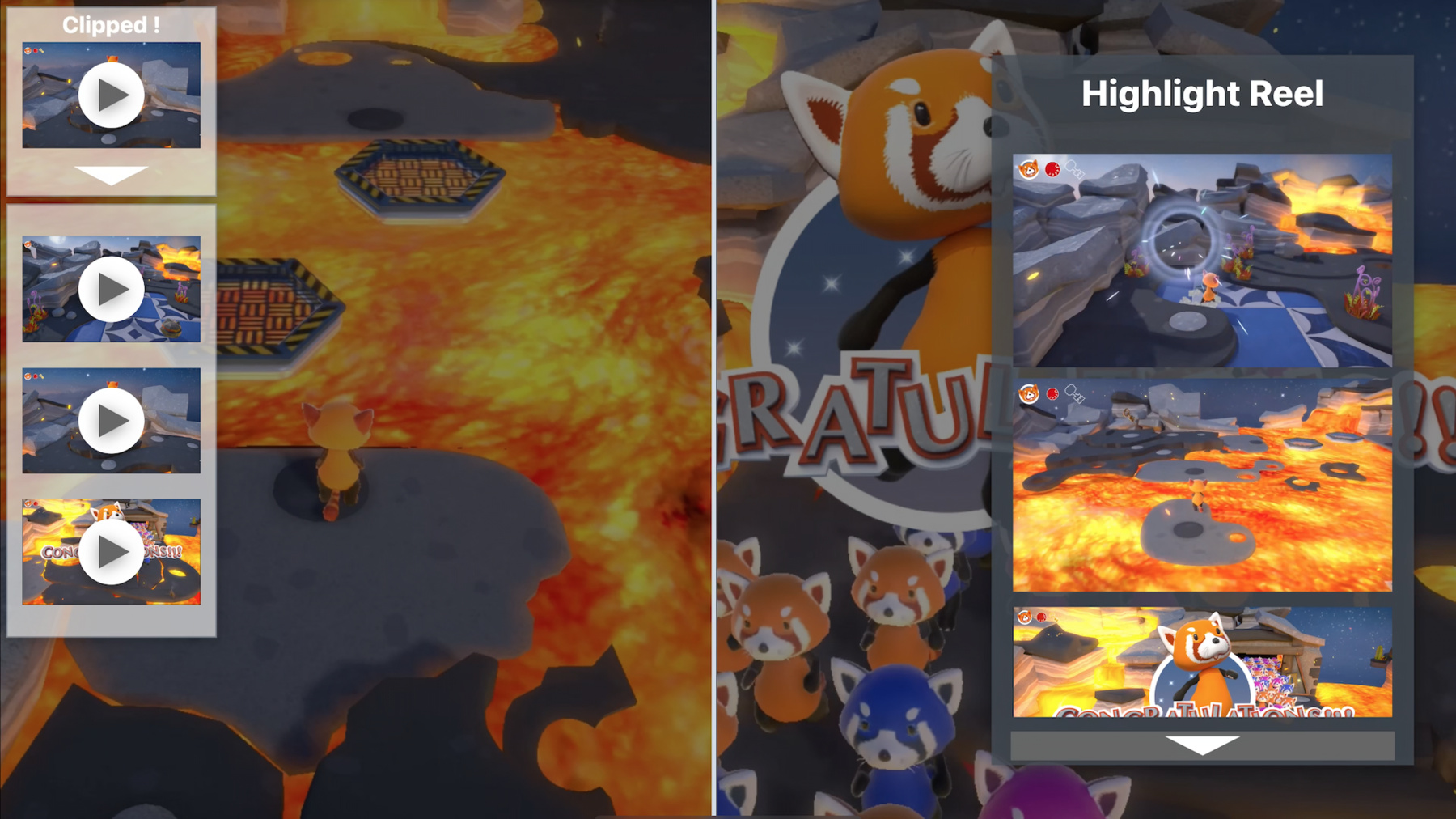
Never again miss anyone's great moment in your game or app. Learn about ReplayKit's latest update — clips screen recording — which provides your app with a rolling buffer of past video and audio samples. When memorable moments happen, discover how you can record and save it for people, and find out how you can surface those clips when they're most relevant. Lastly, we'll take you through integrating ReplayKit into your iOS and macOS apps.
Recursos
Vídeos relacionados
WWDC21
WWDC20
-
Buscar neste vídeo...
-
-
5:19 - Start clip buffering
// Start clip buffering API call func startClipBuffering() { RPScreenRecorder.shared().startClipBuffering { error in if error != nil { print("Error attempting to start Clip Buffering") // Update the app recording state and UI. self.setClipState(active: false) } else { // No error encountered attempting to start a clip session. // Update the app recording state and UI. self.setClipState(active: true) // Set up camera View. self.setupCameraView() } } } -
5:46 - Stop clip buffering
// Stop clip buffering func stopClipBuffering() { RPScreenRecorder.shared().stopClipBuffering { error in if error != nil { print("Error attempting to stop clip buffering") } // Update the app recording state and UI. self.setClipState(active: false) // Tear down camera view. self.tearDownCameraView() } } -
6:13 - Export clip button
// Export clip button @IBAction func exportClipButtonTapped(_ sender: Any) { // If clip buffering is active, export clip if self.isActive && self.getClipButton.isEnabled { exportClip() } } -
6:41 - Export clip
// Export clip

func exportClip() {
    let clipURL = getAppTempDirectory()
    let interval = TimeInterval(5)

    print("Generating clip at URL: \(clipURL)")
    RPScreenRecorder.shared().exportClip(to: clipURL, duration: interval) { error in
        if error != nil {
            print("Error attempting to export clip")
        } else {
            // No error, so save clip at URL to photos
            self.saveToPhotos(tempURL: clipURL)
        }
    }
}
-