

-
Create custom catalogs at scale with ShazamKit
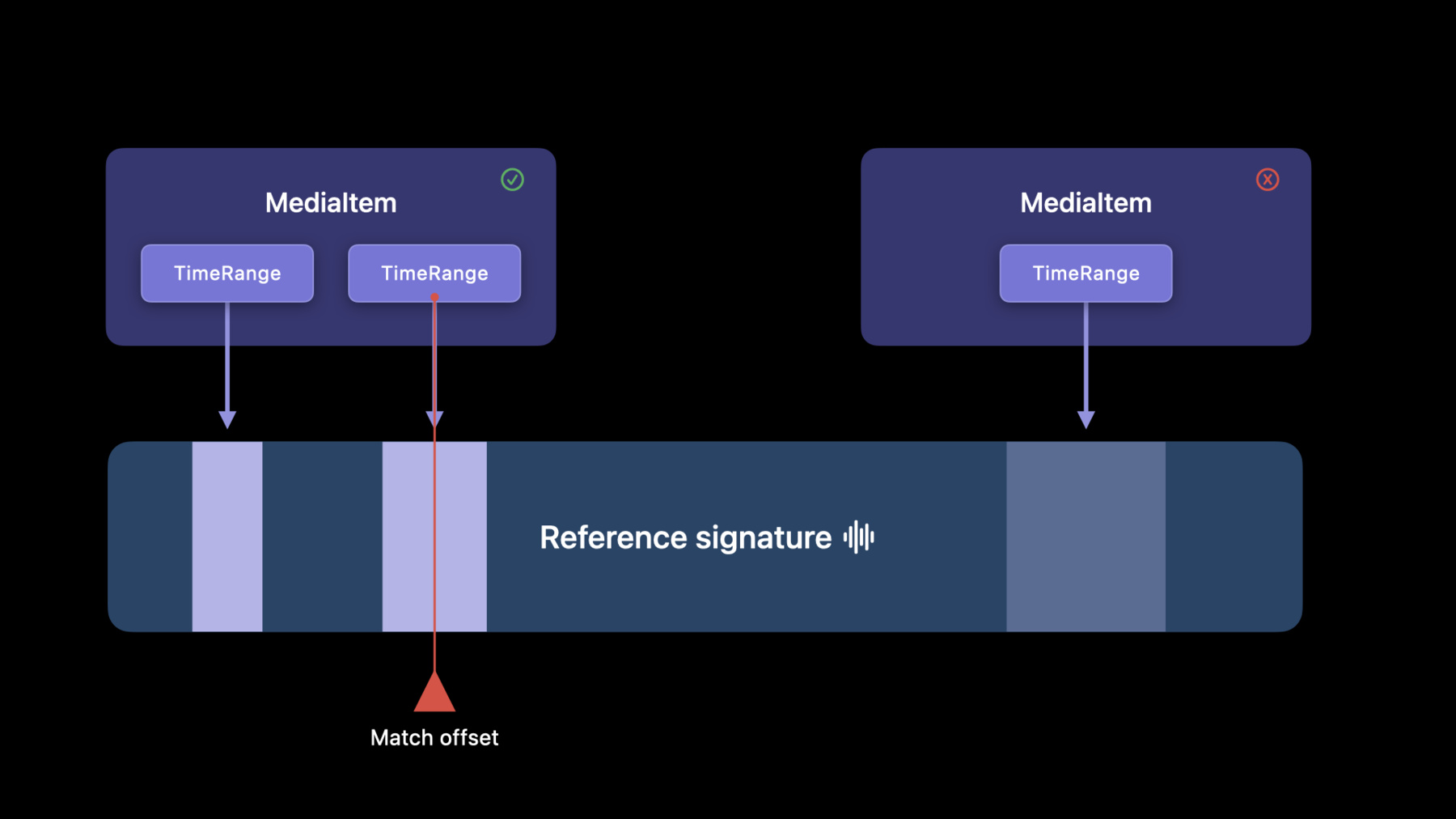
Learn how ShazamKit can help you build custom catalogs and support exact matching of any audio source within your app — all on-device. Find out how you can easily generate audio signatures and build catalogs at scale through the new ShazamKit CLI. We'll also show you how you can quickly update your app to sync with large amounts of audio content like multiple seasons of a TV show or multiple episodes of a podcast, and we'll share updates to the ShazamKit API and SHMediaItems to help your apps respond precisely to key moments in audio sources using time ranges.
For more on ShazamKit, we recommend watching "Explore ShazamKit" and "Create custom audio experiences with ShazamKit" from WWDC21.Recursos
Vídeos relacionados
WWDC23
WWDC22
WWDC21
-
Buscar neste vídeo...
-
-
4:26 - Food Math Matcher
/* See LICENSE folder for this sample’s licensing information. Abstract: The model that is responsible for matching against the catalog and update the SwiftUI Views. */ import ShazamKit import AVFAudio struct MatchResult { var title: String? var equation: Equation? var episode: Episode? var answerRange: ClosedRange<Int>? var hasContent: Bool { equation != nil || title != nil || answerRange != nil } } class Matcher: NSObject, ObservableObject, SHSessionDelegate { @Published var matchResult: MatchResult? private var session: SHSession! private let audioEngine = AVAudioEngine() private var matchingTask: Task<Void, Never>? = nil func match(catalog: SHCustomCatalog) throws { session = SHSession(catalog: catalog) session.delegate = self let audioFormat = AVAudioFormat(standardFormatWithSampleRate: audioEngine.inputNode.outputFormat(forBus: 0).sampleRate, channels: 1) audioEngine.inputNode.installTap(onBus: 0, bufferSize: 2048, format: audioFormat) { [weak session] buffer, audioTime in session?.matchStreamingBuffer(buffer, at: audioTime) } try AVAudioSession.sharedInstance().setCategory(.record) AVAudioSession.sharedInstance().requestRecordPermission { [weak self] success in guard success, let self = self else { return } Task.detached { try? self.audioEngine.start() } } Task { @MainActor in for await case .match(let match) in session.results { self.matchResult = match.matchResult } } } } extension SHMatch { var matchResult: MatchResult { mediaItems.reduce(into: MatchResult()) { result, mediaItem in result.title = result.title ?? mediaItem.title result.episode = result.episode ?? mediaItem.episode result.equation = result.equation ?? mediaItem.equation result.answerRange = result.answerRange ?? mediaItem.answerRange } } } -
13:51 - Timed Media Items
// Restrict this media item to only describe the first 5 seconds let mediaItem = SHMediaItem(properties: [ .title: "Title", .timeRanges:[0.0..<5.0] ]) let timeRanges: [Range<TimeInterval>] = mediaItem.timeRanges -
16:02 - Combine Catalogs
let parentCatalog = SHCustomCatalog() parentCatalog.add(from: URL(fileURLWithPath: "/path/to/Episode1.shazamcatalog")) parentCatalog.add(from: URL(fileURLWithPath: "/path/to/Episode2.shazamcatalog")) parentCatalog.add(from: URL(fileURLWithPath: "/path/to/Episode3.shazamcatalog")) -
16:58 - Frequency Skew
func within(range: Range<Float>, for matchedMediaItem: SHMatchedMediaItem) -> Bool { range.contains(matchedMediaItem.frequencySkew) } -
17:21 - Frequency Skew Ranges
// Restrict this media item to only describe the first 5 seconds

 let mediaItem = SHMediaItem(properties: [
            .title: “Frequency Skewed Audio”,
            .frequencySkewRanges:[0.01..<0.02]
        ])

 let frequencySkewRanges: [Range<Float>] = mediaItem.frequencySkewRanges
-