

-
Design and build apps for watchOS 10
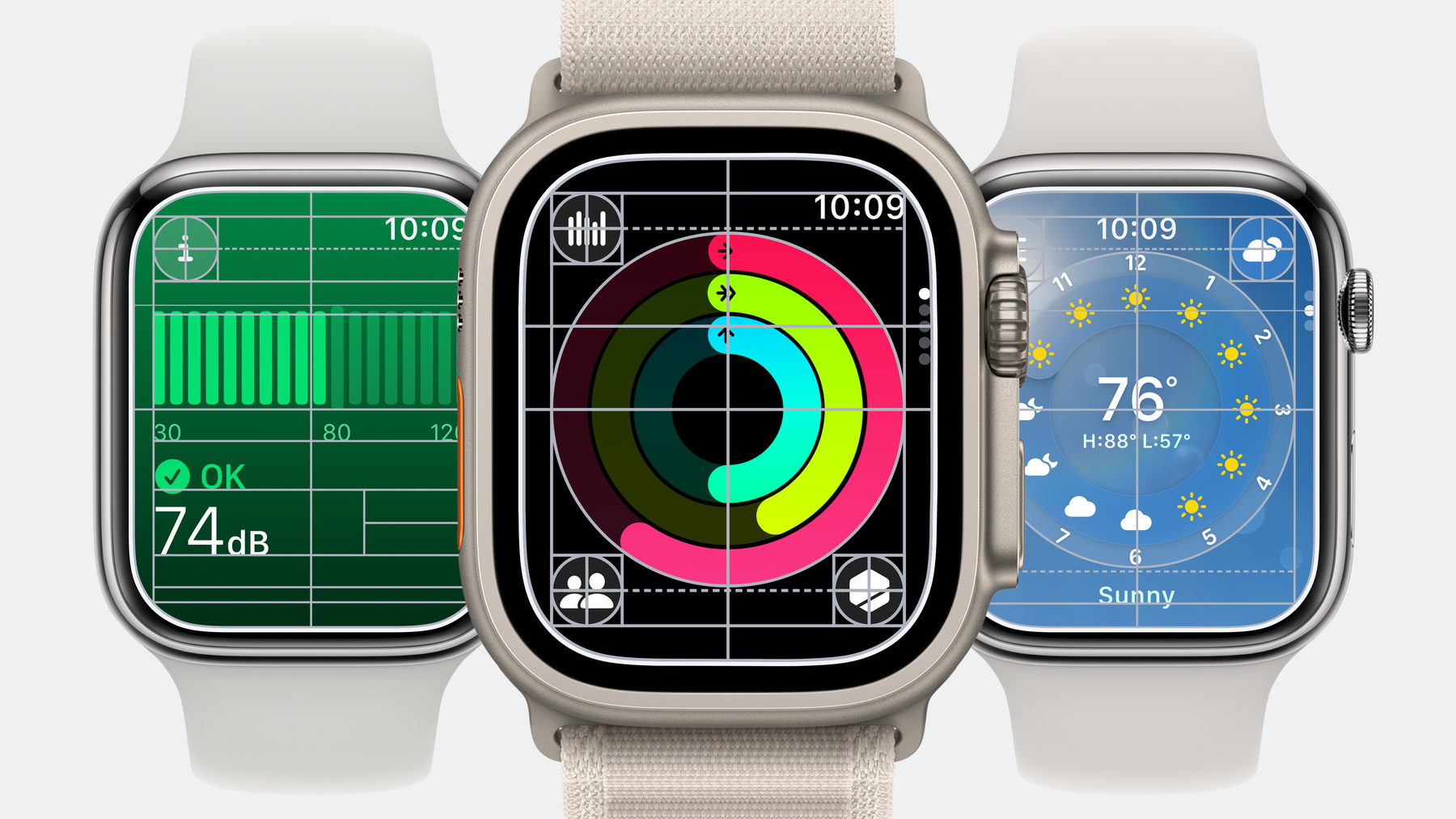
Dive into the details of watchOS design principles and learn how to apply them in your app using SwiftUI. We'll show you how to build an app for the redesigned user interface to surface timely information, communicate focused content at a glance, and make navigation consistent and predictable.
Capítulos
- 1:22 - Learn about the design principles of watchOS 10
- 5:54 - Design and build with NavigationSplitView
- 7:53 - Design and build with TabView
- 10:06 - Design and build for NavigationStack
- 11:19 - Layout
- 14:42 - Color and materials
Recursos
Vídeos relacionados
WWDC23
-
Buscar neste vídeo...
-
-
13:26 - Dial Based View
// This is an example of using scene padding to position a Circle according
// to the Dial layout grid
struct DialBasedView: View {
    var body: some View {
        ZStack {
            // Add a view to make the ZStack fill the available width, allowing the
            // Circle to position correctly. As an example, we use a rectangle.
            Rectangle()
                .foregroundStyle(Color.clear)

            // Use .scenePadding(.horizontal) on the dial to get the correct
            // width. In a ZStack with centered alignment, it is correctly
            // positioned.
            Circle()
                .foregroundStyle(Color.red)
                .scenePadding(.horizontal)
        }
        // Ignore vertical safe areas to allow the view to draw into the bottom
        // safe areas. This achieves the centering for the dial.
        .edgesIgnoringSafeArea(.vertical)
    }
}
-