

-
Design Shortcuts for Spotlight
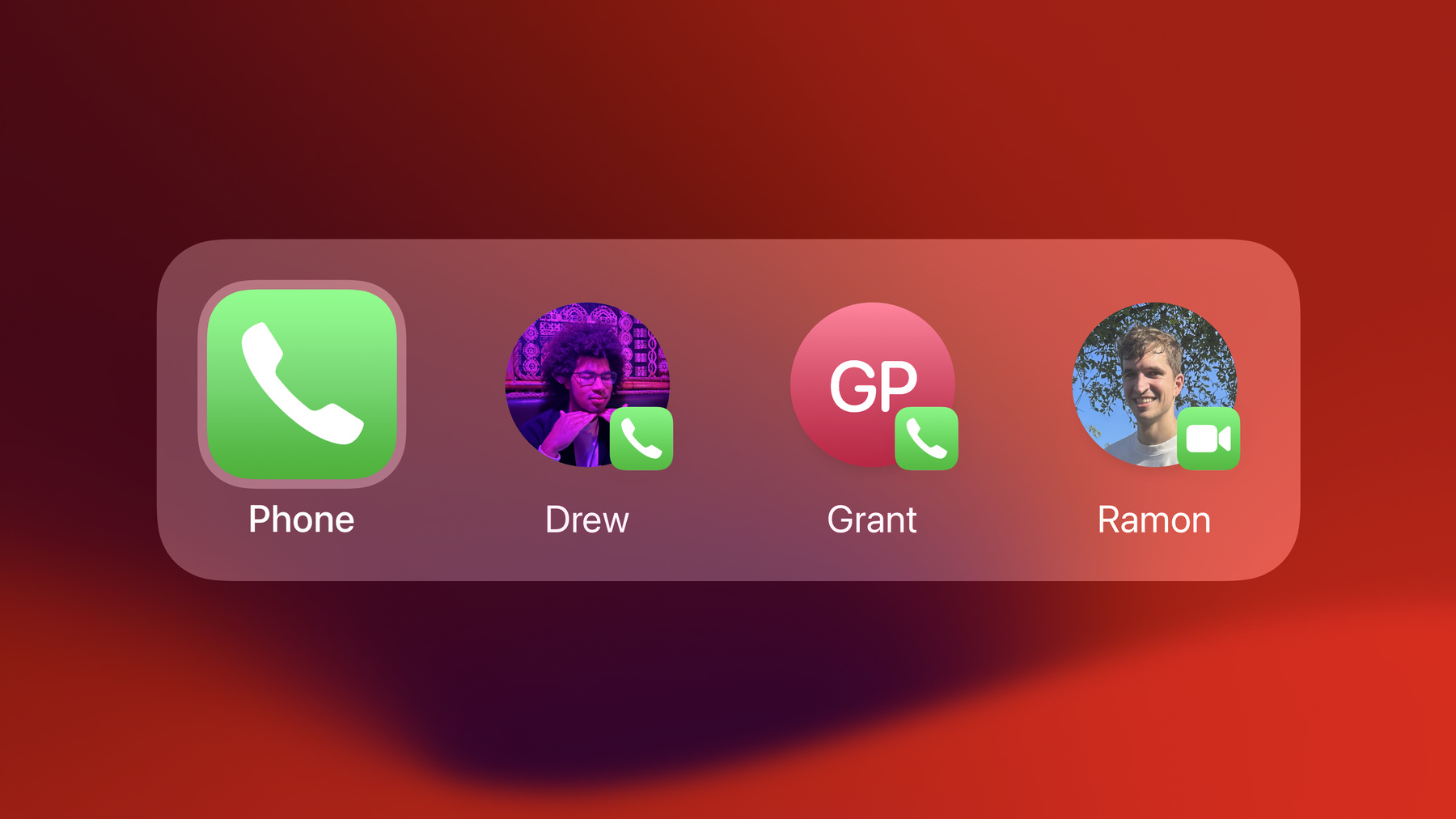
Learn about the latest updates to the visual language of App Shortcuts and find out how to design your shortcut to appear as a top hit in Spotlight. We'll share how shortcuts can appear on iOS or iPadOS, and show you how to customize the visual appearance of a shortcut, personalize its order, select its correct behavior, and increase discoverability.
Capítulos
- 1:35 - Principle 1: Focus on the essentials
- 2:04 - Principle 2: Prefer actionable shortcuts
- 2:30 - Principle 3: Design predictable and personal shortcuts
- 4:13 - Design icons for actions and entities
- 5:47 - Consider providing entity subtitles
- 6:03 - App icon colors
- 6:48 - Design your shortcut’s behavior: App launch, Live Activity, or snippet
- 8:23 - Supporting phrase synonyms to increase discoverability
- 8:52 - App name synonyms
Recursos
Vídeos relacionados
WWDC23
- Design dynamic Live Activities
- Explore enhancements to App Intents
- Q&A: App Intents and Shortcuts
- Spotlight your app with App Shortcuts
WWDC22
WWDC21
WWDC19
-
Buscar neste vídeo...
-