

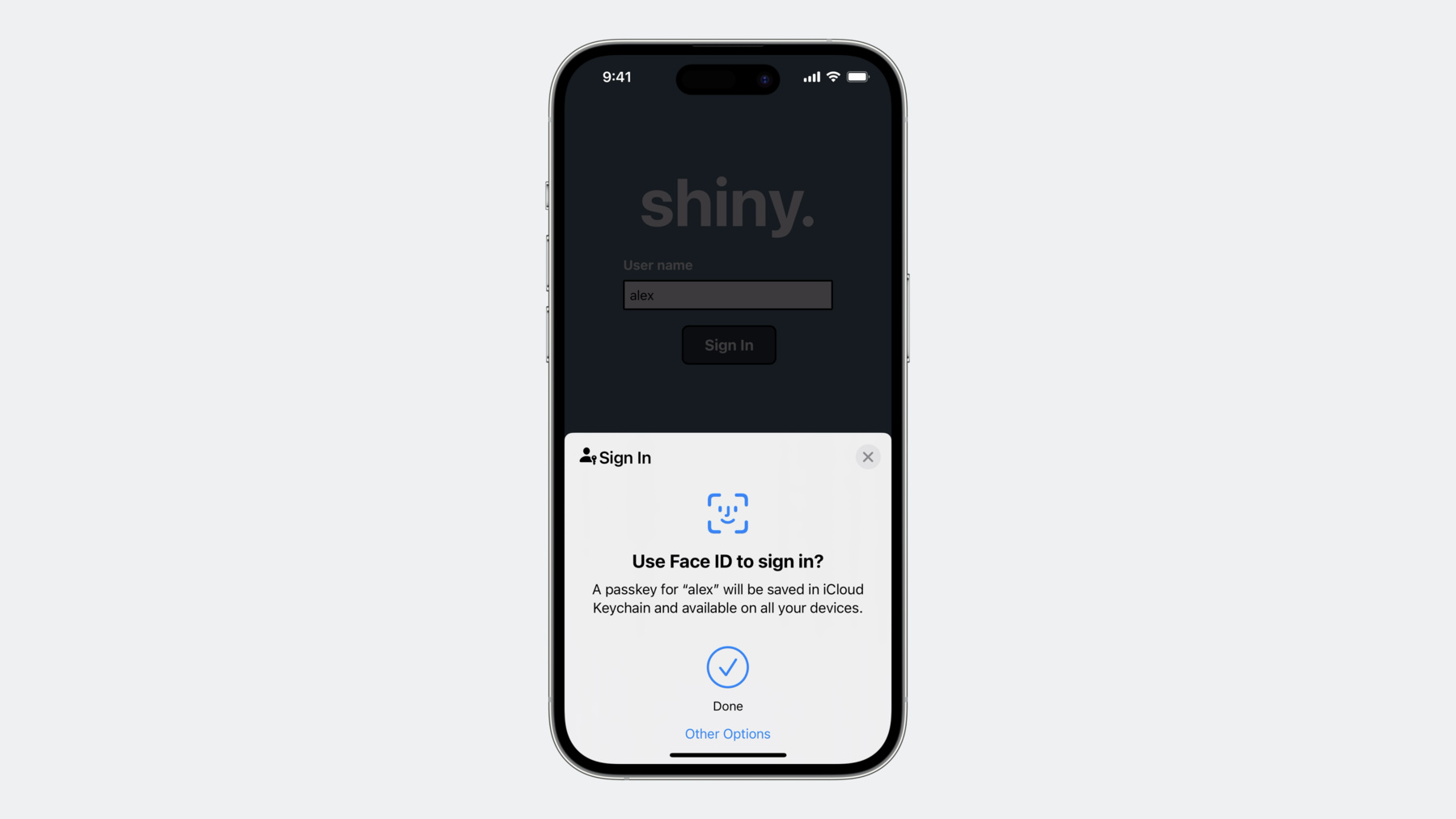
-
Deploy passkeys at work
Discover how you can take advantage of passkeys in managed environments at work. We'll explore how passkeys can work well in enterprise environments through Managed Apple ID support for iCloud Keychain. We'll also share how administrators can manage passkeys for specific devices using Access Management controls in Apple Business Manager and Apple School Manager.
Capítulos
- 0:00 - Introduction
- 1:20 - Benefits of passkeys at work
- 6:41 - Managing passkeys at work
- 14:33 - Demo
- 15:42 - Next steps
Recursos
Vídeos relacionados
WWDC23
- Do more with Managed Apple IDs
- Explore advances in declarative device management
- What’s new in managing Apple devices
WWDC22
-
Buscar neste vídeo...
-
-
11:07 - Example passkey attestation configuration
// Example configuration: com.apple.configuration.security.passkey.attestation { "Type": "com.apple.configuration.security.passkey.attestation", "Identifier": "B1DC0125-D380-433C-913A-89D98D68BA9C", "ServerToken": "8EAB1785-6FC4-4B4D-BD63-1D1D2A085106", "Payload": { "AttestationIdentityAssetReference": "88999A94-B8D6-481A-8323-BF2F029F4EF9", "RelyingParties": [ "www.example.com" ] } } -
13:12 - WebAuthn Packed Attestation Statement Format
// WebAuthn Packed Attestation Statement Format

attestationObject: {
    "fmt": "packed",
    "attStmt": {
        "alg": -7, // for ES256
        "sig": bytes,
        "x5c": [ attestnCert: bytes, * (caCert: bytes) ]
    }
    "authData": {
        "attestedCredentialData": {
            "aaguid": “dd4ec289-e01d-41c9-bb89-70fa845d4bf2”, // for Apple devices
            <…>
        }
        <…>
    }
    <…>
}
-