

View in English

  • Apple Developer
    • Get Started

    Explore Get Started

    • Overview
    • Learn
    • Apple Developer Program

    Stay Updated

    • Latest News
    • Hello Developer
    • Platforms

    Explore Platforms

    • Apple Platforms
    • iOS
    • iPadOS
    • macOS
    • tvOS
    • visionOS
    • watchOS
    • App Store

    Featured

    • Design
    • Distribution
    • Games
    • Accessories
    • Web
    • Home
    • CarPlay
    • Technologies

    Explore Technologies

    • Overview
    • Xcode
    • Swift
    • SwiftUI

    Featured

    • Accessibility
    • AI & Machine Learning
    • App Intents
    • Apple Intelligence
    • Games
    • Security
    • Xcode Cloud
    • Community

    Explore Community

    • Overview
    • Meet with Apple events
    • Community-driven events
    • Developer Forums
    • Open Source

    Featured

    • WWDC
    • Swift Student Challenge
    • Developer Stories
    • App Store Awards
    • Apple Design Awards
    • Apple Developer Centers
    • Documentation

    Explore Documentation

    • Documentation Library
    • Technology Overviews
    • Sample Code
    • Human Interface Guidelines
    • Videos

    Release Notes

    • Featured Updates
    • iOS
    • iPadOS
    • macOS
    • watchOS
    • visionOS
    • tvOS
    • Xcode
    • Downloads

    Explore Downloads

    • All Downloads
    • Operating Systems
    • Applications
    • Design Resources

    Featured

    • Xcode
    • TestFlight
    • Fonts
    • SF Symbols
    • Icon Composer
    • Support

    Explore Support

    • Overview
    • Help Guides
    • Developer Forums
    • Feedback Assistant
    • Contact Us

    Featured

    • Account Help
    • App Review Guidelines
    • App Store Connect Help
    • Upcoming Requirements
    • Agreements and Guidelines
    • System Status
  • Quick Links

    • Events
    • News
    • Forums
    • Sample Code
    • Videos
 

Vídeos

Abrir menu Fechar menu
  • Coleções
  • Todos os vídeos
  • Sobre

Mais vídeos

  • Sobre
  • Código
  • Comece a usar o elemento model do HTML

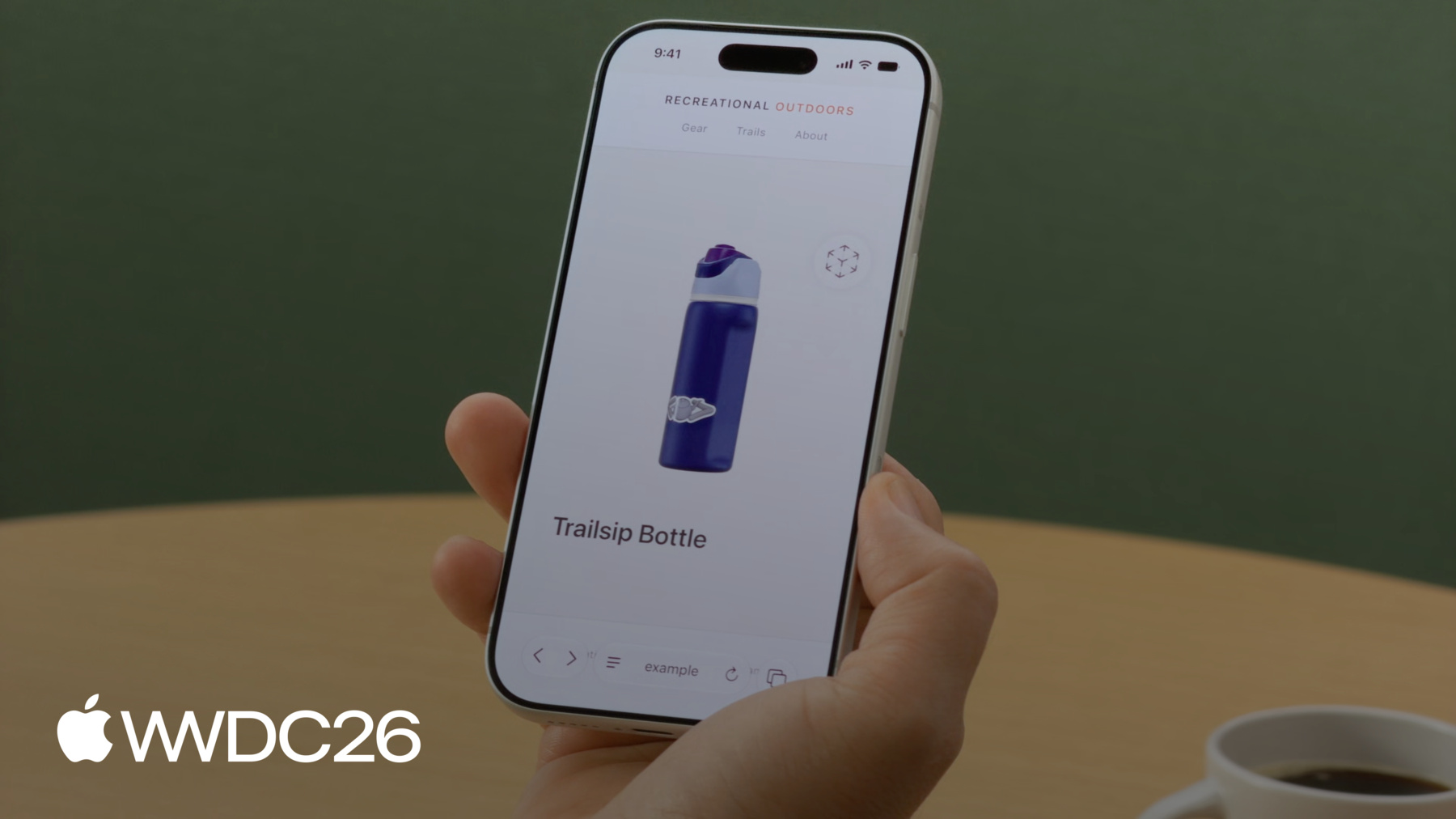
    Saiba como usar o elemento model para adicionar conteúdo 3D interativo a seus sites, agora no iOS, iPadOS, macOS e visionOS. Descubra ferramentas para criar e otimizar assets 3D. Explore os recursos do elemento model e entenda como os padrões da web estão moldando o futuro do conteúdo 3D na web.

    Capítulos

    • 0:00 - Introdução
    • 2:22 - Prepare o asset de modelo USDZ
    • 4:18 - Carregamento e fallbacks
    • 6:14 - Segundo plano do modelo
    • 6:48 - Interatividade
    • 8:26 - Animação de transição
    • 10:08 - Reprodução de animação
    • 10:52 - Realidade aumentada e espacial
    • 12:29 - Otimize os assets para produção
    • 14:53 - Próximas etapas

    Recursos

    • WebKit.org - Theater Ticket Sales immersive website environment demo for Apple Vision Pro
    • The HTML model element in Apple Vision Pro
    • GitHub: model element samples
    • WebKit.org – Report issues to the WebKit open-source project
    • AOUSD – Alliance for OpenUSD
    • w3.org – Model element
    • Submit feedback
      • Vídeo HD
      • Vídeo SD

    Vídeos relacionados

    WWDC26

    • Explore ambientes imersivos de sites no visionOS
    • Novidades no WebKit para o Safari 27

    WWDC25

    • Novidades dos recursos espaciais para a web

    WWDC24

    • What’s new in USD and MaterialX
  • Buscar neste vídeo...
    • 4:19 - Load a model

      <!-- Using the src attribute -->
      <model src="mallet.usdz"></model>
      
      <!-- Using a <source> child for MIME type -->
      <model>
          <source src="mallet.usdz" type="model/vnd.usdz+zip">
      </model>
    • 4:39 - Image fallback

      <model id="mallet" src="mallet.usdz">
          <img src="mallet.png"
               alt="Rubber mallet with wooden handle">
      </model>
    • 5:09 - Ready promise

      <model id="mallet" src="mallet.usdz"></model>
      
      <script>
          const model = document.getElementById("mallet");
          model.ready.then(result => {
              // Hide the loading indicator
          }).catch(error => {
              // Loading failed, show fallback
          });
      </script>
    • 5:39 - Polyfill fallback

      <script type="module">
          if (!window.HTMLModelElement) {
              import("model-element-polyfill.js").then(() => {
                  // Polyfill ready to use
              });
          }
      </script>
    • 6:13 - Model background

      <model id="mallet" src="mallet.usdz"></model>
      <style>
          model {
              background-color: #f4f1ec;
          }
      </style>
    • 6:47 - Stage mode

      <model id="mallet"
             src="mallet.usdz"
             stagemode="orbit">
      </model>
    • 7:31 - Custom transforms

      <model id="boot" src="boot.usdz"></model>
      <button id="button-side">Side</button>
      <button id="button-reset">Reset</button>
      
      <script>
          const model = document.getElementById("boot");
          const initialTransform = model.entityTransform;
      
          document.getElementById("button-side")
                  .addEventListener("click", () => {
              const transform = new DOMMatrix();
              transform.rotateSelf(0, 135, 0);
              model.entityTransform = transform;
          });
      
          document.getElementById("button-reset")
                  .addEventListener("click", () => {
              model.entityTransform = initialTransform;
          });
      </script>
    • 8:35 - Transition animation

      <script>
          const model = document.getElementById("boot");
          const duration = 500;
          let currentAngle = 0;
          let animationId = null;
      
          function animateTo(targetAngle) {
              if (animationId) cancelAnimationFrame(animationId);
              const startAngle = currentAngle;
              const startTime = performance.now();
      
              function step(now) {
                  const progress = Math.min((now - startTime) / duration, 1);
                  const ease = 1 - Math.pow(1 - progress, 3);
                  currentAngle = startAngle + (targetAngle - startAngle) * ease;
                  model.entityTransform = new DOMMatrix().rotateSelf(0, currentAngle, 0);
                  if (progress < 1) animationId = requestAnimationFrame(step);
              }
      
              requestAnimationFrame(step);
          }
      
          document.getElementById("button-side").addEventListener("click", () => animateTo(135));
          document.getElementById("button-reset").addEventListener("click", () => animateTo(0));
      </script>
    • 10:07 - Animation playback

      <model id="bottle" src="bottle.usdz"></model>
      <button id="button-play" onclick="play(5)">
          Play
      </button>
      <button id="button-reverse" onclick="play(-5)">
          Reverse
      </button>
      
      <script>
          const model = document.getElementById("bottle");
      
          function play(rate) {
              model.playbackRate = rate;
              model.play();
          }
      </script>
    • 11:06 - AR Quick Look

      <a rel="ar" href="bottle.usdz">
          <model id="boot" src="bottle.usdz"></model>
      </a>

Developer Footer

  • Vídeos
  • WWDC26
  • Comece a usar o elemento model do HTML
  • Open Menu Close Menu
    • iOS
    • iPadOS
    • macOS
    • tvOS
    • visionOS
    • watchOS
    • App Store
    Open Menu Close Menu
    • Swift
    • SwiftUI
    • Swift Playground
    • TestFlight
    • Xcode
    • Xcode Cloud
    • Icon Composer
    • SF Symbols
    Open Menu Close Menu
    • Accessibility
    • Accessories
    • AI & Machine Learning
    • Apple Intelligence
    • Audio & Video
    • Augmented Reality
    • Business
    • Design
    • Distribution
    • Education
    • Games
    • Health & Fitness
    • In-App Purchase
    • Localization
    • Maps & Location
    • Security
    • Safari & Web
    Open Menu Close Menu
    • Documentation
    • Downloads
    • Sample Code
    • Videos
    • Documentation Archive
    Open Menu Close Menu
    • Help Guides & Articles
    • Contact Us
    • Forums
    • Feedback & Bug Reporting
    • System Status
    Open Menu Close Menu
    • Apple Developer
    • App Store Connect
    • Certificates, IDs, & Profiles
    • Feedback Assistant
    Open Menu Close Menu
    • Apple Developer Program
    • Apple Developer Enterprise Program
    • App Store Small Business Program
    • MFi Program
    • Mini Apps Partner Program
    • News Partner Program
    • Video Partner Program
    • Security Bounty Program
    • Security Research Device Program
    Open Menu Close Menu
    • Meet with Apple
    • Apple Developer Centers
    • App Store Awards
    • Apple Design Awards
    • Apple Developer Academies
    • WWDC
    Read the latest news.
    Get the Apple Developer app.
    Copyright © 2026 Apple Inc. All rights reserved.
    Terms of Use Privacy Policy Agreements and Guidelines