

View in English

  • Apple Developer
    • Get Started

    Explore Get Started

    • Overview
    • Learn
    • Apple Developer Program

    Stay Updated

    • Latest News
    • Hello Developer
    • Platforms

    Explore Platforms

    • Apple Platforms
    • iOS
    • iPadOS
    • macOS
    • tvOS
    • visionOS
    • watchOS
    • App Store

    Featured

    • Design
    • Distribution
    • Games
    • Accessories
    • Web
    • Home
    • CarPlay
    • Technologies

    Explore Technologies

    • Overview
    • Xcode
    • Swift
    • SwiftUI

    Featured

    • Accessibility
    • App Intents
    • Apple Intelligence
    • Games
    • Machine Learning & AI
    • Security
    • Xcode Cloud
    • Community

    Explore Community

    • Overview
    • Meet with Apple events
    • Community-driven events
    • Developer Forums
    • Open Source

    Featured

    • WWDC
    • Swift Student Challenge
    • Developer Stories
    • App Store Awards
    • Apple Design Awards
    • Apple Developer Centers
    • Documentation

    Explore Documentation

    • Documentation Library
    • Technology Overviews
    • Sample Code
    • Human Interface Guidelines
    • Videos

    Release Notes

    • Featured Updates
    • iOS
    • iPadOS
    • macOS
    • watchOS
    • visionOS
    • tvOS
    • Xcode
    • Downloads

    Explore Downloads

    • All Downloads
    • Operating Systems
    • Applications
    • Design Resources

    Featured

    • Xcode
    • TestFlight
    • Fonts
    • SF Symbols
    • Icon Composer
    • Support

    Explore Support

    • Overview
    • Help Guides
    • Developer Forums
    • Feedback Assistant
    • Contact Us

    Featured

    • Account Help
    • App Review Guidelines
    • App Store Connect Help
    • Upcoming Requirements
    • Agreements and Guidelines
    • System Status
  • Quick Links

    • Events
    • News
    • Forums
    • Sample Code
    • Videos
 

Vídeos

Abrir menu Fechar menu
  • Coleções
  • Todos os vídeos
  • Sobre

Mais vídeos

  • Sobre
  • Resumo
  • Código
  • Codificação guiada: crie funcionalidades poderosas de arrastar e soltar no SwiftUI

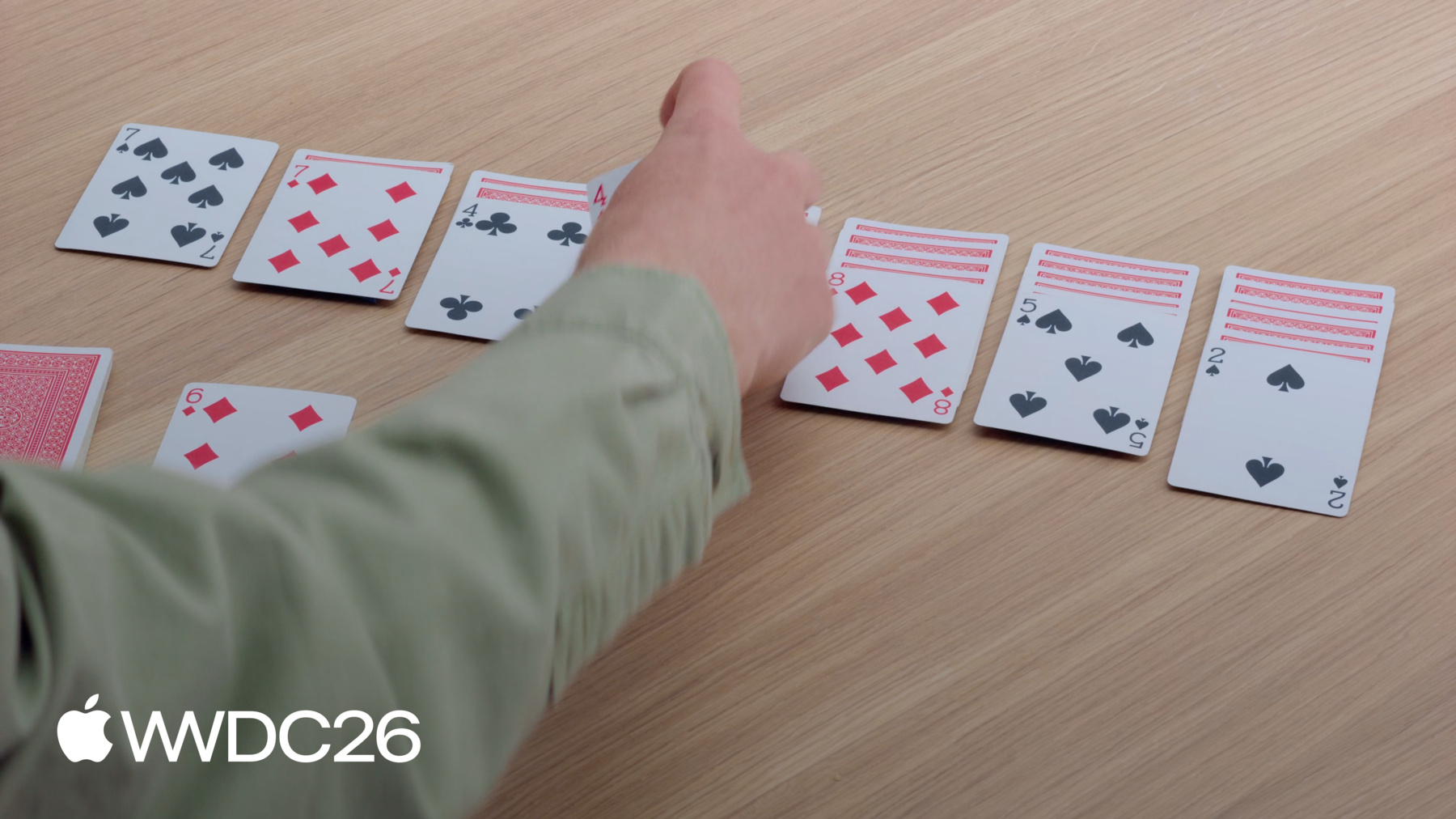
    Acompanhe enquanto criamos um jogo de Paciência para explorar os recursos mais recentes de arrastar e soltar do SwiftUI. Vamos mostrar como usar a nova API de reordenação para permitir que os usuários organizem o conteúdo, implementar contêineres de arrastar para mover vários itens simultaneamente e personalizar o ciclo de vida da funcionalidade de arrastar e soltar de acordo com as regras do seu app. Para aproveitar ao máximo esta sessão, assista à sessão "Conheça o Transferable" da WWDC22.

    Capítulos

    • 0:00 - Introduction
    • 1:42 - Reordering
    • 6:50 - Drag multiple items
    • 9:59 - Drag configuration
    • 14:29 - Next steps

    Recursos

    • Making a card game with drag, drop, and reordering in SwiftUI
    • Drag and drop
      • Vídeo HD
      • Vídeo SD

    Vídeos relacionados

    WWDC22

    • Meet Transferable
  • Buscar neste vídeo...
    • 3:40 - Add reorderable to the preview

      #Preview {
          @Previewable @State var cards = [
              CardValue(rank: .ace, suit: .clubs),
              CardValue(rank: .ace, suit: .diamonds),
              CardValue(rank: .ace, suit: .hearts),
              CardValue(rank: .ace, suit: .spades)
          ]
      
          HStack {
              ForEach(cards) { card in
                  CardFaceView(card: card)
              }
              .reorderable()
          }
          .frame(maxWidth: .infinity, maxHeight: .infinity)
          .reorderContainer(for: CardValue.self) { difference in
              cards.apply(difference: difference)
          }
          .padding()
          .background(.green.gradient)
      }
    • 4:40 - Add reorder container to the GameView

      struct GameView: View {
          var game: Game
      
          var body: some View {
              GeometryReader { proxy in
                  let spacing: CGFloat = 10
                  let cardWidth = (proxy.size.width - 6 * spacing) / 7
                  VStack {
                      HStack(alignment: .top, spacing: spacing) {
                          Group {
                              RemainderView(game: game)
                              CardBackView()
                                  .hidden()
                              ForEach(CardValue.Suit.allCases) { suit in
                                  DestinationView(game: game, suit: suit)
                              }
                          }
                          .frame(width: cardWidth)
                      }
                      .padding(.bottom, 20)
                      HStack(alignment: .top, spacing: spacing) {
                          ForEach(0..<7) { index in
                              PileView(game: game, index: index)
                                  .frame(width: cardWidth)
                          }
                      }
                      .frame(maxHeight: .infinity, alignment: .top)
                    	// Add the reorder container modifier.
                      .reorderContainer(for: CardValue.self, in: Card.Group.self) { difference in
                          game.moveCards(difference: difference)
                      }
                  }
              }
              .padding()
          }
      }
    • 5:58 - Add reorderable to PileView

      struct PileView: View {
          var game: Game
          var index: Int
          @Query var cards: [Card]
      
          var body: some View {
              ZStack(alignment: .topLeading) {
                  CardPlaceholderView()
                  PileLayout {
                      let index = firstFaceUpIndex
                    	// Iterates over the face down cards.
                      ForEach(cards[..<index]) { card in
                          CardView(card: card)
                      }
                      // Iterates over the face up cards.
                      ForEach(cards[index...], id: \.value) { card in
                          CardView(card: card)
                      }
                      .reorderable(collectionID: Card.Group.pile(index))
                  }
              }
          }
      
          var firstFaceUpIndex: Int {
              cards.firstIndex { !$0.isFaceDown } ?? cards.endIndex
          }
      }
    • 7:50 - Add dragContainer to customize the reorderContainer modifier.

      struct GameView: View {
          var game: Game
      
          var body: some View {
              GeometryReader { proxy in
                  let spacing: CGFloat = 10
                  let cardWidth = (proxy.size.width - 6 * spacing) / 7
                  VStack {
                      HStack(alignment: .top, spacing: spacing) {
                          Group {
                              RemainderView(game: game)
                              CardBackView()
                                  .hidden()
                              ForEach(CardValue.Suit.allCases) { suit in
                                  DestinationView(game: game, suit: suit)
                              }
                          }
                          .frame(width: cardWidth)
                      }
                      .padding(.bottom, 20)
                      HStack(alignment: .top, spacing: spacing) {
                          ForEach(0..<7) { index in
                              PileView(game: game, index: index)
                                  .frame(width: cardWidth)
                          }
                      }
                      .frame(maxHeight: .infinity, alignment: .top)
                      .reorderContainer(for: CardValue.self, in: Card.Group.self) { difference in
                          game.moveCards(difference: difference)
                      }
                      // Add dragContainer to customize reorderContainer.
                      .dragContainer(for: CardValue.self) { cardID in
                          game.cardStack(startingAt: cardID)
                      }
                  }
              }
              .padding()
          }
      }
    • 8:45 - Add dragPreviewsFormation to customize how the dragged cards appear

      struct GameView: View {
          var game: Game
      
          var body: some View {
              GeometryReader { proxy in
                  let spacing: CGFloat = 10
                  let cardWidth = (proxy.size.width - 6 * spacing) / 7
                  VStack {
                      HStack(alignment: .top, spacing: spacing) {
                          Group {
                              RemainderView(game: game)
                              CardBackView()
                                  .hidden()
                              ForEach(CardValue.Suit.allCases) { suit in
                                  DestinationView(game: game, suit: suit)
                              }
                          }
                          .frame(width: cardWidth)
                      }
                      .padding(.bottom, 20)
                      HStack(alignment: .top, spacing: spacing) {
                          ForEach(0..<7) { index in
                              PileView(game: game, index: index)
                                  .frame(width: cardWidth)
                          }
                      }
                      .frame(maxHeight: .infinity, alignment: .top)
                      .reorderContainer(for: CardValue.self, in: Card.Group.self) { difference in
                          game.moveCards(difference: difference)
                      }
                      .dragContainer(for: CardValue.self) { cardID in
                          game.cardStack(startingAt: cardID)
                      }
                    	// Have dragged cards appear as a stack.
                      .dragPreviewsFormation(.stack)
                  }
              }
              .padding()
          }
      }
    • 9:14 - Add dropPreviewsFormation to customize how dragged cards appear over a destination

      struct GameView: View {
          var game: Game
      
          var body: some View {
              GeometryReader { proxy in
                  let spacing: CGFloat = 10
                  let cardWidth = (proxy.size.width - 6 * spacing) / 7
                  VStack {
                      HStack(alignment: .top, spacing: spacing) {
                          Group {
                              RemainderView(game: game)
                              CardBackView()
                                  .hidden()
                              ForEach(CardValue.Suit.allCases) { suit in
                                  DestinationView(game: game, suit: suit)
                              }
                          }
                          .frame(width: cardWidth)
                      }
                      .padding(.bottom, 20)
                      HStack(alignment: .top, spacing: spacing) {
                          ForEach(0..<7) { index in
                              PileView(game: game, index: index)
                                  .frame(width: cardWidth)
                          }
                      }
                      .frame(maxHeight: .infinity, alignment: .top)
                      .reorderContainer(for: CardValue.self, in: Card.Group.self) { difference in
                          game.moveCards(difference: difference)
                      }
                      .dragContainer(for: CardValue.self) { cardID in
                          game.cardStack(startingAt: cardID)
                      }
                      .dragPreviewsFormation(.stack)
                  }
                  // Have a consistent appearance over drop destinations.
                  .dropPreviewsFormation(.stack)
              }
              .padding()
          }
      }
    • 11:40 - Add a drag configuration to allow move.

      struct RemainderView: View {
          @Query var cards: [Card]
          var game: Game
      
          var body: some View {
              Button {
                  incrementCardIndex()
              } label: {
                  ZStack {
                      CardPlaceholderView()
                      CardBackView()
                          .opacity(cards.isEmpty ? 0 : 1)
                  }
              }
              .buttonStyle(.plain)
              .disabled(cards.isEmpty)
              ZStack {
                  CardPlaceholderView()
                  if let currentCard {
                      CardFaceView(card: currentCard.value)
                          .draggable(containerItemID: currentCard.value)
                          .opacity(currentCard.value == hiddenCard ? 0 : 1)
                  }
              }
              .dragContainer(for: CardValue.self) { cardID in
                  [cardID]
              }
              // Add the drag configuration to allow me.
              .dragConfiguration(DragConfiguration(allowMove: true))
          }
      }
    • 12:05 - Add a drop destination modifier and configure it

      struct GameView: View {
          var game: Game
      
          var body: some View {
              GeometryReader { proxy in
                  let spacing: CGFloat = 10
                  let cardWidth = (proxy.size.width - 6 * spacing) / 7
                  VStack {
                      HStack(alignment: .top, spacing: spacing) {
                          Group {
                              RemainderView(game: game)
                              CardBackView()
                                  .hidden()
                              ForEach(CardValue.Suit.allCases) { suit in
                                  DestinationView(game: game, suit: suit)
                              }
                          }
                          .frame(width: cardWidth)
                      }
                      .padding(.bottom, 20)
                      HStack(alignment: .top, spacing: spacing) {
                          ForEach(0..<7) { index in
                              PileView(game: game, index: index)
                                  .frame(width: cardWidth)
                          }
                      }
                      .frame(maxHeight: .infinity, alignment: .top)
                      .reorderContainer(for: CardValue.self, in: Card.Group.self) { difference in
                          game.moveCards(difference: difference)
                      }
                      .dragContainer(for: CardValue.self) { cardID in
                          game.cardStack(startingAt: cardID)
                      }
                      .dragPreviewsFormation(.stack)
                      .dragConfiguration(DragConfiguration(allowMove: true))
                      // Add a drop destination to accept inserts
                      .dropDestination(for: CardValue.self) { newCards, session in
                          if let destination = session.reorderDestination(
                              for: CardValue.self, in: Card.Group.self) {
                              game.insertCards(newCards, to: destination)
                          }
                      }
                      // Configure where cards will go when reordering,
                      // and accept them by move.
                      .dropConfiguration { session in
                          // Calculate which pile is being dragged over.
                          let alignedX = session.location.x - 0.5 * spacing
                          let pile = Int(alignedX / (cardWidth + spacing))
                          let destination = ReorderDifference<CardValue, Card.Group>
                              .Destination(position: .end, collectionID: .pile(pile))
                          // Check if the move is allowed.
                          let allowed = session.suggestedOperations.contains(.move)
                          && game.validateMove(session: session, destination: destination)
                          let operation: DropOperation = allowed ? .move : .forbidden
                          return DropConfiguration(operation: operation, destination: destination)
                      }
                  }
                  .dropPreviewsFormation(.stack)
              }
              .padding()
          }
      }
    • 0:00 - Introduction
    • SwiftUI's expanded drag and drop in the 2027 releases — reorderable views, multi-item drags, and drag configuration — previewed through the Solitaire game used throughout the code-along.

    • 1:42 - Reordering
    • Adopt the new reorderable and reorderContainer modifiers to let people rearrange content with drag and drop. Demonstrated by enabling card reordering across all piles in a Solitaire app and excluding face-down cards from the interaction.

    • 6:50 - Drag multiple items
    • Use the drag container API to lift several items at once based on a selection. Customize how previews appear during the drag and at the drop destination with dragPreviewsFormation and dropPreviewsFormation — shown picking up and stacking multiple Solitaire cards.

    • 9:59 - Drag configuration
    • Express intent for how data transfers between a drag source and a drop destination. Use dragConfiguration to specify move (vs. copy) on the source, and dropConfiguration on the destination to have the final say — used to move a card from the deck into a pile without duplication.

    • 14:29 - Next steps
    • Recap: make your content reorderable, allow people to drag multiple items at once, and express intent with drag and drop configurations.

Developer Footer

  • Vídeos
  • WWDC26
  • Codificação guiada: crie funcionalidades poderosas de arrastar e soltar no SwiftUI
  • Open Menu Close Menu
    • iOS
    • iPadOS
    • macOS
    • tvOS
    • visionOS
    • watchOS
    • App Store
    Open Menu Close Menu
    • Swift
    • SwiftUI
    • Swift Playground
    • TestFlight
    • Xcode
    • Xcode Cloud
    • Icon Composer
    • SF Symbols
    Open Menu Close Menu
    • Accessibility
    • Accessories
    • Apple Intelligence
    • Audio & Video
    • Augmented Reality
    • Business
    • Design
    • Distribution
    • Education
    • Games
    • Health & Fitness
    • In-App Purchase
    • Localization
    • Maps & Location
    • Machine Learning & AI
    • Security
    • Safari & Web
    Open Menu Close Menu
    • Documentation
    • Downloads
    • Sample Code
    • Videos
    Open Menu Close Menu
    • Help Guides & Articles
    • Contact Us
    • Forums
    • Feedback & Bug Reporting
    • System Status
    Open Menu Close Menu
    • Apple Developer
    • App Store Connect
    • Certificates, IDs, & Profiles
    • Feedback Assistant
    Open Menu Close Menu
    • Apple Developer Program
    • Apple Developer Enterprise Program
    • App Store Small Business Program
    • MFi Program
    • Mini Apps Partner Program
    • News Partner Program
    • Video Partner Program
    • Security Bounty Program
    • Security Research Device Program
    Open Menu Close Menu
    • Meet with Apple
    • Apple Developer Centers
    • App Store Awards
    • Apple Design Awards
    • Apple Developer Academies
    • WWDC
    Read the latest news.
    Get the Apple Developer app.
    Copyright © 2026 Apple Inc. All rights reserved.
    Terms of Use Privacy Policy Agreements and Guidelines