

View in English

  • Apple Developer
    • Get Started

    Explore Get Started

    • Overview
    • Learn
    • Apple Developer Program

    Stay Updated

    • Latest News
    • Hello Developer
    • Platforms

    Explore Platforms

    • Apple Platforms
    • iOS
    • iPadOS
    • macOS
    • tvOS
    • visionOS
    • watchOS
    • App Store

    Featured

    • Design
    • Distribution
    • Games
    • Accessories
    • Web
    • Home
    • CarPlay
    • Technologies

    Explore Technologies

    • Overview
    • Xcode
    • Swift
    • SwiftUI

    Featured

    • Accessibility
    • App Intents
    • Apple Intelligence
    • Games
    • Machine Learning & AI
    • Security
    • Xcode Cloud
    • Community

    Explore Community

    • Overview
    • Meet with Apple events
    • Community-driven events
    • Developer Forums
    • Open Source

    Featured

    • WWDC
    • Swift Student Challenge
    • Developer Stories
    • App Store Awards
    • Apple Design Awards
    • Apple Developer Centers
    • Documentation

    Explore Documentation

    • Documentation Library
    • Technology Overviews
    • Sample Code
    • Human Interface Guidelines
    • Videos

    Release Notes

    • Featured Updates
    • iOS
    • iPadOS
    • macOS
    • watchOS
    • visionOS
    • tvOS
    • Xcode
    • Downloads

    Explore Downloads

    • All Downloads
    • Operating Systems
    • Applications
    • Design Resources

    Featured

    • Xcode
    • TestFlight
    • Fonts
    • SF Symbols
    • Icon Composer
    • Support

    Explore Support

    • Overview
    • Help Guides
    • Developer Forums
    • Feedback Assistant
    • Contact Us

    Featured

    • Account Help
    • App Review Guidelines
    • App Store Connect Help
    • Upcoming Requirements
    • Agreements and Guidelines
    • System Status
  • Quick Links

    • Events
    • News
    • Forums
    • Sample Code
    • Videos
 

Vídeos

Abrir menu Fechar menu
  • Coleções
  • Todos os vídeos
  • Sobre

Mais vídeos

  • Sobre
  • Resumo
  • Código
  • Utilize o [Model Name] na Computação Privada na Nuvem

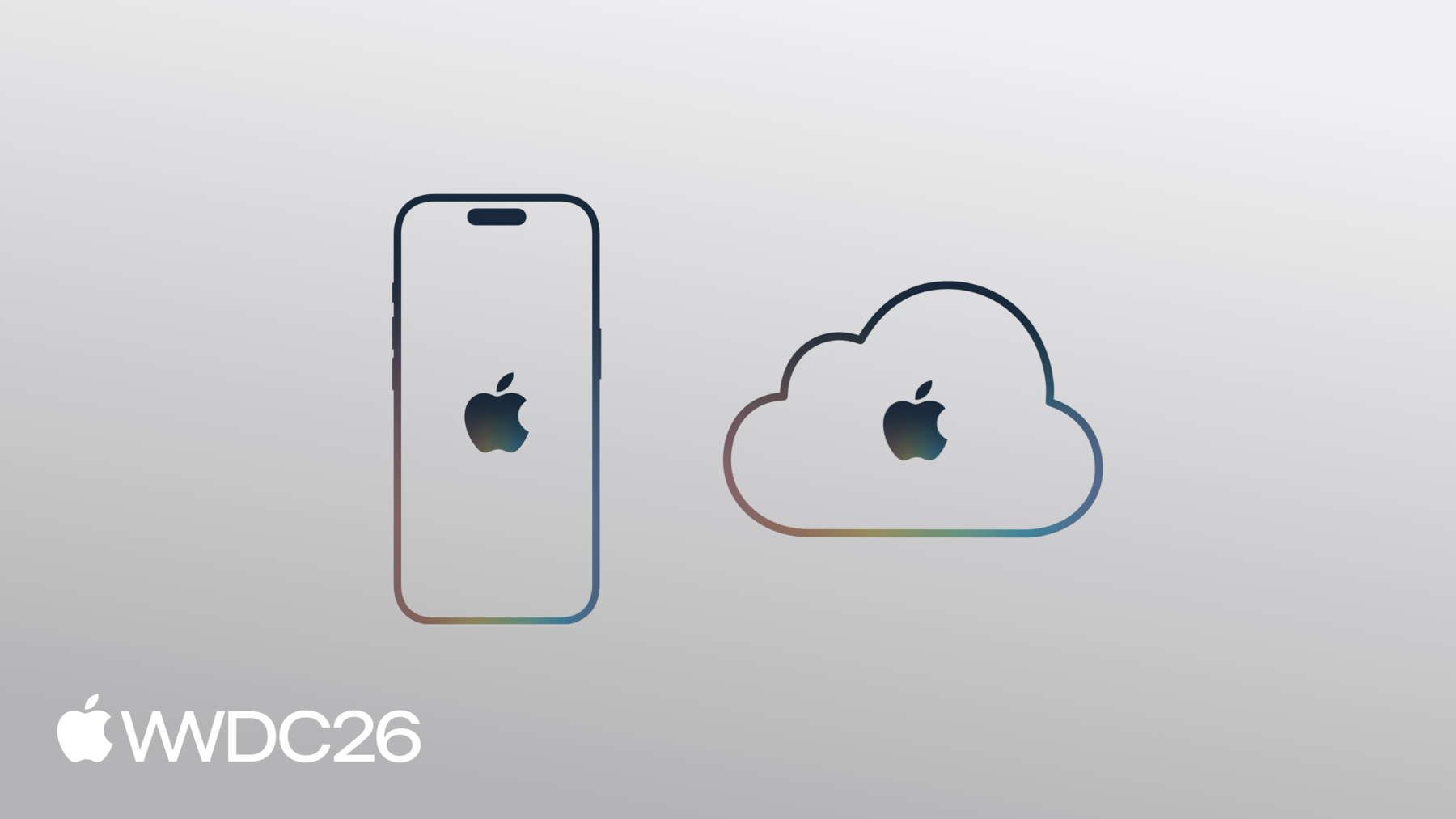
    A Computação Privada na Nuvem permite acessar modelos poderosos e de ponta sem comprometer a privacidade do usuário. Confira como esse recurso funciona e como acessá-lo usando o framework Foundation Models. Conheça as práticas recomendadas para verificar a disponibilidade e lidar com fallbacks elegantes em seus apps.

    Capítulos

    • 0:00 - Introduction
    • 1:23 - What is Private Cloud Compute
    • 2:43 - Integrating PCC with Foundation Models
    • 4:00 - Deciding between on-device and PCC
    • 4:32 - Reasoning levels and context size
    • 6:15 - Evaluating and combining models
    • 7:10 - Handling usage limits
    • 10:15 - Next steps

    Recursos

    • Adding server-side intelligence with Private Cloud Compute
      • Vídeo HD
      • Vídeo SD
  • Buscar neste vídeo...
    • 2:49 - Prompt the on-device model

      import FoundationModels
      
        let session = LanguageModelSession()
        let response = try await session.respond(to: "Summarize this article: \(article)")
    • 3:02 - Switch to the PCC server model (one-line change)

      import FoundationModels
        
        let session = LanguageModelSession(
            model: PrivateCloudComputeLanguageModel()
        )
        let response = try await session.respond(to: "Summarize this article: \(article)")
    • 3:25 - Structured output and tools work the same

      import FoundationModels
      
        @Generable
        struct ArticleSummary {
            let oneLineSummary: String
            let keyPoints: [String]
        }
      
        struct FindRelatedArticlesTool: Tool {
      
        }
        
        let session = LanguageModelSession(
            model: PrivateCloudComputeLanguageModel(),
            tools: [FindRelatedArticlesTool.self]
        )
      
        let response = try await session.respond(
            to: "Summarize this article: \(article)",
            generating: ArticleSummary.self
        )
    • 3:51 - Check availability

      import FoundationModels
        
        struct ArticleSummarizationView: View {
            private var model = PrivateCloudComputeLanguageModel()
      
            var body: some View {
                if model.isAvailable {
                    // Show UI for making request
                } else {
                    // Fall back
                }
            }
        }
    • 5:26 - Set a reasoning level

      let response = try await session.respond(
            to: prompt,
            contextOptions: ContextOptions(reasoningLevel: .light)
        )
        // Reasoning levels: .light, .moderate, .deep
    • 5:58 - Read the context size

      SystemLanguageModel().contextSize
        // 4096 on 26.0
        // 8192 on 27.0 (newer devices)
      
        PrivateCloudComputeLanguageModel().contextSize
        // 32768
    • 9:41 - Handle usage limits

      struct ArticleSummarizationView: View {
            private var model = PrivateCloudComputeLanguageModel()
      
            var body: some View {
                if case .belowLimit(let info) = model.quotaUsage.status {
                    if info.isApproachingLimit {
                        Text("Nearing usage limit.")
                            .foregroundStyle(Color.orange)
                    }
                }
                if model.quotaUsage.isLimitReached {
                    Text("Usage limit exceeded.")
                        .foregroundStyle(Color.red)
                }
                if let suggestion = model.quotaUsage.limitIncreaseSuggestion {
                    Button("Show options") {
                        suggestion.show()
                    }
                }
            }
        }
    • 0:00 - Introduction
    • Access to a new server LLM via Private Cloud Compute. The on-device model also improves this year (image input, better instruction following and tool calling), but PCC enables more complex features: reasoning over large input, many tool calls with large outputs, even from watchOS.

    • 1:23 - What is Private Cloud Compute
    • PCC delivers a powerful server model without compromising privacy: data is never stored, used only for the request, and independently verified. It's integrated with the OS and iCloud, so there's no authentication or API keys, no token cost to developers, a daily per-user limit (higher with iCloud+), and eligibility for apps under 2M downloads.

    • 2:43 - Integrating PCC with Foundation Models
    • Prompting the on-device model takes three lines; switching to the PCC server model changes just one. The unified Swift API means Generable structured output and tool calling work identically, so you can switch models without rewriting code, and should check the availability API for non-Apple Intelligence devices.

    • 4:00 - Deciding between on-device and PCC
    • Both offer privacy, but the on-device model works offline with no request limits and a 4K context, while PCC needs a connection, has a daily limit, offers a 32K context, and supports reasoning.

    • 4:32 - Reasoning levels and context size
    • Reasoning lets the model think before responding by generating extra transcript text, at three levels (light, moderate, deep). Set it on respond, observe the transcript to show progress, and remember reasoning consumes tokens against the context limit, now readable via the contextSize property.

    • 6:15 - Evaluating and combining models
    • Choose models and reasoning levels based on data, not vibes; the updated on-device model may surprise you. Use the new Evaluations framework (see "Meet the Evaluations framework") and combine on-device and server models together (see "Build agentic app experiences with Foundation Models").

    • 7:10 - Handling usage limits
    • Handle the per-user iCloud quota gracefully: check isLimitReached on the model's quotaUsage and show persistent, actionable UI (such as a disabled button with an upgrade option) rather than an alert. Detect the approaching-limit case too, and use Xcode's Simulate Apple Foundation Models Availability debug option to test both states.

    • 10:15 - Next steps
    • Apply for the server model on the developer website, and explore related content: "What's new in the Foundation Models framework" for an overview and "Debug and profile agentic app experiences with Instruments" for runtime behavior.

Developer Footer

  • Vídeos
  • WWDC26
  • Utilize o [Model Name] na Computação Privada na Nuvem
  • Open Menu Close Menu
    • iOS
    • iPadOS
    • macOS
    • tvOS
    • visionOS
    • watchOS
    • App Store
    Open Menu Close Menu
    • Swift
    • SwiftUI
    • Swift Playground
    • TestFlight
    • Xcode
    • Xcode Cloud
    • Icon Composer
    • SF Symbols
    Open Menu Close Menu
    • Accessibility
    • Accessories
    • Apple Intelligence
    • Audio & Video
    • Augmented Reality
    • Business
    • Design
    • Distribution
    • Education
    • Games
    • Health & Fitness
    • In-App Purchase
    • Localization
    • Maps & Location
    • Machine Learning & AI
    • Security
    • Safari & Web
    Open Menu Close Menu
    • Documentation
    • Downloads
    • Sample Code
    • Videos
    Open Menu Close Menu
    • Help Guides & Articles
    • Contact Us
    • Forums
    • Feedback & Bug Reporting
    • System Status
    Open Menu Close Menu
    • Apple Developer
    • App Store Connect
    • Certificates, IDs, & Profiles
    • Feedback Assistant
    Open Menu Close Menu
    • Apple Developer Program
    • Apple Developer Enterprise Program
    • App Store Small Business Program
    • MFi Program
    • Mini Apps Partner Program
    • News Partner Program
    • Video Partner Program
    • Security Bounty Program
    • Security Research Device Program
    Open Menu Close Menu
    • Meet with Apple
    • Apple Developer Centers
    • App Store Awards
    • Apple Design Awards
    • Apple Developer Academies
    • WWDC
    Read the latest news.
    Get the Apple Developer app.
    Copyright © 2026 Apple Inc. All rights reserved.
    Terms of Use Privacy Policy Agreements and Guidelines