

-
Crie scripts baseados em IA usando a CLI fm e o SDK para Python
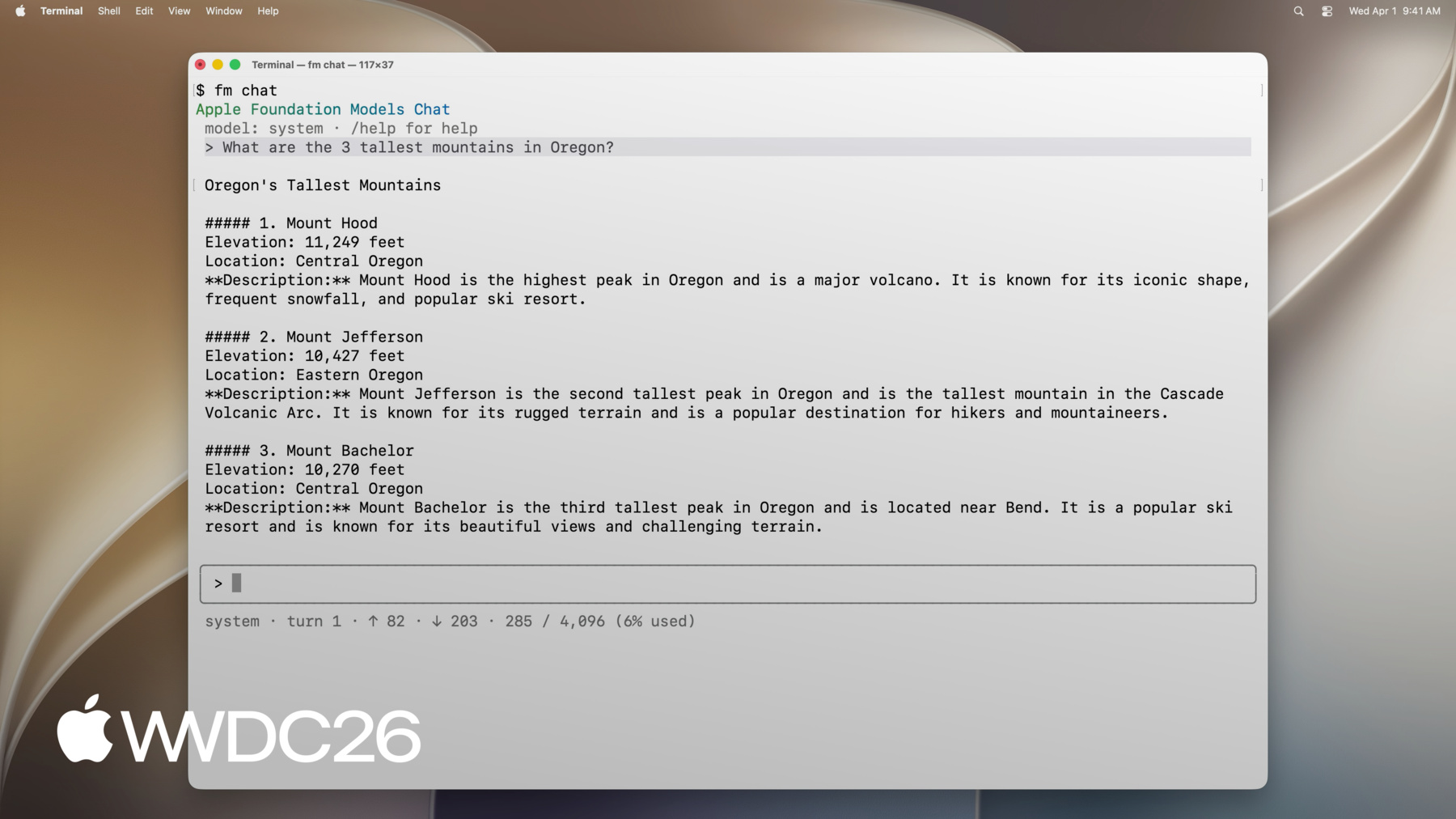
Conheça todas as novas formas de aproveitar o framework Foundation Models da Apple no macOS. O SDK do Foundation Models para Python permite a integração com ferramentas e pacotes de avaliação populares no ecossistema do Python. Descubra como usar o novo comando fm introduzido no macOS 27 para simplificar a geração de scripts, automatizar os fluxos de trabalho de modelos e acelerar seu processo de desenvolvimento.
Capítulos
- 0:00 - Introdução
- 1:22 - Apresentando o CLI fm e o SDK Python
- 3:23 - Ferramenta de linha de comando
- 5:02 - resposta fm e saída estruturada
- 6:11 - Automatização do gerenciamento de arquivos com fm
- 8:52 - Python SDK
- 9:42 - Solicitação, chamada de ferramentas e geração guiada
- 10:44 - Desenvolvendo um pipeline de avaliação em Python
- 15:20 - Próximas etapas
Recursos
Vídeos relacionados
WWDC26
-
Buscar neste vídeo...
-
-
5:07 - Prompt the on-device model with fm respond
$ fm respond "Provide a basic regex in Swift to parse an email address" # Here is a basic regex to parse an email address in Swift: [...] $ fm respond "Provide a comprehensive regex in Swift to parse an email address" --model pcc # [...] Here's a robust Swift implementation using 'NSRegularExpression' to validate a typical email address: $ fm respond "What app is the user using in this screenshot?" --model pcc \ --image Screenshot.png # The user is using the Mail app. $ fm schema object --name AppsIdentified --string app_names --array > schema.json $ fm respond "What apps are the user actively using in this screenshot?" \ --image Screenshot.png --model pcc --schema schema.json # {"app_names": ["Messages", "Mail", "Calendar"]} $ fm respond --help -
7:55 - Sort files with fm respond and a schema
fm schema object --name "TriagedFileList" \ --string 'final_files' --array \ --string 'draft_files' --array > /tmp/schema.json output=$(fm respond \ --instructions "I just completed a project, and I need help triaging the latest version of the files from the previous versions. I will give you a list of files. Return a list of the latest files (i.e., all files that, you can infer from their name in the list, are the latest versions), and then return separately a list of all draft files (i.e., all files that weren't considered final)." \ "This is the list of all files:\n\n${files_list}" \ --schema /tmp/schema.json ) echo "${output}" | jq -r '.final_files[]' | while read -r file; do cp "${DIRECTORY_TO_TRIAGE}/${file}" "${FINAL_FILES_STORAGE_DIRECTORY}" done echo "${output}" | jq -r '.draft_files[]' | while read -r file; do mv "${DIRECTORY_TO_TRIAGE}/${file}" "${DRAFT_FILES_STORAGE_DIRECTORY}" done -
8:54 - Install the Foundation Models Python SDK
pip install apple_fm_sdk -
10:00 - Create a session and respond to a prompt
import apple_fm_sdk as fm INSTRUCTIONS = "You're an AI assistant for Cupertino Mart, a grocery store with in-app ordering." async def answer_question(prompt: str) -> str: session = fm.LanguageModelSession(instructions=INSTRUCTIONS) return await session.respond(prompt) -
10:21 - Define a Tool for the language model
class GetPastOrdersTool(fm.Tool): name = "get_past_orders" description = "Retrieves information about this user's past orders." @fm.generable("Past orders query parameter") class Arguments: number_orders: str = fm.guide("How many of the last orders to retrieve") @property def arguments_schema(self) -> fm.GenerationSchema: return self.Arguments.generation_schema() async def call(self, args: fm.GeneratedContent) -> str: number_orders = args.value(int, for_property="number_orders") return await Orders.load_last_orders(user_id=user_id, amount=number_orders) -
10:35 - Generate structured output with @fm.generable
@fm.generable("Suggested items")
class ItemsSuggestion:
	item_names: list[str] = fm.guide("Names of the suggested items")

INSTRUCTIONS = "You're an AI assistant tasked with returning potential grocery items that the user might be interested in."

async def generate_suggested_cart_items(user_input: Optional[str]) -> ItemsSuggestion:
	session = fm.LanguageModelSession(instructions=INSTRUCTIONS, tools=load_tools())
	prompt = """Using the tools to load the user's previous orders, \
              return a list of items the user has already ordered \
              and that they might be interested in again \
              as they're getting ready to place a new grocery order."""
	if user_input is not None:
    prompt += f"\nAccount for the following request from the user: {user_input}"
    return await session.respond(prompt, generating=ItemsSuggestion)
-