

-
Como o Cyberpunk 2077 chegou ao Mac
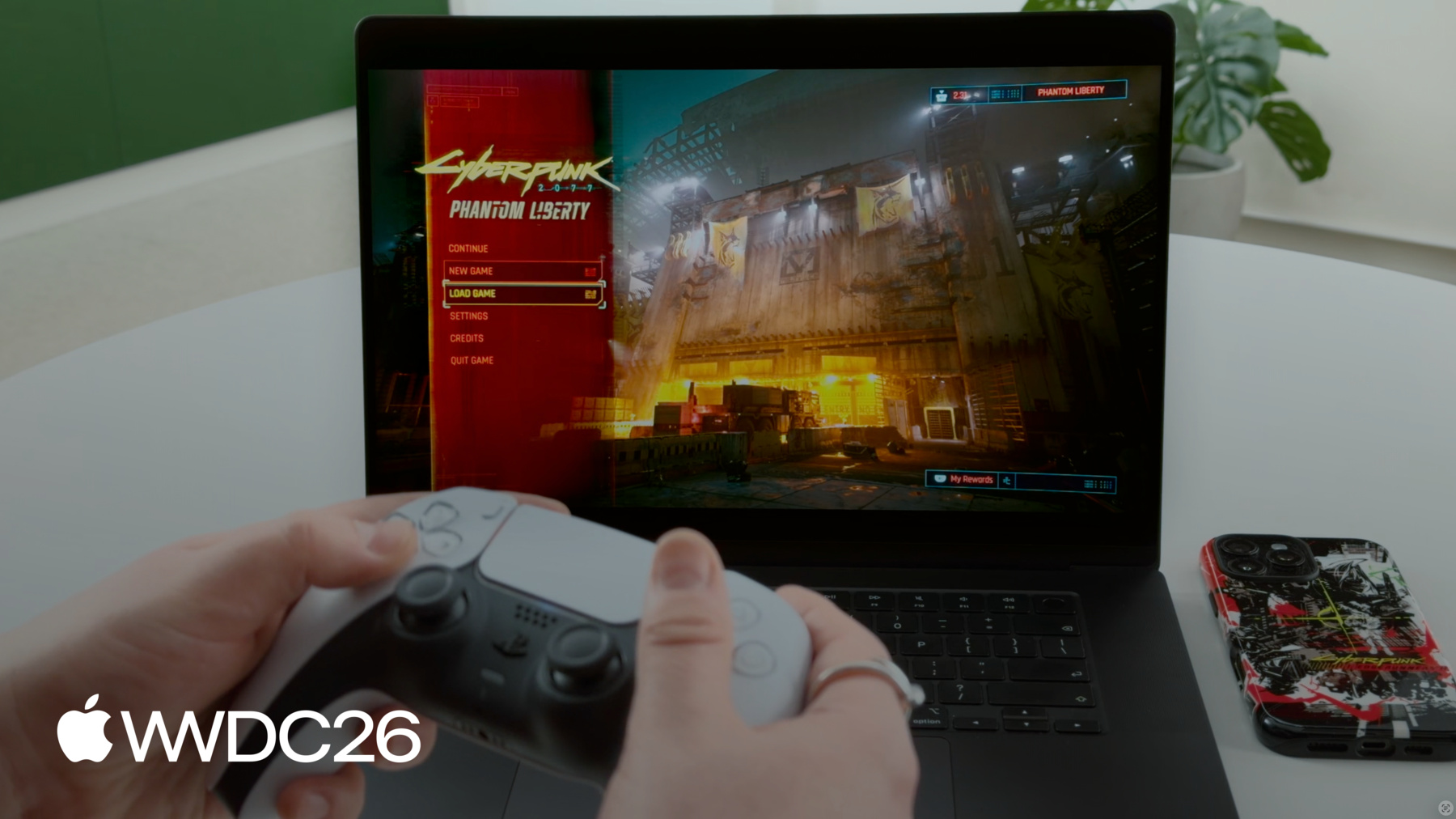
Confira os bastidores da CD PROJEKT RED para descobrir como o Cyberpunk 2077 chegou ao Mac, estabelecendo um novo padrão para jogos AAA em macOS. Descubra como a equipe aproveitou a robustez do hardware, do software e das ferramentas de desenvolvimento da Apple para dar vida a essa experiência de alta fidelidade. Saiba como aplicar técnicas semelhantes aos seus jogos. Descubra como a inovadora predefinição "Para este Mac" otimiza automaticamente as configurações gráficas para equilibrar a fidelidade visual e a taxa de quadros em toda a linha de produtos Mac.
Capítulos
- 0:00 - Introduction
- 0:44 - What is Cyberpunk 2077
- 2:57 - Why bring it to Mac
- 3:45 - How we brought it to Mac
- 4:50 - Game Porting Toolkit evaluation
- 13:05 - What we did to stand out
- 13:16 - "For this Mac" preset
- 26:59 - Next steps
Recursos
- Performing your own tone mapping
- Personalizing spatial audio in your app
- Download the Game Porting Toolkit
Vídeos relacionados
WWDC26
-
Buscar neste vídeo...
-
-
- 0:00 - Introduction
Garrett Austin (Apple Game Performance) introduces guest Paweł Sasko (Associate Game Director, CD PROJEKT RED) to share how Cyberpunk 2077: Ultimate Edition was brought to Mac with great performance across a wide range of devices.
- 0:44 - What is Cyberpunk 2077
An overview of the game — an open-world RPG set in Night City — and why it remains an industry benchmark: dense scene complexity and streaming, realistic lighting and materials, and demanding ray tracing and path tracing modes.
- 2:57 - Why bring it to Mac
The motivation for the port: CD PROJEKT RED's long history on Apple platforms, Apple silicon hardware maturing enough to hit a serious quality bar, and the opportunity to reach more players.
- 3:45 - How we brought it to Mac
Defining what "doing it properly" means via a three-part quality bar — visual fidelity, stable performance, and native feel — then executing the port: native builds, an adapted data pipeline, an architecture bridge, Metal Shader Converter, the native Metal rendering foundation, and MetalFX Upscaling for scalable performance.
- 4:50 - Game Porting Toolkit evaluation
Using Apple's Game Porting Toolkit to evaluate the Windows build in a translated environment before writing code — gauging feasibility, gathering CPU/GPU pressure signals, and identifying focus areas using profiling data, Metal HUD, and per-thread breakdowns to build a production roadmap.
- 13:05 - What we did to stand out
Turning the working build into a first-launch experience that feels native to macOS — adopting platform features across windowing and app switching, input devices, display, audio, and cloud saves.
- 13:16 - "For this Mac" preset
A device-based graphics preset that detects each Mac's hardware and auto-configures optimal settings — target FPS, MetalFX with Dynamic Resolution Scaling, resolution bounds, V-Sync, and HDR — tuned per device and demoed live in Dogtown.
- 26:59 - Next steps
Recommended actions: try the Game Porting Toolkit evaluation environment, analyze performance with Metal HUD, plan a great first-launch experience, and explore the related "Speedrun your game port with agentic coding" and "Find and fix performance issues in your Metal games" sessions.