

-
Identify trends with the Power and Performance API
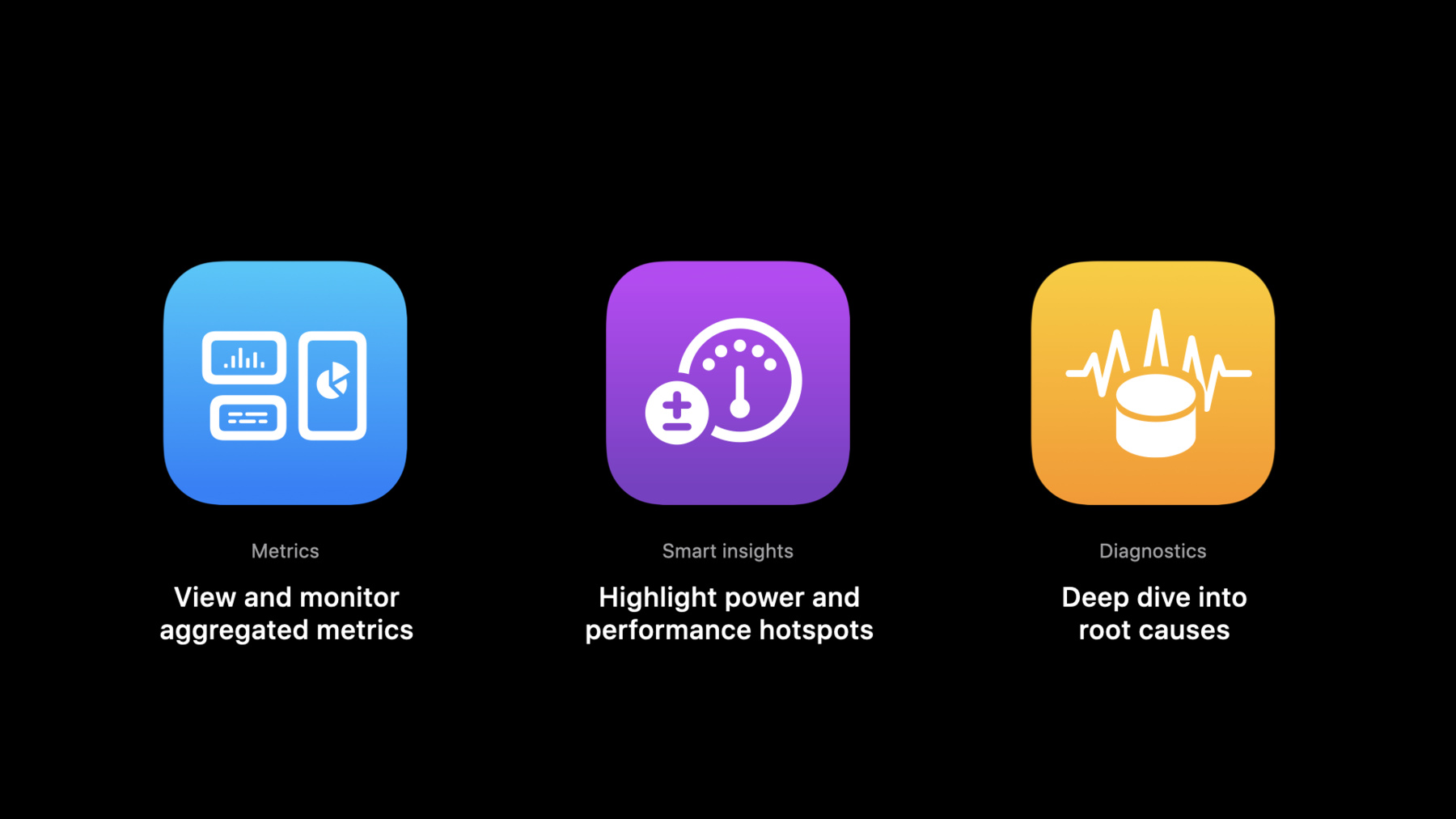
Track your app's performance metrics in custom team dashboards, bug reporting systems, and other custom workflows with the Power and Performance Metrics and Diagnostics API. Explore how you can access the same data that drives the Power and Performance analysis tools in Xcode to quickly identify trends and regressions. Learn how to leverage diagnostic signatures and logs — including call stack trees — to prioritize and debug issues. And discover how you can integrate this API with your development team's existing tools to troubleshoot issues quickly, offering better overall performance for people who use your app.
Ressources
Vidéos connexes
WWDC22
WWDC21
- Diagnose Power and Performance regressions in your app
- Ultimate application performance survival guide
WWDC20
-
Rechercher dans cette vidéo…
-
-
4:48 - Get metrics and insights for most recent app versions
GET /v1/apps/{id}/perfPowerMetrics -
8:19 - Get top diagnostic signatures for released app versions
GET /v1/builds/{id}/diagnosticSignatures -
9:42 - Get logs for a diagnostic signature
GET /v1/diagnosticSignatures/{id}/logs -
11:19 - Access perfPowerMetrics for an app
curl -X GET -H "Authorization: Bearer ${JWT}" -H "Accept: application/vnd.apple.xcode-metrics+json,application/json" https://api.appstoreconnect.apple.com/v1/apps/${id}/perfPowerMetrics -
12:23 - Access diagnosticSignatures for an app build
curl -X GET -H "Authorization: Bearer ${JWT}" -H "Accept: application/vnd.apple.xcode-metrics+json,application/json" https://api.appstoreconnect.apple.com/v1/builds/${id}/diagnosticSignatures
-