

-
Add configuration and intelligence to your widgets
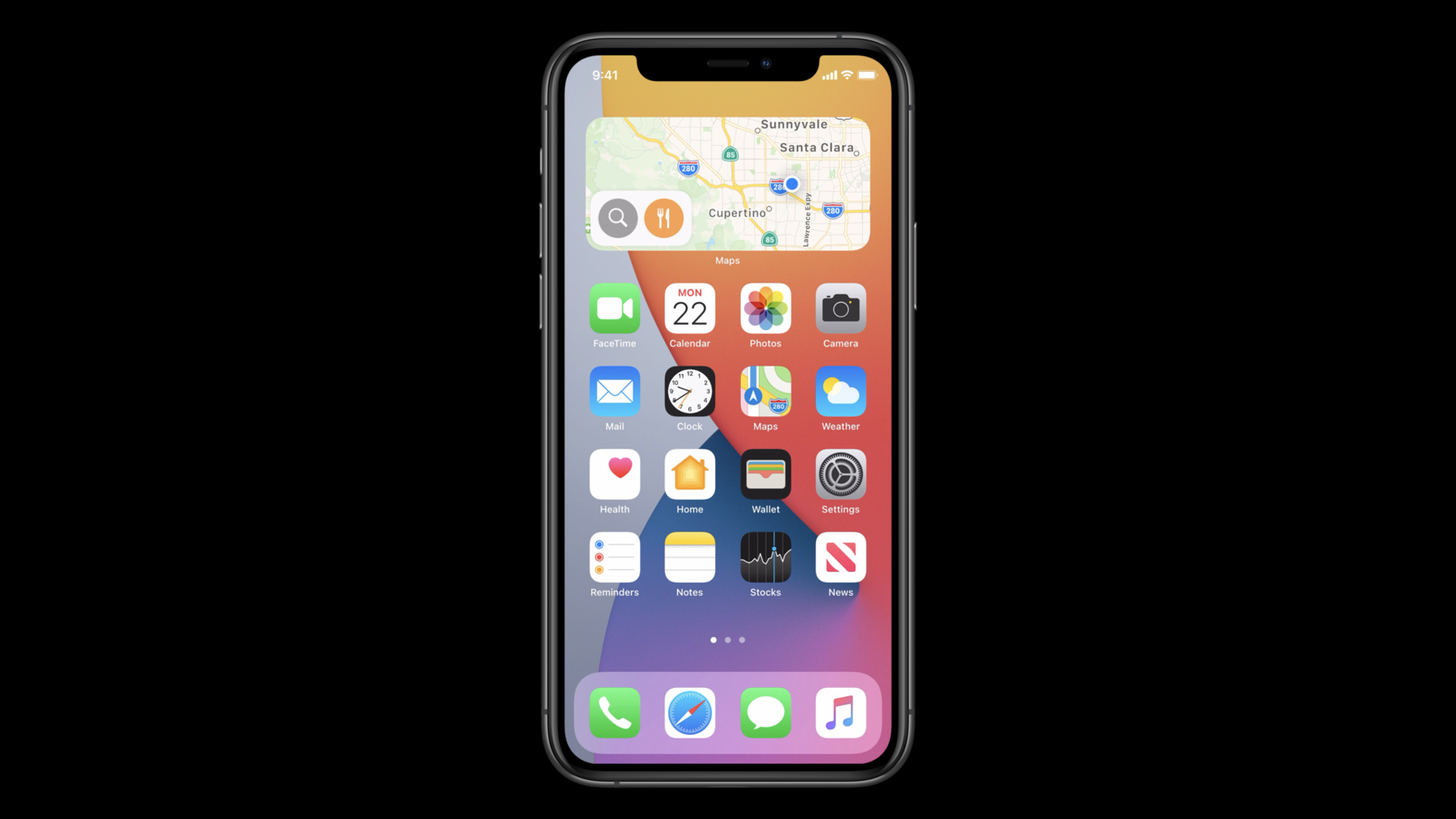
Widgets are at their best when they show up on someone's Home screen or in the Today View at the right time and provide actionable, relevant information. We'll show you how to build configurable widgets to let people create a personalized Home screen experience, and that take advantage of system intelligence to help people get what they want, when they want it. Learn how to customize your widget's configuration interface, and how to appear within Siri Suggestions or at the top of a widget Smart Stack based on user behavior or by letting the system know when there's new, timely information.
For more on widgets, watch "Meet WidgetKit". And for more on system intelligence, watch the collection "Design for Intelligence."Ressources
Vidéos connexes
WWDC21
WWDC20
- Design for intelligence: Apps, evolved
- Design for intelligence: Discover new opportunities
- Design for intelligence: Make friends with "The System"
- Design for intelligence: Meet people where they are
- Meet WidgetKit
- What's new in SiriKit and Shortcuts
- Widgets Code-along, part 2: Alternate timelines
- Widgets Code-along, part 3: Advancing timelines
-
Rechercher dans cette vidéo…
-