

-
Record stereo audio with AVAudioSession
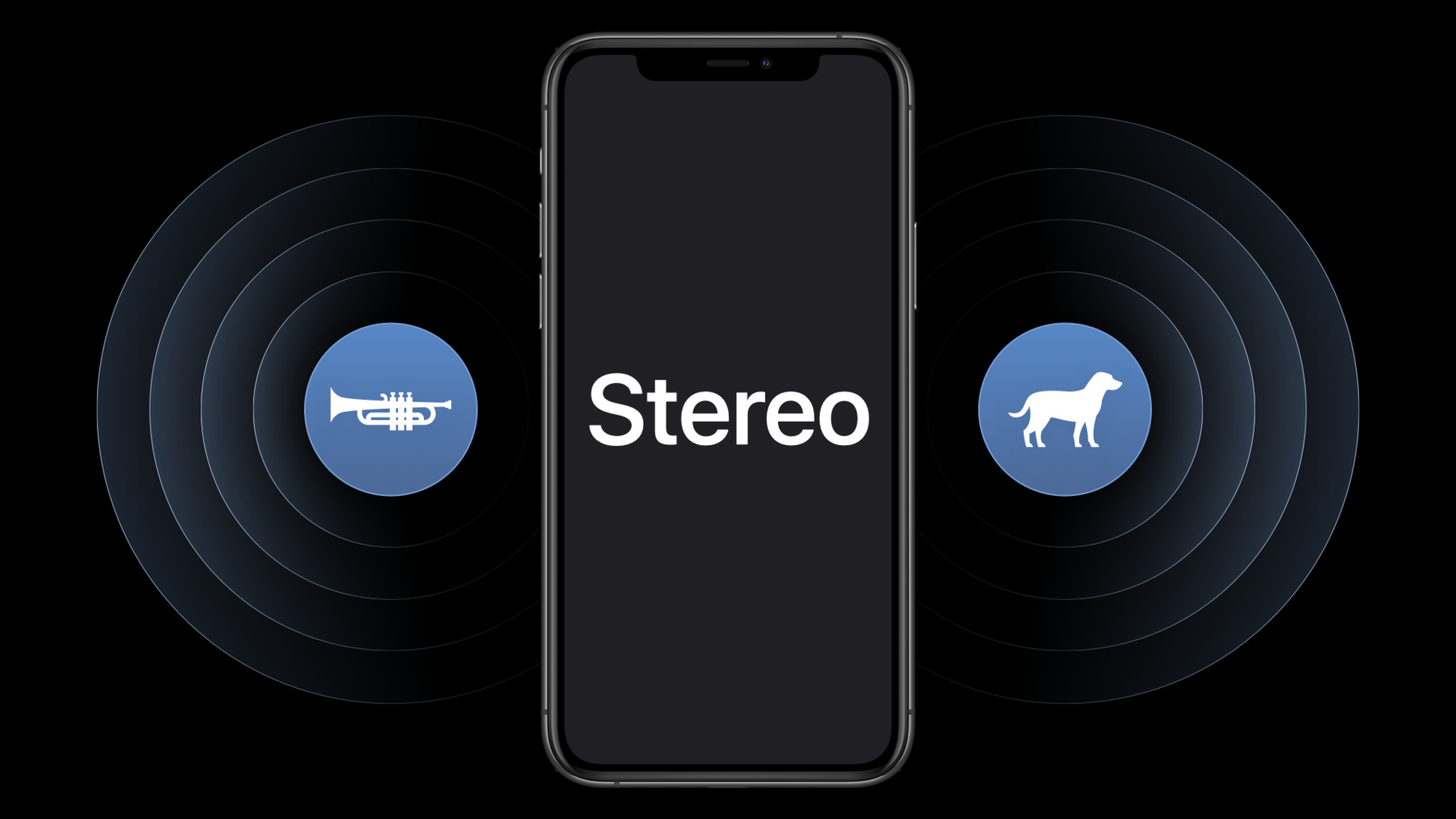
Stereo recording is a powerful way to deliver immersive sound to listeners, fans, and family — and your app can use the built-in microphones on iPhone or iPad to record it. Discover how AVAudioSession can help you capture stereo audio from a mobile device, address the new special consideration called “input orientation,” and learn how to adopt this API in your app to provide a better recording experience.
Ressources
-
Rechercher dans cette vidéo…
-
-
6:57 - How to set up recording from the built-in mic
// How to set up recording from the built-in mic private func enableBuiltInMic() { ... // Find the built-in microphone. guard let availableInputs = session.availableInputs, let builtInMic = availableInputs.first(where: { $0.portType == .builtInMic }) else { print("The device must have a built-in microphone.") return } ... do { try session.setPreferredInput(builtInMic) ... } catch { ... } } -
7:16 - Configure stereo recording
// Configure stereo recording func selectDataSource(...) { ... // Set the preferred polar pattern to stereo. try newDataSource.setPreferredPolarPattern(.stereo) // Set the preferred data source and polar pattern. try preferredInput.setPreferredDataSource(newDataSource) // Update the input orientation to match the current user interface orientation. try session.setPreferredInputOrientation(orientation.inputOrientation) ... } -
8:22 - When to select a data source & updated the stereo input orientation
// When to select a data source & updated the stereo input orientation

override func traitCollectionDidChange(_ previousTraitCollection: UITraitCollection?) {
    updateDataSource()
}

@IBAction func updateDataSourceSelection(_ sender: Any) {
    updateDataSource()
}

private func updateDataSource() {
    // Don't update the data source if the app is currently recording.
    guard controller.state != .recording else { return }

    let dataSourceName = dataSources[dataSourceChooser.selectedSegmentIndex]
    controller.selectDataSource( named: dataSourceName,
        orientation:Orientation(windowOrientation)) { layout in
        self.layoutView.layout = layout
    }
}
-