

-
Optimize Metal apps and games with GPU counters
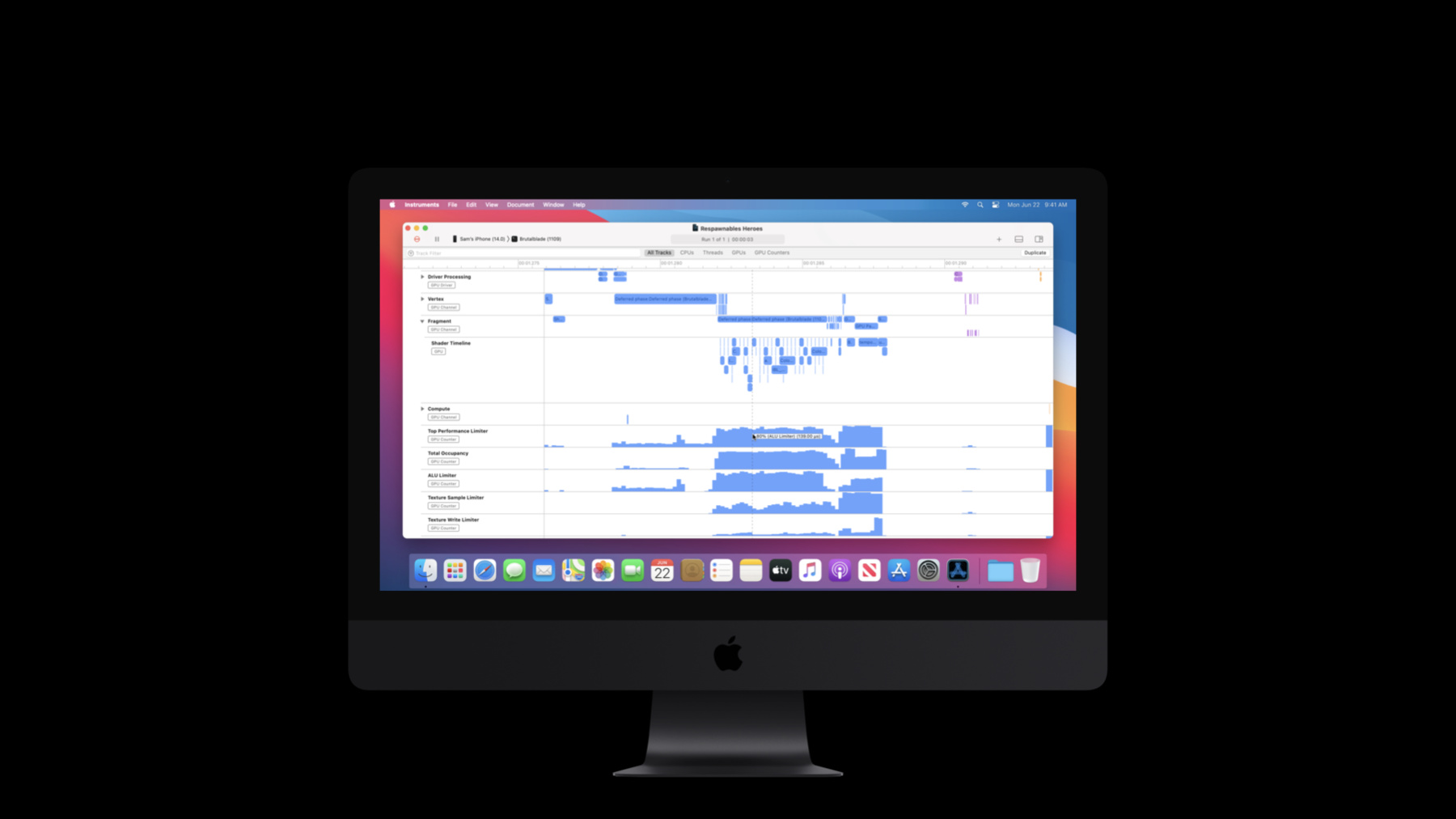
GPU counters can help you precisely measure GPU utilization to pinpoint bottlenecks and optimize workloads for your Metal apps and games. We'll walk you through the tools available in the Metal System Trace instrument and Metal Debugger in Xcode 12 to profile your graphics workload, and show you how to use collected data to discover underused and overworked stages of your GPU pipeline. Discover how you can act on that data to improve your app's capabilities.
To get the most out of the session, you should understand the tile-based deferred rendering architecture of Apple GPUs and familiarize yourself with our recommended best practices for performance optimization. For a primer, check out “Delivering optimized Metal apps and games” and “Harness Apple GPUs with Metal.”
Once you've learned how to act on GPU counter data to optimize your Metal apps, see how you can use those skills to "Bring your Metal app to Apple silicon Macs" and "Optimize Metal Performance for Apple silicon Macs".Ressources
Vidéos connexes
WWDC23
WWDC21
- Discover Metal debugging, profiling, and asset creation tools
- Optimize high-end games for Apple GPUs
WWDC20
- Bring your Metal app to Apple silicon Macs
- Gain insights into your Metal app with Xcode 12
- Harness Apple GPUs with Metal
- Optimize Metal Performance for Apple silicon Macs
WWDC19
WWDC18
-
Rechercher dans cette vidéo…
-