

-
What's new in UIKit
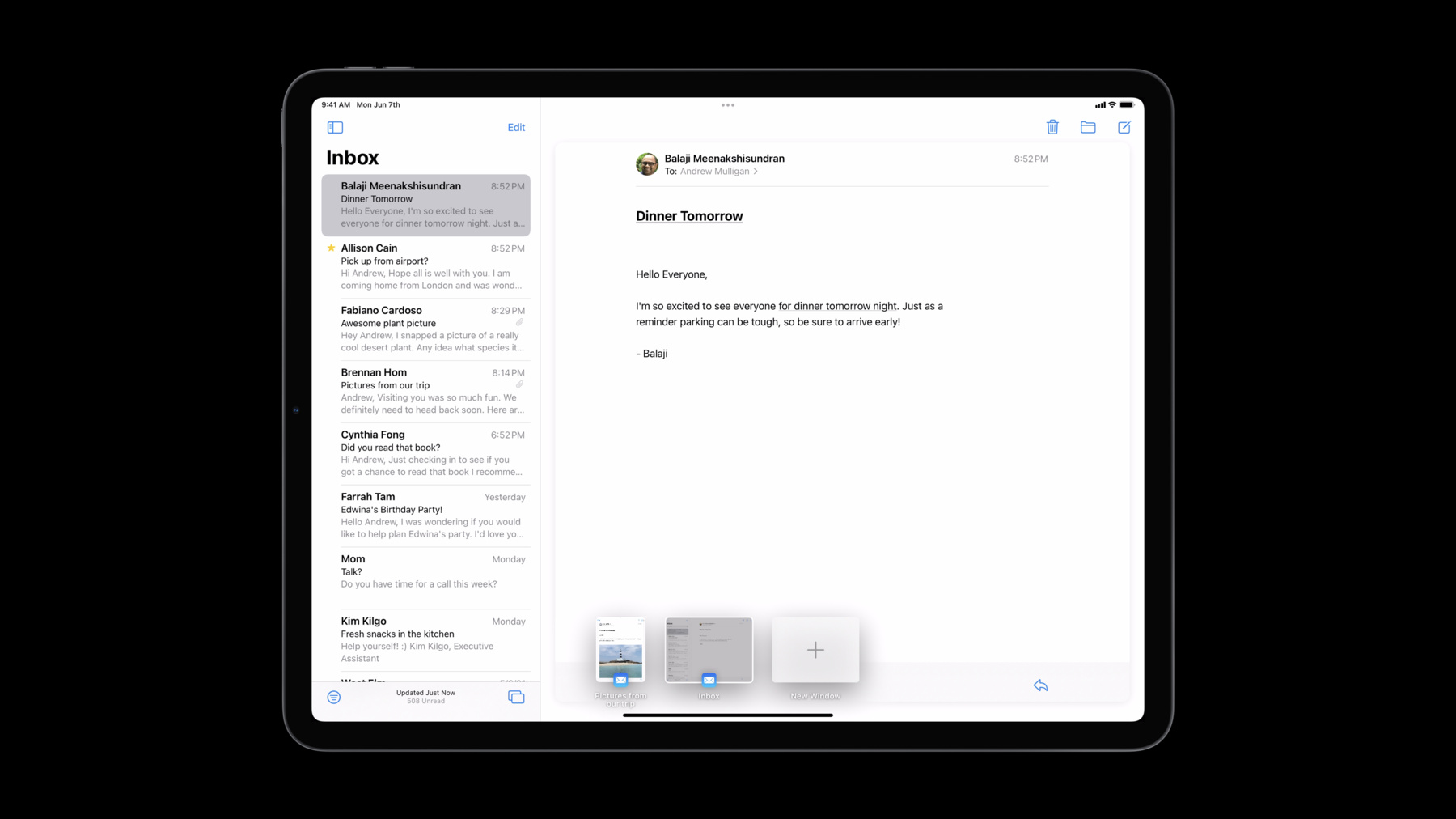
Discover the latest updates and improvements to UIKit and learn how to build better iPadOS, iOS, and Mac Catalyst apps. We'll take you through UI refinements, productivity updates, and API enhancements, and help you explore performance improvements and security & privacy features.
Ressources
Vidéos connexes
WWDC21
- Apple’s privacy pillars in focus
- Design great actions for Shortcuts, Siri, and Suggestions
- Focus on iPad keyboard navigation
- Make blazing fast lists and collection views
- Meet privacy-preserving ad attribution
- Meet TextKit 2
- Meet the Location Button
- Meet the UIKit button system
- Qualities of a great Mac Catalyst app
- SF Symbols in UIKit and AppKit
- Take your iPad apps to the next level
- What's new in Mac Catalyst
-
Rechercher dans cette vidéo…
-
-
1:41 - Building an "Open in New Window" action
// Building an "Open in New Window" action let newSceneAction = UIWindowScene.ActivationAction({ _ in // Create the user activity that represents the new scene content let userActivity = NSUserActivity(activityType: "com.myapp.detailscene") // Return the activation configuration return UIWindowScene.ActivationConfiguration(userActivity: userActivity) }) -
3:06 - UIMenuBuilder
class AppDelegate: UIResponder, UIApplicationDelegate { override func buildMenu(with builder: UIMenuBuilder) { // Use the builder to modify the main menu... } } -
6:26 - UIBarAppearance
let appearance = UITabBarAppearance() appearance.backgroundEffect = nil appearance.backgroundColor = .blue tabBar.scrollEdgeAppearance = appearance let scrollView = ... // Content scroll view in your app viewController.setContentScrollView(scrollView, for: .bottom) -
11:31 - Creating a button with UIButton.Configuration
// Creating a button with UIButton.Configuration var config = UIButton.Configuration.tinted() config.title = "Add to Cart" config.image = UIImage(systemName: "cart.badge.plus") config.imagePlacement = .trailing config.buttonSize = .large config.cornerStyle = .capsule self.addToCartButton = UIButton(configuration: config) -
13:30 - Using a hierarchical color symbol
// Using a hierarchical color symbol let configuration = UIImage.SymbolConfiguration( hierarchicalColor: UIColor.systemOrange ) let image = UIImage( systemName: "sun.max.circle.fill", withConfiguration: configuration ) -
19:30 - New UICollectionViewCell.configurationUpdateHandler closures
// New UICollectionViewCell.configurationUpdateHandler closures let cell: UICollectionViewCell = ... cell.configurationUpdateHandler = { cell, state in var content = UIListContentConfiguration.cell().updated(for: state) content.text = "Hello world!" if state.isDisabled { content.textProperties.color = .systemGray } cell.contentConfiguration = content } -
21:01 - Image display preparation
// Image display preparation if let image = UIImage(contentsOfFile: pathToImage) { // Prepare the image for display asynchronously. Task { let preparedImage = await image.byPreparingForDisplay() imageView.image = preparedImage } } -
21:29 - Image thumbnailing
// Image thumbnailing

if let bigImage = UIImage(contentsOfFile: pathToBigImage) {
    // Prepare the thumbnail asynchronously.
    Task {
        let smallImage = await bigImage.byPreparingThumbnail(ofSize: smallSize)

        imageView.image = smallImage
    }
}
-