

-
What’s new in SF Symbols
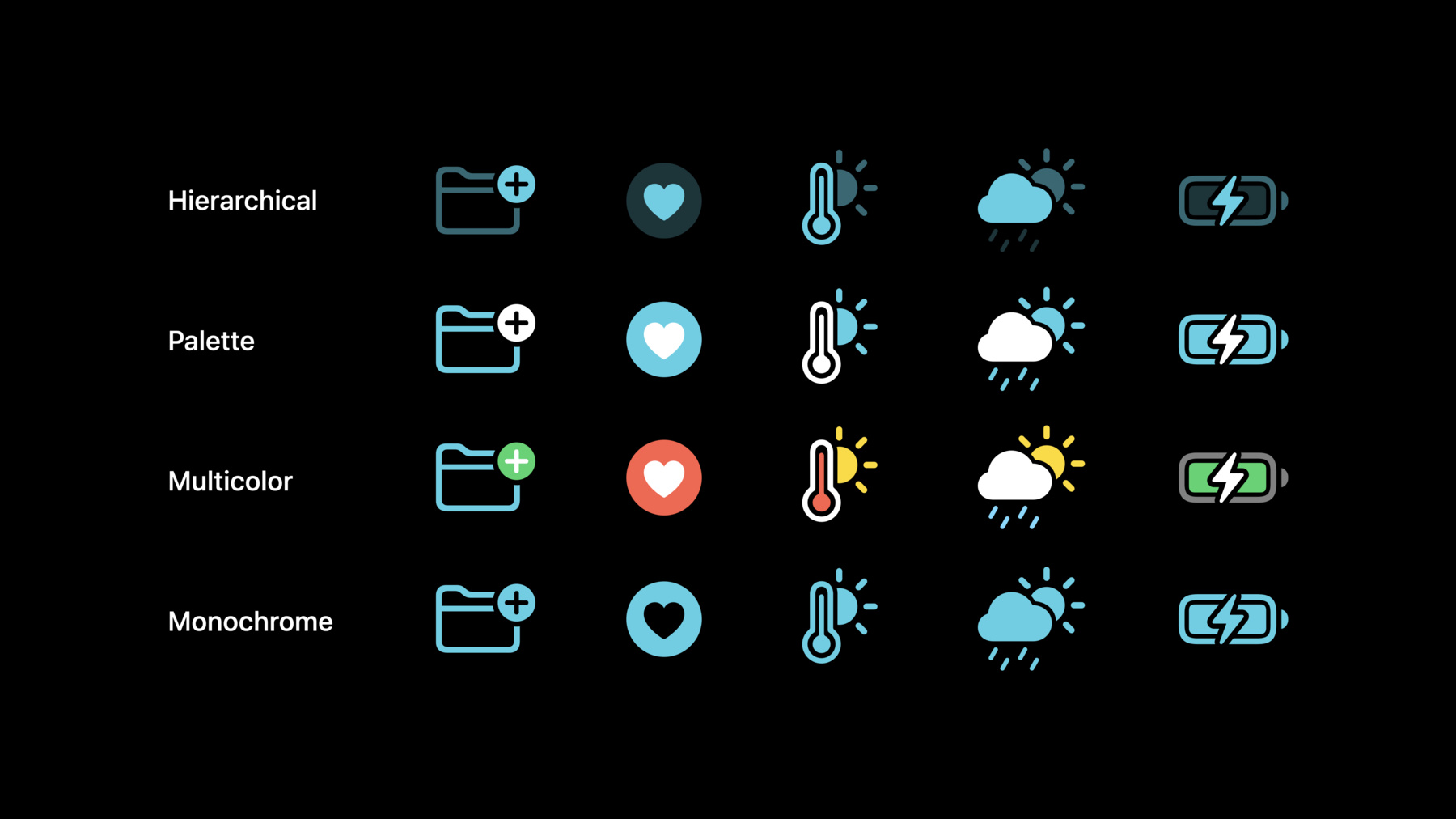
Explore the latest updates to SF Symbols, Apple's iconography library. Designed to integrate seamlessly with San Francisco — the system font for Apple platforms — SF Symbols can help you create beautiful and consistent iconography for your app while supporting accessibility features like Dynamic Type and Bold Text. Discover the latest additions to the SF Symbols library, localization enhancements, and how you can more easily customize the color of a symbol to integrate it within your app's own color palette. We'll also show you how you can design and annotate custom symbols to support Monochrome, Hierarchical, Palette, and Multicolor rendering modes.
To get the most out of this session, we recommend first watching “SF Symbols 2” from WWDC20.Ressources
Vidéos connexes
WWDC22
WWDC21
- Build interfaces with style
- Create custom symbols
- Explore the SF Symbols 3 app
- SF Symbols in SwiftUI
- What's new in SwiftUI
WWDC20
-
Rechercher dans cette vidéo…
-