

-
Discover Metal debugging, profiling, and asset creation tools
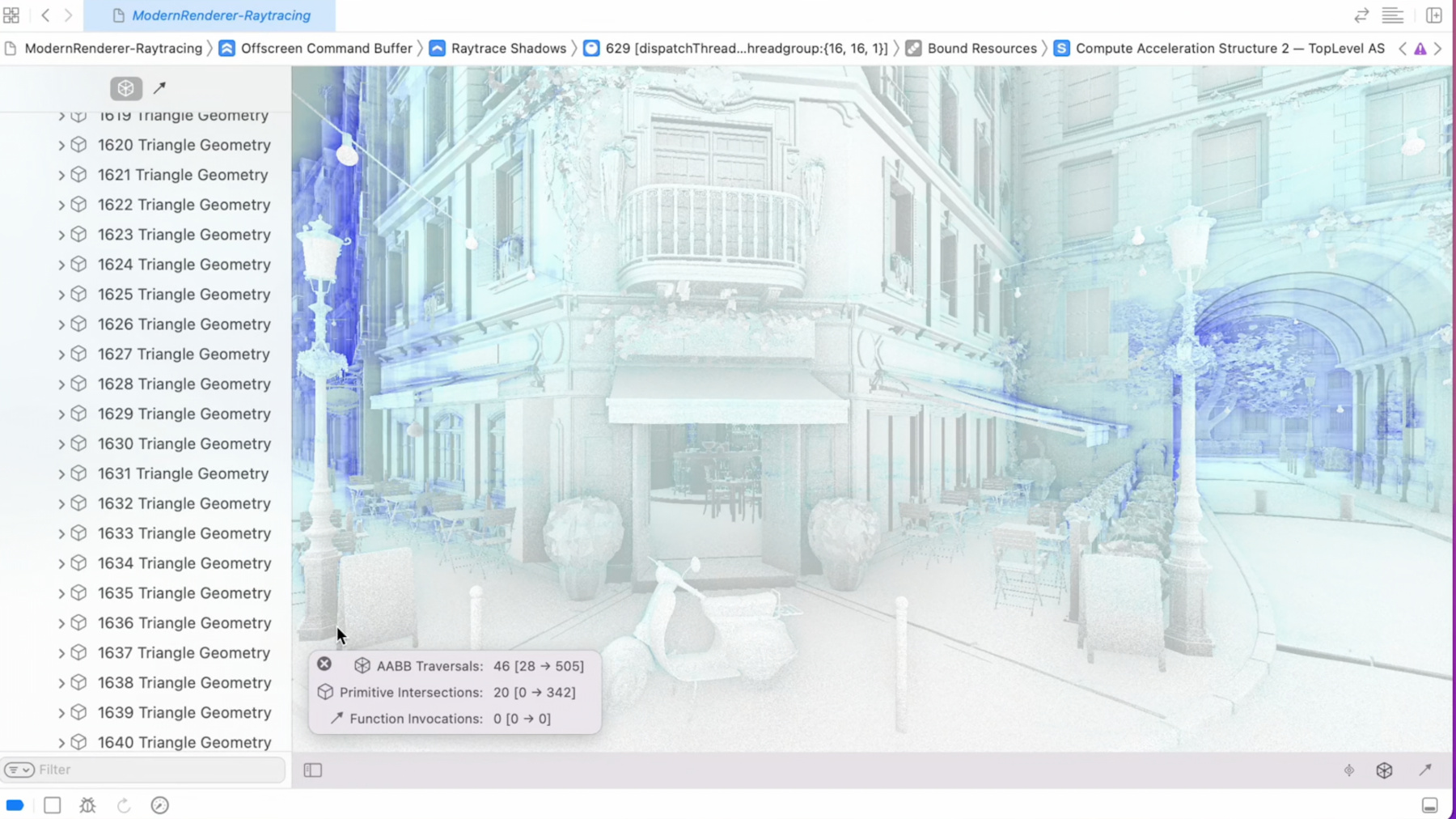
Explore how Xcode can help you take your Metal debugging, profiling and asset creation workflows to the next level. Discover the latest tools for ray tracing and GPU profiling, and learn about Metal Debugger workflows. We'll also show you how to use the Texture Converter tool, which supports all modern GPU texture formats and can easily integrate into your multi-platform asset creation pipelines.
Ressources
- Metal Developer Tools on Windows
- Debugging the shaders within a draw command or compute dispatch
- Metal
Vidéos connexes
WWDC23
WWDC22
WWDC21
- Discover compilation workflows in Metal
- Enhance your app with Metal ray tracing
- Explore hybrid rendering with Metal ray tracing
- Optimize high-end games for Apple GPUs
WWDC20
-
Rechercher dans cette vidéo…
-
-
27:51 - RGBM Encoding Pseudocode
float4 EncodeRGBM(float3 in) { float4 rgbm; rgbm.a = max3(in.r, in.g, in.b) / RGBM_Range; rgbm.rgb = in / (rgbm.a * RGBM_Range); return rgbm; } -
28:41 - RGBM Decoding Pseudocode
float3 DecodeRGBM(float4 sample) { const float RGBM_Range = 6.0f; float scale = sample.a * RGBM_Range; return sample.rgb * scale; } -
30:55 - MetalTextureSwizzles
// Remap the X and Y channels to red and green channels for normal maps compressed with ASTC. MTLTextureDescriptor* descriptor = [[MTLTextureDescriptor alloc] init]; MTLTextureSwizzle r = MTLTextureSwizzleRed; MTLTextureSwizzle g = MTLTextureSwizzleAlpha; MTLTextureSwizzle b = MTLTextureSwizzleZero; MTLTextureSwizzle a = MTLTextureSwizzleZero; descriptor.swizzle = MTLTextureSwizzleChannelsMake( r, g, b, a ); -
31:55 - ReconstructNormal
// Reconstruct z-axis from normal sample in shader code.

float3 ReconstructNormal(float2 sample)
{
    float3 normal;

    normal.xy = sample.xy * 2.0f - 1.0f;
    normal.z  = sqrt( saturate( 1.0f - dot( normal.xy, normal.xy ) ) );

    return normal;
}
-