

-
Localize your SwiftUI app
Learn how to localize your SwiftUI app and make it available to a global audience. Explore how you can localize strings in SwiftUI, including those with styles and formatting. We'll demonstrate how you can save time by having SwiftUI automatically handle tasks such as layout and keyboard shortcuts, and take you through the localization workflow in Xcode 13.
To get the most out of this session and learn more about the Markdown language and AttributedString, check out "What's new in Foundation" from WWDC21.Ressources
Vidéos connexes
WWDC22
WWDC21
-
Rechercher dans cette vidéo…
-
-
1:34 - Text() with a string literal
Button(action: done) { Text("Done", comment: "Button title to dismiss rewards sheet") } -
1:58 - Text() with a string literal and interpolation
// RewardsCard.swift Text("You are \(10 - totalStamps) points away from a free smoothie!") -
2:06 - Text() with tableName
// RecipeView.swift Text("Ingredients.recipe", tableName: "Ingredients", comment: "Ingredients in a recipe. For languages that have different words for \"Ingredient\" based on semantic context.") Text("Ingredients.menu", tableName: "Ingredients", comment: "Ingredients in a smoothie. For languages that have different words for \"Ingredient\" based on semantic context.") -
2:52 - Declare localizable attributes in a custom view
struct Card: View { var title: LocalizedStringKey var subtitle: LocalizedStringKey var body: some View { Circle() .fill(BackgroundStyle()) .overlay( VStack(spacing: 16) { Text(title) Text(subtitle) } ) } } Card( title: "Thank you for your order!", subtitle: "We will notify you when your order is ready." ) -
3:47 - Text() with multiline string literal
Text(""" A delicious blend of tropical fruits and blueberries will have you sambaing around like you never knew you could! """, comment: "Tropical Blue smoothie description") -
4:39 - Customize attributes
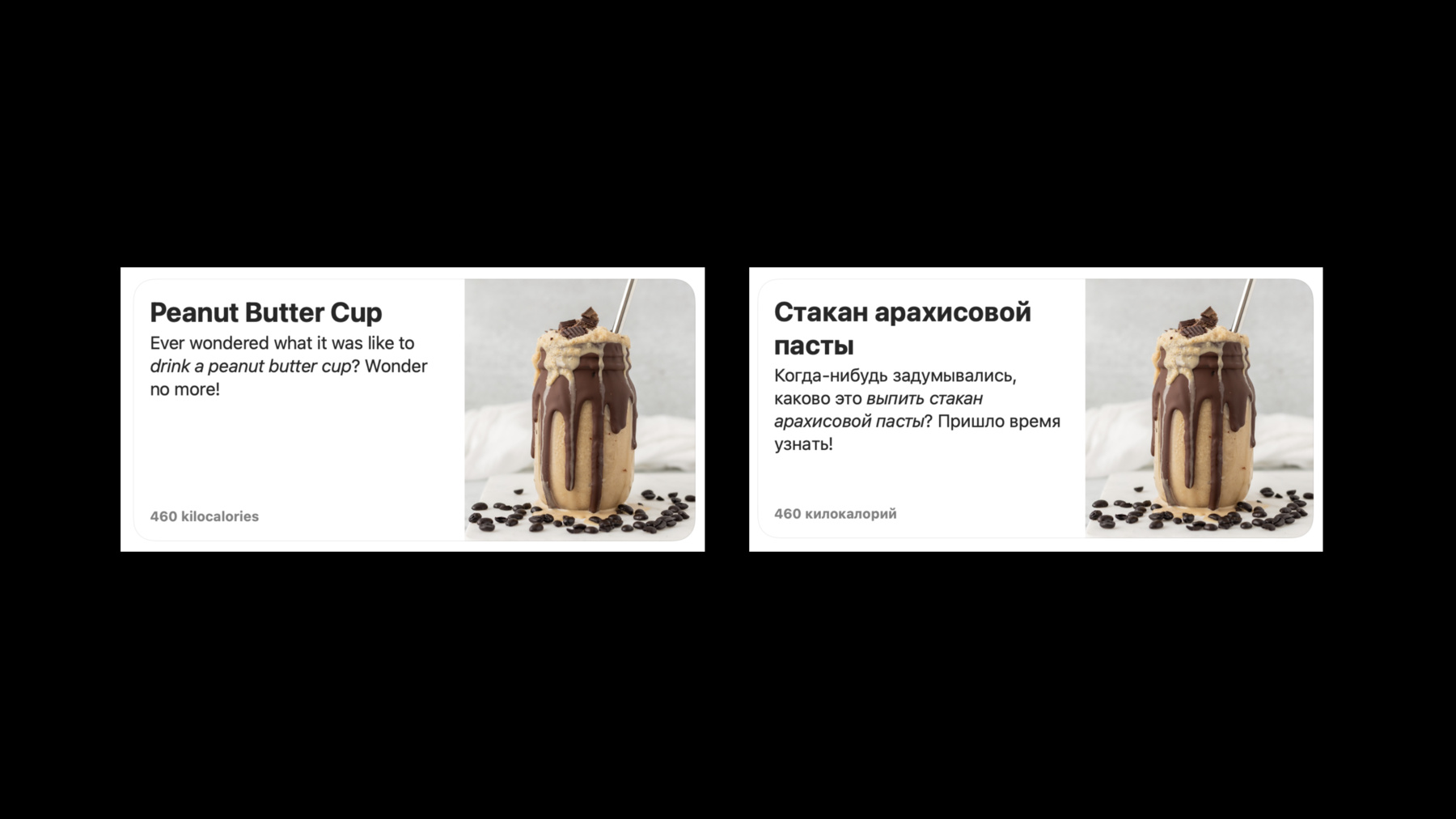
VStack(alignment: .leading) { Text(smoothie.title) .font(.headline) Text(ingredients) } -
5:13 - Using Markdown
// Smoothie.swift Text("A refreshing blend that's a *real kick*!", comment: "Lemonberry smoothie description") -
6:04 - Create a measurement formatter (prior to iOS 15)
let calories = Measurement<UnitEnergy>( value: nutritionFact.kilocalories, unit: .kilocalories) static let measurementFormatter: MeasurementFormatter = { let formatter = MeasurementFormatter() formatter.unitStyle = .long formatter.unitOptions = .providedUnit return formatter }() Text(Self.measurementFormatter.string(from: calories)) Text("Energy: \(calories, formatter: Self.measurementFormatter)") -
6:22 - Specify the format in a declarative manner (iOS 15)
let calories = Measurement<UnitEnergy>( value: nutritionFact.kilocalories, unit: .kilocalories) Text(calories.formatted(.measurement(width: .wide, usage: .food))) Text("Energy: \(calories, format: .measurement(width: .wide, usage: .food))") -
6:53 - Specify a keyboard shortcut
struct SmoothieCommands: Commands {

    var body: some Commands {
        CommandMenu(Text("Smoothie", comment: "Menu title for smoothie-related actions")) {
            SmoothieFavoriteButton(smoothie)
                .keyboardShortcut("+")
        }
    }
}
-