

-
Reach new players with Game Center dashboard
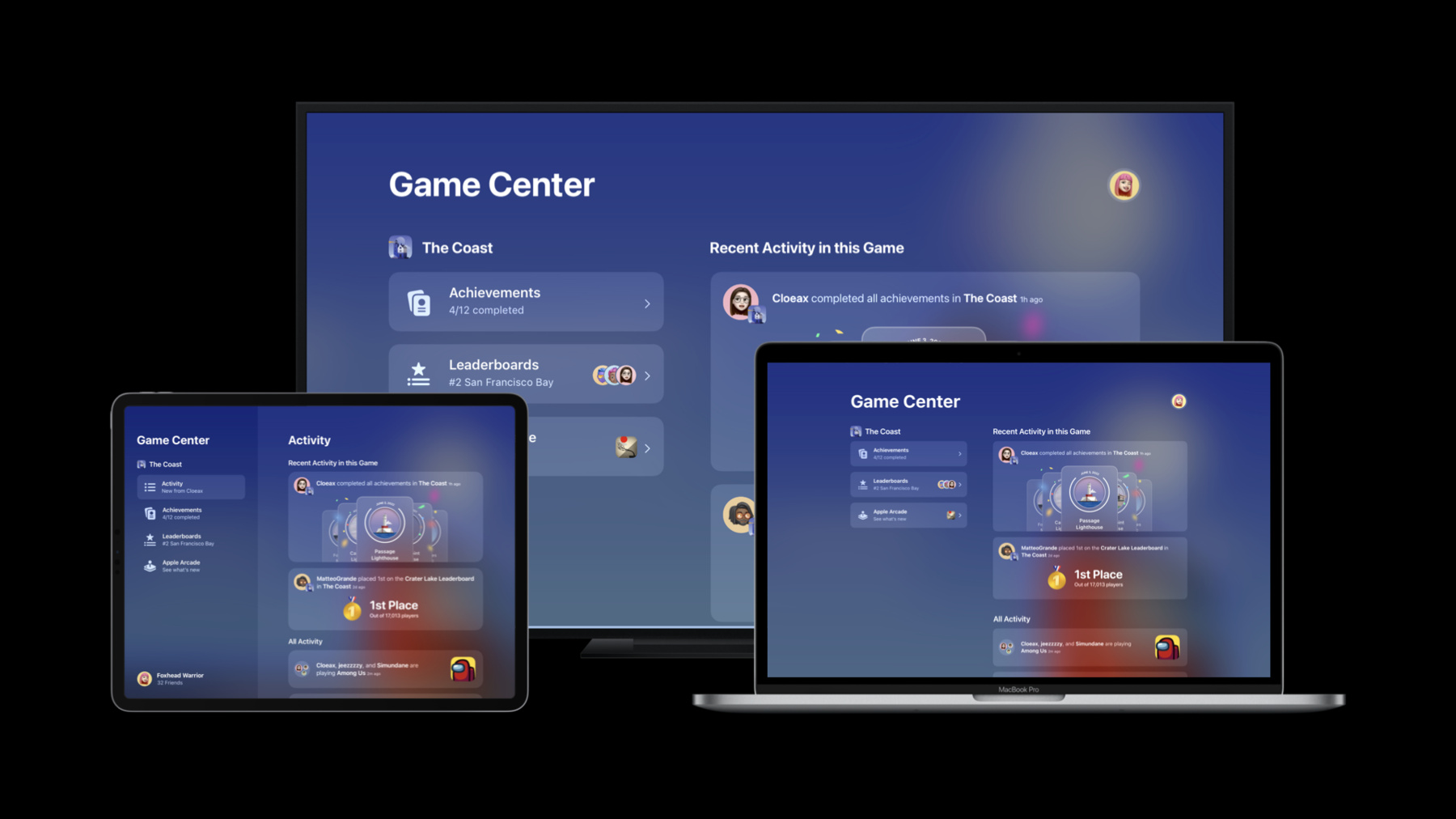
Meet the Game Center activity dashboard and discover how it can help your game reach new players. We'll introduce you to the dashboard and profiles and explore how they can track player achievements, high scores, and leaderboard changes for your game. We'll also show you how to add Game Center to your Unity game project using the Game Center plug-in.
Ressources
Vidéos connexes
Tech Talks
WWDC22
- Meet the Presenter: Reach new players with Game Center dashboard
- Plug-in and play: Add Apple frameworks to your Unity game projects
- Q&A: Games technologies
- Q&A: Games technologies
WWDC21
- Bring Recurring Leaderboards to your game
- What’s new in Game Center: Widgets, friends, and multiplayer improvements
WWDC20
-
Rechercher dans cette vidéo…
-
-
4:11 - Authenticate the local player
// Authenticate the local player import GameKit class TitleScreenViewController: UIViewController { override func viewDidLoad() { super.viewDidLoad() // Authenticate the local player GKLocalPlayer.local.authenticateHandler = { viewController, error in if let viewController = viewController { // Present the view controller from Game Center. return } } } } -
4:30 - Authenticate the local player
// Authenticate the local player using Apple.GameKit; public class MyGameManager : MonoBehaviour { private GKLocalPlayer _localPlayer; private async Task Start() { try { _localPlayer = await GKLocalPlayer.Authenticate(); } catch (Exception exception) { // Handle exception... } } } -
5:25 - Show the Access Point
// Show the Access Point import GameKit class MenuScreenViewController: UIViewController { override func viewDidLoad() { super.viewDidLoad() GKAccessPoint.shared.location = .topLeading GKAccessPoint.shared.isActive = true } } -
5:40 - Show the Access Point
// Show the Access Point
GKAccessPoint.Shared.Location =
    GKAcessPoint.GKAccessPointLocation.TopLeading;

GKAccessPoint.Shared.IsActive = true;
-