

-
Power down: Improve battery consumption
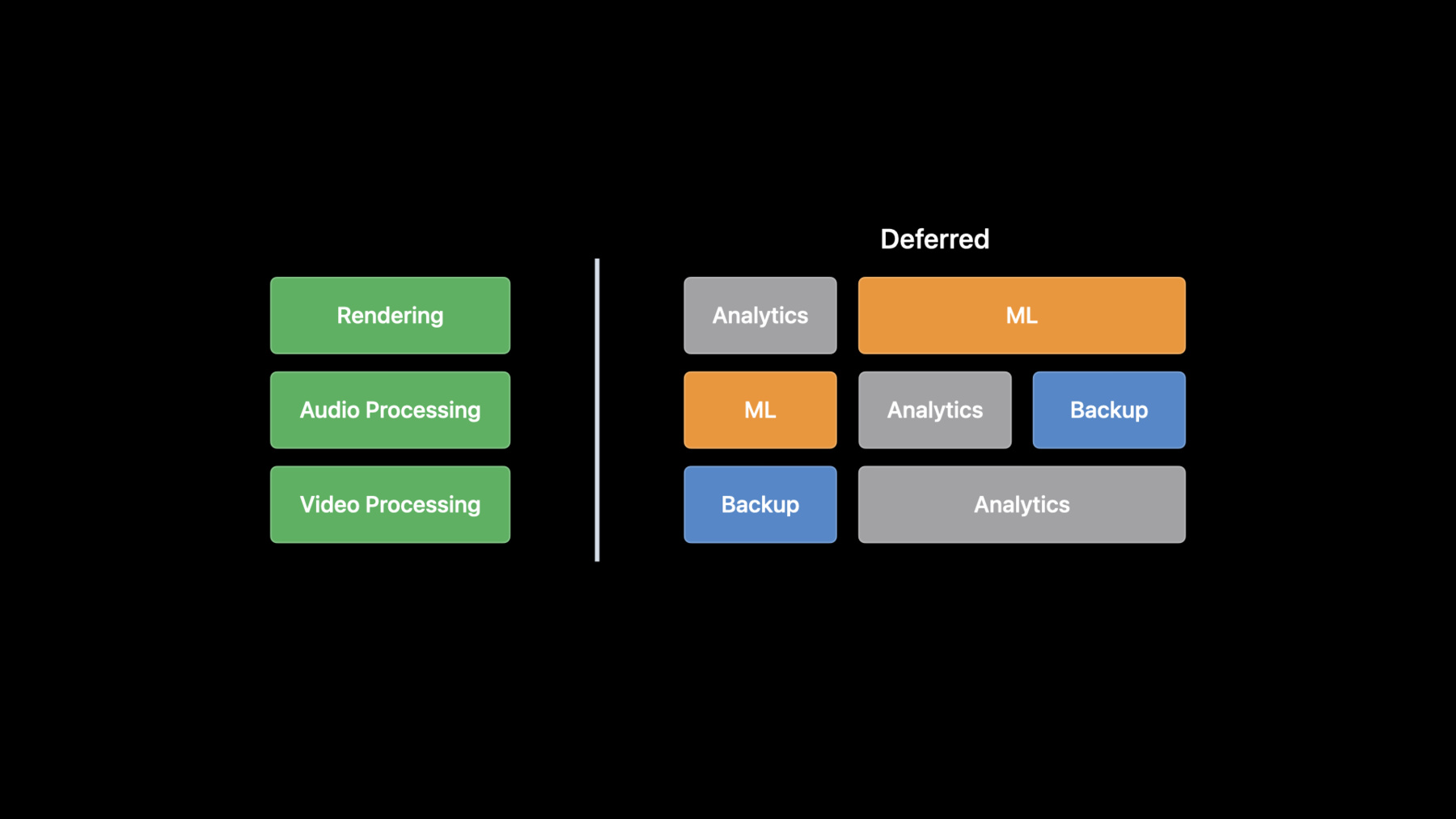
Discover how you can limit your power usage and help people get even more out of your app. We'll show you how you can reduce battery drain from your app by making four key changes to your code. Learn how to add Dark Mode to your app and benefit from OLED displays, audit frame rates from secondary animations, limit background data processing, and defer long running tasks.
Ressources
Vidéos connexes
WWDC22
WWDC21
WWDC19
-
Rechercher dans cette vidéo…
-
-
8:02 - Create a CADisplayLink
// Create a display link func createDisplayLink() { let displayLink = CADisplayLink(target: self, selector: #selector(step)) // Configure your desired refresh rate by calling preferredFrameRateRange displayLink.preferredFrameRateRange = CAFrameRateRange(minimum: 10, maximum: 60, preferred: 30) // then activate your CADisplayLink by adding it to the main runloop. displayLink.add(to: .current, forMode: .defaultRunLoopMode) } -
16:03 - Discretionary URLSession
// Set up background URL session
let config = URLSessionConfiguration.background(withIdentifier: "com.app.attachments")
let session = URLSession(configuration: config, delegate: ..., delegateQueue: ...)

// Set discretionary
config.isDiscretionary = true

// Set timeout intervals
config.timeoutIntervalForResource = 24 * 60 * 60
config.timeoutIntervalForRequest = 60

// Create request and task
var request = URLRequest(url: url)
request.addValue("...", forHTTPHeaderField: "...")
let task = session.downloadTask(with: request)

// Set time window of two hours
task.earliestBeginDate = Date(timeIntervalSinceNow: 2 * 60 * 60)

// Set workload size
task.countOfBytesClientExpectsToSend = 160
task.countOfBytesClientExpectsToReceive = 4096

task.resume()
-