

-
Create seamless experiences with Virtualization
Discover the latest updates to the Virtualization framework. We'll show you how to configure a virtual machine (VM) to automatically resize its display, take you through saving and restoring a running VM, and explore storage and performance options for Virtualization apps running on the desktop or in the data center.
To learn more about the Virtualization framework, check out “Create macOS or Linux virtual machines” from WWDC22.Chapitres
- 1:38 - Resize displays automatically
- 2:33 - Save and restore virtual machines
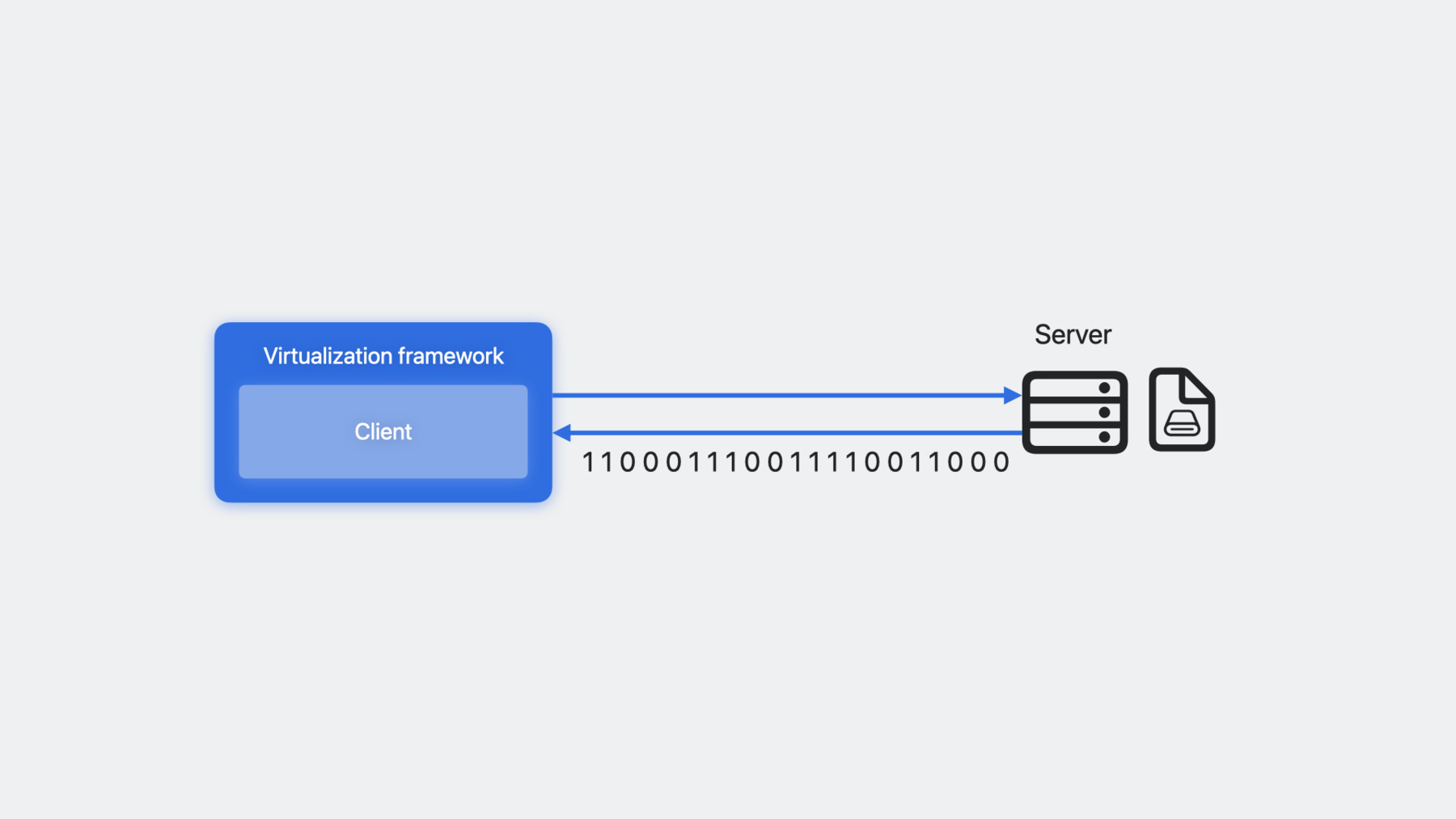
- 7:01 - Connect remote storage with Network Block Device
- 10:30 - Meet the NVMe storage device
- 11:48 - Add the Mac keyboard
- 12:01 - Improve Rosetta 2 performance in Linux virtual machines
Ressources
Vidéos connexes
WWDC22
-
Rechercher dans cette vidéo…
-
-
1:58 - Set display as resizable
// virtualMachine is a VZVirtualMachine. let virtualMachineView = VZVirtualMachineView() virtualMachineView.virtualMachine = virtualMachine virtualMachineView.automaticallyReconfiguresDisplay = true -
4:20 - Save a virtual machine
// virtualMachine is a running VZVirtualMachine. try await virtualMachine.pause() let saveFileURL = URL(filePath: "SaveFile.vzvmsave", directoryHint: .notDirectory) try await virtualMachine.saveMachineStateTo(url: saveFileURL) -
4:58 - Restore a virtual machine
let configuration = VZVirtualMachineConfiguration() // Customize configuration. let virtualMachine = VZVirtualMachine(configuration: configuration) let saveFileURL = URL(filePath: "SaveFile.vzvmsave", directoryHint: .notDirectory) try await virtualMachine.restoreMachineStateFrom(url: saveFileURL) try await virtualMachine.resume() -
9:28 - Configure a Virtio block device with the NBD attachment
let url = URL(string: "nbd://localhost:10809/myDisk")! let attachment = try VZNetworkBlockDeviceStorageDeviceAttachment(url: url) let blockDevice = VZVirtioBlockDeviceConfiguration(attachment: attachment) -
10:02 - Respond to events with a delegate with the NBD attachment
let url = URL(string: "nbd://localhost:10809/myDisk")!
let attachment = try VZNetworkBlockDeviceStorageDeviceAttachment(url: url)

// NetworkBlockDeviceAttachmentDelegate implements the delegate protocol.
let delegate = NetworkBlockDeviceAttachmentDelegate()
attachment.delegate = delegate

let blockDevice = VZVirtioBlockDeviceConfiguration(attachment: attachment)
-