

-
Bring your game to Mac, Part 1: Make a game plan
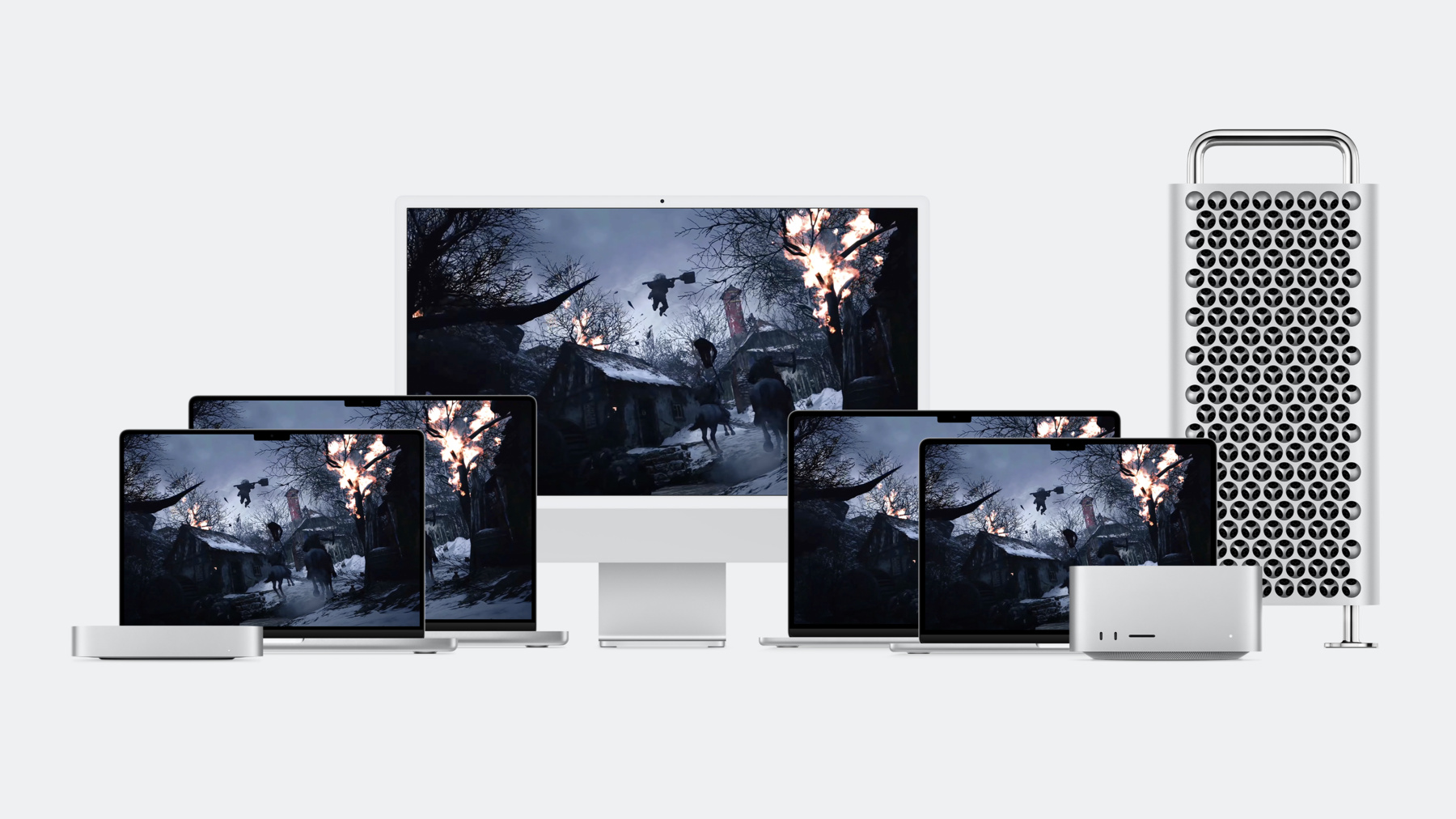
Bring modern, high-end games to Mac and iPad with the powerful features of Metal and Apple silicon. Discover the game porting toolkit and learn how it can help you evaluate your existing Windows game for graphics feature compatibility and performance. We'll share best practices and technical resources for handling audio, input, and advanced display features.
Once you've watched this session, check out “Bring your game to Mac, Part 2: Compile your shaders” to learn more about bringing HLSL shaders to Metal.Chapitres
- 0:00 - Intro
- 0:57 - Game porting toolkit
- 3:04 - Evaluate your game
- 8:46 - Compile your shaders
- 9:13 - Render with Metal
- 9:44 - Input
- 11:12 - Audio
- 13:08 - Display
- 14:37 - Wrap-Up
Ressources
- Achieving smooth frame rates with a Metal display link
- Download the Metal shader converter (Mac and Windows)
- Download the game porting toolkit
- Game Controller
Vidéos connexes
WWDC23
- Bring your game to Mac, Part 2: Compile your shaders
- Bring your game to Mac, Part 3: Render with Metal
- Q&A: Games
- Q&A: Games
Tech Talks
WWDC22
WWDC21
- Discover geometry-aware audio with the Physical Audio Spatialization Engine (PHASE)
- Explore HDR rendering with EDR
- Tap into virtual and physical game controllers
WWDC20
-
Rechercher dans cette vidéo…
-