

-
Prototype with Xcode Playgrounds
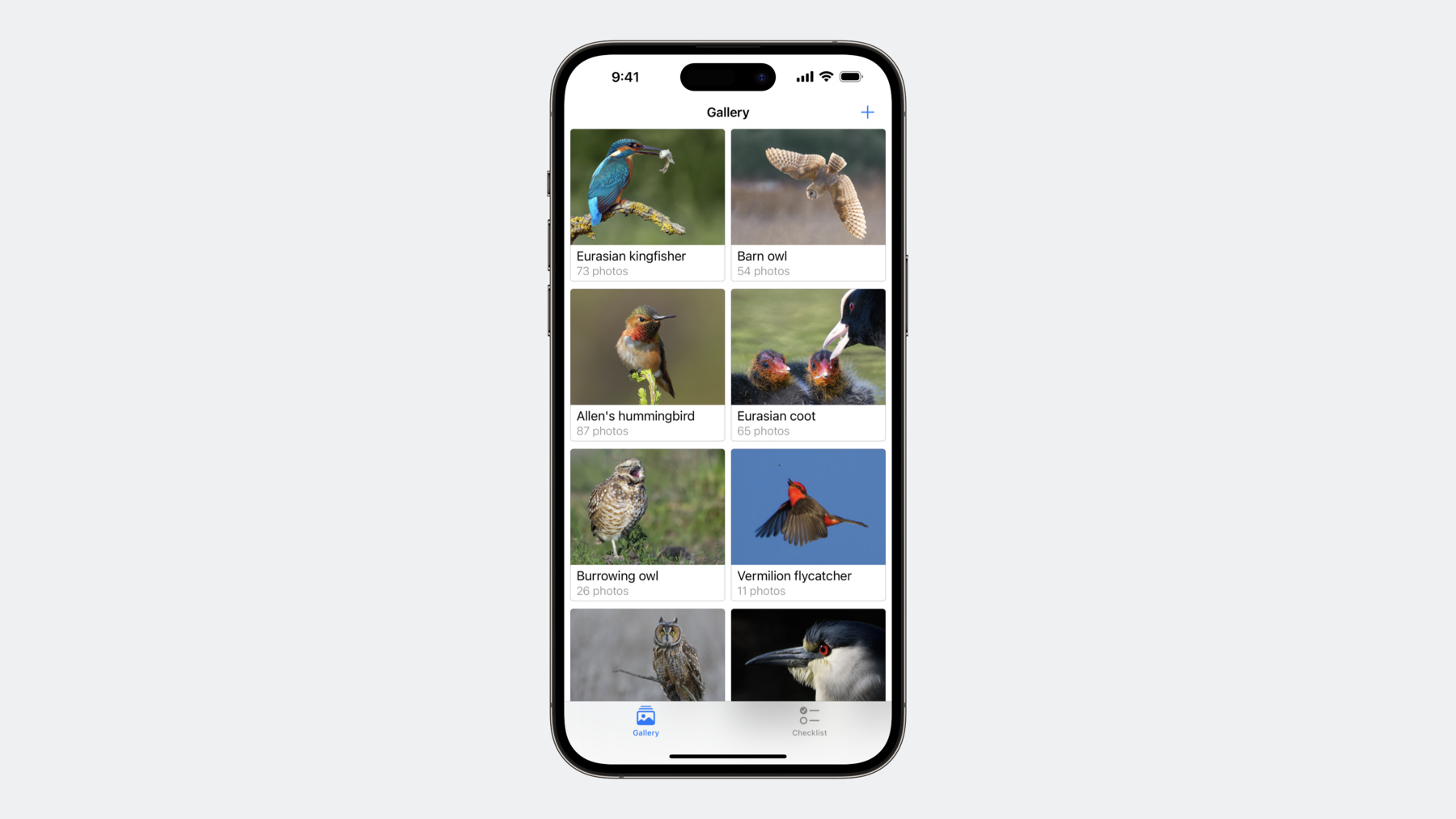
Speed up feature development by prototyping new code with Xcode Playgrounds, eliminating the need to keep rebuilding and relaunching your project to verify your changes. We'll show you how using a playground in your project or package can help you try out your code in various scenarios and take a close look at the returned values, including complex structures and user interface elements, so you can quickly iterate on a feature before integrating it into your project.
Chapitres
- 3:00 - Exploring the data model and inspecting UI snapshots
- 14:26 - Becoming familiar with a new package
- 18:07 - Using the Live View
- 22:03 - Running the updated project
Ressources
Vidéos connexes
WWDC20
-
Rechercher dans cette vidéo…
-
-
2:04 - birdsToShow computed property before the required changes
var birdsToShow: [Bird] { // TODO: Narrow down the list of birds to find. let birdProvider = BirdProvider(region: .northAmerica) return birdProvider.birds } -
4:15 - birdProvider instance
let birdProvider = BirdProvider(region: .northAmerica) -
6:31 - CustomStringConvertible
extension Bird: CustomStringConvertible { public var description: String { return "\(commonName) (\(scientificName))" } } -
8:17 - CustomPlaygroundDisplayConvertible
extension Bird: CustomPlaygroundDisplayConvertible { public var playgroundDescription: Any { return photo as Any } } -
9:45 - Birds without a photo
let birdsToFind = birdProvider.birds.filter { $0.photo == nil } -
10:52 - Owls without a photo
let owlsToFind = birdsToFind.filter { $0.family == .owls } -
11:15 - Verifying the ChecklistView
let checklist = ChecklistView() for bird in owlsToFind { checklist.add(bird) } -
13:41 - birdsToShow computed property with the required changes
var birdsToShow: [Bird] { let birdProvider = BirdProvider(region: .northAmerica) let birdsToFind = birdProvider.birds.filter { $0.photo == nil } let owlsToFind = birdsToFind.filter { $0.family == .owls } return owlsToFind } -
14:21 - sightingToShow function before the required changes
func sightingToShow(for bird: Bird) -> Sighting? { // TODO: Use BirdSightings package to fetch the most recent sighting. return nil } -
15:04 - BirdSightings package example
let barnOwlCode = "BNOW" let centralParkLocation = CLLocationCoordinate2D(latitude: 40.785091, longitude: -73.968285) let sightingsProvider = SightingsProvider() sightingsProvider.fetchSightings(of: barnOwlCode, around: centralParkLocation) -
16:08 - Parameters for sightings fetching
let bird = owlsToFind.first! let appleParkLocation = CLLocationCoordinate2D(latitude: 37.3348655, longitude: 122.0089409) -
17:31 - Sightings fetching
let sightingsProvider = SightingsProvider() let sightings = sightingsProvider.fetchSightings(of: bird.speciesCode, around: appleParkLocation) -
18:23 - Initializing the SightingMapView
let mostRecentSighting = sightings.first let sightingMapView = SightingMapView(sighting: mostRecentSighting) -
18:55 - Setting up the playground's live view
import PlaygroundSupport PlaygroundPage.current.liveView = sightingMapView -
22:20 - sightingToShow function with the required changes
func sightingToShow(for bird: Bird) -> Sighting? {
    let sightingsProvider = SightingsProvider()
    let sightings = sightingsProvider.fetchSightings(of: bird.speciesCode, around: lastCurrentLocation)
    let mostRecentSighting = sightings.first
    return mostRecentSighting
}
-