

View in English

  • Apple Developer
    • Get Started

    Explore Get Started

    • Overview
    • Learn
    • Apple Developer Program

    Stay Updated

    • Latest News
    • Hello Developer
    • Platforms

    Explore Platforms

    • Apple Platforms
    • iOS
    • iPadOS
    • macOS
    • tvOS
    • visionOS
    • watchOS
    • App Store

    Featured

    • Design
    • Distribution
    • Games
    • Accessories
    • Web
    • Home
    • CarPlay
    • Technologies

    Explore Technologies

    • Overview
    • Xcode
    • Swift
    • SwiftUI

    Featured

    • Accessibility
    • App Intents
    • Apple Intelligence
    • Games
    • Machine Learning & AI
    • Security
    • Xcode Cloud
    • Community

    Explore Community

    • Overview
    • Meet with Apple events
    • Community-driven events
    • Developer Forums
    • Open Source

    Featured

    • WWDC
    • Swift Student Challenge
    • Developer Stories
    • App Store Awards
    • Apple Design Awards
    • Apple Developer Centers
    • Documentation

    Explore Documentation

    • Documentation Library
    • Technology Overviews
    • Sample Code
    • Human Interface Guidelines
    • Videos

    Release Notes

    • Featured Updates
    • iOS
    • iPadOS
    • macOS
    • watchOS
    • visionOS
    • tvOS
    • Xcode
    • Downloads

    Explore Downloads

    • All Downloads
    • Operating Systems
    • Applications
    • Design Resources

    Featured

    • Xcode
    • TestFlight
    • Fonts
    • SF Symbols
    • Icon Composer
    • Support

    Explore Support

    • Overview
    • Help Guides
    • Developer Forums
    • Feedback Assistant
    • Contact Us

    Featured

    • Account Help
    • App Review Guidelines
    • App Store Connect Help
    • Upcoming Requirements
    • Agreements and Guidelines
    • System Status
  • Quick Links

    • Events
    • News
    • Forums
    • Sample Code
    • Videos
 

Vidéos

Ouvrir le menu Fermer le menu
  • Collections
  • Toutes les vidéos
  • À propos

Plus de vidéos

  • À propos
  • Code
  • Get started with HealthKit in visionOS

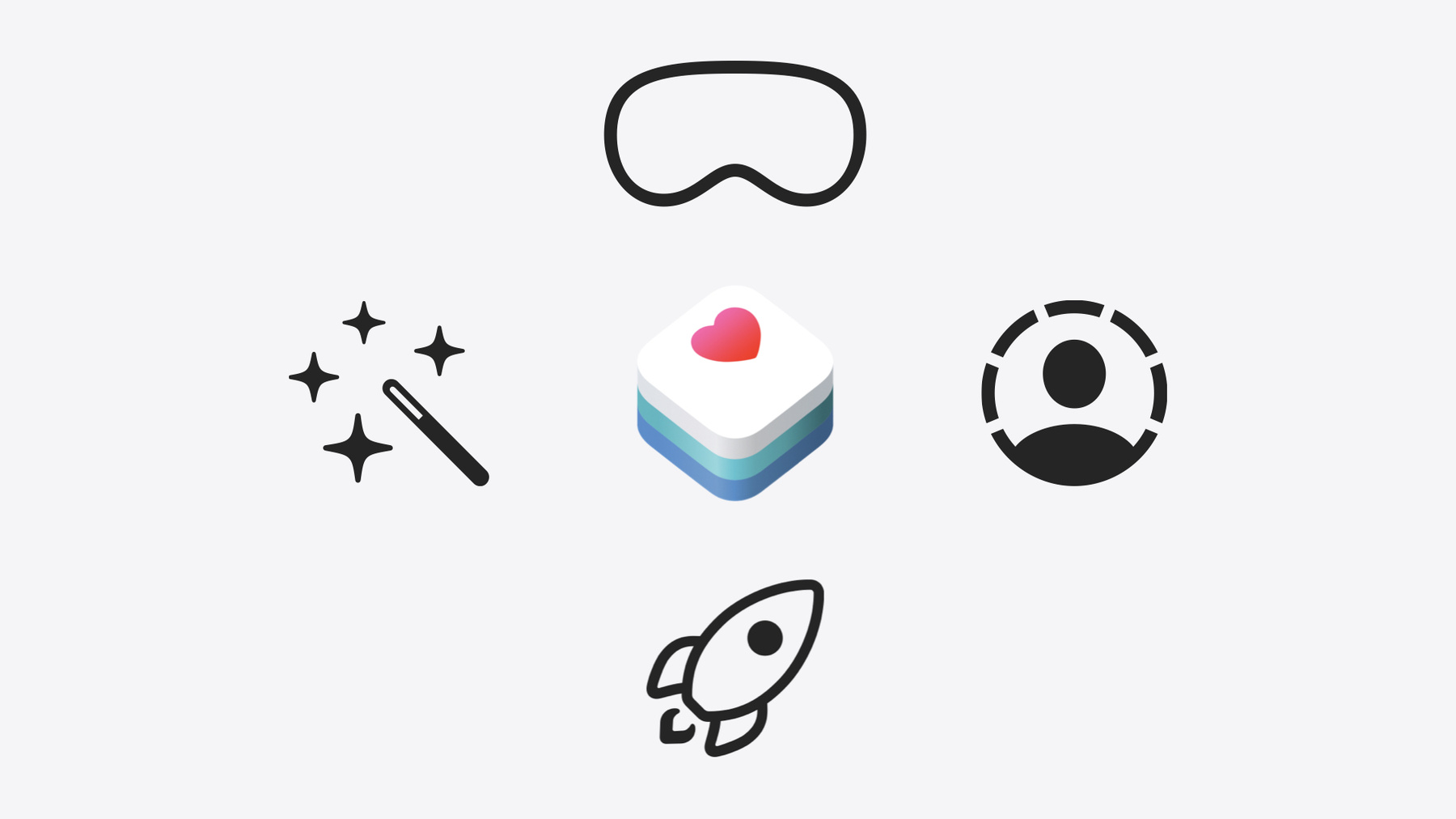
    Discover how to use HealthKit to create experiences that take full advantage of the spatial canvas. Learn the capabilities of HealthKit on the platform, find out how to bring an existing iPadOS app to visionOS, and explore the special considerations governing HealthKit during a Guest User session. You'll also learn ways to use SwiftUI, Swift Charts, and Swift concurrency to craft innovative experiences with HealthKit.

    Chapitres

    • 0:00 - Introduction
    • 1:52 - HealthKit in visionOS
    • 3:48 - Spatial health experiences
    • 7:47 - Guest User support

    Ressources

    • Visualizing HealthKit State of Mind in visionOS
    • Let others use your Apple Vision Pro
    • Forum: Health & Fitness
    • Bringing multiple windows to your SwiftUI app
    • HealthKit
      • Vidéo HD
      • Vidéo SD

    Vidéos connexes

    WWDC24

    • Explore wellbeing APIs in HealthKit

    WWDC23

    • Elevate your windowed app for spatial computing

    WWDC20

    • Getting started with HealthKit
  • Rechercher dans cette vidéo…
    • 2:43 - Check whether health data is available

      import HealthKit
      
      if HKHealthStore.isHealthDataAvailable() {
          // Configure HealthKit-powered experiences
      } else {
          // Omit HealthKit experiences
      }
    • 3:03 - Request authorization to read or write data

      import HealthKitUI
      import SwiftUI
      
      func healthDataAccessRequest(
          store: HKHealthStore,
          shareTypes: Set<HKSampleType>,
          readTypes: Set<HKObjectType>? = nil,
          trigger: some Equatable,
          completion: @escaping (Result<Bool, any Error>) -> Void
      ) -> some View
    • 5:59 - Update number of chart points based on chart’s size

      // Update number of chart points based on chart’s size
      
      import SwiftUI
      import HealthKit
      import Charts
      
      struct ChartView: View {
          @State var chartBinCount: Int
      
          var body: some View {
              Chart { ...
                  // Chart body
              }
              .onGeometryChange(for: Int.self) { proxy in // Observe for changes to the chart’s size
                  Int(proxy.size.width / 80) // 80 points per chart point
              } action: { newValue in
                  // Update the number of chart points
                  chartBinCount = newValue        
              }
          }
      }
    • 6:33 - Open chart as a new window

      // Opens chart as a new window
          
      struct NewChartViewerButton: View {
          @Environment(\.openWindow) private var openWindow
      
          var body: some View {
              Button("Open In New Window", systemImage: "plus.rectangle.on.rectangle") {
                  openWindow(id: "chart-viewer-window")
              }
          }
      }
    • 9:00 - HealthKit returns a new error if a write is attempted during a Guest User session

      let sample = HKStateOfMind(date: date, kind: .momentaryEmotion, valence: valence,
                                 labels: [label], associations: [association])
      do {
          try await healthStore.save(sample)
      } catch {
          switch error {
          case HKError.errorNotPermissibleForGuestUserMode:
              // Drop data generated in a Guest User session
          default:
              // Existing error handling
          }
      }
    • 9:26 - Request authorization to State of Mind datatype

      // Request authorization to State of Mind datatype
      
      @main
      struct HKStateOfMindDataSampleApp: App {
          @State var toggleHealthDataAuthorization = false
          @State var healthDataAuthorized: Bool?
          
          var body: some Scene {
              WindowGroup {
                  TabView { ... }
                      .healthDataAccessRequest(store: healthStore,
                                               shareTypes: [.stateOfMindType()],
                                               readTypes: [.stateOfMindType()],
                                               trigger: toggleHealthDataAuthorization) { result in
                          switch result {
                          case .success: healthDataAuthorized = true
                          case .failure(let error as HKError):
                              switch (error.code) {
                              case .errorNotPermissibleForGuestUserMode:
                                  // Defer requests for a later time
                              default:
                                  // Existing error handling
                              }
                              ...
                          }
                      }
              }
          }
      }
    • 9:42 - Save a State of Mind sample from an emoji type

      // Saves a State of Mind sample from an emoji type 
      public func saveSample(date: Date,
                             association: HKStateOfMind.Association,
                             healthStore: HKHealthStore,
                             didError: Binding<Bool>) async -> SaveDetails? {
          do {
              let sample = createSample(date: date, association: association)
              try await healthStore.save(sample)
          } catch {
              switch error {
              case HKError.errorNotPermissibleForGuestUserMode:
                  // Drop data you generate in a Guest User session.
                  didError.wrappedValue = true
                  return SaveDetails(errorString: "Health data is not saved for Guest Users.")
              default:
                  // Existing error handling.
                  didError.wrappedValue = true
                  return SaveDetails(errorString: "Health data could not be saved: \(error)")
              }
          }
      ...
    • 9:58 - Present an alert with a message using the given details

      // Present an alert with a message using the given details
      
      struct EventView: View {
          @State private var showAlert: Bool = false
          @State private var saveDetails: EmojiType.SaveDetails? = nil
      
          var body: some View {
              EmojiPicker()
                  .alert("Unable to Save Health Data",
                         isPresented: $showAlert,
                         presenting: saveDetails,
                         actions: { _ in }, // default OK button
                         message: { details in
                      Text(details.errorString)
                  })
         }
      }

Developer Footer

  • Vidéos
  • WWDC24
  • Get started with HealthKit in visionOS
  • Open Menu Close Menu
    • iOS
    • iPadOS
    • macOS
    • tvOS
    • visionOS
    • watchOS
    • App Store
    Open Menu Close Menu
    • Swift
    • SwiftUI
    • Swift Playground
    • TestFlight
    • Xcode
    • Xcode Cloud
    • Icon Composer
    • SF Symbols
    Open Menu Close Menu
    • Accessibility
    • Accessories
    • Apple Intelligence
    • Audio & Video
    • Augmented Reality
    • Business
    • Design
    • Distribution
    • Education
    • Games
    • Health & Fitness
    • In-App Purchase
    • Localization
    • Maps & Location
    • Machine Learning & AI
    • Security
    • Safari & Web
    Open Menu Close Menu
    • Documentation
    • Downloads
    • Sample Code
    • Videos
    Open Menu Close Menu
    • Help Guides & Articles
    • Contact Us
    • Forums
    • Feedback & Bug Reporting
    • System Status
    Open Menu Close Menu
    • Apple Developer
    • App Store Connect
    • Certificates, IDs, & Profiles
    • Feedback Assistant
    Open Menu Close Menu
    • Apple Developer Program
    • Apple Developer Enterprise Program
    • App Store Small Business Program
    • MFi Program
    • Mini Apps Partner Program
    • News Partner Program
    • Video Partner Program
    • Security Bounty Program
    • Security Research Device Program
    Open Menu Close Menu
    • Meet with Apple
    • Apple Developer Centers
    • App Store Awards
    • Apple Design Awards
    • Apple Developer Academies
    • WWDC
    Read the latest news.
    Get the Apple Developer app.
    Copyright © 2026 Apple Inc. All rights reserved.
    Terms of Use Privacy Policy Agreements and Guidelines