

-
Boostez votre app CarPlay
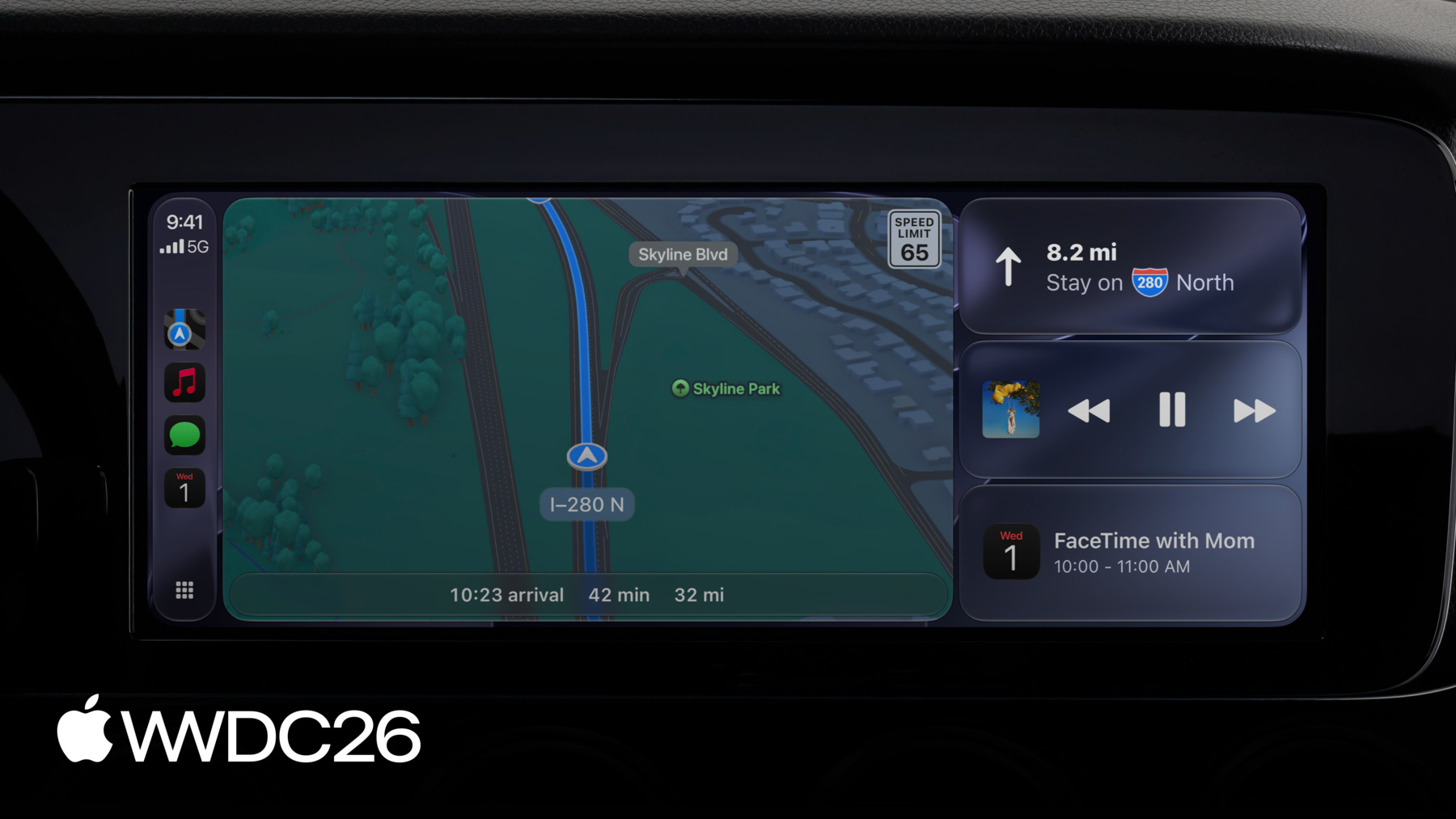
Découvrez les nouvelles fonctionnalités pour vos apps audio, de navigation, de conversation vocale CarPlay, et plus encore. Voyez comment créer des apps vidéo CarPlay pour permettre aux utilisateurs de parcourir et regarder leurs vidéos préférées dans les véhicules compatibles lorsqu'ils sont stationnés. Apprenez à intégrer des vignettes, des informations multimédias et des commandes vocales dans votre app CarPlay.
Chapitres
- 0:00 - Introduction
- 0:42 - Apps dans CarPlay
- 2:51 - Framework CarPlay
- 11:54 - Apps de navigation
- 15:19 - Simulateur CarPlay
Ressources
Vidéos connexes
WWDC25
-
Rechercher dans cette vidéo…
-
-
6:45 - Disable the MiniPlayer
// Disable the MiniPlayer CPNowPlayingTemplate.shared.allowsMiniPlayer = false -
15:06 - Enable route sharing
// Enable route sharing func mapTemplateShouldProvideRouteSharing(_ mapTemplate: CPMapTemplate) -> Bool { true } -
15:12 - Disable route sharing for this trip
// Disable route sharing for this trip

trip.routeSegmentsAvailableForRegion = false
-