

View in English

  • Apple Developer
    • Get Started

    Explore Get Started

    • Overview
    • Learn
    • Apple Developer Program

    Stay Updated

    • Latest News
    • Hello Developer
    • Platforms

    Explore Platforms

    • Apple Platforms
    • iOS
    • iPadOS
    • macOS
    • tvOS
    • visionOS
    • watchOS
    • App Store

    Featured

    • Design
    • Distribution
    • Games
    • Accessories
    • Web
    • Home
    • CarPlay
    • Technologies

    Explore Technologies

    • Overview
    • Xcode
    • Swift
    • SwiftUI

    Featured

    • Accessibility
    • App Intents
    • Apple Intelligence
    • Games
    • Machine Learning & AI
    • Security
    • Xcode Cloud
    • Community

    Explore Community

    • Overview
    • Meet with Apple events
    • Community-driven events
    • Developer Forums
    • Open Source

    Featured

    • WWDC
    • Swift Student Challenge
    • Developer Stories
    • App Store Awards
    • Apple Design Awards
    • Apple Developer Centers
    • Documentation

    Explore Documentation

    • Documentation Library
    • Technology Overviews
    • Sample Code
    • Human Interface Guidelines
    • Videos

    Release Notes

    • Featured Updates
    • iOS
    • iPadOS
    • macOS
    • watchOS
    • visionOS
    • tvOS
    • Xcode
    • Downloads

    Explore Downloads

    • All Downloads
    • Operating Systems
    • Applications
    • Design Resources

    Featured

    • Xcode
    • TestFlight
    • Fonts
    • SF Symbols
    • Icon Composer
    • Support

    Explore Support

    • Overview
    • Help Guides
    • Developer Forums
    • Feedback Assistant
    • Contact Us

    Featured

    • Account Help
    • App Review Guidelines
    • App Store Connect Help
    • Upcoming Requirements
    • Agreements and Guidelines
    • System Status
  • Quick Links

    • Events
    • News
    • Forums
    • Sample Code
    • Videos
 

Vidéos

Ouvrir le menu Fermer le menu
  • Collections
  • Toutes les vidéos
  • À propos

Plus de vidéos

  • À propos
  • Résumé
  • Code
  • Exploitez l’élément de modèle HTML

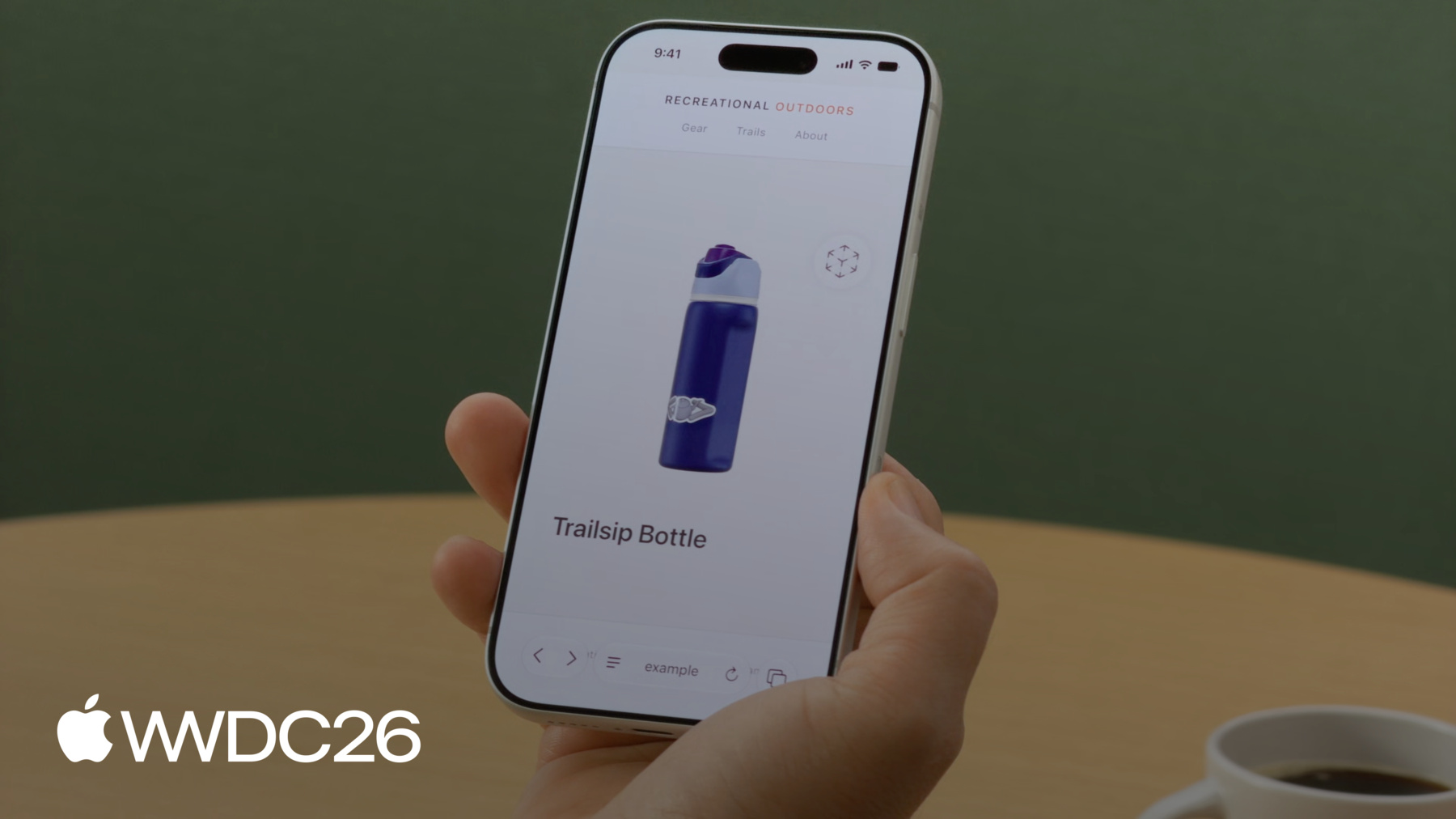
    Découvrez comment l'élément de modèle apporte du contenu 3D interactif à vos sites web sur iOS, iPadOS, macOS et visionOS. Découvrez des outils pour créer et optimiser des ressources 3D. Explorez les fonctionnalités de l'élément de modèle et voyez comment les normes web façonnent l'avenir de la 3D sur le Web.

    Chapitres

    • 0:00 - Introduction
    • 2:22 - Prepare the USDZ model asset
    • 4:18 - Loading and fallbacks
    • 6:14 - Model background
    • 6:48 - Interactions
    • 8:26 - Transition animation
    • 10:08 - Animation playback
    • 10:52 - AR and spatial
    • 12:29 - Optimize assets for production
    • 14:53 - Next steps

    Ressources

    • WebKit.org - Theater Ticket Sales immersive website environment demo for Apple Vision Pro
    • The HTML model element in Apple Vision Pro
    • GitHub: model element samples
    • WebKit.org – Report issues to the WebKit open-source project
    • AOUSD – Alliance for OpenUSD
    • w3.org – Model element
    • Submit feedback
      • Vidéo HD
      • Vidéo SD

    Vidéos connexes

    WWDC26

    • Explorez des environnements de site web immersifs dans visionOS
    • Nouveautés de WebKit pour Safari 27

    WWDC25

    • Nouveautés pour le web spatial

    WWDC24

    • What’s new in USD and MaterialX
  • Rechercher dans cette vidéo…
    • 4:19 - Load a model

      <!-- Using the src attribute -->
      <model src="mallet.usdz"></model>
      
      <!-- Using a <source> child for MIME type -->
      <model>
          <source src="mallet.usdz" type="model/vnd.usdz+zip">
      </model>
    • 4:39 - Image fallback

      <model id="mallet" src="mallet.usdz">
          <img src="mallet.png"
               alt="Rubber mallet with wooden handle">
      </model>
    • 5:09 - Ready promise

      <model id="mallet" src="mallet.usdz"></model>
      
      <script>
          const model = document.getElementById("mallet");
          model.ready.then(result => {
              // Hide the loading indicator
          }).catch(error => {
              // Loading failed, show fallback
          });
      </script>
    • 5:39 - Polyfill fallback

      <script type="module">
          if (!window.HTMLModelElement) {
              import("model-element-polyfill.js").then(() => {
                  // Polyfill ready to use
              });
          }
      </script>
    • 6:13 - Model background

      <model id="mallet" src="mallet.usdz"></model>
      <style>
          model {
              background-color: #f4f1ec;
          }
      </style>
    • 6:47 - Stage mode

      <model id="mallet"
             src="mallet.usdz"
             stagemode="orbit">
      </model>
    • 7:31 - Custom transforms

      <model id="boot" src="boot.usdz"></model>
      <button id="button-side">Side</button>
      <button id="button-reset">Reset</button>
      
      <script>
          const model = document.getElementById("boot");
          const initialTransform = model.entityTransform;
      
          document.getElementById("button-side")
                  .addEventListener("click", () => {
              const transform = new DOMMatrix();
              transform.rotateSelf(0, 135, 0);
              model.entityTransform = transform;
          });
      
          document.getElementById("button-reset")
                  .addEventListener("click", () => {
              model.entityTransform = initialTransform;
          });
      </script>
    • 8:35 - Transition animation

      <script>
          const model = document.getElementById("boot");
          const duration = 500;
          let currentAngle = 0;
          let animationId = null;
      
          function animateTo(targetAngle) {
              if (animationId) cancelAnimationFrame(animationId);
              const startAngle = currentAngle;
              const startTime = performance.now();
      
              function step(now) {
                  const progress = Math.min((now - startTime) / duration, 1);
                  const ease = 1 - Math.pow(1 - progress, 3);
                  currentAngle = startAngle + (targetAngle - startAngle) * ease;
                  model.entityTransform = new DOMMatrix().rotateSelf(0, currentAngle, 0);
                  if (progress < 1) animationId = requestAnimationFrame(step);
              }
      
              requestAnimationFrame(step);
          }
      
          document.getElementById("button-side").addEventListener("click", () => animateTo(135));
          document.getElementById("button-reset").addEventListener("click", () => animateTo(0));
      </script>
    • 10:07 - Animation playback

      <model id="bottle" src="bottle.usdz"></model>
      <button id="button-play" onclick="play(5)">
          Play
      </button>
      <button id="button-reverse" onclick="play(-5)">
          Reverse
      </button>
      
      <script>
          const model = document.getElementById("bottle");
      
          function play(rate) {
              model.playbackRate = rate;
              model.play();
          }
      </script>
    • 11:06 - AR Quick Look

      <a rel="ar" href="bottle.usdz">
          <model id="boot" src="bottle.usdz"></model>
      </a>
    • 0:00 - Introduction
    • The HTML model element, which brings 3D content to the web as simply as an image and now extends from visionOS to iOS, iPadOS, and macOS — how it compares to the model-viewer library and where it stands as an emerging web standard.

    • 2:22 - Prepare the USDZ model asset
    • Approaches for creating 3D content: scanning with iPhone, converting existing files, authoring in tools like Blender, and generating models from images or text prompts. Why USDZ is the recommended format — it bundles geometry, materials, textures, and animations into a single file.

    • 4:18 - Loading and fallbacks
    • Embed a model with the tag's src attribute or a nested . Use a nested as a fallback for older browsers, await the ready promise to know when the model can be displayed, and load the W3C polyfill so the element works where it isn't supported natively.

    • 6:14 - Model background
    • Set background-color directly on the model element to match the surrounding page. The model renders in its own virtual space and doesn't inherit page styles, and any background is composited as fully opaque.

    • 6:48 - Interactions
    • Add stagemode="orbit" to let visitors rotate the model with automatic spring-back and clipping protection. For custom interactivity, disable stagemode and drive the entityTransform property with a DOMMatrix to snap the model to specific viewing angles from JavaScript.

    • 8:26 - Transition animation
    • Animate between custom orientations by updating entityTransform inside requestAnimationFrame. The pattern captures a starting angle, eases each frame's rotation, and cancels any in-flight animation so successive transitions don't conflict.

    • 10:08 - Animation playback
    • Play animations baked into a USDZ file using the element's play() method and playbackRate property. Positive rates play forward, negative rates reverse, and the magnitude scales speed.

    • 10:52 - AR and spatial
    • Wrap the model in an tag to enable AR Quick Look on iOS and iPadOS. On visionOS the model element renders stereoscopically and can power immersive website environments that place visitors inside a 3D scene.

    • 12:29 - Optimize assets for production
    • Use usdcrush to shrink USDZ files (often by 4x) with no perceived quality loss, and usdrecord to render thumbnails or fallback images from a 3D file. Both ship with macOS as part of the broader USD tool suite.

    • 14:53 - Next steps
    • Generate a 3D model from images or a prompt, add a tag to your site, optimize assets with usdcrush, and join the W3C Immersive Web Community Group to help shape the spec.

Developer Footer

  • Vidéos
  • WWDC26
  • Exploitez l’élément de modèle HTML
  • Open Menu Close Menu
    • iOS
    • iPadOS
    • macOS
    • tvOS
    • visionOS
    • watchOS
    • App Store
    Open Menu Close Menu
    • Swift
    • SwiftUI
    • Swift Playground
    • TestFlight
    • Xcode
    • Xcode Cloud
    • Icon Composer
    • SF Symbols
    Open Menu Close Menu
    • Accessibility
    • Accessories
    • Apple Intelligence
    • Audio & Video
    • Augmented Reality
    • Business
    • Design
    • Distribution
    • Education
    • Games
    • Health & Fitness
    • In-App Purchase
    • Localization
    • Maps & Location
    • Machine Learning & AI
    • Security
    • Safari & Web
    Open Menu Close Menu
    • Documentation
    • Downloads
    • Sample Code
    • Videos
    Open Menu Close Menu
    • Help Guides & Articles
    • Contact Us
    • Forums
    • Feedback & Bug Reporting
    • System Status
    Open Menu Close Menu
    • Apple Developer
    • App Store Connect
    • Certificates, IDs, & Profiles
    • Feedback Assistant
    Open Menu Close Menu
    • Apple Developer Program
    • Apple Developer Enterprise Program
    • App Store Small Business Program
    • MFi Program
    • Mini Apps Partner Program
    • News Partner Program
    • Video Partner Program
    • Security Bounty Program
    • Security Research Device Program
    Open Menu Close Menu
    • Meet with Apple
    • Apple Developer Centers
    • App Store Awards
    • Apple Design Awards
    • Apple Developer Academies
    • WWDC
    Read the latest news.
    Get the Apple Developer app.
    Copyright © 2026 Apple Inc. All rights reserved.
    Terms of Use Privacy Policy Agreements and Guidelines