

View in English

  • Apple Developer
    • Get Started

    Explore Get Started

    • Overview
    • Learn
    • Apple Developer Program

    Stay Updated

    • Latest News
    • Hello Developer
    • Platforms

    Explore Platforms

    • Apple Platforms
    • iOS
    • iPadOS
    • macOS
    • tvOS
    • visionOS
    • watchOS
    • App Store

    Featured

    • Design
    • Distribution
    • Games
    • Accessories
    • Web
    • Home
    • CarPlay
    • Technologies

    Explore Technologies

    • Overview
    • Xcode
    • Swift
    • SwiftUI

    Featured

    • Accessibility
    • App Intents
    • Apple Intelligence
    • Games
    • Machine Learning & AI
    • Security
    • Xcode Cloud
    • Community

    Explore Community

    • Overview
    • Meet with Apple events
    • Community-driven events
    • Developer Forums
    • Open Source

    Featured

    • WWDC
    • Swift Student Challenge
    • Developer Stories
    • App Store Awards
    • Apple Design Awards
    • Apple Developer Centers
    • Documentation

    Explore Documentation

    • Documentation Library
    • Technology Overviews
    • Sample Code
    • Human Interface Guidelines
    • Videos

    Release Notes

    • Featured Updates
    • iOS
    • iPadOS
    • macOS
    • watchOS
    • visionOS
    • tvOS
    • Xcode
    • Downloads

    Explore Downloads

    • All Downloads
    • Operating Systems
    • Applications
    • Design Resources

    Featured

    • Xcode
    • TestFlight
    • Fonts
    • SF Symbols
    • Icon Composer
    • Support

    Explore Support

    • Overview
    • Help Guides
    • Developer Forums
    • Feedback Assistant
    • Contact Us

    Featured

    • Account Help
    • App Review Guidelines
    • App Store Connect Help
    • Upcoming Requirements
    • Agreements and Guidelines
    • System Status
  • Quick Links

    • Events
    • News
    • Forums
    • Sample Code
    • Videos
 

Vidéos

Ouvrir le menu Fermer le menu
  • Collections
  • Toutes les vidéos
  • À propos

Plus de vidéos

  • À propos
  • Résumé
  • Code
  • Préparez vos apps tvOS pour les polices dynamiques

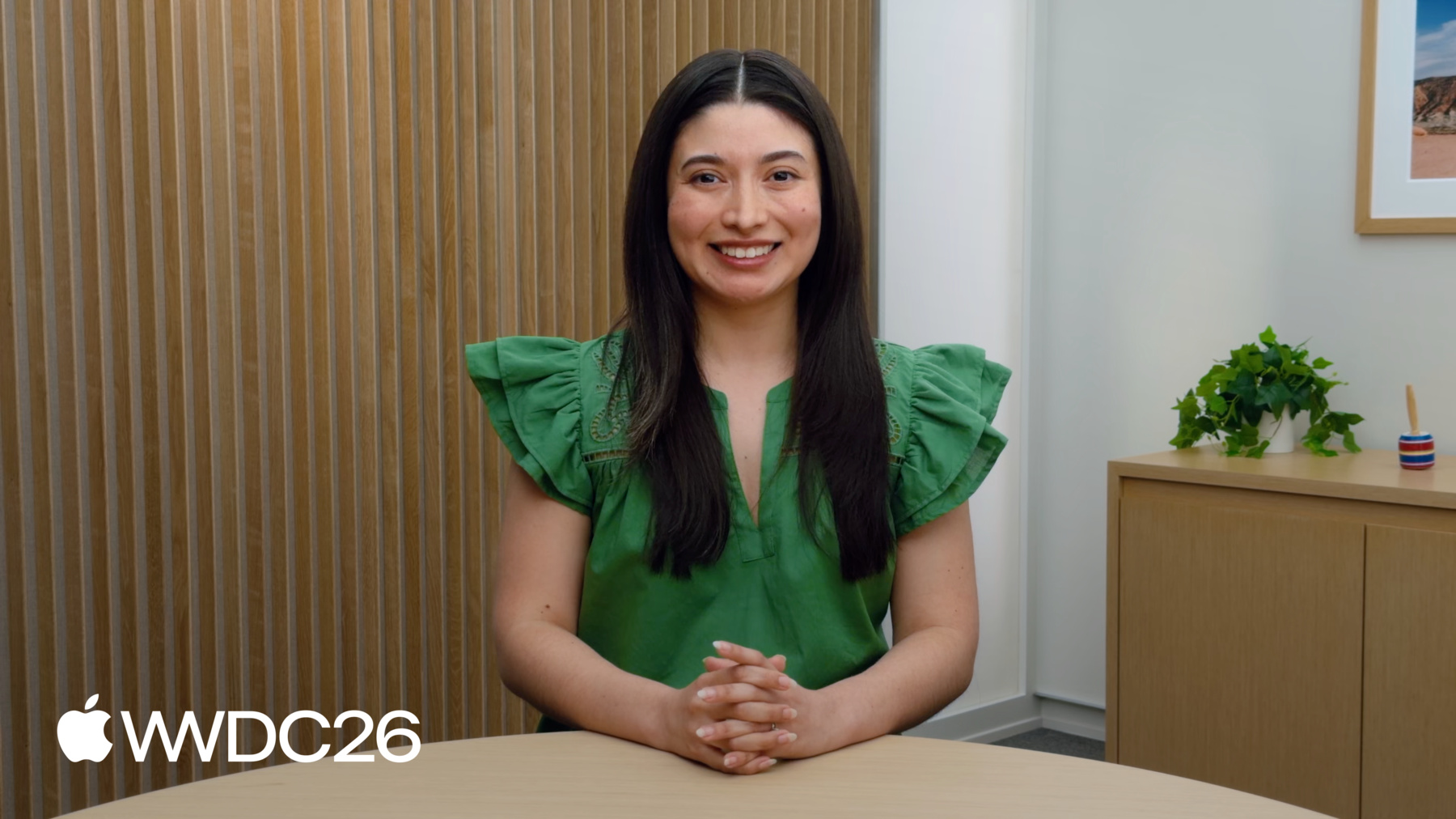
    Avec les polices dynamiques, les utilisateurs parcourent votre app et interagissent facilement avec elle en leur permettant de choisir la taille de texte qui leur convient le mieux. Vous apprenez à préparer votre app afin d'utiliser les polices dynamiques sur tvOS grâce à des techniques pratiques pour mettre en œuvre la mise à l'échelle des polices et adapter vos mises en page à des contenus de taille supérieure. Vous découvrez également comment optimiser vos interfaces multimédias, telles que les grilles et les carrousels, afin de garantir une expérience exceptionnelle à tous ceux qui comptent sur différentes tailles de texte.

    Chapitres

    • 0:01 - Introduction
    • 2:46 - Identify common issues
    • 6:13 - Adapt your layout

    Ressources

    • Applying custom fonts to text
    • Scaling fonts automatically
      • Vidéo HD
      • Vidéo SD

    Vidéos connexes

    WWDC24

    • Get started with Dynamic Type
  • Rechercher dans cette vidéo…
    • 4:58 - Adopt standard text styles

      // Adopt standard text styles
      
      VStack(spacing: 20) {
        Text("Signup information")
          .font(.caption.bold())
          .lineLimit(1)
          .foregroundStyle(.secondary)
          .frame(width: 300, alignment: .leading)
        HStack(alignment: .top, spacing: 40) { 
            //* ... *//
        }
      }
    • 5:10 - Use flexible constraints

      // Adopt standard text styles
      
      VStack(spacing: 20) {
        Text("Signup information")
          .font(.caption.bold())
          .lineLimit(1)
          .foregroundStyle(.secondary)
          .frame(maxWidth: .infinity, alignment: .leading)
        HStack(alignment: .top, spacing: 40) { 
            /* ... */
        }
      }
    • 5:55 - Dynamic Type with text styles in UIKit

      // Hard coded text size in UIKit
      
      titleLabel.font = UIFont.boldSystemFont(ofSize: 28)
      
      // Dynamic Type with text styles in UIKit
      
      titleLabel.font = UIFont.preferredFont(forTextStyle: .headline)
      titleLabel.adjustsFontForContentSizeCategory = true
    • 7:09 - Adapt layout in response to dynamic type

      // A view that shows a collection of movie posters
      
      struct MovieShelf: View {
        @Environment(\.dynamicTypeSize) private var dynamicTypeSize
        var body: some View {
          ScrollView(.horizontal) {
            LazyHStack(spacing: 40) {
              ForEach(Asset.allCases) { asset in
                Button { 
                  /* ... */
                } label: {
                  asset.portraitImage
                  Text(asset.title)
                }
                .containerRelativeFrame(
                  .horizontal,
                  count: dynamicTypeSize.isAccessibilitySize ? 4 : 6,
                  spacing: 40)
              }
            }
          }
        }
      }
    • 8:07 - Provide a conditional layout for when larger sizes are turned on

      // A view that shows content in a card
      
      struct CardContentView: View {
        @Environment(\.dynamicTypeSize) private var dynamicTypeSize
        var asset: Asset
      
        var body: some View {
          let layout = dynamicTypeSize.isAccessibilitySize ?
            AnyLayout(VStackLayout(alignment: .leading, spacing: 10)) :
            AnyLayout(HStackLayout(alignment: .top, spacing: 10))
          layout {
            /* ... */
          }
        }
      }
    • 8:31 - UIKit adaptive layout that responds to content size changes

      // UIKit adaptive layout that responds to content size changes
      
      class AdaptiveLayoutViewController: UIViewController {
        let stackView = UIStackView()
        
        override func viewDidLoad() {
          super.viewDidLoad()
          updateLayout()
      
          let sizeTraits: [UITrait] = [UITraitPreferredContentSizeCategory.self]
          registerForTraitChanges(sizeTraits, action: #selector(updateLayout))
        }
      
        private func updateLayout() {
          if traitCollection.preferredContentSizeCategory.isAccessibilityCategory {
            stackView.axis = .vertical
          } else {
            stackView.axis = .horizontal
          }
        }
      
      }
    • 0:01 - Introduction
    • Large Text support is now available system-wide on tvOS 27, allowing apps to automatically scale text to match someone's needs and preferences. By supporting Dynamic Type, your app can adapt its layout and display its accessibility support in its Accessibility Nutrition Labels.

    • 2:46 - Identify common issues
    • When accommodating larger text, avoid fixed font sizes and rigid constraints that prevent text from scaling and cause truncation or clipping. Ensure all UI elements are flexible and responsive rather than relying on hardcoded values that break layouts at larger sizes.

    • 6:13 - Adapt your layout
    • Find and replace hardcoded sizes with standard text styles to allow interfaces to grow. In cases where standard scaling isn't enough, adapt your view's layout dynamically—such as reducing the number of columns in a grid—by checking the current `dynamicTypeSize` environment value.

Developer Footer

  • Vidéos
  • WWDC26
  • Préparez vos apps tvOS pour les polices dynamiques
  • Open Menu Close Menu
    • iOS
    • iPadOS
    • macOS
    • tvOS
    • visionOS
    • watchOS
    • App Store
    Open Menu Close Menu
    • Swift
    • SwiftUI
    • Swift Playground
    • TestFlight
    • Xcode
    • Xcode Cloud
    • Icon Composer
    • SF Symbols
    Open Menu Close Menu
    • Accessibility
    • Accessories
    • Apple Intelligence
    • Audio & Video
    • Augmented Reality
    • Business
    • Design
    • Distribution
    • Education
    • Games
    • Health & Fitness
    • In-App Purchase
    • Localization
    • Maps & Location
    • Machine Learning & AI
    • Security
    • Safari & Web
    Open Menu Close Menu
    • Documentation
    • Downloads
    • Sample Code
    • Videos
    Open Menu Close Menu
    • Help Guides & Articles
    • Contact Us
    • Forums
    • Feedback & Bug Reporting
    • System Status
    Open Menu Close Menu
    • Apple Developer
    • App Store Connect
    • Certificates, IDs, & Profiles
    • Feedback Assistant
    Open Menu Close Menu
    • Apple Developer Program
    • Apple Developer Enterprise Program
    • App Store Small Business Program
    • MFi Program
    • Mini Apps Partner Program
    • News Partner Program
    • Video Partner Program
    • Security Bounty Program
    • Security Research Device Program
    Open Menu Close Menu
    • Meet with Apple
    • Apple Developer Centers
    • App Store Awards
    • Apple Design Awards
    • Apple Developer Academies
    • WWDC
    Read the latest news.
    Get the Apple Developer app.
    Copyright © 2026 Apple Inc. All rights reserved.
    Terms of Use Privacy Policy Agreements and Guidelines