

-
Nouveautés en matière de compréhension des images
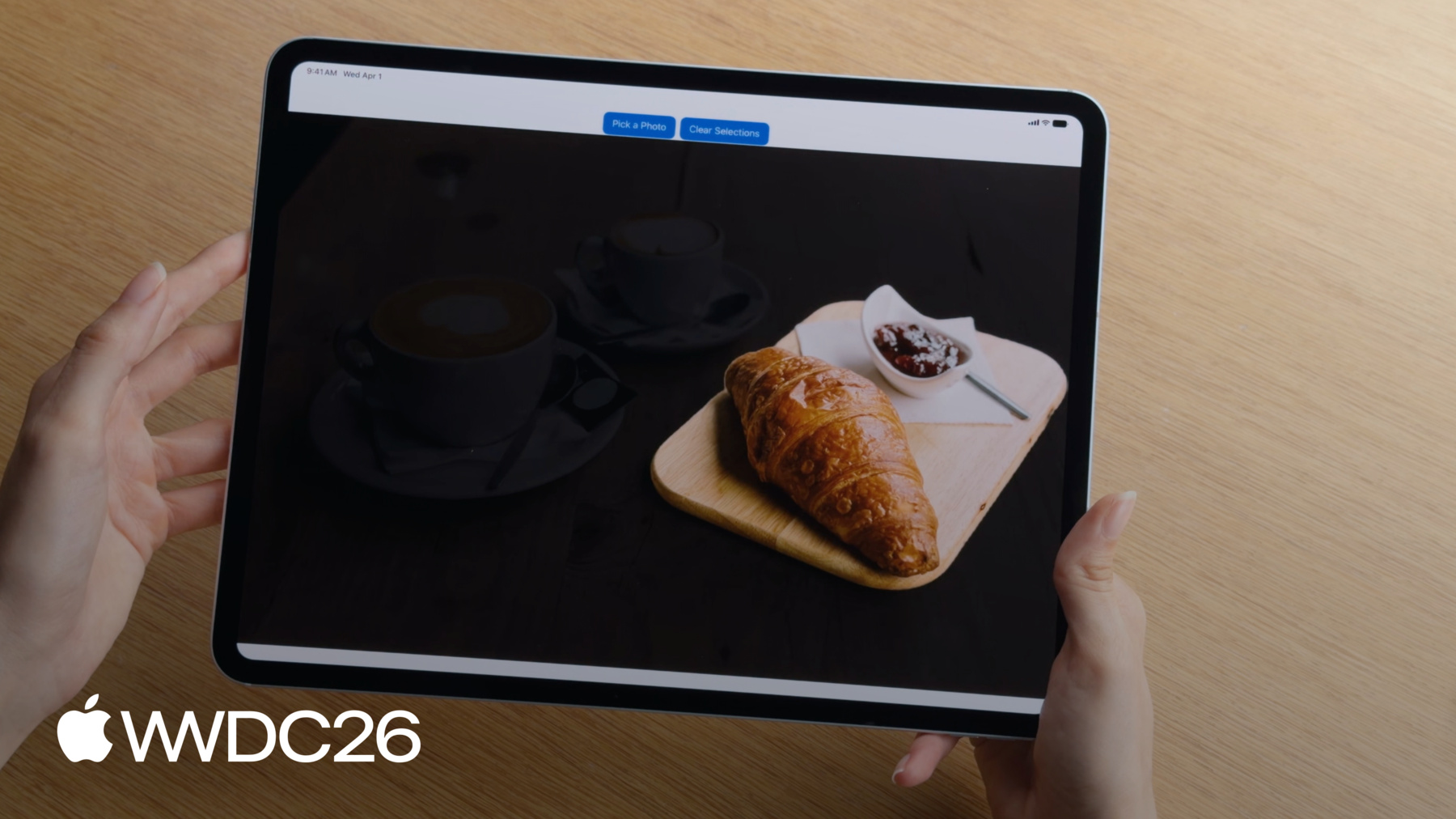
Bénéficiez d'une compréhension avancée des images grâce aux dernières mises à jour des frameworks Vision et Foundation Models. La nouvelle requête « toucher pour segmenter » vous permet de segmenter les images de nouvelles façons. Par ailleurs, Vision prend désormais en charge watchOS. Combinez la nouvelle prise en charge des images dans Apple Foundation Model avec l'OCR, la lecture de codes-barres et vos propres outils pour offrir une compréhension visuelle alimentée par LLM dans votre app.
Chapitres
- 0:00 - Introduction
- 1:36 - Segmenter des images avec l’API tap-to-segment
- 5:50 - Entrées d’images pour Foundation Models
- 7:57 - Appels d’outils basés sur des images
- 13:09 - Vision sur watchOS
- 14:39 - Étapes suivantes
Ressources
- Segmenting objects using taps, scribbles or rectangles
- Implementing saliency-based image cropping in iOS and watchOS
Vidéos connexes
WWDC26
WWDC25
WWDC24
-
Rechercher dans cette vidéo…
-
-
4:15 - Segment images (tap-to-segment)
// Generate a segmentation mask of an object with a seed point let handler = ImageRequestHandler(image) let request = GenerateIterativeSegmentationRequest(seed: point) let observation = try await handler.perform(request) let mask = observation?.pixelBuffer // Refine the mask with a new point request.addIncludedPoint(newPoint) let refinedObservation = try await handler.perform(request) -
6:41 - Generate an image caption with Foundation Models
// Generate an image caption with Foundation Models import FoundationModels let prompt = Prompt { "Generate a caption for this image" Attachment(image) } let response = try await session.respond(to: prompt) let caption = response.content -
9:55 - Create an image-based tool
// Create an image-based tool struct PlantIdentifierTool: Tool { @SessionProperty(\.history) var history @Generable struct Arguments { var image: ImageReference } func call(arguments: Arguments) async throws -> String { let imageReference = arguments.image let transcript = Transcript(history) guard let imageAttachment = imageReference.resolve(in: transcript) else { throw AppError.imageNotFound } let image = try imageAttachment.pixelBuffer() return classifyPlant(image) } } -
12:09 - Use Vision tools
// Use Vision tools import FoundationModels import Vision let session = LanguageModelSession(model: model, tools: [BarcodeReaderTool()]) let response = try await session.respond(generating: EventInfo.self) { "Get the date, location, and website from this flyer" Attachment(image) .label("flyer") } -
13:54 - Create a crop that highlights a prominent subject (watchOS / saliency)
// Create a crop that highlights a prominent subject
func generateImageCrop(in image: CGImage) async throws -> NormalizedRect? {
    let request = GenerateObjectnessBasedSaliencyImageRequest()
    let observation = try await request.perform(on: image)
    let prominentObjects = observation.salientObjects
    return prominentObjects.first
}
-