View in English

  • Apple Developer
    • Get Started

    Explore Get Started

    • Overview
    • Learn
    • Apple Developer Program

    Stay Updated

    • Latest News
    • Hello Developer
    • Platforms

    Explore Platforms

    • Apple Platforms
    • iOS
    • iPadOS
    • macOS
    • tvOS
    • visionOS
    • watchOS
    • App Store

    Featured

    • Design
    • Distribution
    • Games
    • Accessories
    • Web
    • Home
    • CarPlay
    • Technologies

    Explore Technologies

    • Overview
    • Xcode
    • Swift
    • SwiftUI

    Featured

    • Accessibility
    • App Intents
    • Apple Intelligence
    • Games
    • Machine Learning & AI
    • Security
    • Xcode Cloud
    • Community

    Explore Community

    • Overview
    • Meet with Apple events
    • Community-driven events
    • Developer Forums
    • Open Source

    Featured

    • WWDC
    • Swift Student Challenge
    • Developer Stories
    • App Store Awards
    • Apple Design Awards
    • Apple Developer Centers
    • Documentation

    Explore Documentation

    • Documentation Library
    • Technology Overviews
    • Sample Code
    • Human Interface Guidelines
    • Videos

    Release Notes

    • Featured Updates
    • iOS
    • iPadOS
    • macOS
    • watchOS
    • visionOS
    • tvOS
    • Xcode
    • Downloads

    Explore Downloads

    • All Downloads
    • Operating Systems
    • Applications
    • Design Resources

    Featured

    • Xcode
    • TestFlight
    • Fonts
    • SF Symbols
    • Icon Composer
    • Support

    Explore Support

    • Overview
    • Help Guides
    • Developer Forums
    • Feedback Assistant
    • Contact Us

    Featured

    • Account Help
    • App Review Guidelines
    • App Store Connect Help
    • Upcoming Requirements
    • Agreements and Guidelines
    • System Status
  • Quick Links

    • Events
    • News
    • Forums
    • Sample Code
    • Videos
 

Vidéos

Ouvrir le menu Fermer le menu
  • Collections
  • Toutes les vidéos
  • À propos

Plus de vidéos

  • À propos
  • Résumé
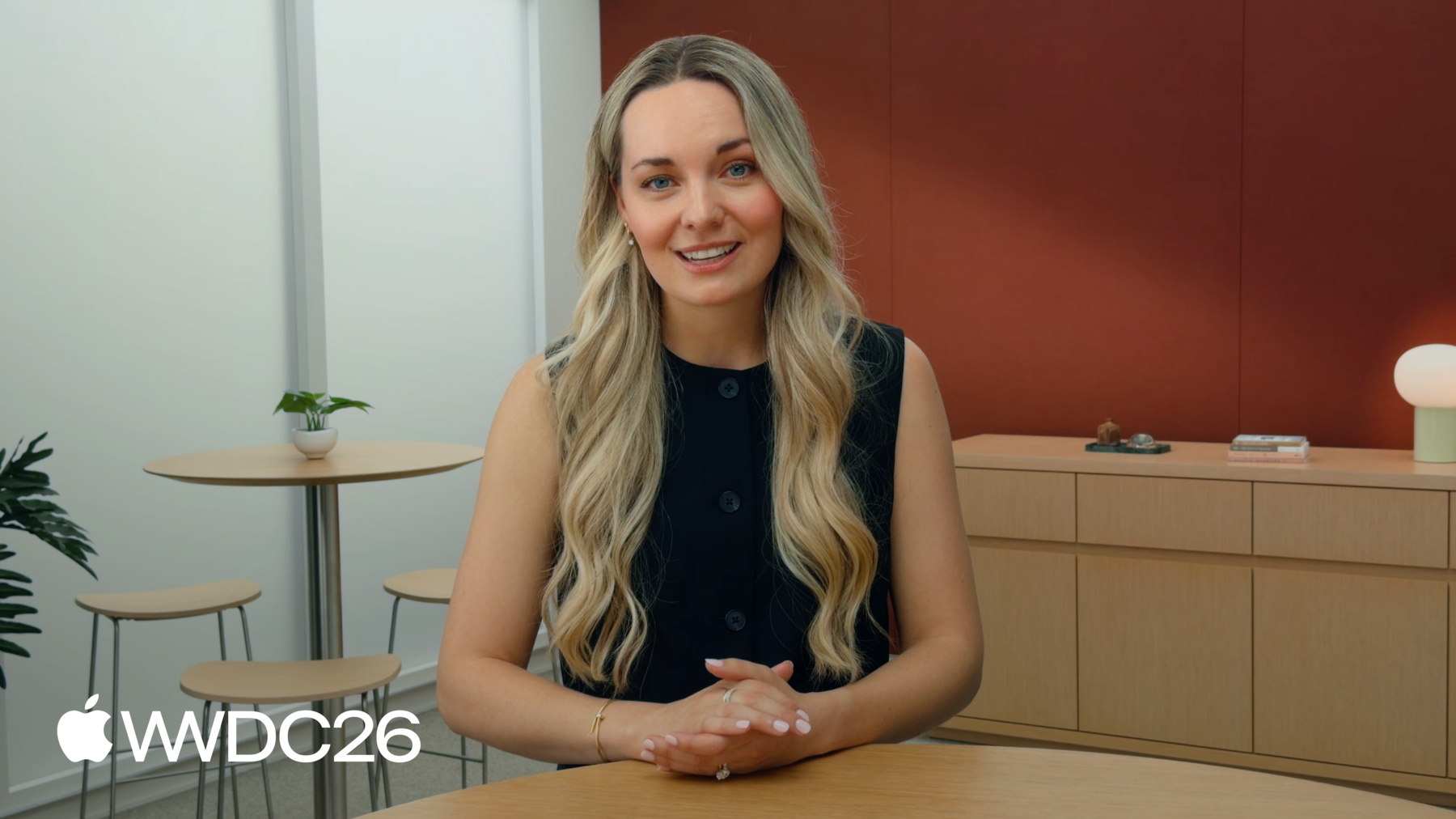
  • Communiquez votre identité de marque sur iOS

    Explorez des approches pratiques de l'image de marque en utilisant la typographie, la couleur, les composants et les interactions, afin de trouver un équilibre entre codes familiers et identité unique.

    Chapitres

    • 0:00 - Intro
    • 2:24 - Components
    • 6:41 - Content
    • 11:49 - Color
    • 11:50 - Typography
    • 14:17 - Iconography

    Ressources

    • Human Interface Guidelines
      • Vidéo HD
      • Vidéo SD
  • Rechercher dans cette vidéo…
    • 0:00 - Intro
    • An overview of how you can strike a balance between highlighting your brand while using familiar iOS patterns. Examples will cover 5 great apps that adapt their brand across the areas of components, content, color, typography and iconography.

    • 2:24 - Components
    • With Liquid Glass in iOS 26, your app is represented in two distinct layers: the UI layer and the content layer. The content layer is the best place to express your unique brand identity awhile the UI layer should use standard components that people are already familiar with.

    • 6:41 - Content
    • Apps like Crumbl, Moonlitt, NYT Cooking, and Gentler Streak use full-bleed imagery, videos, words and animations to showcase their brand identity in their iOS apps.

    • 11:49 - Color
    • With iOS 26, we recommend moving brand color moments into the content area of your app and using it for a clear purpose: to indicate actions, status and feedback. Be mindful of how people customize their iPhones by supporting features like Dark Mode.

    • 11:50 - Typography
    • Typography is a great way to inject brand identity into an app. Support Dynamic Type settings when using custom fonts consider how apps like Gentler Streak are able to showcase their brand while using the default system fonts.

    • 14:17 - Iconography
    • Custom iconography is encouraged and looks great in components like tab bars and toolbars. Keep in mind platform conventions for certain actions differ across web and mobile platforms. SF Symbols has over 7,000 symbols you can use for free if you don't want to use custom icons.

Developer Footer

  • Vidéos
  • WWDC26
  • Communiquez votre identité de marque sur iOS
  • Open Menu Close Menu
    • iOS
    • iPadOS
    • macOS
    • tvOS
    • visionOS
    • watchOS
    • App Store
    Open Menu Close Menu
    • Swift
    • SwiftUI
    • Swift Playground
    • TestFlight
    • Xcode
    • Xcode Cloud
    • Icon Composer
    • SF Symbols
    Open Menu Close Menu
    • Accessibility
    • Accessories
    • Apple Intelligence
    • Audio & Video
    • Augmented Reality
    • Business
    • Design
    • Distribution
    • Education
    • Games
    • Health & Fitness
    • In-App Purchase
    • Localization
    • Maps & Location
    • Machine Learning & AI
    • Security
    • Safari & Web
    Open Menu Close Menu
    • Documentation
    • Downloads
    • Sample Code
    • Videos
    Open Menu Close Menu
    • Help Guides & Articles
    • Contact Us
    • Forums
    • Feedback & Bug Reporting
    • System Status
    Open Menu Close Menu
    • Apple Developer
    • App Store Connect
    • Certificates, IDs, & Profiles
    • Feedback Assistant
    Open Menu Close Menu
    • Apple Developer Program
    • Apple Developer Enterprise Program
    • App Store Small Business Program
    • MFi Program
    • Mini Apps Partner Program
    • News Partner Program
    • Video Partner Program
    • Security Bounty Program
    • Security Research Device Program
    Open Menu Close Menu
    • Meet with Apple
    • Apple Developer Centers
    • App Store Awards
    • Apple Design Awards
    • Apple Developer Academies
    • WWDC
    Read the latest news.
    Get the Apple Developer app.
    Copyright © 2026 Apple Inc. All rights reserved.
    Terms of Use Privacy Policy Agreements and Guidelines