

-
Concevez des jeux sans code avec Reality Composer Pro 3
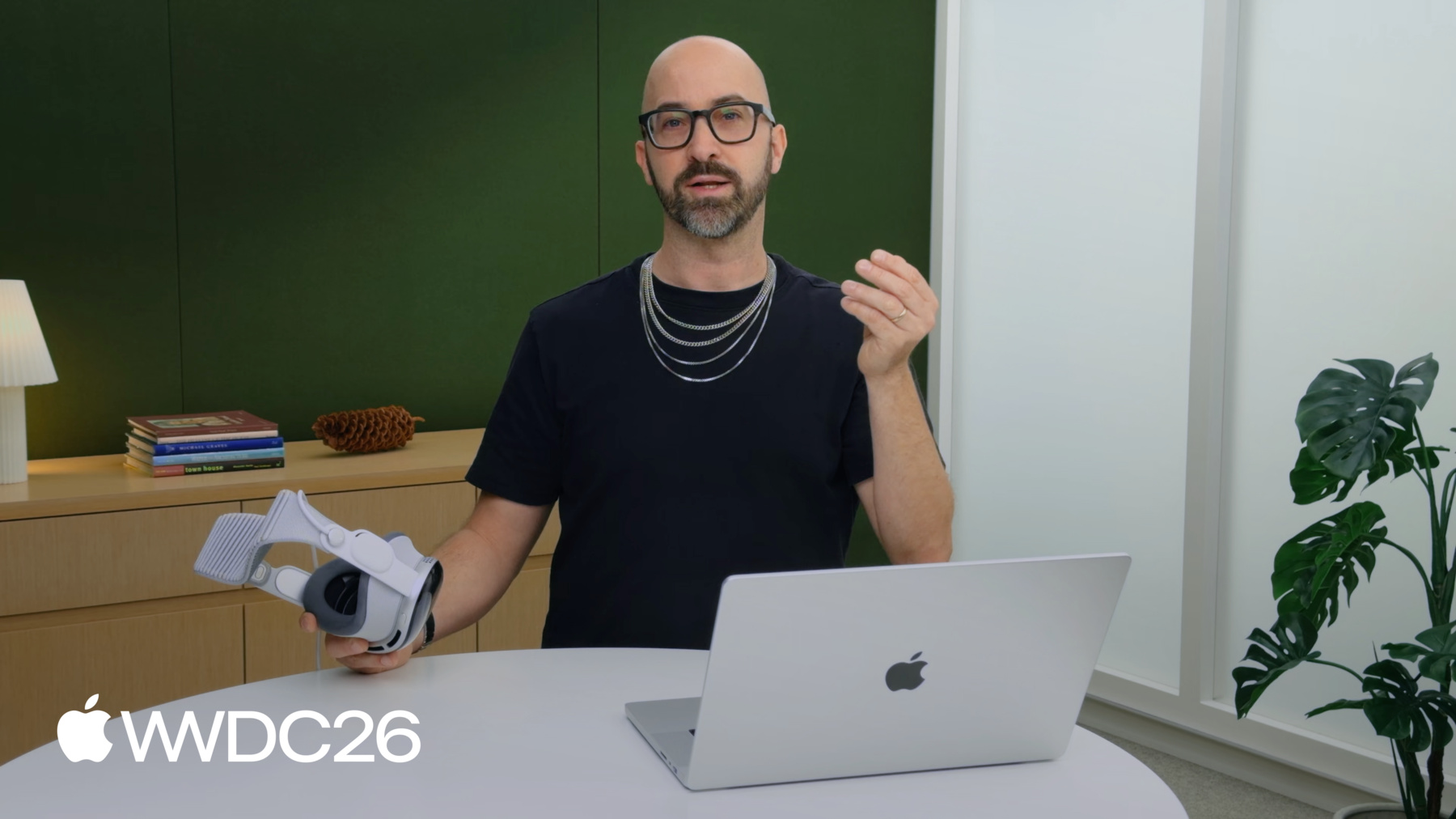
Découvrez comment vous pouvez utiliser ScriptGraph dans Reality Composer Pro 3 pour créer du contenu 3D sans code pour vos apps et vos jeux. Apprenez à tirer parti des nœuds visuels pour concevoir des animations, créer des moments interactifs et intégrer des éléments SwiftUI afin d'ajouter des bulles de texte et d'autres UI à votre expérience.
Chapitres
- 0:00 - Introduction
- 1:02 - Meet ScriptGraph
- 1:50 - A wish...
- 2:36 - Build the game
- 11:16 - Advanced techniques
- 18:32 - Next steps
Ressources
Vidéos connexes
WWDC26
-
Rechercher dans cette vidéo…
-
-
17:23 - Squirrel Talk
// Advanced techniques if let scene = entity.scene { scene.subscribe(forEventName: "squirrelTalk", on: { event in if let sayThis: String = try? event.value("sayThis") { self.sayThis = sayThis } } ).store(in: &cancellables) } ... } attachments: { Attachment(id: "squirrelTalk") { SquirrelTalkAttachmentView(text: sayThis) } }
-
-
- 0:00 - Introduction
Discover how Reality Composer Pro 3 helps designers prototype and build games without writing a single line of code.
- 1:02 - Meet ScriptGraph
Get to know Reality Composer Pro 3's node-based scripting, ScriptGraph, and find out how it can help you quickly mock up ideas and build games through event-driven logic. Learn about some of the nodes available, and discover how you can review and iterate on your gameplay directly in Reality Composer Pro.
- 1:50 - A wish...
Saschka explains his visionOS game concept. He's going to use ScriptGraph to wake a sleeping squirrel, steal its nut, and use the nut to guide the squirrel home to its nest before winter falls.
- 2:36 - Build the game
Learn how to build gameplay elements in Reality Composer Pro. Saschka demonstrates how to add components to an entity and incorporate game logic using ScriptGraph. Find out how to create and link nodes, iterate, and preview interactions inside Reality Composer Pro (and, coming later this year, directly on Vision Pro).
- 11:16 - Advanced techniques
Time to unleash the full capabilities of Reality Composer Pro and ScriptGraph. Learn how to organize nodes into subgraphs, and create prototyped subgraphs that you can re-use in your other graphs. Saschka also demonstrates how to create custom events and use them within a ScriptGraph, build multiple ScriptGraphs that interact, and change materials on an entity to have characters react after interactions. And find out how to incorporate pieces of SwiftUI code to incorporate elements like character speech bubbles into your project.
- 18:32 - Next steps
Download Reality Composer Pro 3 to get started with designing your own no-code games, and check out a sample project that includes the game from this session.