

-
Tirez le meilleur parti de Device Hub
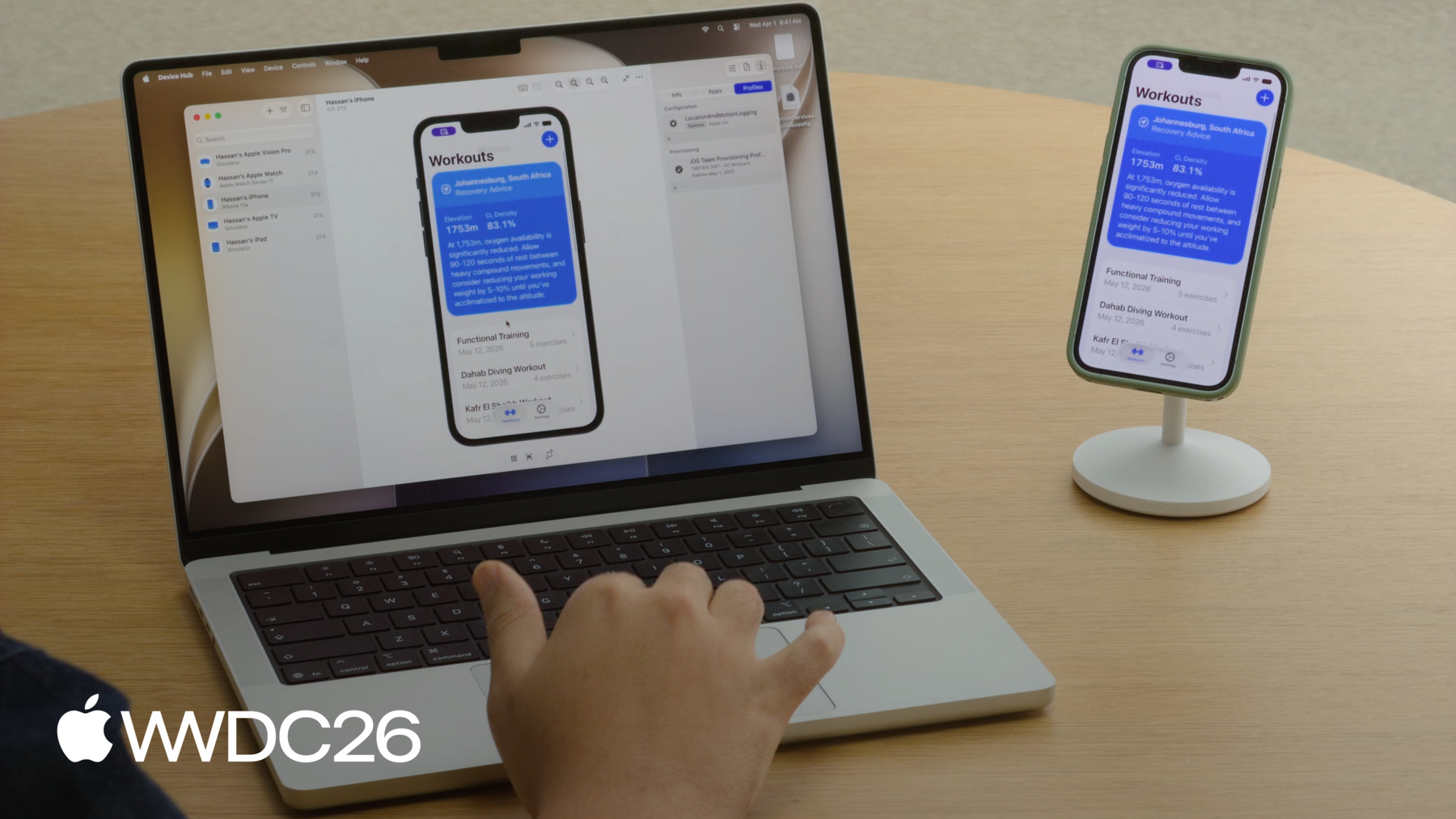
Découvrez comment Device Hub peut accélérer vos processus de développement. Nous passons en revue l'ensemble de ses fonctionnalités et vous montrons comment diagnostiquer et reproduire rapidement les problèmes à l'aide d'appareils et de simulateurs.
Chapitres
- 0:00 - Introduction
- 1:04 - Device Hub overview
- 3:00 - Control
- 4:39 - Organize
- 6:04 - Configure
- 8:08 - Reproducing a bug
- 15:52 - devicectl
- 16:30 - Next steps
Ressources
Vidéos connexes
WWDC26
WWDC19
-
Rechercher dans cette vidéo…
-
-
- 0:00 - Introduction
An overview of Device Hub, a new app shipping with Xcode 27 for working with devices and simulators.
- 1:04 - Device Hub overview
A tour of Device Hub's two modes — compact and full window — and how it provides a consistent experience across both real devices and simulators.
- 3:00 - Control
Use the canvas to interact with your devices directly, with live display, touch input, hardware controls, zoom, resize mode, and keyboard capture.
- 4:39 - Organize
Manage your full device and simulator inventory from the sidebar, using filters, sorting, grouping, and compact windows to keep track of your devices.
- 6:04 - Configure
Use the five inspector panels to configure appearance, simulate conditions like location, view diagnostics, manage device info, install and manage apps, and handle configuration and provisioning profiles.
- 8:08 - Reproducing a bug
See Device Hub in action as one developer pairs devices, installs a logging profile, captures diagnostics, and shares app data — then another uses a simulator to reproduce the bug by mirroring the device's configuration.
- 15:52 - devicectl
Use the devicectl command-line tool for managing devices, installing apps, capturing diagnostics, and integrating into scripts and CI workflows.
- 16:30 - Next steps
Resources for exploring Device Hub further, including the devicectl documentation, related sessions on simulator and UIKit resizability, and Device Hub documentation.