

-
Collaborez sur des modèles 3D structurés dans visionOS
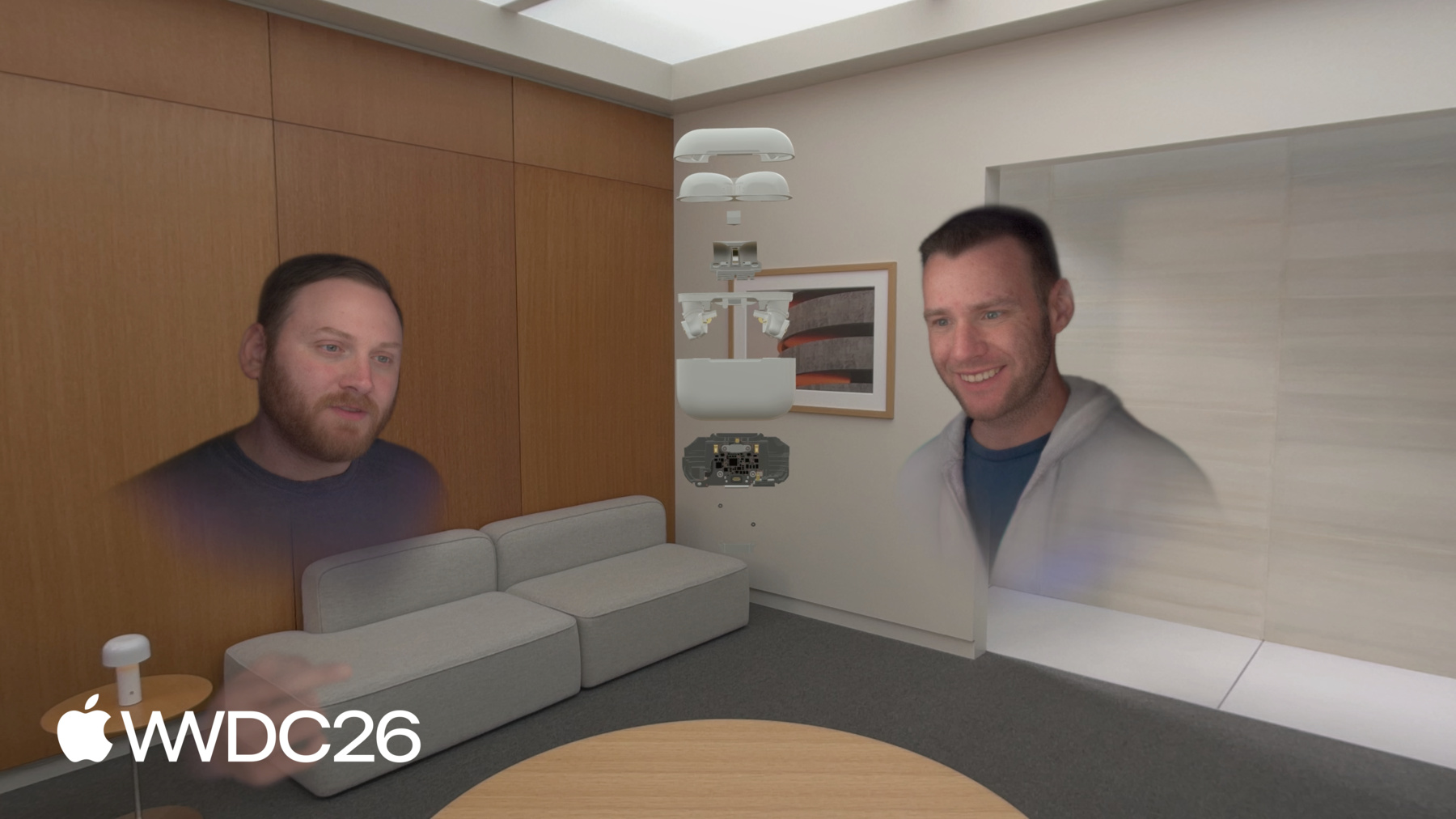
Découvrez comment donner vie à des modèles 3D structurés dans visionOS. Nous abordons la préparation de fichiers USDZ, vous montrons comment manipuler des entités individuelles au sein d'assemblages hiérarchiques et inspectons les composants internes d'un modèle à l'aide d'un plan de coupe. Créez de superbes animations éclatées pour la révision de plans et les expériences de collaboration sur Apple Vision Pro.
Chapitres
- 0:00 - Introduction
- 2:55 - Préparation des ressources
- 5:05 - Manipulation de la hiérarchie
- 8:15 - Découpe interactive
- 18:16 - Expansion automatique
- 24:10 - Étapes suivantes
Ressources
Vidéos connexes
WWDC26
- Découvrez le framework Spatial Preview
- Découvrez les améliorations apportées au suivi d’objet dans visionOS
WWDC25
- Mieux ensemble : SwiftUI et RealityKit
- Partagez des expériences visionOS avec des personnes à proximité
- Quoi de neuf dans RealityKit
WWDC24
-
Rechercher dans cette vidéo…
-
-
7:10 - Opening an assembly
func openAssembly() { components[ManipulationComponent.self] = nil components[InputTargetComponent.self] = nil for child in assemblyChildren { child.components.set(InputTargetComponent()) var manipulation = ManipulationComponent() manipulation.releaseBehavior = .stay child.manipulationComponent = manipulation } } -
7:11 - Closing an assembly
func closeAssembly() {
    for child in assemblyChildren {
        child.manipulationComponent = nil
        child.components[InputTargetComponent.self] = nil
    }

    components.set(InputTargetComponent())
    var manipulation = ManipulationComponent()
    manipulation.releaseBehavior = .stay
    manipulationComponent = manipulation
}
-