

View in English

  • Apple Developer
    • Get Started

    Explore Get Started

    • Overview
    • Learn
    • Apple Developer Program

    Stay Updated

    • Latest News
    • Hello Developer
    • Platforms

    Explore Platforms

    • Apple Platforms
    • iOS
    • iPadOS
    • macOS
    • tvOS
    • visionOS
    • watchOS
    • App Store

    Featured

    • Design
    • Distribution
    • Games
    • Accessories
    • Web
    • Home
    • CarPlay
    • Technologies

    Explore Technologies

    • Overview
    • Xcode
    • Swift
    • SwiftUI

    Featured

    • Accessibility
    • App Intents
    • Apple Intelligence
    • Games
    • Machine Learning & AI
    • Security
    • Xcode Cloud
    • Community

    Explore Community

    • Overview
    • Meet with Apple events
    • Community-driven events
    • Developer Forums
    • Open Source

    Featured

    • WWDC
    • Swift Student Challenge
    • Developer Stories
    • App Store Awards
    • Apple Design Awards
    • Apple Developer Centers
    • Documentation

    Explore Documentation

    • Documentation Library
    • Technology Overviews
    • Sample Code
    • Human Interface Guidelines
    • Videos

    Release Notes

    • Featured Updates
    • iOS
    • iPadOS
    • macOS
    • watchOS
    • visionOS
    • tvOS
    • Xcode
    • Downloads

    Explore Downloads

    • All Downloads
    • Operating Systems
    • Applications
    • Design Resources

    Featured

    • Xcode
    • TestFlight
    • Fonts
    • SF Symbols
    • Icon Composer
    • Support

    Explore Support

    • Overview
    • Help Guides
    • Developer Forums
    • Feedback Assistant
    • Contact Us

    Featured

    • Account Help
    • App Review Guidelines
    • App Store Connect Help
    • Upcoming Requirements
    • Agreements and Guidelines
    • System Status
  • Quick Links

    • Events
    • News
    • Forums
    • Sample Code
    • Videos
 

Vidéos

Ouvrir le menu Fermer le menu
  • Collections
  • Toutes les vidéos
  • À propos

Plus de vidéos

  • À propos
  • Résumé
  • Code
  • Utilisez le streaming fovéal pour intégrer du contenu immersif dans visionOS

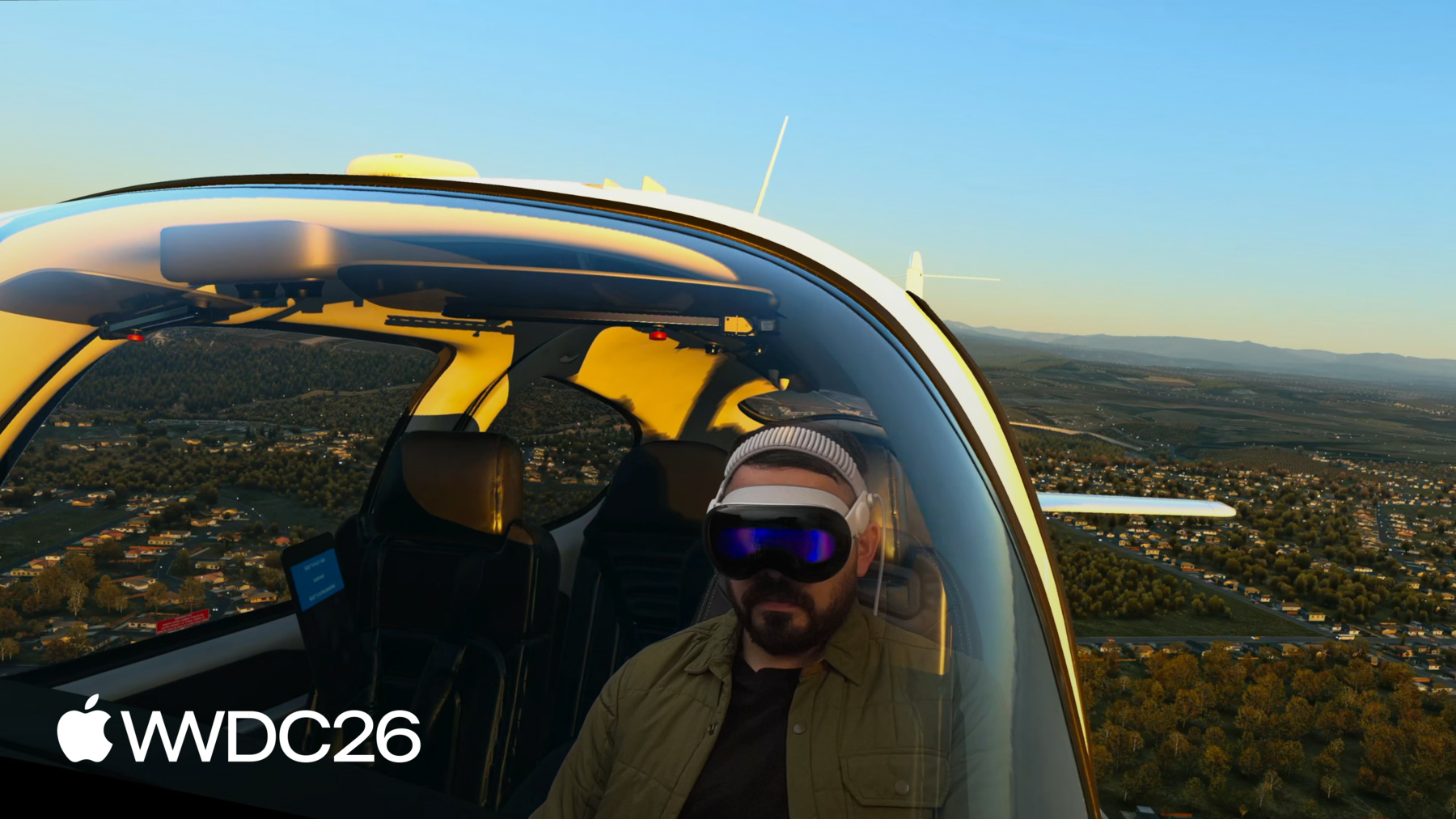
    Apprenez comment le streaming fovéal permet de transmettre des scènes rendues à distance sur l'Apple Vision Pro avec une fidélité totale. Explorez de quelle manière ce framework combine les capacités natives de visionOS avec des technologies de streaming tierces entièrement sans fil, à travers une démonstration utilisant une scène OpenXR et NVIDIA CloudXR. Découvrez le framework FoveatedStreaming, l'intégration avec le SDK NVIDIA CloudXR et les avantages qu'offre le streaming fovéal dynamique tout en préservant la confidentialité.

    Chapitres

    • 0:00 - Introduction
    • 4:08 - How Foveated Streaming works
    • 4:46 - Set up the streaming endpoint
    • 5:18 - Create a visionOS receiver app
    • 8:02 - Integrate with the streaming endpoint
    • 11:28 - Measure performance
    • 11:56 - Enhance with visionOS features
    • 13:56 - Next steps

    Ressources

    • Analyzing the performance of a foveated streaming session
    • Establishing foveated streaming sessions with Apple Vision Pro
    • Streaming a CloudXR application to Apple Vision Pro with foveation
    • Creating a foveated streaming client on visionOS
    • Foveated Streaming
    • StreamingSession: Streaming immersive content from a CloudXR™ application to visionOS and iOS
      • Vidéo HD
      • Vidéo SD

    Vidéos connexes

    WWDC26

    • Créez des expériences nouvelle génération avec visionOS 27
    • Labo de groupe visionOS
  • Rechercher dans cette vidéo…
    • 6:03 - Connect to a streaming endpoint

      // Connect to a streaming endpoint
      
      import SwiftUI
      import FoveatedStreaming
      
      struct ConnectView: View {
          let session: FoveatedStreamingSession
      
          var body: some View {
              Button("Connect") {
                  Task {
                      try await session.connect()
                  }
              }
          }
      }
    • 6:44 - Display a Foveated Streaming session in your immersive space

      // Display a Foveated Streaming session in your immersive space
      
      import SwiftUI
      import FoveatedStreaming
      
      @main struct FoveatedStreamingSampleApp: App {
          private let session = FoveatedStreamingSession()
      
          var body: some SwiftUI.Scene {
              ImmersiveSpace(foveatedStreaming: session)
          }
      }
    • 6:55 - Compose SwiftUI content with Foveated Streaming

      // Compose SwiftUI content with Foveated Streaming
      
      import SwiftUI
      import FoveatedStreaming
      
      @main struct FoveatedStreamingSampleApp: App {
          private let session = FoveatedStreamingSession()
          private let appModel = AppModel()
      
          var body: some SwiftUI.Scene {
              Window("Main", id: appModel.mainWindowId) {
                  ContentView(session: session)
                      .environment(appModel)
                      .environment(session)
                      // ...
              }
            
              ImmersiveSpace(foveatedStreaming: session) {
                  SpatialContainer {
                      ReopenMainWindowView().environment(appModel)
                      TransformStreamWidgetView().environment(session)
                  }
              }
             
          }
      }
    • 13:42 - Compose RealityKit content with Foveated Streaming

      // Compose RealityKit content with Foveated Streaming
      
      import SwiftUI
      import RealityKit
      import FoveatedStreaming
      
      @main struct FoveatedStreamingSampleApp: App {
          private let session = FoveatedStreamingSession()
          private let appModel = AppModel()
      
          var body: some SwiftUI.Scene {
              ImmersiveSpace(foveatedStreaming: session) {
                  RealityView { content in
                      // ...
                  }
              }
      
          }
      }
    • 0:00 - Introduction
    • Overview of Foveated Streaming — a new framework in visionOS 26.4 that lets Apple Vision Pro connect to a PC and stream immersive OpenXR content with eye-tracking-based video optimization.

    • 4:08 - How Foveated Streaming works
    • Learn the architecture: the visionOS receiver app uses the FoveatedStreaming framework, the streaming endpoint implements the Foveated Streaming Protocol, and NVIDIA CloudXR handles the OpenXR runtime and Wi-Fi/cloud streaming.

    • 4:46 - Set up the streaming endpoint
    • Set up your Windows streaming endpoint using open-source sample code on GitHub, which includes a reference implementation of the Foveated Streaming Protocol and an example OpenXR application.

    • 5:18 - Create a visionOS receiver app
    • Build your visionOS receiver app using FoveatedStreamingSession to connect and pair with the endpoint, present streamed content in an ImmersiveSpace, and enrich the UI with SwiftUI windows and progressive immersion.

    • 8:02 - Integrate with the streaming endpoint
    • Configure your OpenXR client with the Foveated Streaming Protocol for authentication and pairing, and integrate the NVIDIA CloudXR runtime to handle input data, hand tracking, depth buffers, and alpha channel compositing.

    • 11:28 - Measure performance
    • Use the Foveated Streaming instrument in Xcode to measure your stream bandwidth, pose latency, and frame rate, and diagnose performance issues before shipping.

    • 11:56 - Enhance with visionOS features
    • Enhance your app with message channels to exchange data between the visionOS and OpenXR apps, ARKit to anchor virtual content to the physical world, and RealityKit to composite native 3D objects alongside the streamed content.

    • 13:56 - Next steps
    • Download sample code on GitHub and developer.apple.com to get started, set up your own receiver app, and integrate your OpenXR client with the Foveated Streaming Protocol.

Developer Footer

  • Vidéos
  • WWDC26
  • Utilisez le streaming fovéal pour intégrer du contenu immersif dans visionOS
  • Open Menu Close Menu
    • iOS
    • iPadOS
    • macOS
    • tvOS
    • visionOS
    • watchOS
    • App Store
    Open Menu Close Menu
    • Swift
    • SwiftUI
    • Swift Playground
    • TestFlight
    • Xcode
    • Xcode Cloud
    • Icon Composer
    • SF Symbols
    Open Menu Close Menu
    • Accessibility
    • Accessories
    • Apple Intelligence
    • Audio & Video
    • Augmented Reality
    • Business
    • Design
    • Distribution
    • Education
    • Games
    • Health & Fitness
    • In-App Purchase
    • Localization
    • Maps & Location
    • Machine Learning & AI
    • Security
    • Safari & Web
    Open Menu Close Menu
    • Documentation
    • Downloads
    • Sample Code
    • Videos
    Open Menu Close Menu
    • Help Guides & Articles
    • Contact Us
    • Forums
    • Feedback & Bug Reporting
    • System Status
    Open Menu Close Menu
    • Apple Developer
    • App Store Connect
    • Certificates, IDs, & Profiles
    • Feedback Assistant
    Open Menu Close Menu
    • Apple Developer Program
    • Apple Developer Enterprise Program
    • App Store Small Business Program
    • MFi Program
    • Mini Apps Partner Program
    • News Partner Program
    • Video Partner Program
    • Security Bounty Program
    • Security Research Device Program
    Open Menu Close Menu
    • Meet with Apple
    • Apple Developer Centers
    • App Store Awards
    • Apple Design Awards
    • Apple Developer Academies
    • WWDC
    Read the latest news.
    Get the Apple Developer app.
    Copyright © 2026 Apple Inc. All rights reserved.
    Terms of Use Privacy Policy Agreements and Guidelines