

-
Intégrez Cyberpunk 2077 au Mac
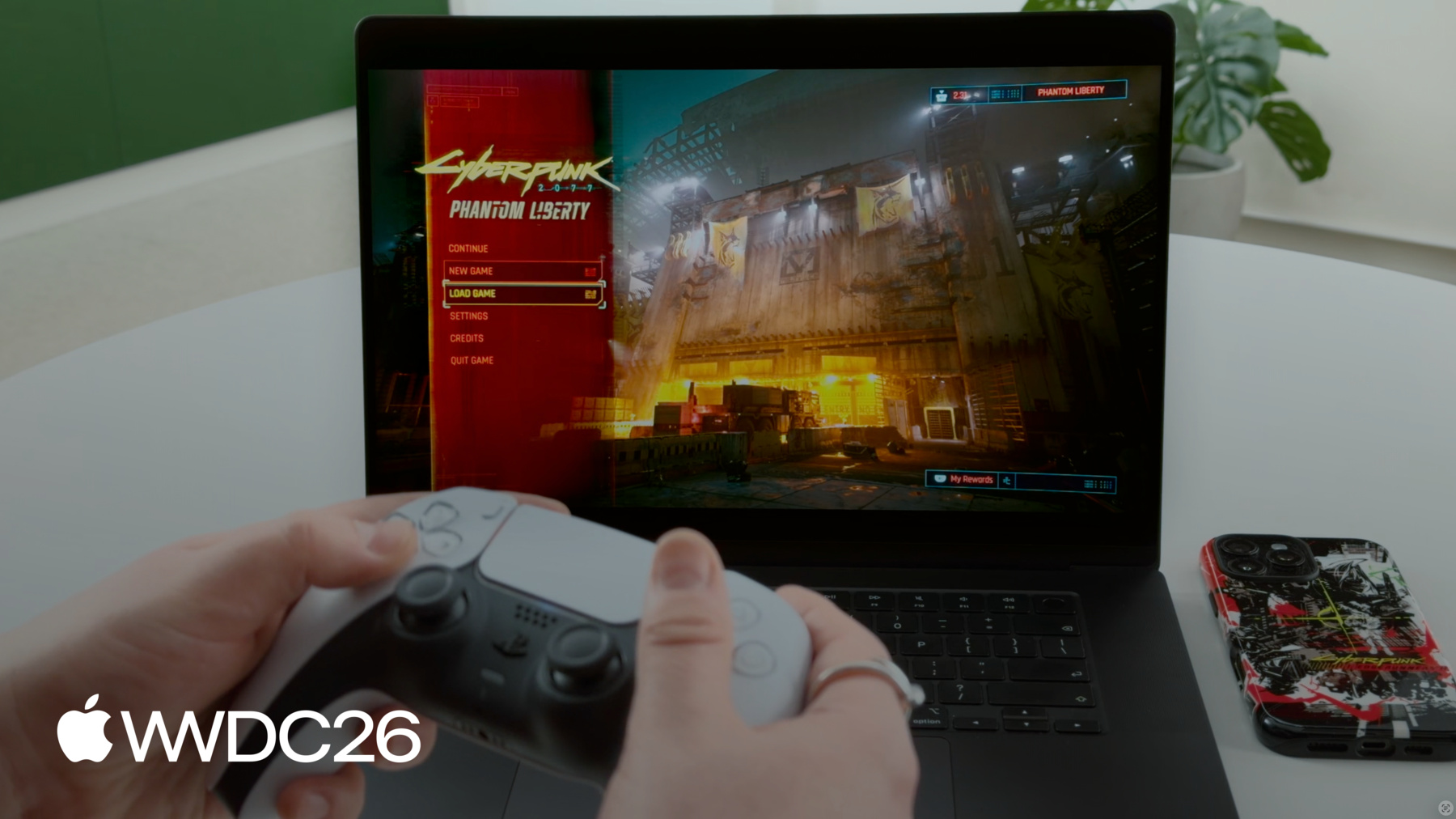
Accédez aux coulisses et découvrez avec CD PROJEKT RED comment Cyberpunk 2077 est arrivé sur Mac, établissant une nouvelle norme pour les jeux AAA sur macOS. Découvrez comment l'équipe a exploité le matériel, les logiciels et les outils de développement robustes d'Apple pour donner vie à cette expérience haute-fidélité. Découvrez comment appliquer des techniques similaires à vos jeux. Découvrez comment le préréglage innovant « Pour ce Mac » optimise automatiquement les réglages graphiques afin d'équilibrer la fidélité visuelle et la fréquence d'images sur toute la gamme Mac.
Chapitres
- 0:00 - Introduction
- 0:44 - What is Cyberpunk 2077
- 2:57 - Why bring it to Mac
- 3:45 - How we brought it to Mac
- 4:50 - Game Porting Toolkit evaluation
- 13:05 - What we did to stand out
- 13:16 - "For this Mac" preset
- 26:59 - Next steps
Ressources
- Performing your own tone mapping
- Personalizing spatial audio in your app
- Download the Game Porting Toolkit
Vidéos connexes
WWDC26
-
Rechercher dans cette vidéo…
-
-
- 0:00 - Introduction
Garrett Austin (Apple Game Performance) introduces guest Paweł Sasko (Associate Game Director, CD PROJEKT RED) to share how Cyberpunk 2077: Ultimate Edition was brought to Mac with great performance across a wide range of devices.
- 0:44 - What is Cyberpunk 2077
An overview of the game — an open-world RPG set in Night City — and why it remains an industry benchmark: dense scene complexity and streaming, realistic lighting and materials, and demanding ray tracing and path tracing modes.
- 2:57 - Why bring it to Mac
The motivation for the port: CD PROJEKT RED's long history on Apple platforms, Apple silicon hardware maturing enough to hit a serious quality bar, and the opportunity to reach more players.
- 3:45 - How we brought it to Mac
Defining what "doing it properly" means via a three-part quality bar — visual fidelity, stable performance, and native feel — then executing the port: native builds, an adapted data pipeline, an architecture bridge, Metal Shader Converter, the native Metal rendering foundation, and MetalFX Upscaling for scalable performance.
- 4:50 - Game Porting Toolkit evaluation
Using Apple's Game Porting Toolkit to evaluate the Windows build in a translated environment before writing code — gauging feasibility, gathering CPU/GPU pressure signals, and identifying focus areas using profiling data, Metal HUD, and per-thread breakdowns to build a production roadmap.
- 13:05 - What we did to stand out
Turning the working build into a first-launch experience that feels native to macOS — adopting platform features across windowing and app switching, input devices, display, audio, and cloud saves.
- 13:16 - "For this Mac" preset
A device-based graphics preset that detects each Mac's hardware and auto-configures optimal settings — target FPS, MetalFX with Dynamic Resolution Scaling, resolution bounds, V-Sync, and HDR — tuned per device and demoed live in Dogtown.
- 26:59 - Next steps
Recommended actions: try the Game Porting Toolkit evaluation environment, analyze performance with Metal HUD, plan a great first-launch experience, and explore the related "Speedrun your game port with agentic coding" and "Find and fix performance issues in your Metal games" sessions.