

View in English

  • Apple Developer
    • Get Started

    Explore Get Started

    • Overview
    • Learn
    • Apple Developer Program

    Stay Updated

    • Latest News
    • Hello Developer
    • Platforms

    Explore Platforms

    • Apple Platforms
    • iOS
    • iPadOS
    • macOS
    • tvOS
    • visionOS
    • watchOS
    • App Store

    Featured

    • Design
    • Distribution
    • Games
    • Accessories
    • Web
    • Home
    • CarPlay
    • Technologies

    Explore Technologies

    • Overview
    • Xcode
    • Swift
    • SwiftUI

    Featured

    • Accessibility
    • App Intents
    • Apple Intelligence
    • Games
    • Machine Learning & AI
    • Security
    • Xcode Cloud
    • Community

    Explore Community

    • Overview
    • Meet with Apple events
    • Community-driven events
    • Developer Forums
    • Open Source

    Featured

    • WWDC
    • Swift Student Challenge
    • Developer Stories
    • App Store Awards
    • Apple Design Awards
    • Apple Developer Centers
    • Documentation

    Explore Documentation

    • Documentation Library
    • Technology Overviews
    • Sample Code
    • Human Interface Guidelines
    • Videos

    Release Notes

    • Featured Updates
    • iOS
    • iPadOS
    • macOS
    • watchOS
    • visionOS
    • tvOS
    • Xcode
    • Downloads

    Explore Downloads

    • All Downloads
    • Operating Systems
    • Applications
    • Design Resources

    Featured

    • Xcode
    • TestFlight
    • Fonts
    • SF Symbols
    • Icon Composer
    • Support

    Explore Support

    • Overview
    • Help Guides
    • Developer Forums
    • Feedback Assistant
    • Contact Us

    Featured

    • Account Help
    • App Review Guidelines
    • App Store Connect Help
    • Upcoming Requirements
    • Agreements and Guidelines
    • System Status
  • Quick Links

    • Events
    • News
    • Forums
    • Sample Code
    • Videos
 

Vidéos

Ouvrir le menu Fermer le menu
  • Collections
  • Toutes les vidéos
  • À propos

Plus de vidéos

  • À propos
  • Résumé
  • Code
  • Améliorez votre jeu avec le tactile

    Explorez en profondeur les techniques que vous pouvez utiliser pour créer des expériences tactiles captivantes pour vos jeux. Nous partageons des conseils d'experts, du développement de jeux indépendants au développement de jeux AAA, nous explorons les bonnes pratiques pour des commandes tactiles intuitives, et nous vous montrons comment exploiter les technologies Apple telles que le framework Touch Controller et Metal pour des performances optimales.

    Chapitres

    • 0:00 - Introduction
    • 1:42 - Set up a touch controller
    • 4:52 - Design flexible layouts
    • 10:17 - Design fluid interactions
    • 21:16 - Provide rich feedback
    • 23:49 - Next steps

    Ressources

      • Vidéo HD
      • Vidéo SD

    Vidéos connexes

    Meet with Apple

    • Design great interfaces for handheld games
    • Level up with Apple game technologies
  • Rechercher dans cette vidéo…
    • 2:04 - GCController polling vs. change handlers

      // Polling
      if (button.isPressed) {
          // ...
      }
      
      // Change handlers
      pressedInput.pressedDidChangeHandler = { (element: any GCPhysicalInputElement,
                                                 input: any GCPressedStateInput,
                                                 pressed: Bool)
          // ...
      }
    • 3:14 - Set up a TCTouchController

      // Set up a TCTouchController
      private(set) var touchController: TCTouchController?
      
      let descriptor = TCTouchControllerDescriptor(mtkView: mtkView)
      if TCTouchController.isSupported {
          touchController = TCTouchController(descriptor: descriptor)
      }
      touchController?.connect()
      touchController?.render(using: renderEncoder)
      
      override func touchesBegan(_ touches: Set<UITouch>, with event: UIEvent?) {
          for touch in touches {
              touchControls.handleTouchBegan(at: touch.location(in: view), index: touch.hash)
          }
      }
      
      buttonA?.valueChangedHandler = { (_ button: GCControllerButtonInput, _ value: Float,
                                        _ pressed: Bool) in
          // ...
      }
    • 8:33 - Create a standard circular button B

      // Create a standard circular button B
      let buttonBDesc = TCButtonDescriptor()
      buttonBDesc.label = TCControlLabel.buttonB
      buttonBDesc.anchor = .bottomRight
      buttonBDesc.offset = adjustedOffset(CGPoint(x: -35, y: -106), for: buttonBDesc.anchor)
      buttonBDesc.contents = .buttonContents(forSystemImageNamed: "b.circle",
                                             size: buttonBDesc.size, shape: .circle,
                                             controller: touchController)
      // Set other properties ...
      touchController.addButton(descriptor: buttonBDesc)
      
      func adjustedOffset(_ offset: CGPoint, for anchor: TCControlLayoutAnchor) -> CGPoint {
          // Adjust offset for other anchors ...
          case .bottomRight:
              x -= safeArea.right
              y -= safeArea.bottom
      }
    • 10:48 - Change icon image

      // Change icon image
      buttonBDesc.contents = .buttonContents(forSystemImageNamed: "figure.fencing",
                                             size: buttonBDesc.size,
                                             shape: .circle,
                                             controller: touchController)
    • 11:51 - Update contents for button B based on context

      // Update contents for button B based on context
      func setButtonBContents(symbolName: String) {
          for button in touchController.buttons {
              if button.label == TCControlLabel.buttonB {
                  button.contents = .buttonContents(forSystemImageNamed: symbolName, size: buttonSize,
                                                    shape: .circle, controller: touchController)
              }
          }
      }
      
      func cyclePower() {
          // Get the current power type ...
          switch currentPower {
              case .strike:       touchControls?.setButtonBContents(symbolName: "figure.fencing")
              case .fireball:     touchControls?.setButtonBContents(symbolName: "flame.fill")
              case .waterBlaster: touchControls?.setButtonBContents(symbolName: "drop.fill")
          }
      }
    • 13:01 - Hide left thumbstick when not touched

      // Hide left thumbstick when it is not touched
      let leftStickDesc = TCThumbstickDescriptor()
      leftStickDesc.hidesWhenNotPressed = true
      // Set other properties ...
      touchController.addThumbstick(descriptor: leftStickDesc)
    • 13:19 - Show/hide the pick-up button

      // Show pickup button when there's an item nearby
      func showPickupButton(at projectedPosition: CGPoint) {
          // Calculate the position(ptX, ptY) for pickup button ...
          descriptor.offset = CGPoint(x: ptX, y: ptY)
          // Set other properties ...
          touchController.addButton(descriptor: descriptor)
      }
      
      func hidePickupButton() {
          for button in touchController.buttons {
              if button.label == TCControlLabel.buttonY {
                  touchController.removeControl(button)
              }
          }
      }
    • 13:56 - Show power options as touch controls

      // Show power options as touch controls
      buttonX?.pressedChangedHandler = { (_ button: GCControllerButtonInput, _ value: Float,
                                          _ pressed: Bool) -> Void in
          if pressed {
              self.openPowerWheel()
          }
      }
      
      func openPowerWheel() {
          touchControls?.showPowerWheelButtons(fireballCount: fireballCount, has: hasWaterBlaster)
          wirePowerWheelHandlers()
          DispatchQueue.main.asyncAfter(deadline: .now() + 3.0) { [weak self] in
              guard let self = self, self.powerWheelActive else { return }
              self.closePowerWheel()
          }
      }
    • 15:34 - Use the left half of the screen for character movement

      // Use the left half of the screen for character movement
      let leftStickDesc = TCThumbstickDescriptor()
      leftStickDesc.colliderShape = .leftSide // Don't set as .circle
      // Set other properties ...
      touchController.addThumbstick(descriptor: leftStickDesc)
    • 16:39 - Calculate thumbstick tilt magnitude to trigger sprint

      // Calculate left thumbstick's tilt magnitude to trigger sprint
      func pollInput() {
          if let gamePad = gameController.extendedGamepad {
              let gamePadLeft = gamePad.leftThumbstick
              var moveInput = simd_make_float2(gamePadLeft.xAxis.value, -gamePadLeft.yAxis.value)
              let magnitude = simd_length(moveInput)
              if magnitude > 0.8 {
                  self.runModifier = 1.3
              }
              self.characterDirection = moveInput
          }
      }
    • 17:36 - Replace right thumbstick with a touchpad

      // Replace right thumbstick with touchpad
      let touchpadDesc = TCTouchpadDescriptor()
      touchpadDesc.label = TCControlLabel.rightThumbstick
      touchpadDesc.colliderShape = .rightSide
      touchpadDesc.reportsRelativeValues = true
      // Set other properties ...
      touchController.addTouchpad(descriptor: touchpadDesc)
    • 19:30 - Collapse two QTE buttons into one

      // Collapse 2 QTE buttons into 1 single button
      func setupControls() {
          let desc = TCButtonDescriptor()
          desc.label = TCControlLabel(name: "escape_button", role: .button)
          // Set up other properties ...
          touchController.addButton(descriptor: desc)
      }
      
      func showEscapeButton() {
          // Find escape button in touchController ...
          escapeButton.isEnabled = true
      }
      
      func hideEscapeButton() {
          // Find escape button in touchController ...
          escapeButton.isEnabled = false
      }
    • 20:28 - Use button B to aim, move, and release power

      // Use button B to aim, move, and release power
      buttonB?.valueChangedHandler = { (_ button: GCControllerButtonInput, _ value: Float,
                                        _ pressed: Bool) -> Void in
          self.releasePower(pressed: pressed)
      }
      
      override func touchesMoved(_ touches: Set<UITouch>, with event: UIEvent?) {
          for touch in touches {
              let point = touch.location(in: metalView)
              // Handle touch input ...
              if let gc = gameController, gc.isAiming {
                  let prev = touch.previousLocation(in: metalView)
                  gc.aimTouchDelta += simd_float2(Float(point.x - prev.x), Float(point.y - prev.y))
              }
          }
      }
    • 21:52 - Add a halo effect with custom TCControlContents

      // Add a halo effect around left thumbstick with customized TCControlContents
      let haloLayer = TCControlImage(texture: haloTexture, size: haloSize, highlight: nil,
                                     offset: .zero, tintColor: tint)
      let normalBgImages = TCControlContents.thumbstickStickBackgroundContents(size: bgSize,
                                                                               controller: controller).images
      haloThumbstickBg = TCControlContents(images: [haloLayer] + normalBgImages)
      thumbstick.backgroundContents = active ? haloThumbstickBg : normalThumbstickBg
    • 0:00 - Introduction
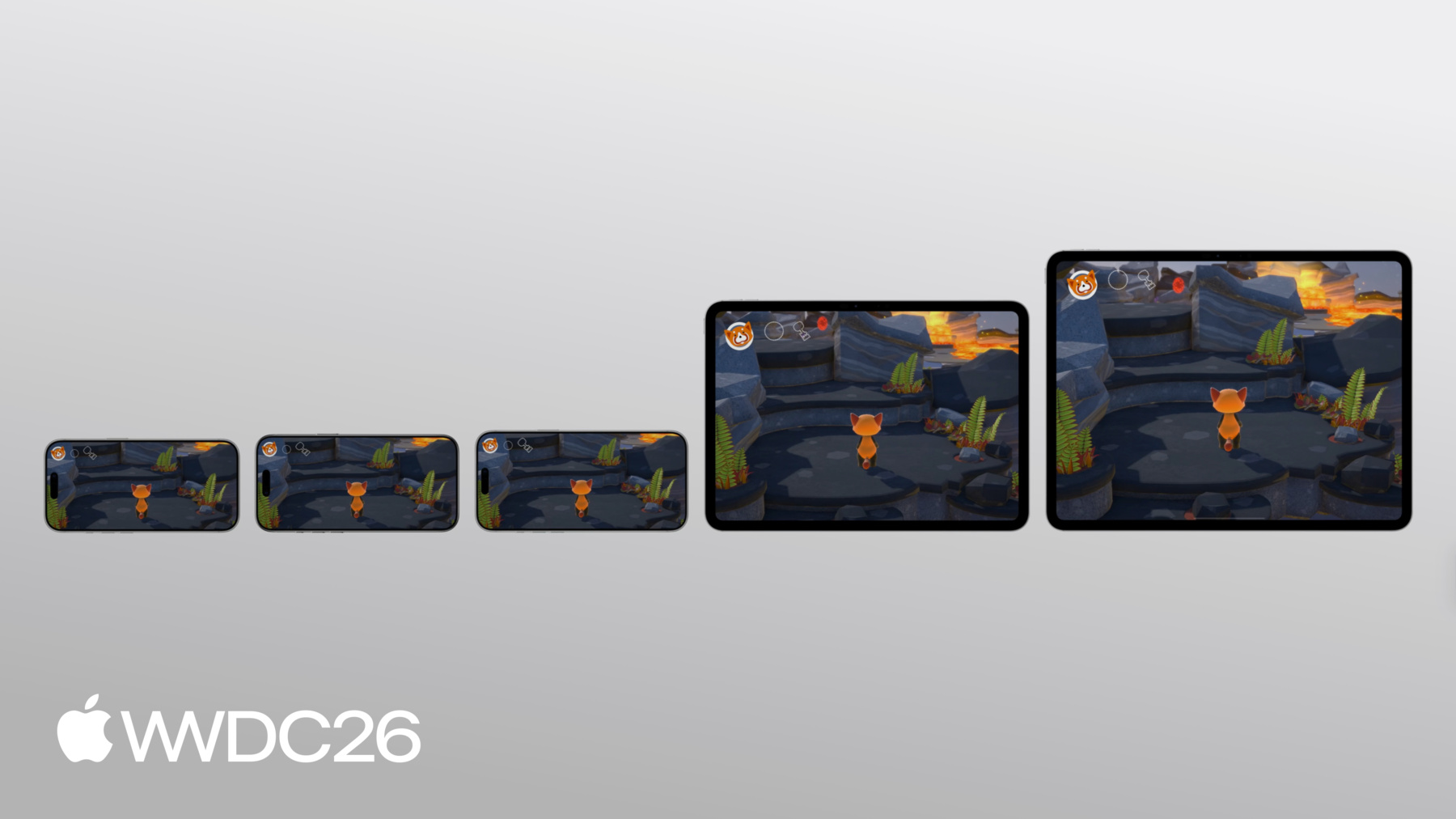
    • An overview of why great touch controls are essential for games on iOS and iPadOS, using Dredge by Black Salt Games as an example, and a preview of the four areas covered: setup, flexible layouts, fluid interactions, and player feedback.

    • 1:42 - Set up a touch controller
    • How the Touch Controller framework extends existing GCController support to touch input. Covers creating a TCTouchController from a descriptor, enabling it, and how it appears as a standard GCController object so existing game input code requires minimal changes.

    • 4:52 - Design flexible layouts
    • How to place touch controls comfortably across all iOS and iPadOS screen sizes using the framework's nine anchor points and section grouping. Covers reading UIKit safe area insets and strategies for positioning controls — near thumbs for frequent actions, top of screen for less critical ones — to avoid obscuring gameplay.

    • 10:17 - Design fluid interactions
    • How to make touch controls feel native rather than like a direct controller overlay. Covers contextual icons that reflect current game state, hiding unavailable controls, replacing complex overlays with direct touch input, full-screen thumbstick collider shapes for easier character movement, sprint detection via thumbstick tilt magnitude, and using TCTouchpad for smooth camera control.

    • 21:16 - Provide rich feedback
    • How to give players clear feedback during touch interactions using built-in press states, custom visual effects like a glowing thumbstick halo during sprint, and strategies for simplifying complex multi-finger actions like QTEs and aim-to-release power throws into single, intuitive controls.

    • 23:49 - Next steps
    • Guidance on getting started: design your touch controls with the Touch Controller framework, test on multiple device sizes, and iterate based on player feedback to make your game feel brand new on iPhone and iPad.

Developer Footer

  • Vidéos
  • WWDC26
  • Améliorez votre jeu avec le tactile
  • Open Menu Close Menu
    • iOS
    • iPadOS
    • macOS
    • tvOS
    • visionOS
    • watchOS
    • App Store
    Open Menu Close Menu
    • Swift
    • SwiftUI
    • Swift Playground
    • TestFlight
    • Xcode
    • Xcode Cloud
    • Icon Composer
    • SF Symbols
    Open Menu Close Menu
    • Accessibility
    • Accessories
    • Apple Intelligence
    • Audio & Video
    • Augmented Reality
    • Business
    • Design
    • Distribution
    • Education
    • Games
    • Health & Fitness
    • In-App Purchase
    • Localization
    • Maps & Location
    • Machine Learning & AI
    • Security
    • Safari & Web
    Open Menu Close Menu
    • Documentation
    • Downloads
    • Sample Code
    • Videos
    Open Menu Close Menu
    • Help Guides & Articles
    • Contact Us
    • Forums
    • Feedback & Bug Reporting
    • System Status
    Open Menu Close Menu
    • Apple Developer
    • App Store Connect
    • Certificates, IDs, & Profiles
    • Feedback Assistant
    Open Menu Close Menu
    • Apple Developer Program
    • Apple Developer Enterprise Program
    • App Store Small Business Program
    • MFi Program
    • Mini Apps Partner Program
    • News Partner Program
    • Video Partner Program
    • Security Bounty Program
    • Security Research Device Program
    Open Menu Close Menu
    • Meet with Apple
    • Apple Developer Centers
    • App Store Awards
    • Apple Design Awards
    • Apple Developer Academies
    • WWDC
    Read the latest news.
    Get the Apple Developer app.
    Copyright © 2026 Apple Inc. All rights reserved.
    Terms of Use Privacy Policy Agreements and Guidelines