

-
Customize your advanced Xcode Cloud workflows
Xcode Cloud integrates with Apple Developer tools and services, all major source control management services, and even social collaboration tools like Slack. If your development process relies on additional tools and external services, however, you can fine-tune your workflows and the behavior of your build.
Learn how you can pass information to your build using environment variables and run additional commands inside your actions using custom build scripts. Find out how to add additional repositories where you and your team might share work. And discover how you can integrate Xcode Cloud with external services using webhooks.
To get the most out of this session, we recommend first watching “Meet Xcode Cloud” and “Explore Xcode Cloud workflows” from WWDC21.Recursos
- Configuring webhooks in Xcode Cloud
- Environment variable reference
- Writing custom build scripts
- Configuring your Xcode Cloud workflow’s actions
- Configuring start conditions
- Xcode Cloud workflow reference
- Developing a workflow strategy for Xcode Cloud
- Xcode Cloud
Videos relacionados
Tech Talks
WWDC23
WWDC22
WWDC21
WWDC20
-
Buscar este video…
-
-
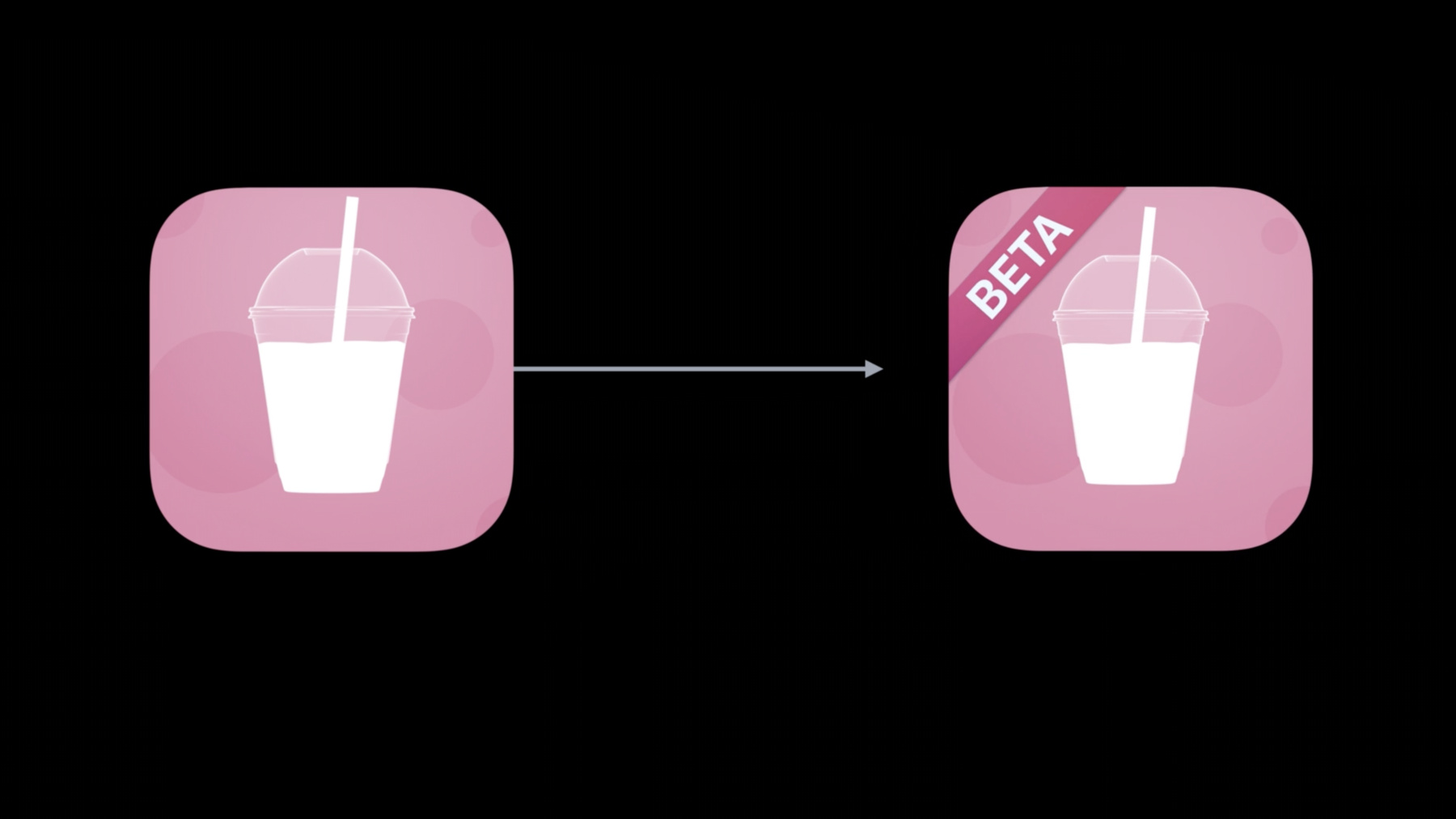
9:03 - ci_pre_xcodebuild.sh
#!/bin/sh

#  ci_pre_xcodebuild.sh
#  Fruta
#
#  Made in Vancouver, Canada
#

if [[ -n $CI_PULL_REQUEST_NUMBER && $CI_XCODEBUILD_ACTION = 'archive' ]];
then
    echo "Setting Fruta Beta App Icon"
    APP_ICON_PATH=$CI_WORKSPACE/Shared/Assets.xcassets/AppIcon.appiconset

    # Remove existing App Icon
    rm -rf $APP_ICON_PATH

    # Replace with Fruta Beta App Icon
    mv "$CI_WORKSPACE/ci_scripts/AppIcon-Beta.appiconset" $APP_ICON_PATH
fi
-