

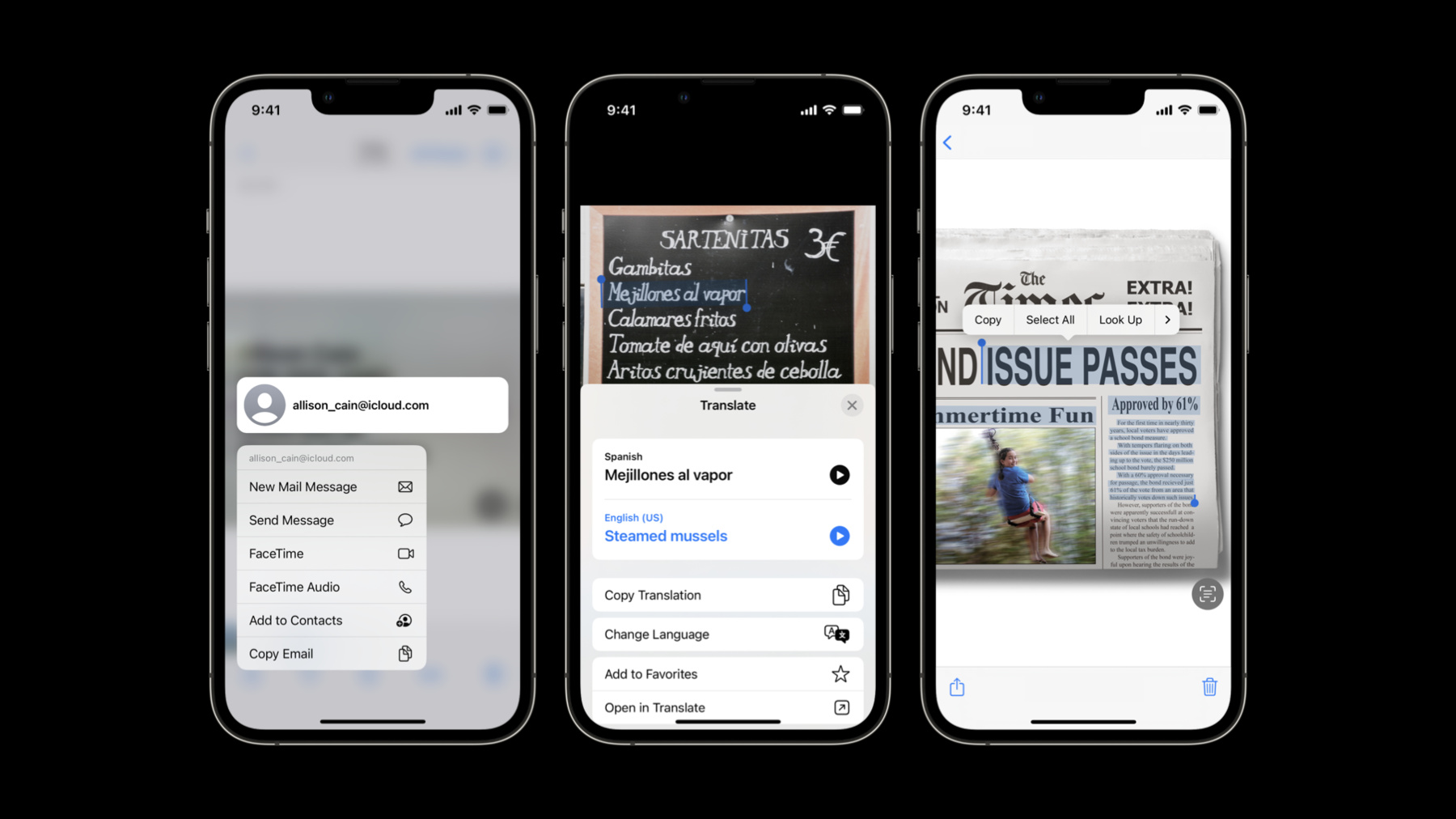
-
Add Live Text interaction to your app
Learn how you can bring Live Text support for still photos or paused video frames to your app. We'll share how you can easily enable text interactions, translation, data detection, and QR code scanning within any image view on iOS, iPadOS, or macOS. We'll also go over how to control interaction types, manage the supplementary interface, and resolve potential gesture conflicts.
To learn more about capturing and interacting with detected data in live camera feeds, watch "Capture machine-readable codes and text with VisionKit" from WWDC22.Recursos
Videos relacionados
WWDC23
WWDC22
-
Buscar este video…
-
-
2:37 - Live Text Sample Adoption
import UIKit
import VisionKit

class LiveTextDemoController: BaseController, ImageAnalysisInteractionDelegate, UIGestureRecognizerDelegate {

    let analyzer = ImageAnalyzer()
    let interaction = ImageAnalysisInteraction()

    override func viewDidLoad() {
        super.viewDidLoad()
        imageview.addInteraction(interaction)
    }

    override var image: UIImage? {
        didSet {
            interaction.preferredInteractionTypes = []
            interaction.analysis = nil
            analyzeCurrentImage()
        }
    }

    func analyzeCurrentImage() {
        if let image = image {
            Task {
               let configuration = ImageAnalyzer.Configuration([.text, .machineReadableCode])
                do {
                    let analysis = try await analyzer.analyze(image, configuration: configuration)
                    if let analysis = analysis, image == self.image {
                        interaction.analysis = analysis;
                        interaction.preferredInteractionTypes = .automatic
                    }
                }
                catch {
                    // Handle error…
                }
            }
        }
    }
}
-