

-
Add Shared with You to your app
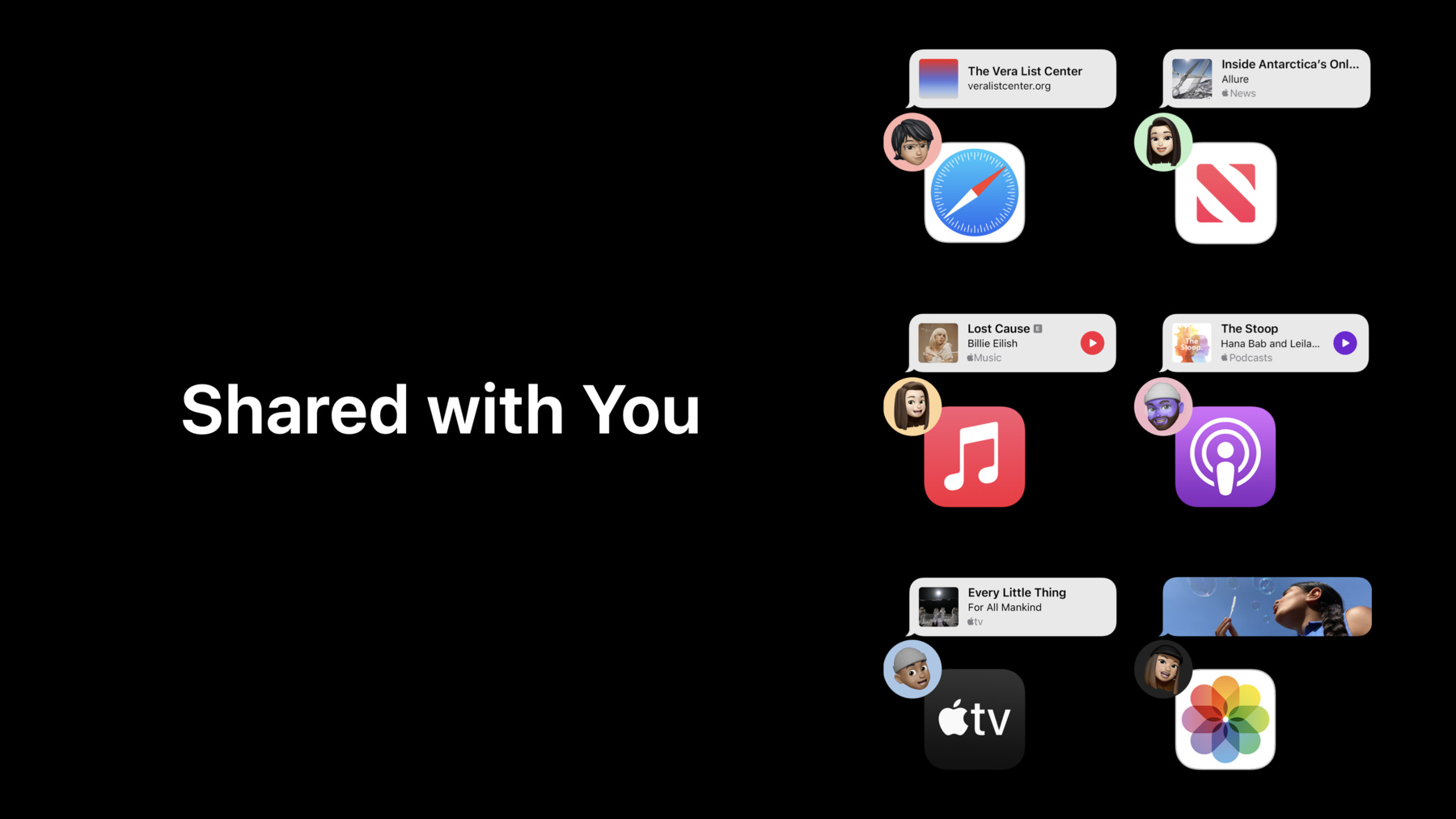
Shared with You helps people easily find content in your app that someone has shared with them in Messages. Learn how you can support Shared with You in your app and continue the messaging experience right with the content. We'll show you how pinning can give implicit Shared with You permission and can elevate content to be automatically shared. We'll also go over how to present Shared with You content in a Shared with You shelf and visually represent shared items with a Shared with You attribution view.
Recursos
Videos relacionados
WWDC22
- Enhance collaboration experiences with Messages
- Integrate your custom collaboration app with Messages
WWDC20
-
Buscar este video…
-
-
12:06 - Enumerate Shared with You shelf
// Enumerate Shared with You shelf class SharedWithYouViewController: UIViewController, SWHighlightCenterDelegate { let highlightCenter = SWHighlightCenter() override func viewDidLoad() { super.viewDidLoad() highlightCenter.delegate = self } func highlightCenterHighlightsDidChange(_ highlightCenter: SWHighlightCenter) { for highlight in highlightCenter.highlights { let highlightURL = highlight.url // Generate a rich preview for the Highlight } } } -
13:42 - Setting appearance of Attribution View
// Setting appearance of Attribution View let attributionView = SWAttributionView() attributionView.highlight = self.highlightCenter.highlights[index] attributionView.preferredMaxLayoutWidth = maximumWidthForView -
14:36 - Horizontal Alignment for Attribution View
// Horizontal Alignment for Attribution View let attributionView = SWAttributionView() attributionView.highlight = self.highlightCenter.highlights[index] attributionView.preferredMaxLayoutWidth = maximumWidthForView attributionView.horizontalAlignment = .leading -
15:19 - Display Context for Attribution View
// Display Context for Attribution View let attributionView = SWAttributionView() attributionView.highlight = self.highlightCenter.highlights[index] attributionView.preferredMaxLayoutWidth = maximumWidthForView attributionView.horizontalAlignment = .center attributionView.displayContext = .summary -
17:12 - Add Shared with You Content Menu to your app’s content
// Add Shared with You Content Menu to your app’s content

let attributionView = SWAttributionView()
attributionView.highlight = self.highlightCenter.highlights[index]
attributionView.menuTitleForHideAction = "Remove Item"

let contextMenuConfig = UIContextMenuConfiguration(identifier: nil,previewProvider: nil) { [weak self] _ in
        let additionalMenu = attributionView.supplementalMenu
        // Append additionalMenu items to your content’s menu items
}
-